
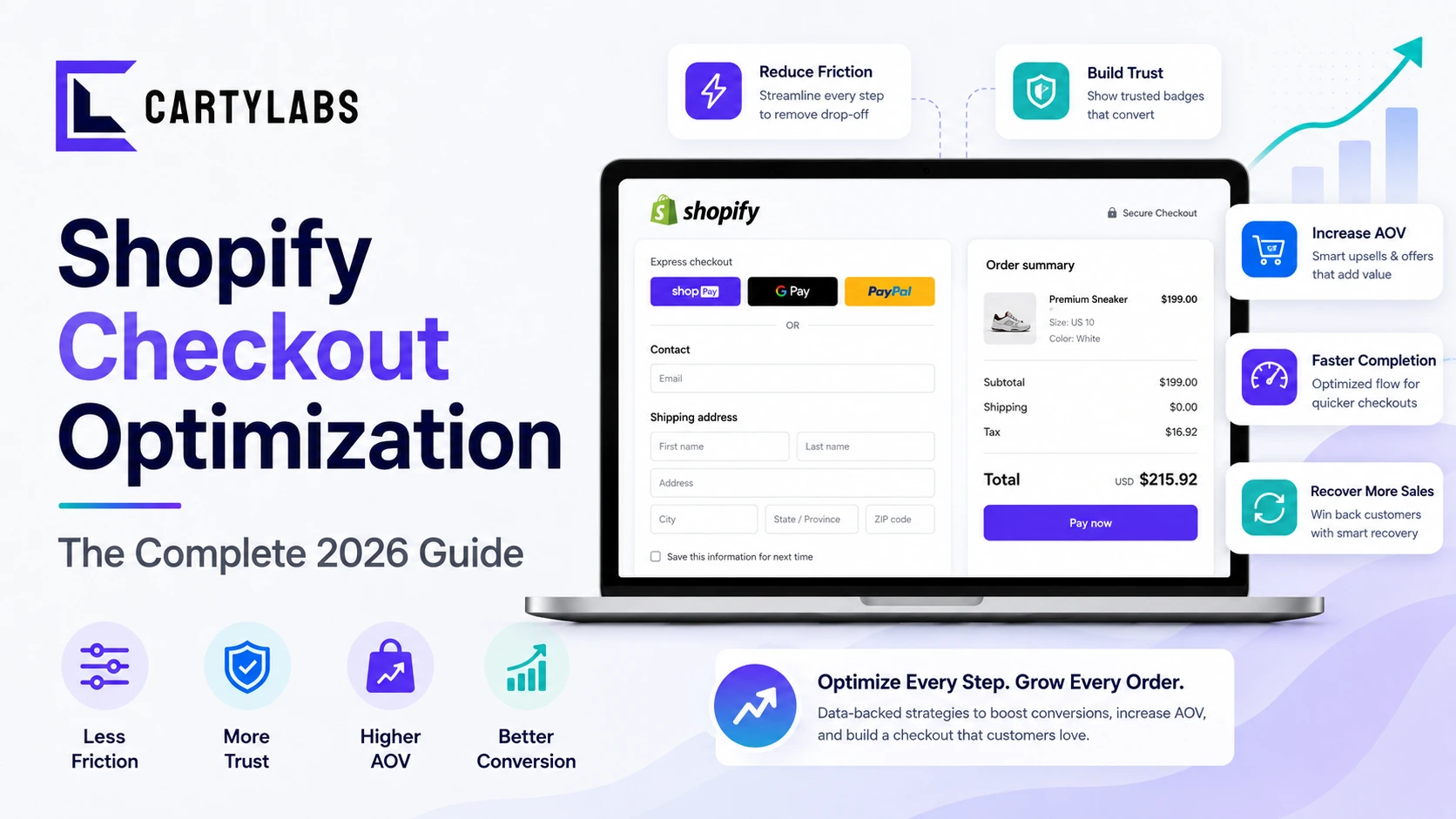
Shopify Checkout Optimization: The Complete 2026 Guide
The complete framework for optimizing Shopify checkout in 2026. Friction, trust, recovery, and AOV levers, plus what changed with Checkout Extensibility. Covers Standard, Advanced, and Plus.
In this article
- 01 What does “checkout optimization” actually mean on Shopify?#
- 02 The four levers that move Shopify checkout conversion#
- 03 Lever 1: Reduce friction in the checkout path#
- 04 Lever 2: Build trust at the moment of payment#
- 05 Lever 3: Recover abandoning shoppers#
- 06 Lever 4: Lift order value without slowing the flow#
- 07 What changed with Checkout Extensibility#
- 08 One-page vs multi-step: the actual decision#
- 09 What if you’re on Shopify Plus?#
- 10 Benchmarks: what’s a good Shopify checkout conversion rate?#
- 11 A 60-day Shopify checkout optimization plan#
- 12 A short summary#
The average Shopify store turns 2.1-3.4% of visitors into buyers. The top decile sits at 5-7%. Most of that gap doesn’t live on the product page or in the ad. It lives at checkout, where 70% of shoppers who already clicked “buy” still walk away.
Checkout is the highest-leverage surface on a Shopify store. A 1-point lift here is worth 5-10x more than a 1-point lift on a product page. Why? Every shopper who got this far is already qualified, already intent-ready, and 30 seconds of clicking away from revenue.
This is the complete guide to Shopify checkout optimization as it actually works in 2026, after Checkout Extensibility replaced checkout.liquid and after AI personalization moved into the checkout layer. Think of it as the pillar piece for our checkout cluster. Each section links to a deeper post on that specific lever.
What does “checkout optimization” actually mean on Shopify?
Checkout optimization is the discipline of getting the highest possible share of shoppers who start checkout to finish it. On Shopify specifically, that means smoothing the path from the cart drawer (or /cart page) through Shopify’s hosted checkout to the thank-you page.
It’s not the same as cart optimization (which happens before checkout starts) and it’s not the same as conversion rate optimization (which spans the whole funnel). Checkout optimization is the last 90 seconds of the buying journey, and it’s where the most revenue gets lost per minute of friction.
Three things make Shopify’s checkout different from the rest of the funnel:
- You don’t fully control the UI. Shopify owns the underlying checkout. You customize through Extensibility (Checkout UI Extensions, Functions, Branding API), not by editing pages directly.
- The conversion ceiling is high but compressed. Most Shopify stores live in a 35-55% checkout-completion band. Moving from 38% to 48% is a 26% revenue lift on the same traffic.
- Small UX changes compound. Removing one form field, adding one trust badge, or pre-filling one address line each contribute 0.5-2 percentage points. Stack five of them and you’ve added 5-10 points.
The four levers that move Shopify checkout conversion
Every meaningful checkout optimization falls into one of four buckets. Work them in this order and the gains compound:
- Reduce friction. Fewer fields, fewer steps, fewer reasons to pause.
- Build trust. Pay-now confidence, guarantees, social proof.
- Recover abandoners. Sequenced re-engagement for shoppers who leave anyway.
- Lift order value. Upsells, free-shipping thresholds, bundles inside the flow.
Friction reduction has the biggest payoff for most stores because Shopify’s default checkout still has 8-14 unnecessary form interactions for a typical first-time buyer. Trust comes second on stores where the brand isn’t yet a household name. Recovery and AOV stack on top once the path itself is clean.
Lever 1: Reduce friction in the checkout path
The fastest checkout is the one the shopper barely notices. Every additional field, step, or distraction costs roughly 1-3% checkout completion, and the cost is roughly linear up to about 12 interactions.
Your friction audit:
- Form fields. Strip every optional field. Company name, address line 2, phone number. Make them all collapse-by-default or remove them outright if you don’t need them for fulfillment.
- Shipping options. Three options is the sweet spot. Five or more triggers analysis paralysis and a measurable drop in completion (typically 2-4 points).
- Express payment placement. Surfacing Shop Pay, Apple Pay, and Google Pay at the top of checkout cuts completion time by 30-60 seconds for returning shoppers. Shop Pay’s accelerated checkout converts at roughly 1.7x the rate of standard checkout on most stores.
- Account creation. Make it optional or post-purchase. Forcing account creation pre-purchase costs 5-15% checkout completion on first-time visitors.
- Discount code box. A prominent empty discount field whispers “you should have a code” and sends the shopper off to search for one. Collapse it behind a “Have a code?” toggle and you’ll recover 1-2 points.
The single highest-leverage friction debate is the number of checkout steps. We cover it in depth in one-page vs multi-step checkout on Shopify. Shopify’s default is multi-step (information → shipping → payment). One-page variants exist on Plus via Extensibility, trading some scroll-fatigue for fewer click commitments.
Lever 2: Build trust at the moment of payment
When a shopper enters their credit card, the brain runs a fast risk calculation: will my card be charged correctly, will the product arrive, can I get my money back if it doesn’t? Anything that answers those three questions at the moment of entry lifts completion.
Trust signals that consistently move the needle:
- A money-back guarantee or warranty line near the payment button. Worth 1-3 points on most stores. Specific guarantees (“30-day no-questions returns”) outperform vague ones (“satisfaction guaranteed”).
- Security badges adjacent to the card field. Not every badge works. The full treatment is in our Shopify checkout trust badges guide. Short version: SSL/PCI badges help on stores with low brand recognition, hurt nothing, and should be inline (not floating in the footer).
- Recent purchase social proof. “Sarah from Austin bought this 2 minutes ago” notifications are controversial. They help on lower-trust stores and hurt on premium brands. A/B test before committing.
- Shipping and return policy summary. A one-line summary (“Free returns within 30 days. Ships in 1-2 business days.”) right next to the place-order button removes the most common pre-purchase question without making the shopper navigate away.
Trust is heavily category-dependent. Supplements, beauty, and apparel benefit the most. Software and digital goods benefit the least. Our post on checkout abandonment statistics breaks down trust-driven abandonment reasons by vertical.
Lever 3: Recover abandoning shoppers
No matter how clean the checkout is, 45-65% of shoppers who start it won’t finish. The good news: a meaningful share of those abandoners are recoverable through sequenced re-engagement.
The recovery stack, in order of ROI:
- Email sequence (3 messages at 1hr / 24hr / 72hr). Recovers 8-15% of abandoners on most Shopify stores. The full sequence and copy templates live in our Shopify cart abandonment playbook.
- SMS recovery for opted-in shoppers. Higher open rates than email (95%+ vs 25-30%) and short conversion windows. Recovers an additional 3-7% on top of email.
- On-site exit-intent layer. A modal triggered on exit-intent during checkout, with a small incentive or a guarantee restatement. Saves 2-5% of abandoners.
- Retargeting ads against checkout-starters. Lower ROI than email, but catches shoppers who didn’t open the email. Worth running if you already have a Meta or Google pixel firing on
checkout_started.
Recovery is downstream of the path itself. A clean checkout with a tight recovery sequence beats a messy checkout with an aggressive recovery sequence every time, because you’re recovering shoppers you shouldn’t have lost in the first place.
Lever 4: Lift order value without slowing the flow
Once checkout is clean, it’s tempting to start adding upsells inside the flow. Done badly, this re-introduces friction and undoes the work from Lever 1. Done well, it adds 8-20% to AOV with no measurable hit to completion rate.
The rules of in-checkout upselling:
- Post-purchase, not pre-payment. The single biggest mistake. Putting an upsell between “place order” and “thank you” preserves the original checkout conversion and adds a one-click accept option. The full mechanic is in our post-purchase upsell guide.
- Free-shipping thresholds with progress visualization. A “you’re $7 away from free shipping” bar at the top of cart and checkout routinely lifts AOV 8-15%. Implementation in our free shipping bar strategy.
- Frequently-bought-together at cart, not checkout. The cart drawer is the right surface for bundle prompts. Once the shopper has entered shipping info, additional product decisions slow them down.
- Shipping protection upsells. A small ($1-3) protection add-on in checkout or cart converts at 20-40% and is nearly pure margin. Covered in our shipping protection upsell post.
The pattern: nudges that accelerate the existing decision (free shipping, bundles) belong in cart. Nudges that add a new decision (post-purchase upsells, warranties) belong after the place-order click.
What changed with Checkout Extensibility
If your last checkout customization was before 2024, the landscape has shifted. Shopify deprecated checkout.liquid in favor of Checkout Extensibility, a structured extension model with three primary surfaces:
- Checkout UI Extensions. Drop-in React-style components that render inside checkout (banners, custom fields, content blocks).
- Shopify Functions. Server-side logic that runs on cart and checkout (custom discounts, delivery rules, payment customizations).
- Branding API. Controlled styling of the hosted checkout (colors, fonts, layout primitives).
What you gained: a stable, upgrade-safe customization model that works across Shopify Standard, Advanced, and Plus, with Apple Pay, Shop Pay, and Google Pay support baked in.
What you lost: full template-level control. If your old checkout had custom Liquid logic deep inside the flow, you can’t directly port it. You have to express the same intent through the three Extension types.
The deep explainer is in our Shopify Checkout Extensibility post. Most stores don’t need to write custom extensions themselves. Apps in the Shopify ecosystem (Cartylabs included) ship pre-built UI extensions that do the heavy lifting.
One-page vs multi-step: the actual decision
The most-asked question in checkout optimization. The short version:
- Multi-step (Shopify default) wins for first-time buyers and complex orders. Each step reduces visual complexity and gives the shopper natural commitment points.
- One-page wins for returning shoppers with saved details and for low-consideration repeat purchases.
- Hybrid (multi-step on mobile, one-page on desktop) outperforms either single approach on roughly 60% of stores we’ve tested.
The full decision matrix, with conversion data by store type, is in one-page vs multi-step checkout on Shopify.
What if you’re on Shopify Plus?
Plus unlocks customization surfaces the standard tier doesn’t have: custom checkout domains, deeper Branding API control, B2B-specific checkout flows, multiple draft order channels, and Shopify Scripts (still supported alongside Functions). On Plus, you can build a checkout that feels meaningfully different from the default.
The Plus-specific tactics (custom domains, B2B flow, market-specific checkout, wholesale entry points) get the full treatment in Shopify Plus checkout optimization.
If you’re not on Plus, you have more leverage than you might think. Most of the levers in this guide work on Shopify Standard. The Plus-only items are nice-to-haves, not the core wins.
Benchmarks: what’s a good Shopify checkout conversion rate?
Rough bands, based on aggregated Shopify checkout data through Q1 2026:
| Segment | Checkout completion rate |
|---|---|
| Top 10% Shopify stores | 60-75% |
| Median Shopify store | 38-48% |
| Bottom 25% | 20-32% |
Mobile typically runs 8-15 points below desktop within the same store. New customer cohorts run 10-20 points below returning customers.
For the full breakdown (by vertical, by traffic source, by device, with methodology), see our Shopify checkout conversion benchmarks post.
A 60-day Shopify checkout optimization plan
If you’re starting from a stock Shopify checkout with no customization:
Weeks 1-2: Audit and instrument. Map your current funnel in GA4 or Shopify Analytics. Identify the highest-drop step (cart → information, information → shipping, shipping → payment, payment → thank you). Most stores have one stage that’s 2-3x worse than the others. That’s where you start.
Weeks 3-4: Friction layer. Strip optional fields. Surface express payments at the top. Make account creation post-purchase. Audit shipping options down to three. Expect 3-7 points of completion lift from this work alone on most stores.
Weeks 5-6: Trust layer. Add money-back guarantee copy near payment. Add inline security badges if your store has low brand recognition. Tighten the shipping and return policy summary inside checkout. Run an A/B test on social proof if you’re not sure about it.
Weeks 7-8: Recovery and AOV. Implement or tighten your abandonment email sequence. Add a free-shipping progress bar to cart and checkout if you don’t already have one. Add a post-purchase upsell offer on your top 1-2 products.
By the end of 60 days, most stores see a 15-30% relative lift in checkout-completion rate, translating to 8-18% revenue lift on the same traffic. The compounding kicks in around day 90 once the recovery sequences mature.
A short summary
Shopify checkout optimization comes down to four levers (friction, trust, recovery, AOV) applied in that order. The default Shopify checkout is competent but unoptimized. Stripping unnecessary fields, surfacing express payments, building trust at payment, and adding a clean recovery sequence is enough to move the average store from a 38% completion rate to 50%+ in a single quarter.
Checkout Extensibility makes this work easier than it used to be: stable surfaces, pre-built UI extensions, and apps that ship the common levers out of the box. The brands that win the next two years on Shopify will be the ones that treat checkout as a measured, iterated product surface. Not a checkout-and-forget piece of plumbing.
Want a Shopify cart and checkout layer that ships every lever in this guide pre-built? Install Cartylabs free on Shopify. 14-day free trial, no checkout-coding required.
The full checkout cluster:
- Shopify checkout abandonment statistics. The data behind the 70% problem.
- Shopify checkout conversion benchmarks. What’s good, by tier and vertical.
- One-page vs multi-step checkout. Which converts better, with data.
- Shopify checkout trust badges. What works, what hurts.
- Shopify Checkout Extensibility explained. The new platform.
- Shopify Plus checkout optimization. Plus-only levers.
Related: Cart abandonment playbook, Post-purchase upsell guide, Mobile conversion optimization.
Keep reading
All articles →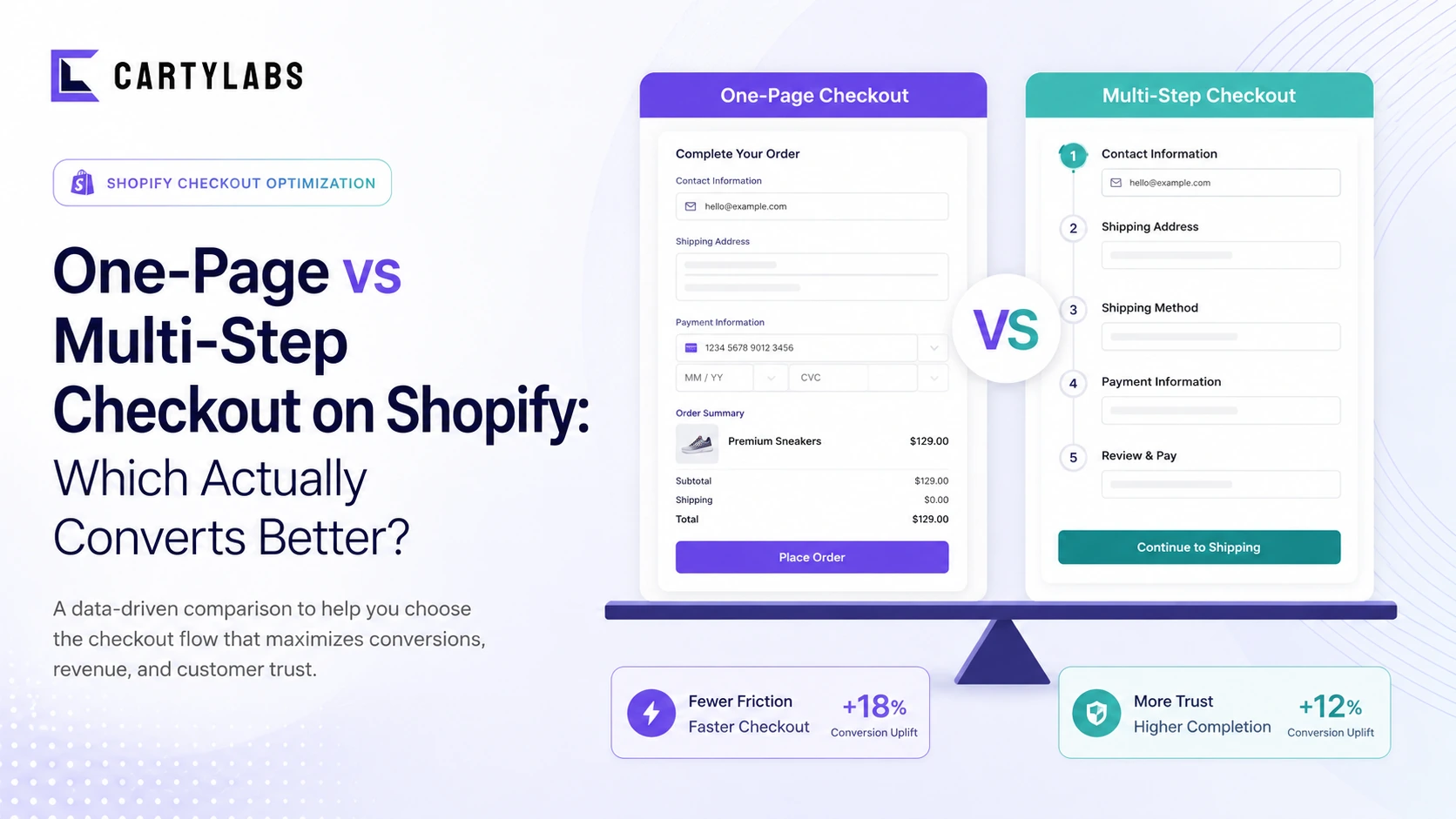
One-Page vs Multi-Step Checkout on Shopify: Which Actually Converts Better?
The full decision matrix for one-page vs multi-step Shopify checkout. Conversion data, when each wins, mobile vs desktop, and how Shopify's default plays into the answer.
Guest Checkout vs. Account Creation on Shopify: Which Wins in 2026?
Should you force account creation or offer guest checkout on Shopify? Data-backed comparison of conversion, retention, LTV, and the hybrid post-purchase signup pattern that beats both.
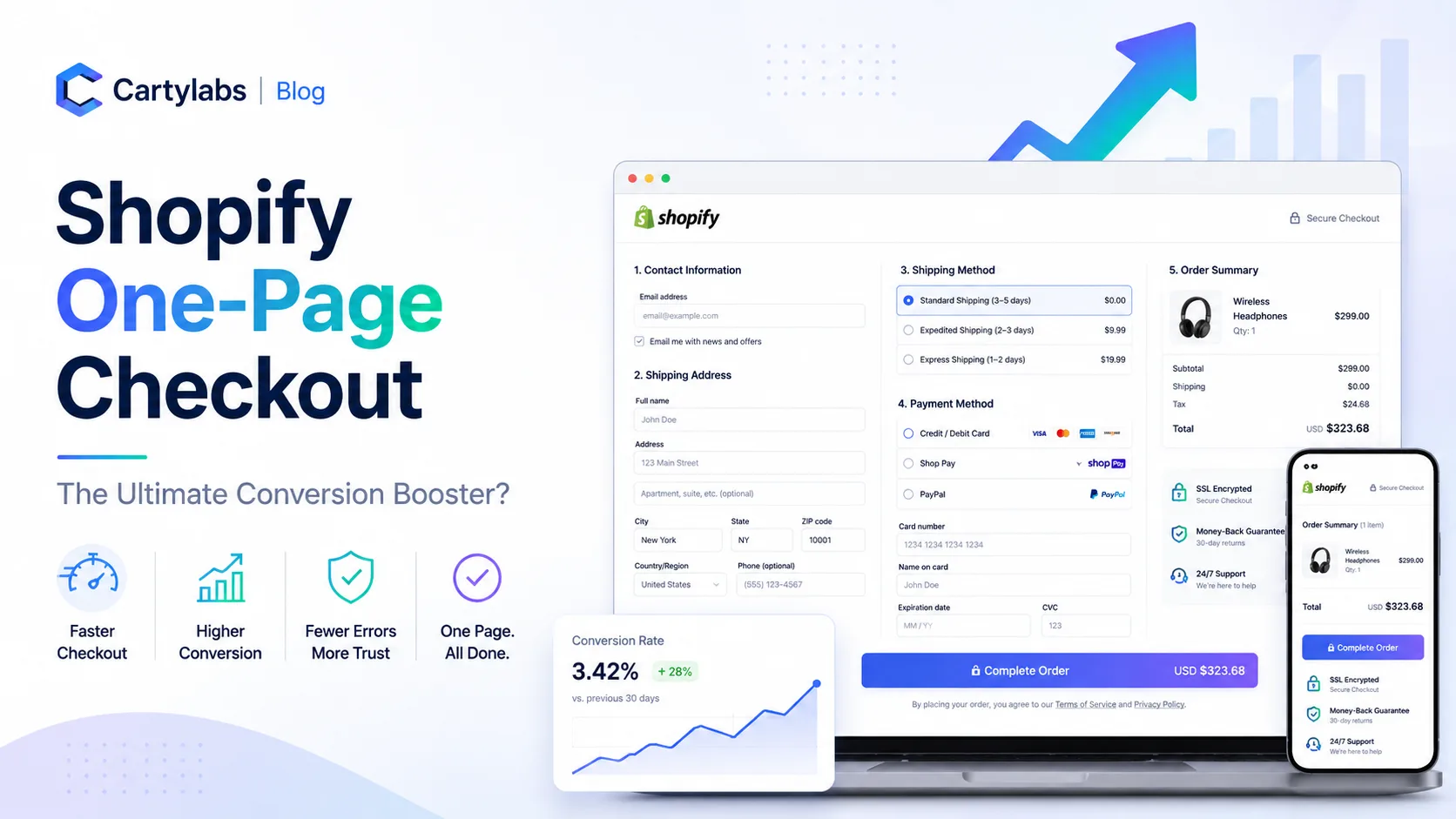
Shopify One-Page Checkout: The Ultimate Conversion Booster?
Does Shopify one-page checkout actually beat multi-step in 2026? A data-backed look at conversion gains, mobile trade-offs, and exactly when to switch your store.
 Install Cart — Free