
100 Shopify Checkout Examples: Patterns That Convert in 2026
A pattern library of 100 real-world Shopify checkout examples. Trust signals, upsells, custom fields, branding moves, post-purchase, and B2B, pulled from top-converting Shopify and Shopify Plus stores.
In this article
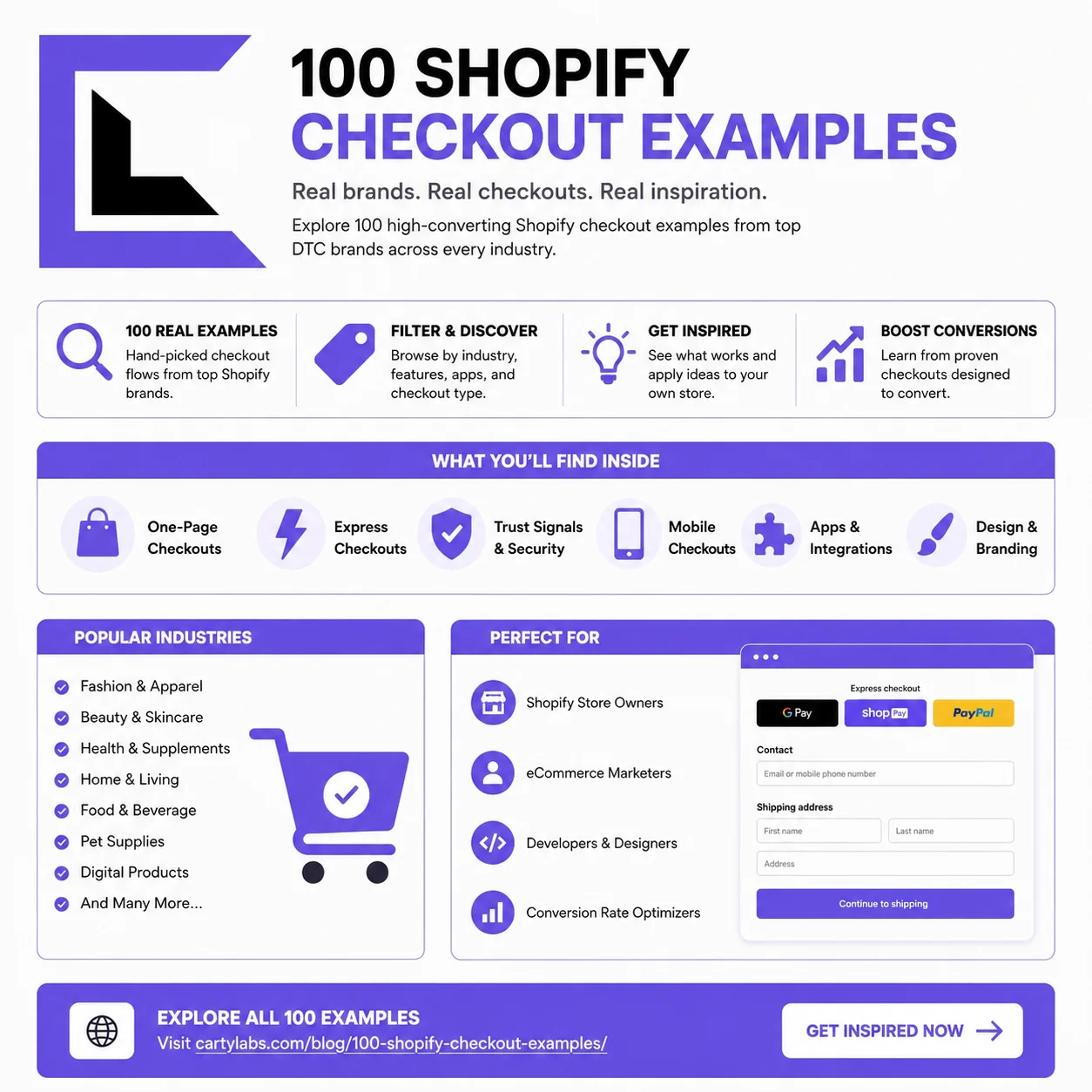
Most “checkout inspiration” posts show you ten screenshots from the same three Shopify Plus brands. This one is different. Below is a pattern library of 100 distinct checkout moves. Small, specific, copy-able decisions we’ve seen working on real Shopify stores in 2026.
They’re grouped by surface: the cart (pre-checkout), the checkout pages themselves (information, shipping, payment), the Thank You and Order Status pages, and a few B2B and wholesale patterns. Each one is one sentence. The point is breadth. Scan the list, find five you don’t do yet, and ship them this quarter.
For the strategy behind why these patterns work, see the Shopify checkout optimization guide. For the API mechanics, see Checkout Extensibility explained.
Pre-checkout: the cart drawer (1–15)
These are patterns you’d typically ship via a Shopify cart drawer app rather than build from scratch.
- Free-shipping progress bar. A meter that fills as the customer crosses the free-shipping threshold. The single highest-impact cart drawer element.
- Tiered free-gift unlock. “Spend $75 for a free X, $125 for a free Y,” stacked as progress bars.
- Dynamic gift selection. Let the customer choose their free gift from 3–4 options rather than assigning one.
- Frequently bought together at the cart. A 3-card AI upsell that reads the cart contents.
- One-tap quantity upsell. “Add a second one for 20% off” inline below the item.
- Size or variant swap. Change size from inside the drawer without going back to the PDP.
- Subscription toggle. A “Subscribe and save 15%” upgrade button on subscription-eligible items.
- Estimated delivery date. “Order by 2pm for delivery Thursday,” computed from the shipping zone.
- Trust strip in the cart. Shop Pay, Apple Pay, Google Pay, and secure-checkout iconography above the checkout button.
- Stock urgency. “Only 3 left” on low-inventory items in the cart.
- Persistent cart across devices. The same cart restored when the user signs in on a new device.
- Cart notes field. Gift message, dietary restrictions, or “leave at door” instructions.
- Bundle pricing display. Show the bundle saving as a strikethrough, not just a discount line.
- Add-on insurance or shipping protection. Opt-in toggle with a price below the subtotal.
- Discount code field inside the drawer. Applies before checkout so the customer sees the discounted total earlier.
Checkout: information page (16–35)
These patterns live inside Shopify’s hosted checkout, built with Checkout Extensibility UI Extensions, Functions, and the Branding API. On Shopify Plus and Advanced, the Cartylabs Checkout app ships most of them as drop-in extensions.
- Pre-filled email from URL params. Pass
?email=...from an abandoned-cart email or PDP signup. - Address autocomplete. Google Places or Shopify’s native autofill on the address field.
- Country-detected default. Geo-IP the country dropdown so 90% of users don’t have to scroll.
- Express checkout buttons above the email field. Shop Pay, Apple Pay, Google Pay, and PayPal, all visible without scrolling.
- “Continue as guest” vs “Log in.” Never gate behind account creation. Let guests through.
- Newsletter opt-in checkbox. Unchecked by default in GDPR regions, checked-by-default elsewhere, with a small unsubscribe note.
- SMS opt-in checkbox. Separate from email, with a clear consent line for compliance.
- Phone number as optional. “For delivery questions only” microcopy below the field.
- Apartment or unit field collapsed by default. Expand-on-click to reduce visual length.
- Custom field: “How did you hear about us?” A self-attribution dropdown, useful for attribution beyond pixels.
- Custom field: gift recipient name. For the gift-shipping flow.
- Custom field: preferred delivery window. Slot selection for grocery or local delivery.
- Inline shipping cost calculator. Show the cost as soon as the ZIP is entered, not after Continue.
- Trust badges below the form. “30-day returns,” “Secure checkout,” “Free exchanges” as small inline icons.
- Testimonial card on the right rail. A single one-line review with a star count, swapping based on cart contents.
- Cart summary editable inline. Quantity changes and item removals without navigating away.
- “Order again” for returning customers. Pre-fill cart with last order’s contents (great for consumables).
- Recent purchases social-proof banner. “Sarah from Brooklyn just bought this” rotating notification.
- Inline error recovery. An invalid postcode triggers a “did you mean…” suggestion rather than a hard error.
- Sticky order summary on mobile. Collapse and expand drawer at the top of mobile checkout.
Checkout: shipping page (36–55)
- Free-shipping threshold reminder. “Add $12 more for free shipping” upsell on the shipping page itself.
- Shipping method comparison. Present 2–3 options as cards with price plus speed, not a radio list.
- Carbon-neutral shipping option. “Pay $1 extra to offset emissions.” High opt-in rates for younger demos.
- Local pickup option. For stores with retail locations. Offer it with a map preview.
- Same-day delivery for eligible ZIPs. Appears only for ZIPs in range, with a real-time cutoff.
- Estimated delivery range. “May 22–24” instead of just “Standard.”
- Delivery instructions field. Free text for the driver.
- Shipping insurance toggle. Opt-in with a price. Default off in cost-conscious verticals.
- Branded carrier logos. UPS, USPS, and DHL logos next to each shipping option for legitimacy.
- Gift wrap or gift message option. Appears as a Function-driven upgrade on the shipping page.
- Multi-address shipping. For gifting flows. “Ship items to different addresses.”
- Pickup-day scheduler. Calendar widget for local-pickup orders.
- “Why is shipping this much?” A disclosure link with a one-paragraph explanation of carrier costs.
- Bundle items into one shipment. Toggle for marketplaces and multi-vendor stores.
- Eco-packaging toggle. “Use plastic-free packaging” opt-in.
- Shipping speed nudge. “Most customers choose Express for orders this size.” Social proof at its quietest.
- Saturday or weekend delivery. Surfaced as a premium option for time-sensitive verticals.
- International duties prepaid option. DDP vs DDU choice for cross-border.
- Saved addresses for returning customers. Selectable cards rather than re-entering.
- Shipping protection comparison. Route, Corso, or native Shop Promise as a labeled option.
Checkout: payment page (56–75)
- Shop Pay one-tap. The single biggest mobile conversion lever in Shopify checkout.
- Buy-now-pay-later (Affirm, Klarna, Afterpay, Shop Pay Installments). Surface it as a payment option, not just a banner.
- BNPL price split preview. “Or 4 payments of $24,” shown above the payment selector.
- Crypto payment. Coinbase Commerce or BitPay, for crypto-leaning verticals (collectibles, electronics).
- B2B net terms. Invoice or NET-30 option for verified wholesale customers.
- Saved cards. Shop Pay vault for returning customers, no re-entry.
- Apple Pay and Google Pay. Visible before the card form for mobile-heavy traffic.
- CVV-only re-auth. For repeat customers, skip card re-entry and just confirm CVV.
- Gift card application. Separate field from discount codes so customers don’t conflate them.
- Multiple gift cards stackable. Allow more than one gift card per order.
- Loyalty points redemption. Slider for “use 500 points = $5 off,” mid-checkout.
- Store credit application. Auto-apply with a checkbox to decline.
- Tip-the-store option. For restaurants, creators, and indie brands. Opt-in rates are surprisingly high.
- Round up for charity. Opt-in micro-donation with cause selection.
- Discount code resilience. Clear messaging when a code is invalid (“expired” vs “minimum not met”).
- Stackable discounts via Functions. Code plus automatic discount combining where appropriate.
- First-order discount popup. Applied automatically if the email is new, no code needed.
- Last-chance upsell on payment. Single-item add-on offered just above the Pay button.
- PCI-compliant subscription start. Clear messaging for first-of-subscription orders.
- Order summary always visible on desktop. Sticky right rail with line items, never collapsed.
Branding and layout (76–85)
- Custom brand fonts. Via the Branding API. A step-change in perceived legitimacy.
- Brand color buttons. Match the storefront, not Shopify defaults.
- Logo in checkout header. Link it back to the storefront on click, or skip the link to reduce abandonment.
- Brand-consistent header and footer. Minimal versions of the storefront chrome.
- Custom favicon at checkout. Small detail, signals polish.
- Photographic header background. For premium and lifestyle brands.
- Branded loading states. Skeleton screens with brand colors during async loads.
- Custom field labels in brand voice. “Where should we send it?” beats “Shipping address.”
- Localized currency display. Auto-converted by region, with the converted-from price in small text.
- Localized language selector. Toggle visible in the checkout header for multi-market stores.
Thank You and Order Status (86–95)
- Post-purchase one-click upsell. Single-product offer added to the original order pre-shipment.
- Post-purchase bundle upsell. 2–3 related items as a “complete the look” card.
- Subscription upgrade post-purchase. “Make this a subscription and save 20% on future orders.”
- Custom Thank You page content. Onboarding video, getting-started guide, or brand story.
- Referral program CTA. “Give $20, get $20” with a unique referral link generated client-side.
- Account creation post-purchase. “Save your order, set a password.” Much higher conversion than pre-purchase forced signup.
- Survey on Thank You page. One-question NPS or attribution survey, embedded as an extension.
- Order tracking link. Shop app or carrier tracking surfaced immediately.
- Estimated delivery widget on Order Status. Live updates from the carrier.
- Cross-sell email opt-in. “Get tips on caring for [product].” Segments customers by purchase.
B2B and wholesale (96–100)
- Quantity-tier pricing displayed inline. “Buy 10+ for $X each” in the cart and checkout.
- PO number field. Custom checkout field for B2B order references.
- Tax-exempt customer flow. Auto-apply tax-exempt status for verified wholesale accounts.
- NET-30 or NET-60 payment terms. Surfaced only for approved B2B customers via customer-segment-gated payment methods.
- Quote-to-order conversion. Convert an approved quote into a pre-filled checkout session for the buyer to complete.
How to actually use this list
Don’t try to ship all 100. Pick the 5–10 that map to your highest-friction step right now. The diagnostic flow is in the checkout optimization guide. Instrument your funnel first, find the leaks, and pick patterns that address the leaks specifically.
For the technical “can I actually build this?” question on any item above, the answer is almost always yes. The Checkout Extensibility explainer maps each kind of customization to the right API surface (UI Extensions, Functions, or Branding API).
If you operate a cart drawer at the pre-checkout step, the Cartylabs Cart Drawer app handles patterns 1–15 out of the box. For patterns 16–95 (the checkout pages themselves and the Thank You and Order Status surfaces), the Cartylabs Checkout app ships them as native Checkout Extensibility components on Shopify Plus and Advanced.
Next steps
Related Shopify resources
Practical tools and product pages related to this guide.
Keep reading
All articles →
Shopify Checkout Optimization: The Complete 2026 Guide
The complete framework for optimizing Shopify checkout in 2026. Friction, trust, recovery, and AOV levers, plus what changed with Checkout Extensibility. Covers Standard, Advanced, and Plus.
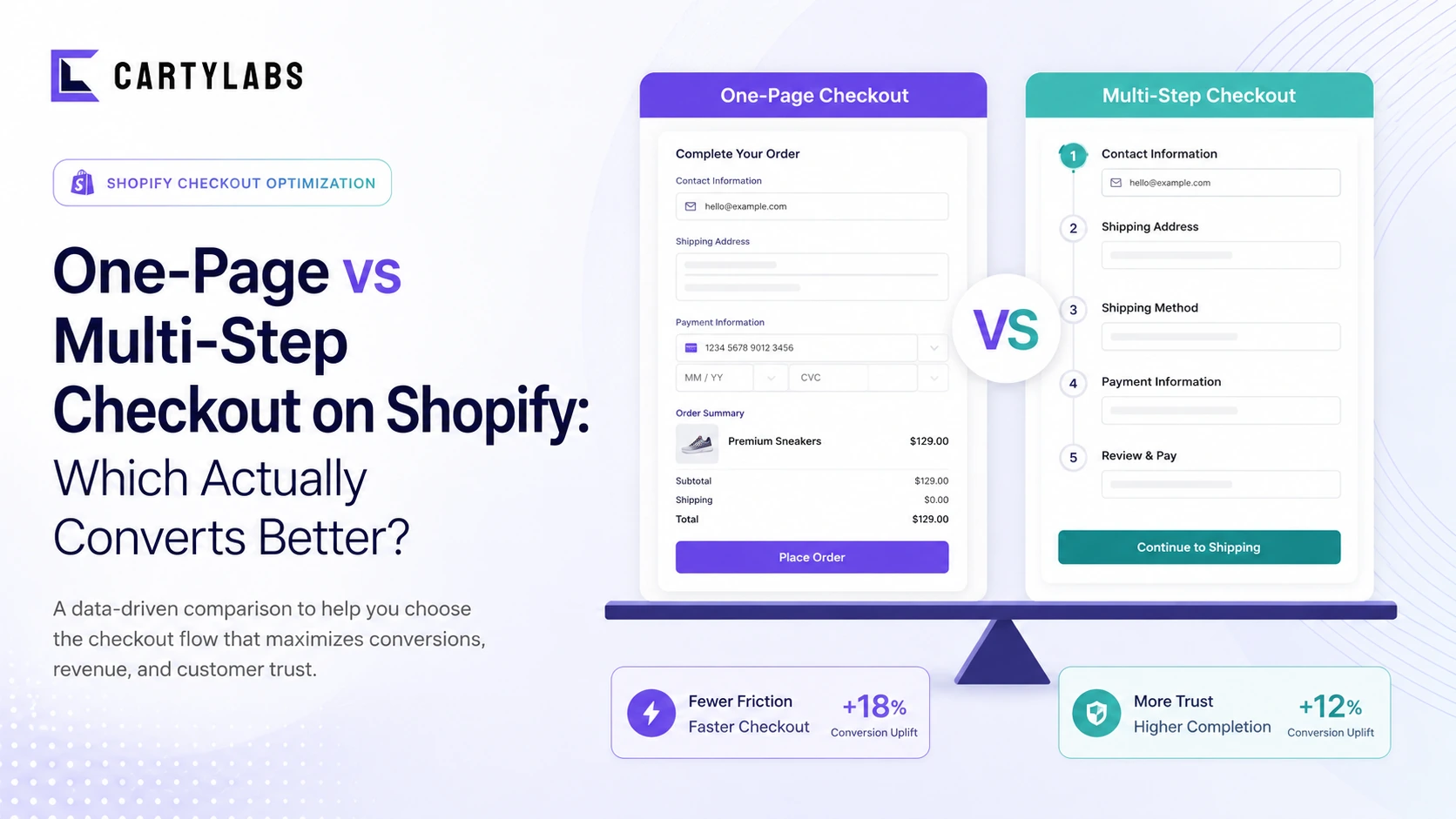
One-Page vs Multi-Step Checkout on Shopify: Which Actually Converts Better?
The full decision matrix for one-page vs multi-step Shopify checkout. Conversion data, when each wins, mobile vs desktop, and how Shopify's default plays into the answer.
How to Integrate Loyalty Rewards Directly Into Shopify Checkout
Surface Shopify loyalty rewards inside checkout with UI extensions, points balance widgets, and redemption flows that lift returning-buyer conversion four to nine percent on stores with mature programs.
 Install Cart — Free