
How to Integrate Loyalty Rewards Directly Into Shopify Checkout
Surface Shopify loyalty rewards inside checkout with UI extensions, points balance widgets, and redemption flows that lift returning-buyer conversion four to nine percent on stores with mature programs.
In this article
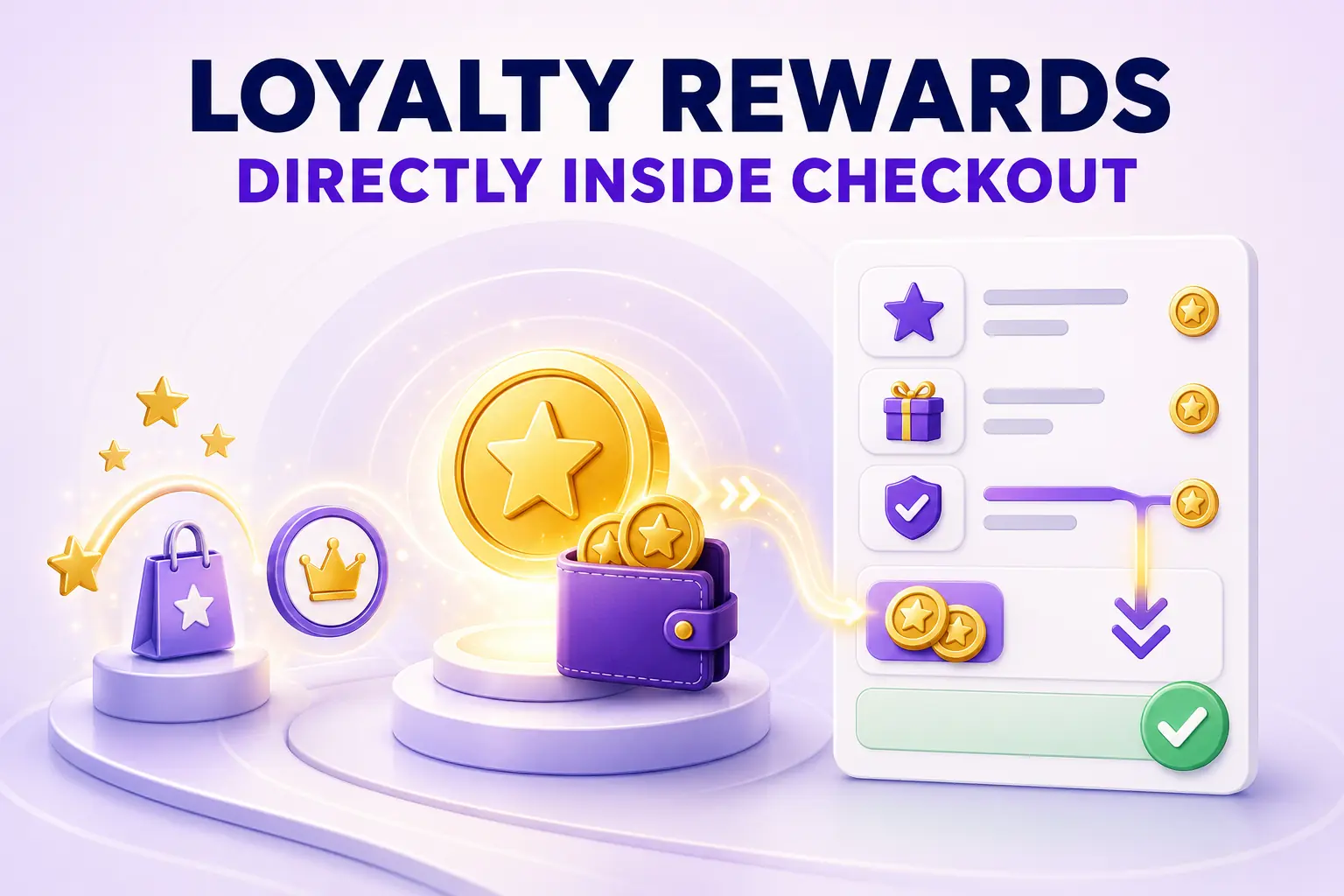
Most Shopify loyalty programs hide rewards in a dedicated account page or a small storefront widget. The buyer earns points, then forgets they exist, then completes checkout without ever redeeming. The merchants who surface loyalty inline with the checkout (balance, redeemable rewards, and earn-on-this-order preview) consistently lift returning-buyer conversion four to nine percent and increase loyalty utilization by an order of magnitude.
This guide walks through how to integrate loyalty rewards directly into Shopify checkout in 2026, the surfaces that work, and the patterns that lift conversion versus the ones that clutter.
For the broader checkout extensibility context, the Shopify checkout extensibility explained post covers the underlying architecture. For the customer retention side, our Shopify customer retention and repeat purchases post covers the broader loyalty strategy.
Why loyalty belongs in checkout, not just on the account page
The buyer in checkout has the highest intent and the highest reason to use a reward right now. A points balance on the account page is dormant value. A points balance in checkout is active value the buyer can apply in one tap. The conversion impact is directly proportional to the visibility shift.
Stores that surface loyalty in checkout typically see:
- Three to ten times higher reward redemption rate
- Four to nine percent higher returning-buyer conversion
- Higher repeat-purchase rate in the following ninety days (since redeemers come back to earn more)
The surfaces where loyalty should appear in checkout
1. Above the order summary
A small “You have 2,400 points worth $24” line surfaces the balance and primes the buyer to think about redemption.
2. Inside the order summary
A redemption widget (“Apply 1,000 points for $10 off”) with a one-tap toggle. The discount updates the order total in real time. This is the highest-leverage surface for actually getting redemption to happen.
3. Below the buy button
An “earn preview” line: “You will earn 320 points on this order.” This sets the expectation for future redemption and reinforces program value.
4. On the Thank You page
A “You just earned 320 points. Total balance: 2,720” confirmation, plus a “redeem on your next order” CTA. This connects the current purchase to the next one.
All four surfaces should carry consistent visual treatment, ideally pulled from the same Checkout UI Extension so the buyer sees a coherent loyalty story across the flow.
How to actually build this
The integration path depends on plan and loyalty platform:
Shopify Plus stores
Use Checkout UI Extensions. Most major loyalty apps (Smile, LoyaltyLion, Yotpo, Stamped) ship pre-built extensions that render at these surfaces. Installation is typically a few clicks per surface inside the loyalty app’s admin.
Non-Plus Shopify stores
Pre-checkout surfaces (cart drawer, product page) are configurable. In-checkout surfaces (above order summary, etc.) are not available without Plus, but the Thank You page surface is. Configure loyalty visibility on the cart, product page, and Thank You page; accept that the in-checkout middle is off-limits.
Custom loyalty programs
If you run a custom loyalty program (not an app), you will need a developer to build the Checkout UI Extension. The work is a few weeks for a competent Shopify developer and pays back fast on stores with high returning-buyer volume.
Redemption mechanics that work
Real-time updates
The order total must update the moment the buyer applies points. Any latency here breaks the perceived value of redemption. Sub-second is the target.
Bypass-friendly
The buyer must be able to skip redemption easily. A buyer who wants to save points for a bigger reward should not have to fight the UI.
Tiered redemption options
If your program supports multiple redemption levels (one hundred points for two dollars off, five hundred for fifteen, etc.), offer them as a small radio group. Buyers respond well to choosing the tier that matches their cart value.
Clear minimum thresholds
If redemption requires a minimum, state it: “You need 400 more points to redeem.” The buyer either bumps the order or accepts the limit, but they understand the rule.
What not to do
Auto-apply maximum points without consent
Some loyalty apps default to applying all available points to the order. This destroys long-term program engagement because the buyer never feels they had a choice. Always require explicit opt-in to redemption.
Hide the earn-rate
The points the buyer will earn from this order should be visible somewhere in the checkout. Hiding it makes the program feel inert.
Charge for redemption
Some programs charge a small fee or apply odd restrictions to redemption. These are perceived as a bait-and-switch and damage the program more than they save in margin.
Loyalty signup in checkout
For buyers not yet enrolled, the Thank You page is the right surface for signup. A “Join our rewards program and earn 320 points on this order” prompt with a single-field signup converts thirty to fifty percent of guest checkouts. Pair this with the post-purchase signup pattern so account creation and loyalty enrollment happen in the same flow.
Measuring loyalty integration impact
The metrics that matter once you have integrated loyalty into checkout:
- Redemption rate (target: thirty to fifty percent of buyers with balance)
- Returning-buyer conversion lift (target: four to nine percent)
- Average points balance after redemption (proxy for ongoing engagement)
- Re-purchase rate in ninety days post-redemption
If redemption rate is below twenty percent of eligible buyers, the in-checkout surface is not visible enough. If it is above sixty percent, you may be giving away too much margin per redemption and the tiers need re-tuning.
For a cart and post-purchase layer that complements your loyalty program (free-gift progress, in-cart upsells, account creation prompts on Thank You), Cartylabs ships these pieces as defaults so the loyalty integration in checkout is reinforced upstream and downstream.
Next steps
Related Shopify resources
Practical tools and product pages related to this guide.
Keep reading
All articles →
In-Checkout Upsells: How to Boost Shopify Order Value in 2026
Add in-checkout upsells on Shopify that lift AOV without dragging conversion. Offer construction, placement, targeting, and the apps that ship the highest-converting in-checkout modules in 2026.
Guest Checkout vs. Account Creation on Shopify: Which Wins in 2026?
Should you force account creation or offer guest checkout on Shopify? Data-backed comparison of conversion, retention, LTV, and the hybrid post-purchase signup pattern that beats both.
Trust Signals: Making Your Shopify Checkout Look Secure in 2026
Make your Shopify checkout look secure and convert better with the right mix of trust signals, payment logos, security badges, and reassurance copy that quietly closes the sale at the payment step.
 Install Cart — Free