
In-Checkout Upsells: How to Boost Shopify Order Value in 2026
Add in-checkout upsells on Shopify that lift AOV without dragging conversion. Offer construction, placement, targeting, and the apps that ship the highest-converting in-checkout modules in 2026.
In this article
- 01 Three places to upsell, three different conversion profiles#
- 02 What makes an in-checkout upsell convert#
- 03 Offer construction patterns that work#
- 04 Placement inside checkout#
- 05 Targeting that actually moves the needle#
- 06 The conversion-rate guardrail#
- 07 Apps that ship strong in-checkout modules in 2026#
- 08 A note on stacking pre-purchase, in-checkout, and post-purchase#
In-checkout upsells are the upsells that render between cart and payment, inside Shopify checkout itself. Done right, they lift average order value eight to fifteen percent with negligible conversion impact. Done wrong, they crater completion rate and net out negative on revenue. The difference is offer construction, placement, and targeting.
This guide walks through how to build in-checkout upsells that actually work in 2026.
For pre-purchase cart upsells, see the Shopify AOV upsell strategies post. For post-purchase upsells, the post-purchase upsell guide covers the Thank You page surface.
Three places to upsell, three different conversion profiles
Upsells on Shopify break into three placements, each with a different impact profile:
- Pre-purchase (cart drawer): high visibility, modest acceptance rate, low conversion risk
- In-checkout (during checkout): moderate visibility, modest acceptance rate, moderate conversion risk
- Post-purchase (Thank You page): high acceptance rate, no conversion risk, lower visibility
Of the three, post-purchase is the safest. Pre-purchase is the most familiar. In-checkout is the highest-leverage when configured correctly because the buyer is already committed but not yet paid.
What makes an in-checkout upsell convert
The offer must satisfy four conditions:
- Cheap relative to cart value (under fifteen to twenty percent)
- Functionally complementary to what is in the cart
- One-tap to accept (no quantity picker, no variant choice)
- Surfaced at a moment of low cognitive load (between shipping and payment, not during payment)
If any one of these is missing, acceptance rate collapses and the offer becomes friction.
Offer construction patterns that work
The “complete the kit” offer
If the cart has a coffee grinder, offer the matching coffee scoop. If the cart has a yoga mat, offer the matching strap. The buyer recognizes the offer as obviously relevant and accepts at fifteen to thirty percent rates.
The “save on shipping” offer
If the buyer is one item under a free-shipping threshold, offer a small item that brings them over. The math works for both the buyer (free shipping) and the merchant (higher AOV). Acceptance rates here are the highest of any in-checkout pattern.
The warranty or protection offer
A two-year extended warranty on electronics or a shipping insurance offer on high-AOV items. These convert at five to twelve percent and carry high margin. See our Shopify shipping protection upsell post.
The “bundle and save” offer
“Add one more for fifteen percent off both.” Works when the second unit is naturally something the buyer would also use (consumables, gifts, multi-pack categories).
Placement inside checkout
The best surface for in-checkout upsells is between the shipping method and the payment method. This is the lowest-friction window: the buyer has just made a small decision (shipping) and is about to make a larger one (payment). The micro-pause is the right moment for a relevant offer.
Avoid placing upsells:
- Above the contact form (buyers have not even started, and a sales pitch reads as desperate)
- Inside the payment section (any interruption at the payment moment damages completion)
- On the order summary right rail (clutters the most important reference element on the page)
Targeting that actually moves the needle
Generic in-checkout upsells convert two to four percent. Targeted ones convert eight to fifteen percent. Targeting variables that matter:
- Cart contents (the strongest predictor)
- Cart value (high-AOV carts should see different upsells than low)
- Customer cohort (first-time vs. returning)
- Region (different products are relevant in different regions)
Most Shopify upsell apps support all of these targeting variables. The work is in defining the rules, not in implementing them.
The conversion-rate guardrail
Every in-checkout upsell carries some conversion risk because it adds a decision point inside the buying flow. The right way to manage this is to measure completion rate before and after enabling the upsell, holding the cart-add rate constant.
If the upsell lifts AOV eight percent and drops completion two percent, net revenue is still up roughly six percent and you should keep it. If the upsell lifts AOV three percent and drops completion four percent, revenue is down and you should remove it.
Most stores never run this measurement and ship upsells based on AOV alone, which is how some end up losing money to their own upsell apps.
Apps that ship strong in-checkout modules in 2026
The Shopify App Store has dozens of in-checkout upsell apps. The ones consistently topping merchant tests:
- Built-in Shopify checkout upsell (no app needed for simple offers, available on all plans)
- Apps using Checkout UI Extensions to render at the right surfaces
- Bundle apps with checkout-step extensions
Our best Shopify checkout upsell apps roundup walks through the strongest options with specific pros and cons.
A note on stacking pre-purchase, in-checkout, and post-purchase
The three upsell surfaces work together, not against each other, if the offers are distinct. The pattern that maximizes AOV without crushing completion:
- Pre-purchase (cart drawer): a low-friction “frequently bought together” row
- In-checkout: a single high-relevance “complete the kit” or shipping-threshold offer
- Post-purchase: a one-click discounted bundle or upgrade offer
Buyers see one offer at each of three different decision moments. None of them feel like a sales pitch because each one is contextually relevant to where the buyer is in the flow.
For the pre-purchase and post-purchase halves of the stack, Cartylabs ships the cart drawer upsells and Thank You page offers as defaults so the in-checkout layer is reinforced from both sides.
Next steps
Related Shopify resources
Practical tools and product pages related to this guide.
Keep reading
All articles →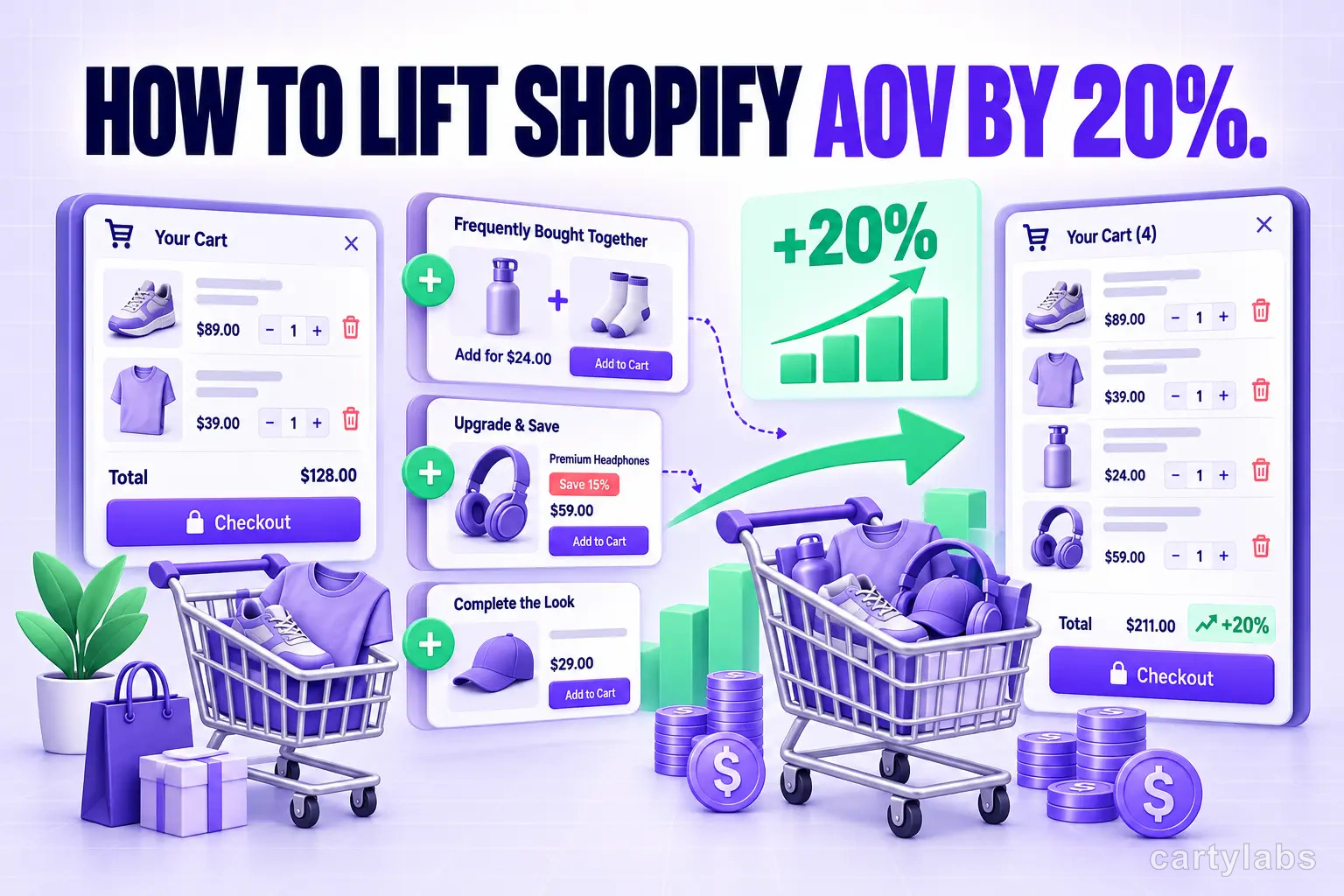
How to Lift Shopify AOV by 20%: A Practical Upsell Guide
Most Shopify stores can squeeze a 15-20% AOV lift from existing traffic. The in-cart upsell strategy that delivers without irritating shoppers.
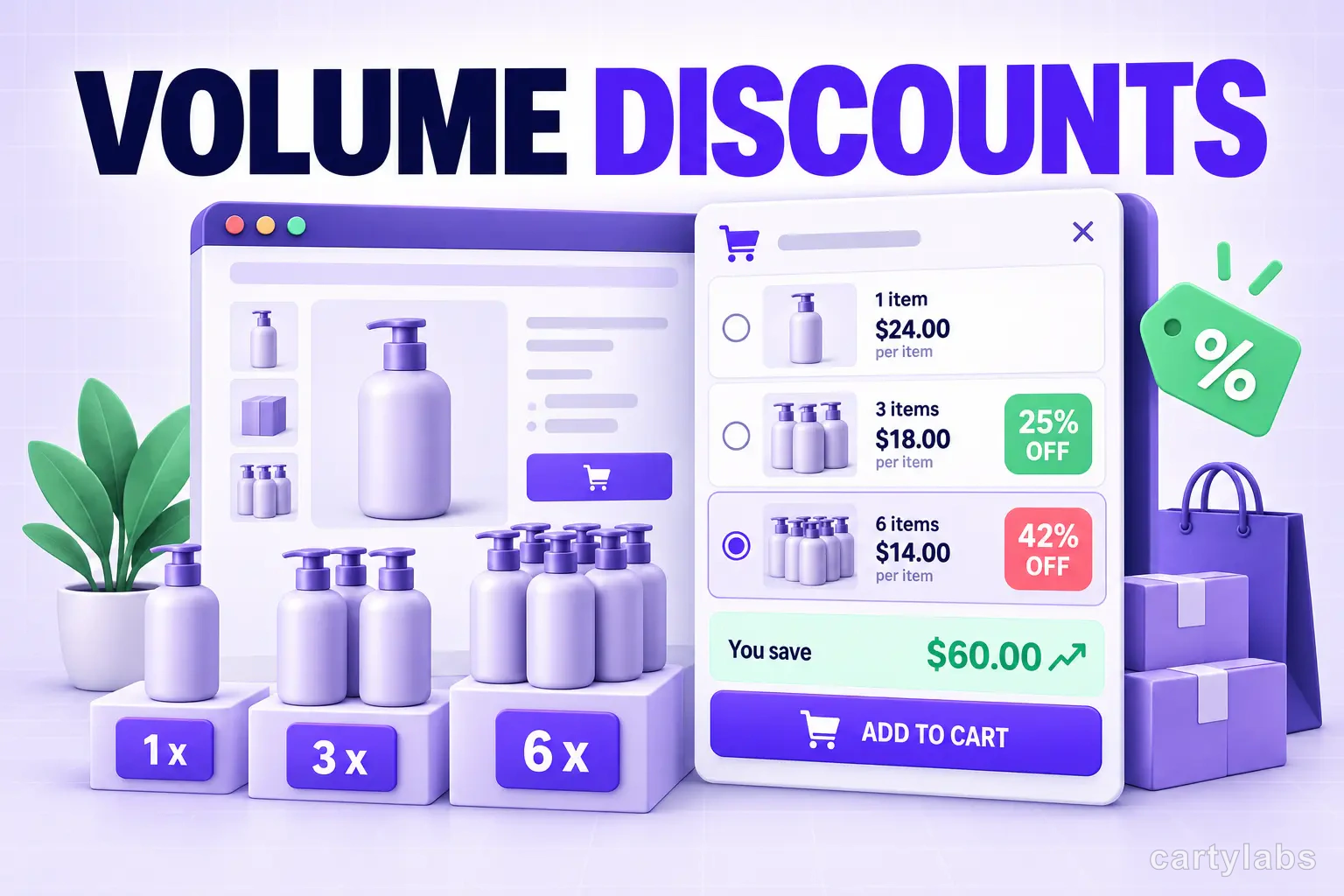
Volume Discounts & 'Buy More, Save More' Tactics for Shopify
Volume discounts lift AOV 15-30% on the right catalogs. The tier math, the SKU rules, and the Shopify implementation patterns that don't erode margin.
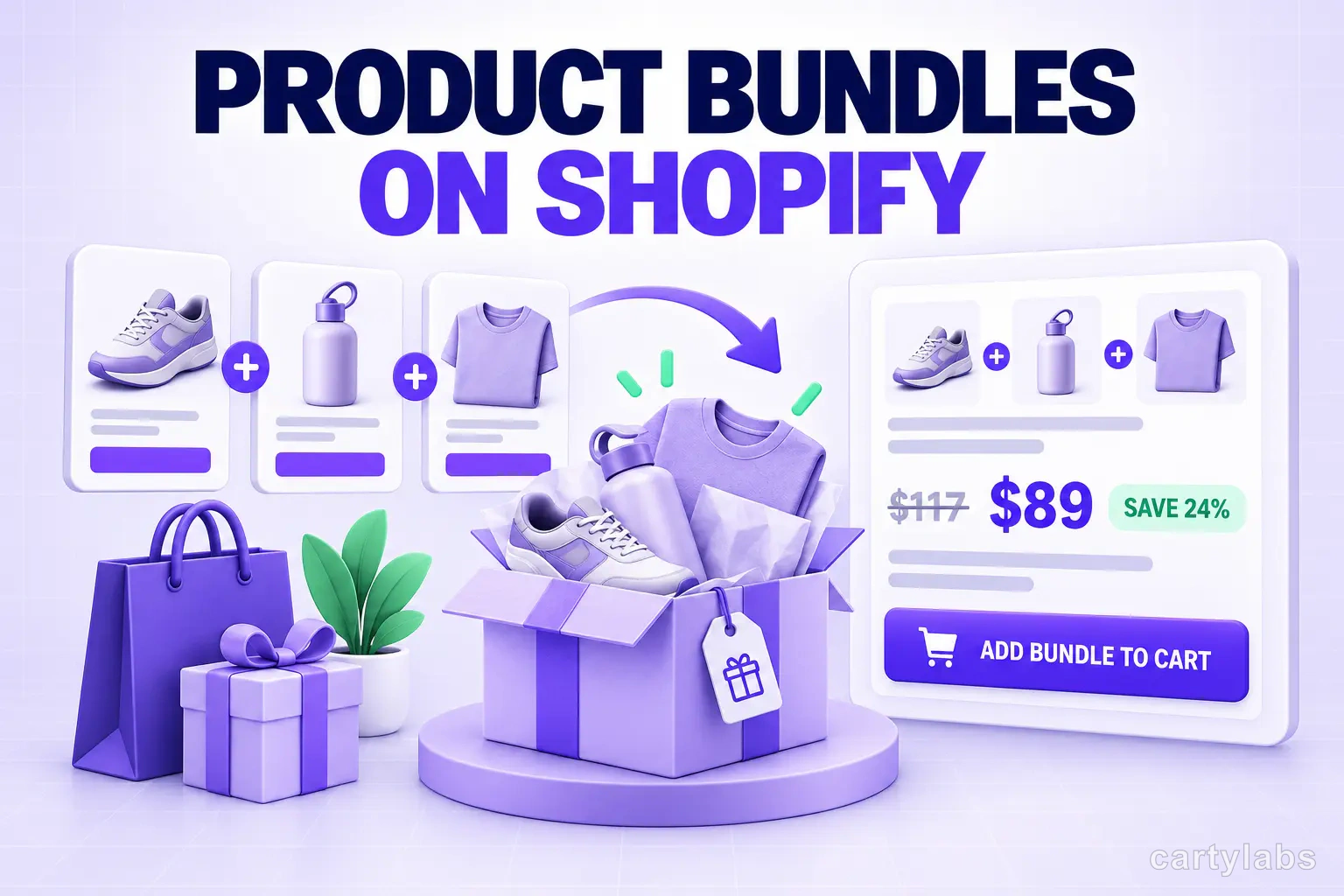
Product Bundles on Shopify: Fixed, Mix-and-Match, BOGO and More
The 6 bundle types on Shopify, the AOV math behind each, and the catalog conditions that make bundles convert. A no-fluff playbook for 2026.
 Install Cart — Free