
How to Lift Shopify AOV by 20%: A Practical Upsell Guide
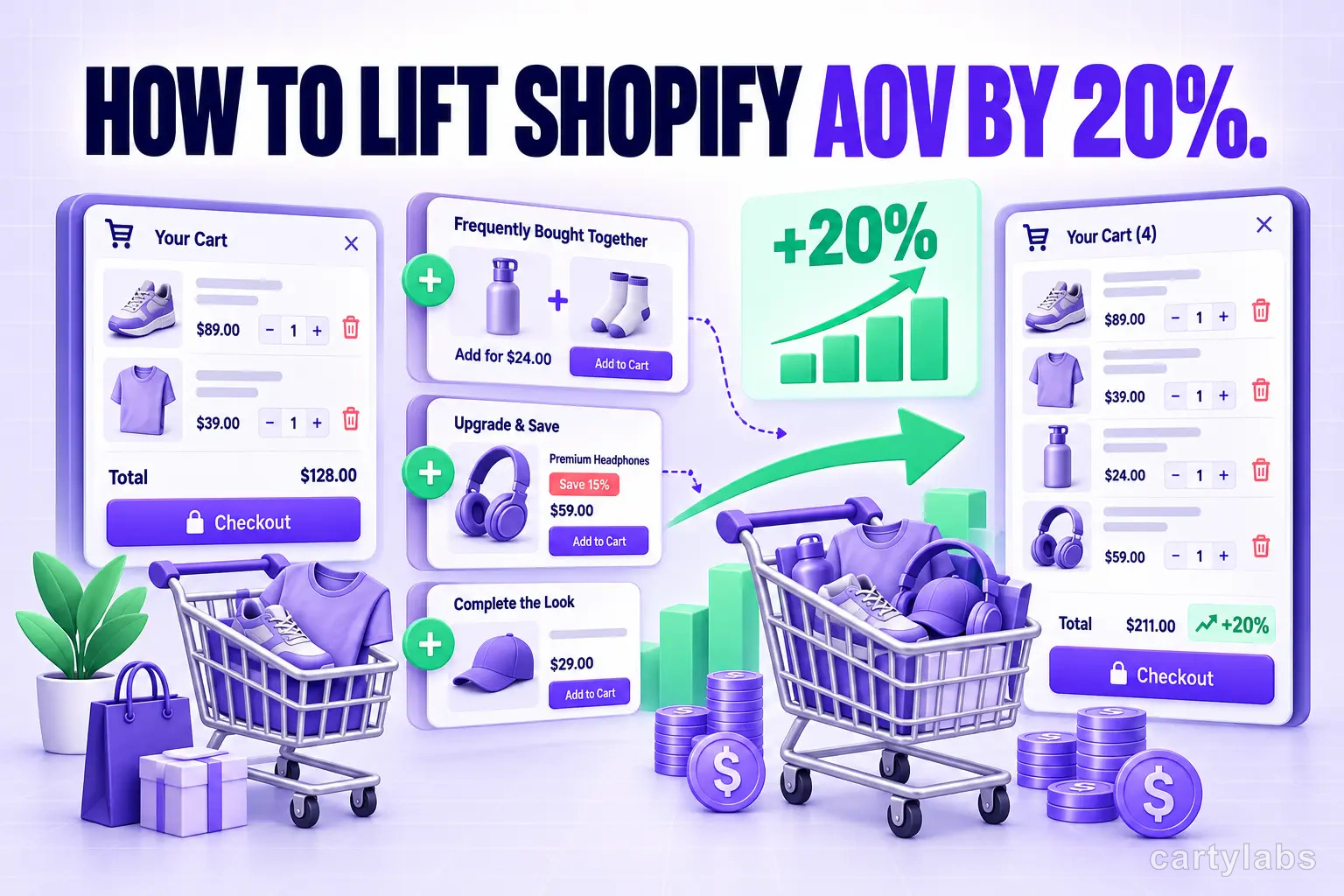
Most Shopify stores can squeeze a 15-20% AOV lift from existing traffic. The in-cart upsell strategy that delivers without irritating shoppers.
In this article
- 01 The mental model: every cart should have a “next dollar”#
- 02 1. Related-product upsells (the workhorse)#
- 03 2. Variant-trade-up upsells#
- 04 3. Bundle discounts#
- 05 4. Reward unlocks (the secret weapon)#
- 06 5. Subscription upsells (for the right categories)#
- 07 6. Shipping protection (the quiet AOV win)#
- 08 The order to ship in (30-day plan)#
- 09 What not to do#
- 10 How Cartylabs helps#
There are two ways to grow a Shopify store: get more shoppers, or get more money from each shopper. The first is expensive (ads, SEO, partnerships). The second is mostly free: you’ve already paid to acquire the shopper, and the cart is the moment they’re most willing to add one more thing.
Most stores under-invest here. Below is the in-cart upsell playbook we’ve watched lift average order value (AOV) by 15-20% in 30 days across hundreds of Shopify and Shopify Plus stores.
The mental model: every cart should have a “next dollar”
The single biggest reason upsells underperform is that they’re random. A shopper adds a $40 candle and the cart shows them a $200 sofa. There’s no reason for them to add it.
Instead, every cart should have an obvious next dollar: the next $5, $10, or $20 of value the shopper would plausibly add given what’s already there. The next dollar usually comes from one of four places:
- A related product (a wick trimmer with the candle)
- A bigger version of the same product (a 12oz candle vs. the 8oz)
- A bundle discount (“Buy 2, save 15%”)
- A reward unlock (“Add $12 more for free shipping”)
A good cart surfaces the right one of these four at the right moment. Let’s break each down.
1. Related-product upsells (the workhorse)
This is the classic. Show a small carousel of “Customers also bought” or Frequently Bought Together items inside the cart drawer.
What works:
- Products under $25 attached to a $50+ cart (low decision friction)
- Genuine complements, not random catalog items
- One-click “Add” buttons (no detour to a PDP)
- Maximum 3-4 items visible (more becomes noise)
What doesn’t:
- Showing the shopper’s already-purchased SKUs
- Showing out-of-stock items
- “You might like” widgets that surface unrelated catalog
AI-powered recommendations (like the ones in Cartylabs) outperform manual rules by 30-50% in our data, because they personalize based on the specific shopper’s browse history and live cart contents rather than a global “frequently bought” list.
2. Variant-trade-up upsells
If you sell products with size, weight, or quantity variants, the variant trade-up is usually the highest-converting upsell on your store.
The pattern: shopper adds the 8oz candle. The cart shows: “Upgrade to 12oz for $4 more and save 18% vs. buying separately.”
Why it works:
- Shopper has already decided they want this product
- The decision is “size up” not “add a new thing”
- The math is visible and favorable
A common mistake is hiding variant trade-ups behind a generic “View options” link. Show the trade-up as its own offer in the cart drawer.
3. Bundle discounts
Bundles work in two flavors:
Pre-built bundles: a “Starter Set” or “The Complete Kit” that you’ve curated and priced 10-20% below buying the components separately. These are best surfaced on PDPs and in the cart for shoppers who’ve added one component.
Dynamic bundles: rules like “Buy 2 of any from this collection, save 15%” or “Buy any 3, get the cheapest free.” These work especially well for skincare, supplements, apparel basics, and consumables where shoppers buy in multiples anyway.
Cartylabs supports both. The dynamic flavor is usually higher ROI because it nudges quantity (which lifts AOV directly) rather than just price.
4. Reward unlocks (the secret weapon)
If we had to pick one upsell mechanic for every Shopify store, it would be the reward progress bar. We covered the basics in our cart abandonment playbook; here’s the AOV-specific advice.
Stack three tiers, not one. A single free-shipping tier is good, but stacking gives you three separate AOV nudges in one bar:
| Spend | Reward |
|---|---|
| $50 | Free shipping |
| $80 | Free travel-size of your hero product |
| $120 | 10% off the cart |
Set the tiers so each one sits just above a typical cart value for that tier of shopper. If your median cart is $42, set free shipping at $50. It should be close enough that adding one more item feels easy, but far enough that most shoppers actually add the item.
Make the gift line concrete. “Free gift” is vague. “Free travel-size of [Product Name] ($14 value)” gives shoppers a real reason to stretch the cart.
5. Subscription upsells (for the right categories)
For consumables like coffee, supplements, skincare, and pet food, adding a Subscribe & Save 10% toggle inside the cart is one of the highest-LTV moves you can make.
The trick is to surface it at the right moment: not on the PDP (where it competes with the buy decision) but in the cart, after the shopper has committed to the one-time purchase. Frame it as “Want to never run out?” rather than “Subscribe.”
Stores that ship this typically see 12-25% of one-time buyers convert to subscribers, and subscriber LTV is often 3-5x one-time-buyer LTV.
6. Shipping protection (the quiet AOV win)
A $1.50-$3 opt-in shipping protection line item, surfaced inside the cart, is pure margin for most stores and a real benefit for shoppers (faster claims, no third-party form-filling).
Opt-in rates of 30-60% are common. On a store doing 1,000 orders a month at a $2 protection price, that’s $600-$1,200/month in pure-margin revenue.
The order to ship in (30-day plan)
Most stores try to ship everything at once and end up shipping nothing. Here’s a 30-day cadence that has worked across hundreds of Cartylabs stores:
Week 1: Foundation
- Install a cart drawer (replaces the dead-end cart page)
- Add a stacked reward progress bar (3 tiers)
Week 2: Recommendations
- Turn on AI product recommendations in the cart
- Add 2-3 hand-curated upsell rules for hero SKUs
Week 3: Variants & bundles
- Add variant trade-up cards in the cart
- Build one dynamic bundle (“Buy 3, get 10% off”)
Week 4: Margin & retention
- Add shipping protection upsell
- Add subscription toggle (if you sell consumables)
A store doing $100k/month in revenue at a $42 AOV that follows this cadence typically lands somewhere between $115k-$125k/month at a $50-$54 AOV by the end of the month. All from existing traffic.
What not to do
Three patterns that consistently destroy AOV (and brand trust):
- Aggressive popup upsells. A modal that blocks the cart screen makes shoppers angrier than it makes them buy.
- Discount codes that only show after the cart loads. Trains shoppers to search Google for codes before they ever check out.
- Random “you might like” carousels. If the AI doesn’t have signal, leave the slot empty rather than show garbage.
The thread connecting all three: every upsell should feel like the shopper’s idea, not yours.
How Cartylabs helps
Every upsell mechanic above ships in one app. Cartylabs handles the cart drawer, AI recommendations, variant trade-ups, dynamic bundles, stacked rewards, subscription toggle, and shipping protection. You won’t need to stitch together six different Shopify apps that each cost $25/month and slow down your store.
Install free on Shopify to try the playbook above, or book a 15-minute demo and we’ll point you at the 2-3 fixes most likely to move AOV for your specific category.
Learn more: How to increase AOV on Shopify, Shopify upsell app
Next steps
Related Shopify resources
Practical tools and product pages related to this guide.
Keep reading
All articles →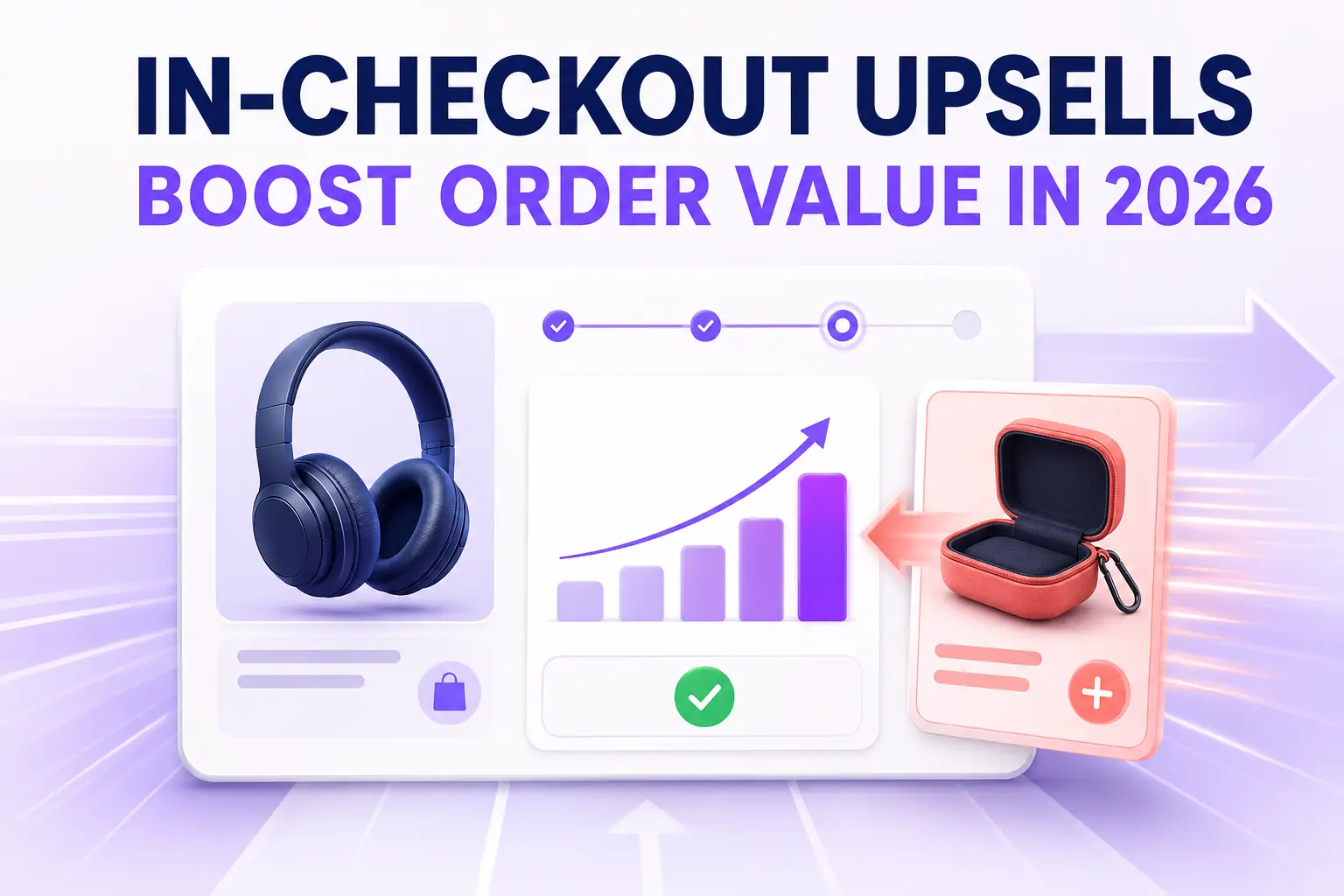
In-Checkout Upsells: How to Boost Shopify Order Value in 2026
Add in-checkout upsells on Shopify that lift AOV without dragging conversion. Offer construction, placement, targeting, and the apps that ship the highest-converting in-checkout modules in 2026.
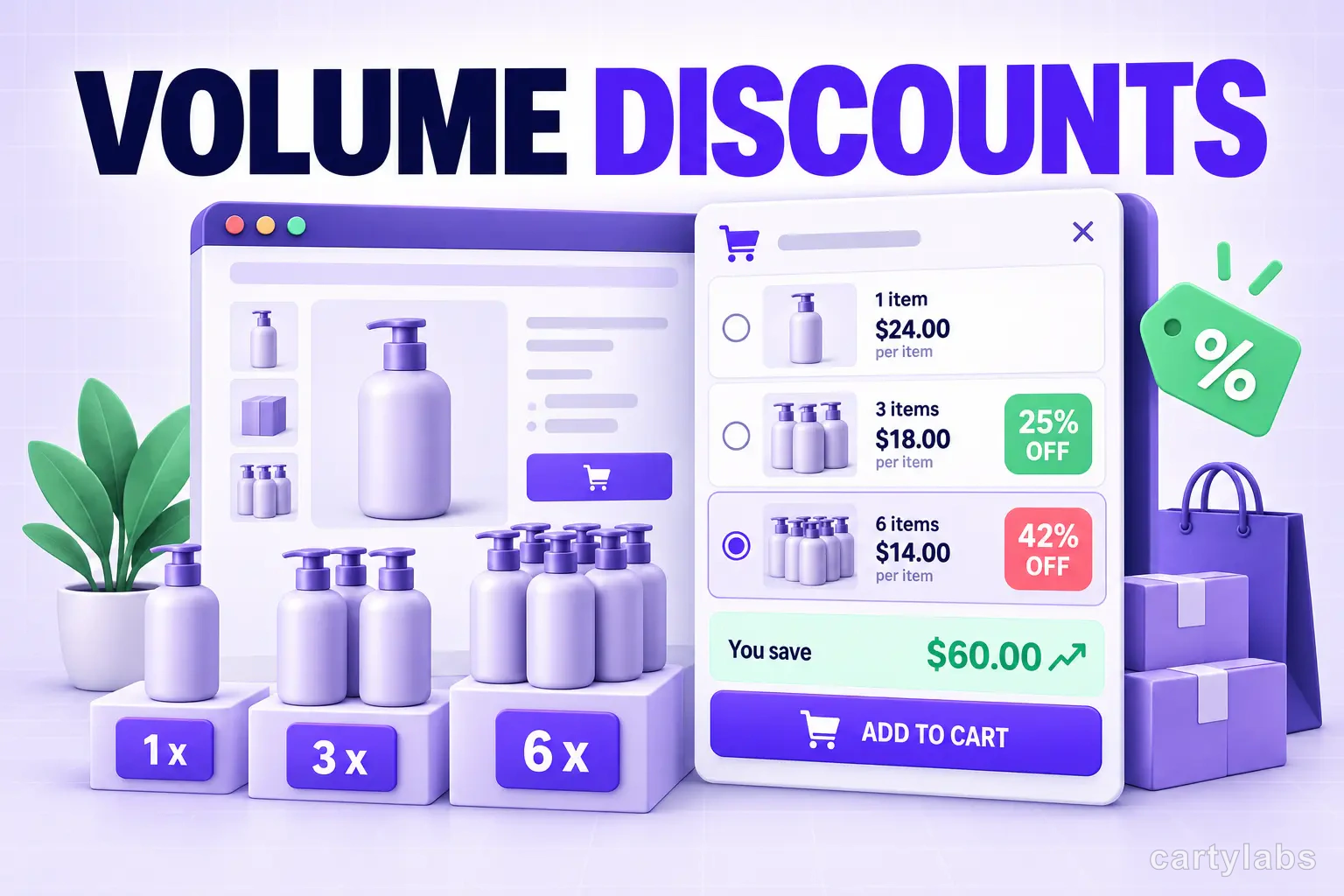
Volume Discounts & 'Buy More, Save More' Tactics for Shopify
Volume discounts lift AOV 15-30% on the right catalogs. The tier math, the SKU rules, and the Shopify implementation patterns that don't erode margin.
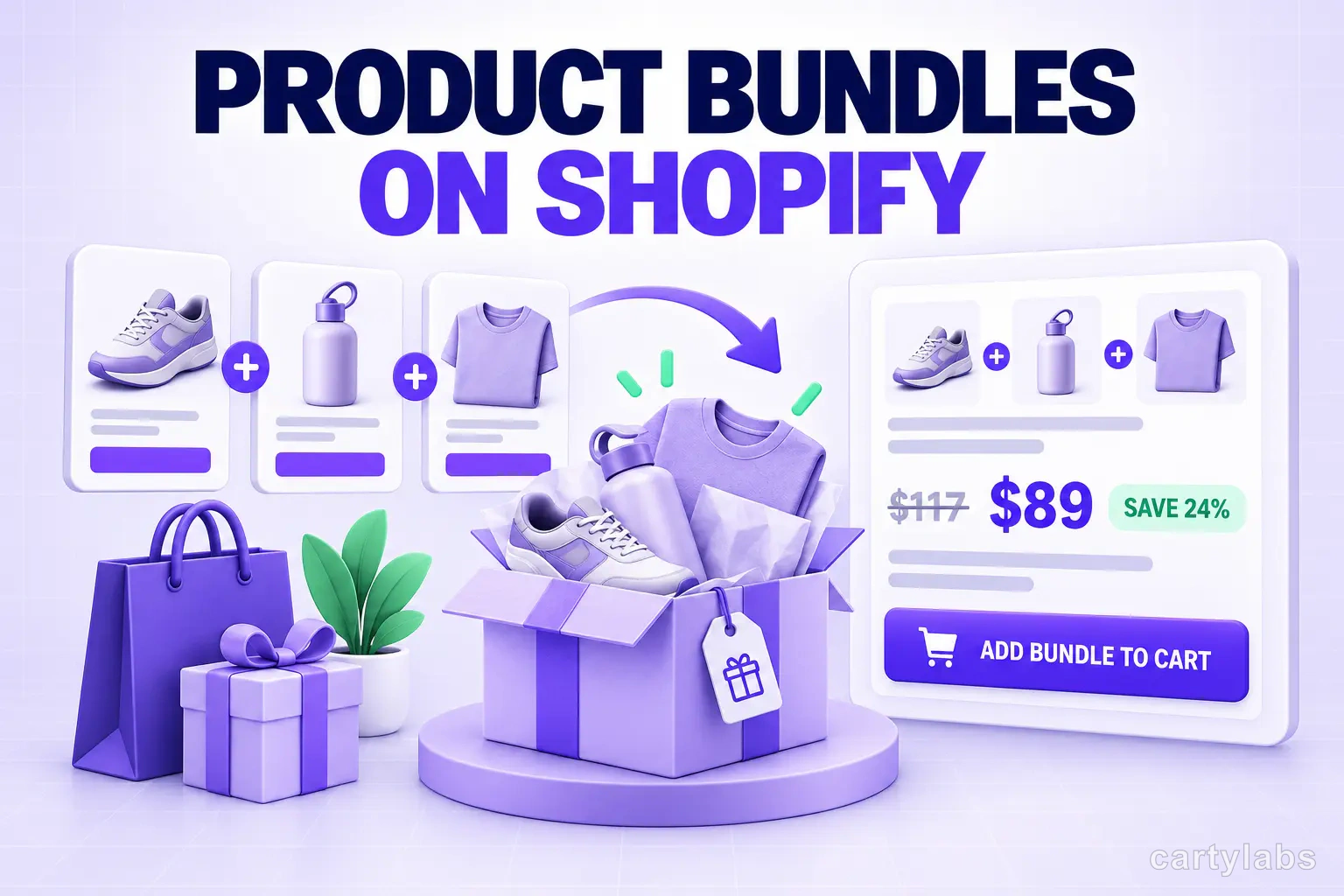
Product Bundles on Shopify: Fixed, Mix-and-Match, BOGO and More
The 6 bundle types on Shopify, the AOV math behind each, and the catalog conditions that make bundles convert. A no-fluff playbook for 2026.
 Install Cart — Free