
Shopify Cart Abandonment Playbook: 9 Fixes That Recover Revenue
Most Shopify stores leave 70% of cart revenue on the table. Nine field-tested fixes, from sticky bars to free-gift thresholds, that recover money.
In this article
- 01 1. Show real shipping cost before checkout#
- 02 2. Add a free-shipping threshold (and visualize it)#
- 03 3. Stack rewards, not just one threshold#
- 04 4. Replace the cart page with a slide-out drawer#
- 05 5. Sticky add-to-cart bar (especially on mobile)#
- 06 6. Quick Buy / Buy Now button#
- 07 7. Surface trust at the cart (not just at checkout)#
- 08 8. Auto-apply discount codes#
- 09 9. Cart reminder tab#
- 10 A simple sequencing recommendation#
- 11 How Cartylabs fits in#
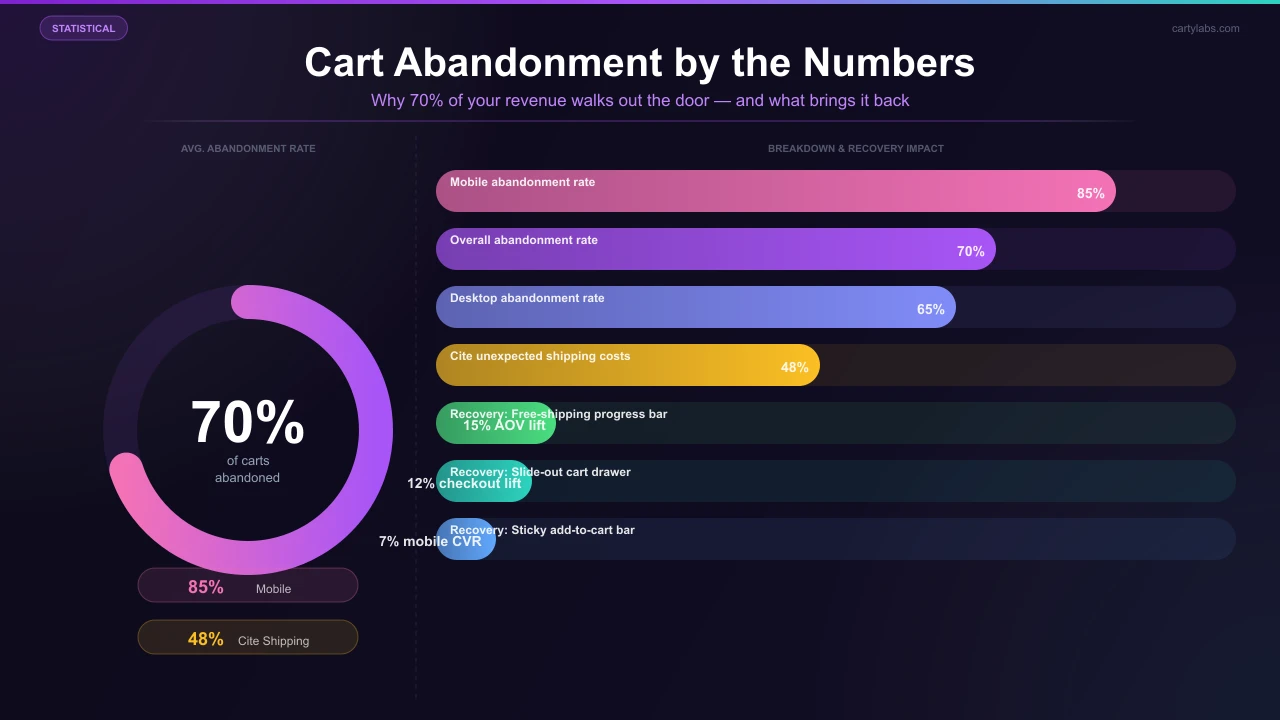
The average Shopify store loses roughly 70% of its potential cart revenue to abandonment. The Baymard Institute’s 2025 research pegs the e-commerce average at 70.19%, and on mobile, where most Shopify traffic lives, the number climbs to almost 85%.
The good news: cart abandonment isn’t one problem. It’s a stack of small frictions, and most of them have a known fix that takes minutes to ship.
Below are the nine fixes we see move the needle most often on Shopify stores using Cartylabs. They’re ranked roughly by ROI, with the easiest, highest-impact fixes at the top.
1. Show real shipping cost before checkout
Unexpected shipping is the #1 reason shoppers abandon. Baymard’s research shows that 48% of all abandonments cite “extra costs,” mostly shipping, as the trigger.
The fix: a shipping estimator inside the cart that calculates real cost from postal code before the shopper hits checkout. Even better: pair it with a “you’re $X away from free shipping” progress bar so shoppers see the lever they can pull to avoid the fee.
Field result. A US apparel store on Shopify Plus added a shipping bar plus calculator and saw cart-to-checkout rate climb from 41% to 53% in 30 days.
2. Add a free-shipping threshold (and visualize it)
If you don’t already offer free shipping above a certain order value, set one. The math is almost always favorable: shoppers stack cart value to hit it, your AOV climbs, and the extra margin covers the shipping cost.
The visual is what makes it work. A progress bar at the top of the cart (“Add $12 more to unlock free shipping!”) routinely lifts AOV by 8-15% on its own. Most Shopify cart drawer apps ship this out of the box, including Cartylabs.
3. Stack rewards, not just one threshold
One free-shipping tier is good. Three stacked rewards is better. Try:
- $50 → free shipping
- $80 → free gift (a small SKU you’d give away anyway)
- $120 → 10% off the cart
Each tier gives the shopper a fresh reason to add one more item. Stores that move from a single threshold to a stacked one typically see another 6-10% AOV lift on top of the original.
4. Replace the cart page with a slide-out drawer
The classic Shopify cart page sends shoppers to a dead-end URL: they have to navigate back to keep shopping, and many never do.
A slide-out cart drawer keeps the browse context intact. Shoppers add, see the cart open in-place, and continue browsing in one motion. Cart-to-checkout conversion typically jumps 5-12% just from this swap.
If you’re on Dawn or any modern Shopify theme, you can drop in a drawer via Cartylabs in about 90 seconds with no theme code edits required.
5. Sticky add-to-cart bar (especially on mobile)
70% of Shopify traffic is mobile. On mobile, the original add-to-cart button scrolls off-screen the moment the shopper reads more than two paragraphs of product copy.
A sticky add-to-cart bar that pins itself to the bottom of the screen as shoppers scroll keeps the buy action one tap away. On mobile alone, expect a 3-7% conversion lift. (For the full mobile playbook, see our mobile conversion optimization guide.)
6. Quick Buy / Buy Now button
For impulse purchases like single-SKU buys, restocks, and gifts, the cart is friction. A “Buy Now” button that skips the cart and sends shoppers straight to Shopify Checkout removes 1-2 steps from the funnel.
You don’t have to choose: Cartylabs lets you show “Add to cart” and “Buy now” side by side. Use Buy Now for low-AOV / high-intent products and let Add to Cart handle the bigger basket-builders.
7. Surface trust at the cart (not just at checkout)
Shoppers’ last burst of doubt happens right before they hit “Checkout,” not after. Move your trust signals into the cart drawer:
- Free returns badge
- “Secure checkout by Shopify” line
- Real customer review count
- Shipping ETA based on zip
Each one removes a tiny piece of friction. Together they’re worth a 2-5% conversion lift in our data.
8. Auto-apply discount codes
A discount code field at checkout is a leak. Shoppers see it, leave the cart to Google “[your brand] discount code,” and 60% of them never come back.
Two fixes:
- Auto-apply discounts at the cart level so codes never need to be pasted.
- If you must use codes, surface them as clickable chips inside the cart (“Click to apply WELCOME10”).
9. Cart reminder tab
Shoppers tab away. They open Slack, Instagram, and email and forget they were shopping. A dynamic browser-tab favicon counter (e.g., “(2) Your cart”) quietly nudges them back when they switch tabs.
It’s a 5-minute setup and it’s worth roughly 2-4% in recovered conversions for stores with above-average tab-switching traffic (B2B, desk-bound shoppers, large-cart categories).
A simple sequencing recommendation
If you implement nothing else this quarter, ship in this order:
- Free-shipping threshold + progress bar (week 1)
- Slide-out cart drawer (week 1)
- Sticky add-to-cart bar (week 2)
- Stacked reward tiers (week 2)
- Shipping estimator (week 3)
A typical Shopify store doing $50k/month in the funnel above will see a $5-9k/month revenue lift from these five changes alone, with no incremental ad spend.
How Cartylabs fits in
Every fix above ships in one Shopify app: Cartylabs replaces the cart drawer + sticky bar + free-gift + reward bar + shipping estimator stack that most stores have stitched together from 5-6 separate apps. Setup is about two minutes from the App Store.
If you’d rather see it on your store first, book a 15-minute demo and we’ll walk through the changes that would move the needle for your category.
Learn more: Reduce cart abandonment on Shopify, Shopify cart drawer app
Related reading: The ultimate guide to abandoned cart recovery.
Next steps
Related Shopify resources
Practical tools and product pages related to this guide.
Keep reading
All articles →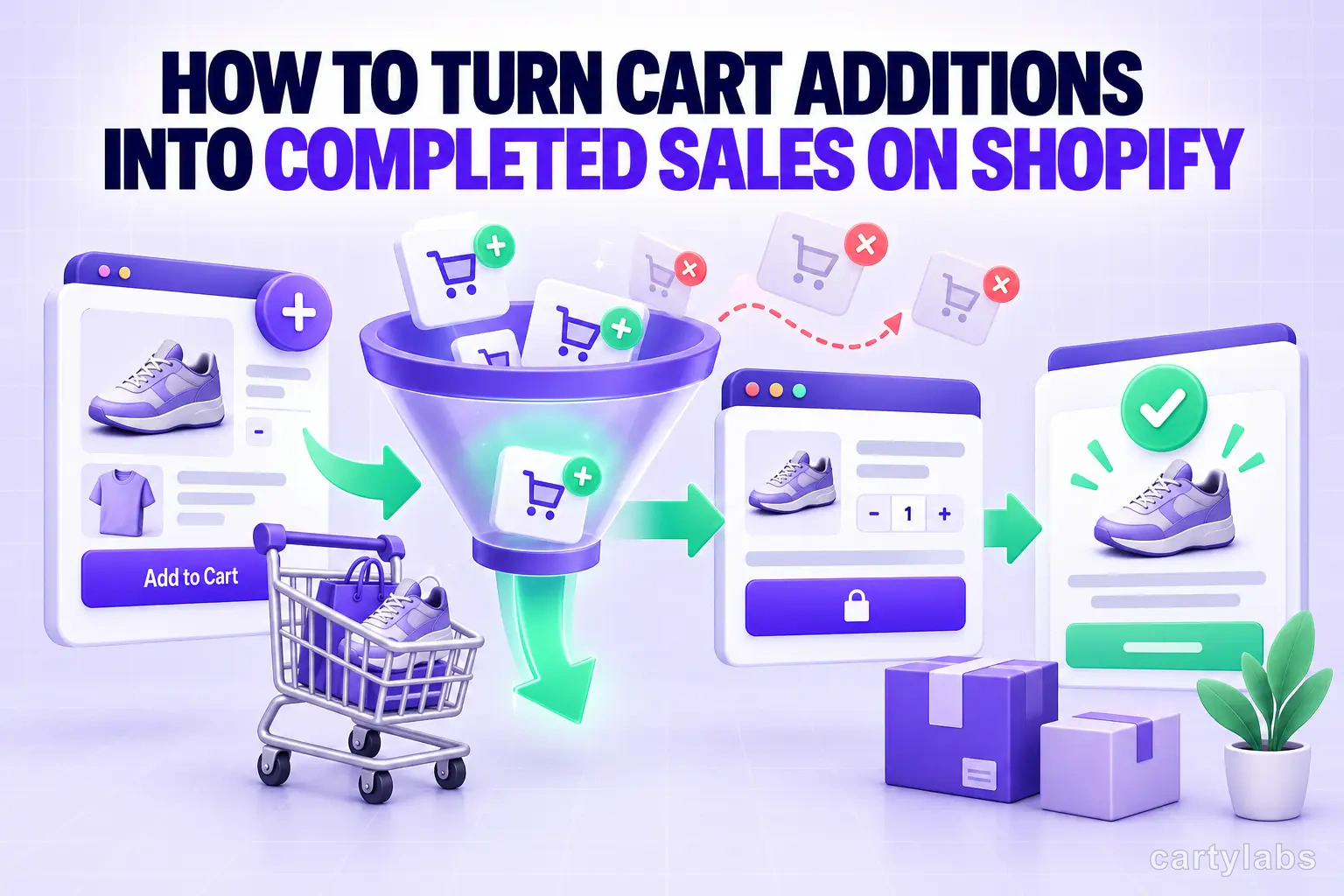
How to Turn Cart Additions Into Completed Sales on Shopify
Convert more Shopify cart additions into completed sales with proven tactics for reducing cart-to-checkout drop-off, optimizing the cart drawer, and timing reassurance messaging.
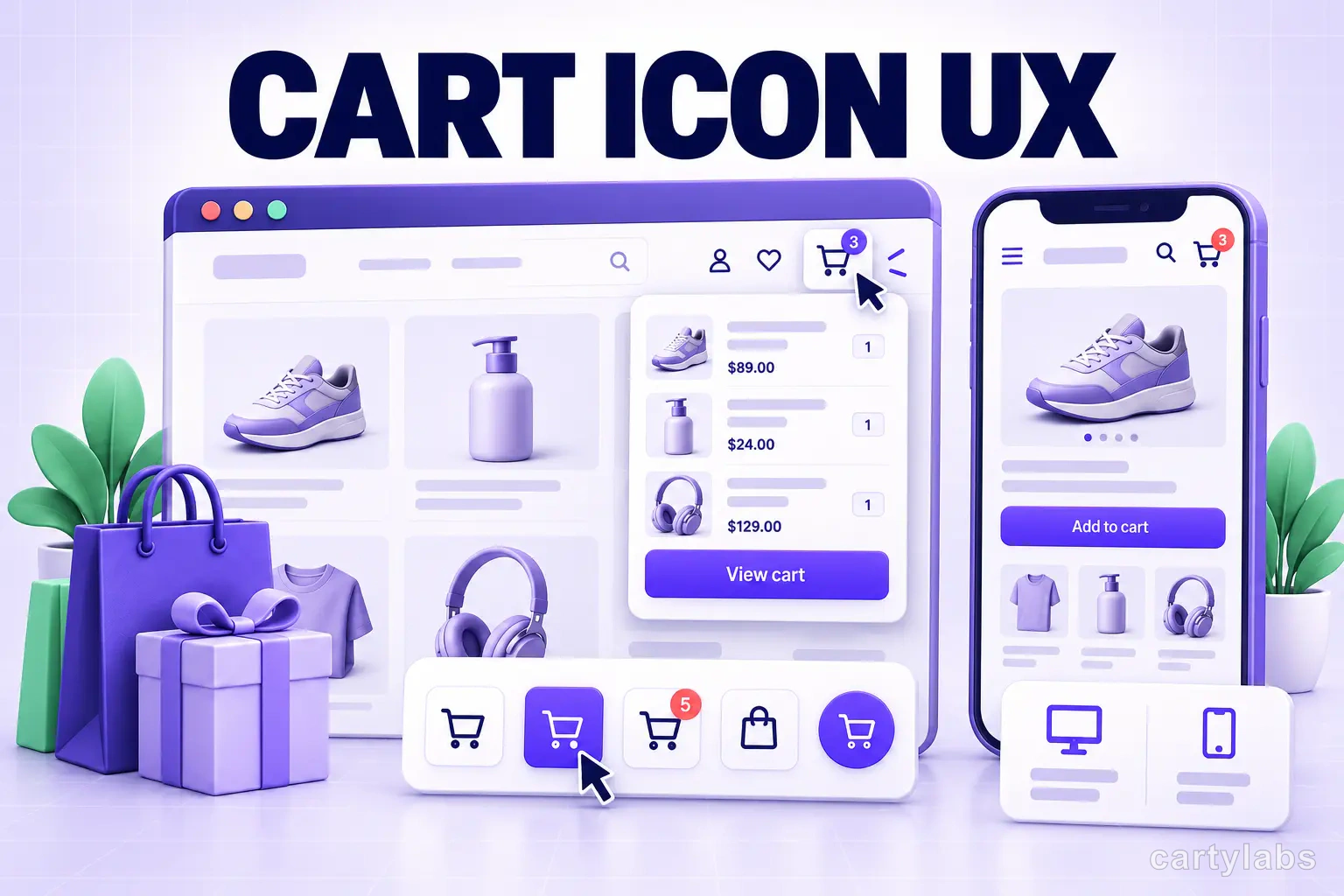
Cart Icon UX: 9 Patterns That Reduce Drop-Off
Shopify cart icon UX best practices: 9 patterns that reduce drop-off and lift cart re-engagement, with examples and conversion data from 2026.
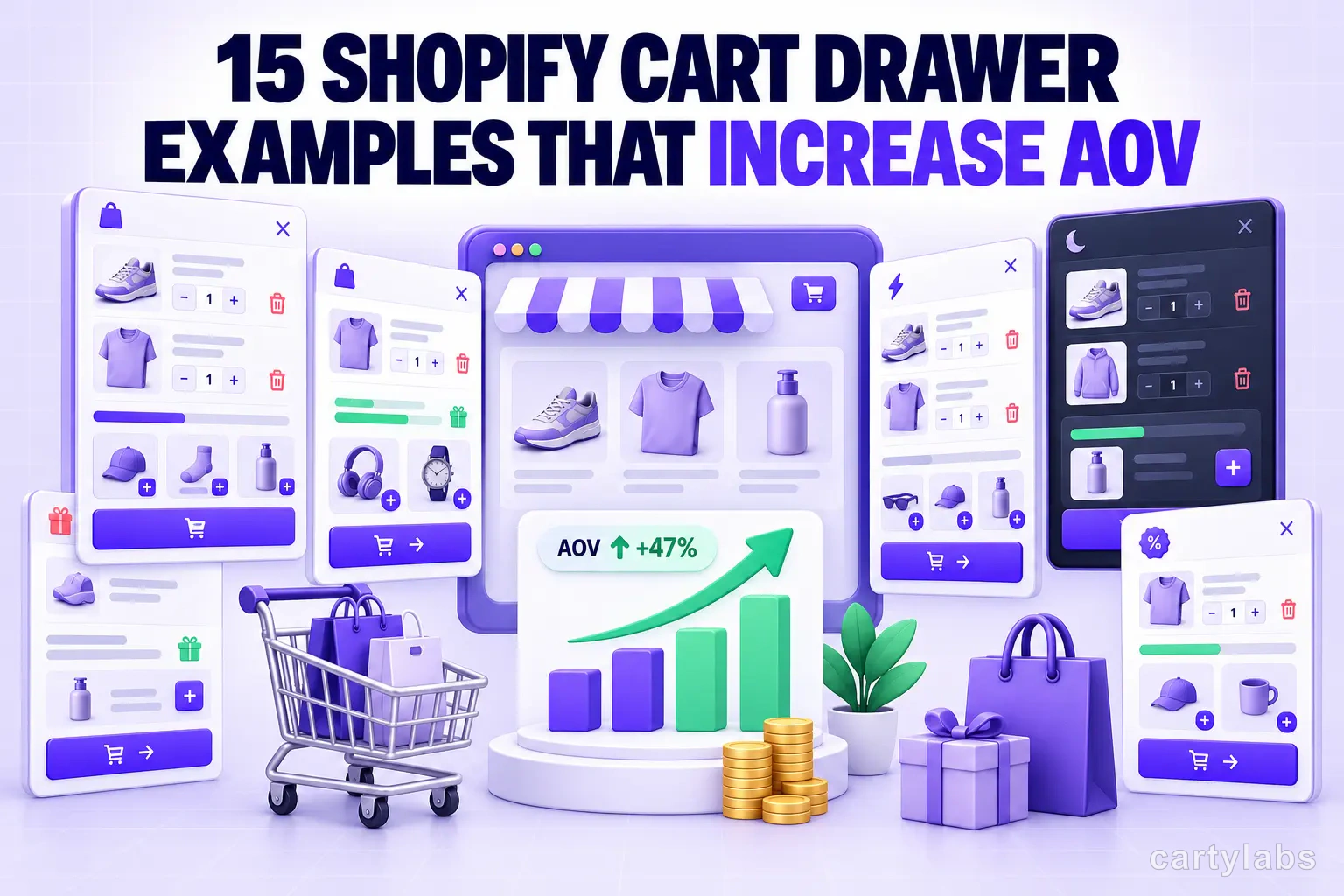
15 Shopify Cart Drawer Examples That Increase AOV
15 real Shopify cart drawers, graded on free-shipping bars, upsells, bundles, rewards, and mobile UX — with the exact tactic to copy from each.
 Install Cart — Free