
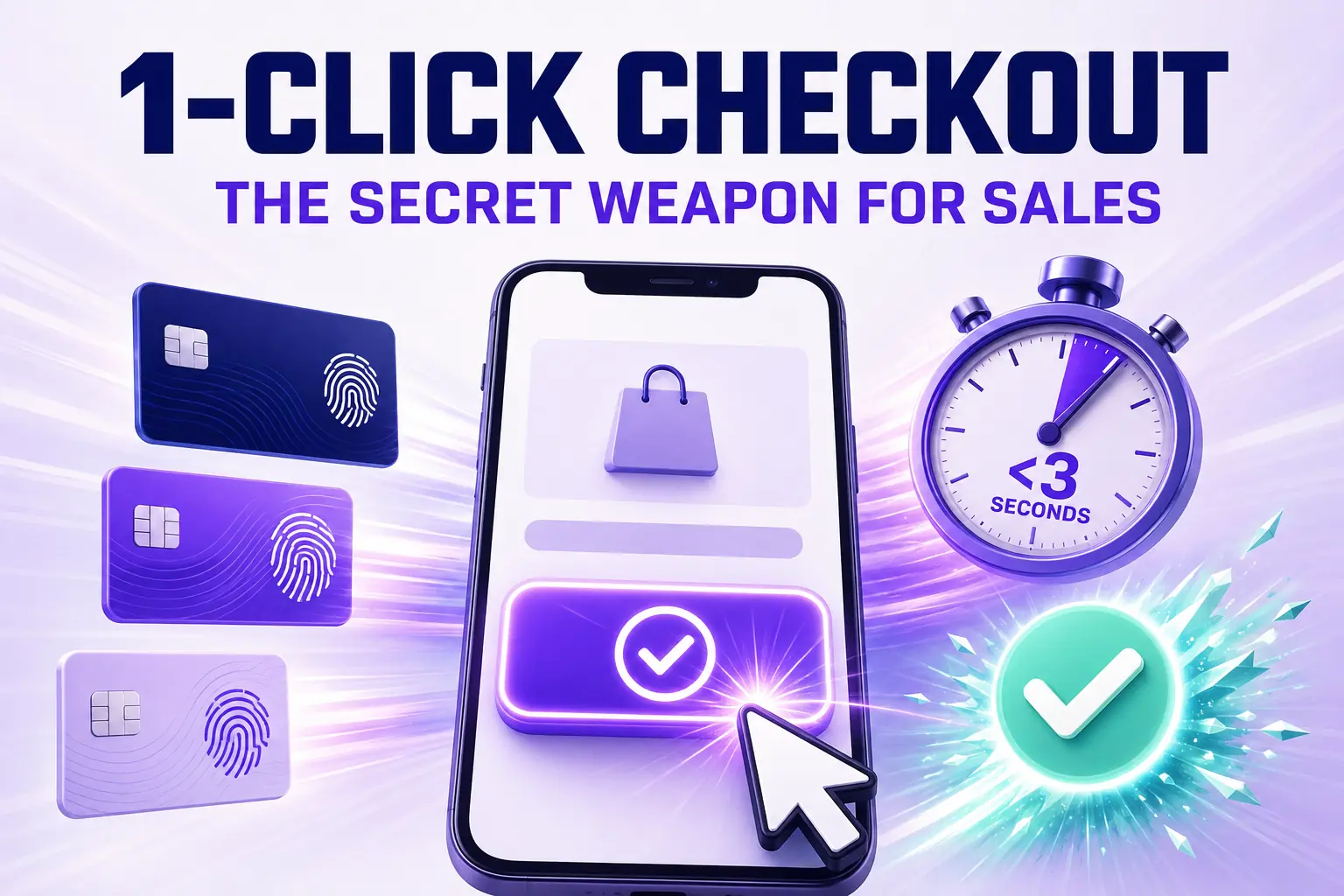
1-Click Checkout: The Shopify Merchant's Secret Weapon for Sales
Enable 1-click checkout on Shopify with Shop Pay, Apple Pay, and Google Pay to convert returning buyers in under three seconds. Setup, placement, conversion math, and the apps that extend it beyond Shop Pay.
In this article
- 01 What “1-click checkout” actually means on Shopify#
- 02 The conversion math behind one-click#
- 03 Setting up Shop Pay correctly#
- 04 Adding Apple Pay and Google Pay#
- 05 Adding PayPal Express#
- 06 Where to place one-click buttons#
- 07 Where one-click is misconfigured most often#
- 08 One-click and AOV#
- 09 Beyond Shopify-native one-click#
- 10 Measuring one-click impact#
One-click checkout is the single highest-leverage move available to Shopify merchants in 2026 and most stores have it half-configured at best. The promise is simple: a returning buyer taps one button and the order is complete in under three seconds, no form fields, no friction, no decision to second-guess. The conversion impact is enormous, often twelve to twenty-eight percent higher on the buyers who use it.
This guide walks through how to set up one-click checkout properly on Shopify, where to place the buttons, and the conversion math that explains why this is the secret weapon for sales in 2026.
For the broader fast checkout context, our Shopify quick buy and fast checkout guide covers the full pattern set.
What “1-click checkout” actually means on Shopify
One-click checkout is a payment flow where a returning buyer who has previously saved their card and address can complete a new purchase by tapping a single button. On Shopify in 2026, four flavors of this exist:
- Shop Pay (Shopify’s native, available on every store)
- Apple Pay (via Shopify Payments or Stripe)
- Google Pay (same)
- PayPal Express (PayPal)
Each one stores the buyer’s payment and shipping data with a third-party provider (Shop Pay with Shopify, Apple Pay with Apple, etc.) and lets the buyer pay without typing anything.
The key insight: these are not just additional payment methods. They are alternative checkout flows that skip the entire form. The conversion math is dramatically different from “regular checkout with extra payment options.”
The conversion math behind one-click
Standard Shopify checkout has a completion rate around thirty-five to fifty percent. Shop Pay one-tap completion rate, for buyers who use it, is typically seventy to eighty percent. That gap (twenty to forty absolute points of completion) is not driven by Shop Pay being a “better” payment method. It is driven by Shop Pay eliminating the friction of form completion.
The same gap exists for Apple Pay and Google Pay on mobile. On stores where one-click checkout buttons render above the email field on mobile, twenty to forty percent of completions happen through the one-click flow rather than the regular flow, and total completion rate moves up correspondingly.
Setting up Shop Pay correctly
Shop Pay is on by default for every Shopify store, but the merchant-side configuration that produces maximum lift requires three settings:
- Shop Pay button placement: above the email field on checkout, above the buy button on PDPs, inside the cart drawer
- Shop Pay Installments enabled (offers buy-now-pay-later, which lifts AOV on certain categories)
- Shop Pay one-page checkout enabled (so returning buyers see the express path immediately)
All three are configurable in the Shopify admin. Most stores have one or two of the three; few have all three.
Adding Apple Pay and Google Pay
These two require Shopify Payments or a Shopify Payments-compatible gateway like Stripe. Once enabled, the buttons appear automatically on supported devices. The merchant-side work is:
- Ensure the buttons render above the email field on mobile checkout
- Test the merchant-domain verification (Apple Pay requires it)
- Verify the buttons render on the cart drawer and PDPs, not just on checkout
The placement is the entire game. Buttons buried at the bottom of checkout produce a fraction of the lift of buttons surfaced at the top.
Adding PayPal Express
PayPal Express is the laggard of the four. It still produces meaningful lift for older demographics and certain regions but the conversion gap to Shop Pay is significant. Treat it as a backup, not a primary one-click option.
Where to place one-click buttons
The placements that produce the highest lift, in priority order:
1. Above the email field on mobile checkout
The single most important placement. A mobile buyer should see Shop Pay, Apple Pay, and Google Pay before they are asked for any form input. This is the difference between thirty and seventy percent completion for the relevant buyer segments.
2. Inside the cart drawer
A Shop Pay or Apple Pay button alongside the regular “Checkout” button in the cart drawer. Buyers who recognize their preferred one-click method tap it directly and skip the standard checkout flow.
3. On product detail pages
A dynamic checkout button below the regular “Add to cart” button on the PDP. For a returning Shop Pay user, this is the fastest path from PDP to order confirmation on the internet.
4. On the cart page (not just the drawer)
If you offer a separate cart page in addition to the drawer, mirror the cart-drawer button placement here.
Where one-click is misconfigured most often
The patterns we see in store audits:
- Shop Pay button hidden at the bottom of checkout
- Apple Pay disabled on devices that support it (often due to a Shopify Payments misconfiguration)
- PDP dynamic checkout button turned off (a common theme default)
- Cart drawer with no one-click button at all
Fixing any one of these typically lifts overall checkout completion measurably within fourteen days.
One-click and AOV
A common worry is that one-click checkout lifts conversion but compresses AOV (because the buyer skips upsell opportunities). The data does not support this fear. One-click buyers typically have higher AOV because they are repeat buyers with higher LTV.
That said, post-purchase upsells on the Thank You page are particularly important for one-click flows since the in-checkout upsell window is compressed. See our post-purchase upsell guide.
Beyond Shopify-native one-click
A few third-party platforms (Bolt, Fast historically, Catch) have offered cross-merchant one-click checkout. The Shopify-native Shop Pay has effectively won this category by being on every Shopify store and shared across all of them. In 2026, Shop Pay is the de facto one-click standard for Shopify and additional third-party one-click apps offer marginal value relative to the native experience.
Measuring one-click impact
The metrics to watch after fixing one-click placement:
- Shop Pay completion rate (target: seventy percent or higher)
- Apple Pay mobile completion rate (target: similar)
- Share of orders through one-click (target: thirty to fifty percent on mobile)
- Overall checkout completion rate (will reflect the weighted lift)
If your share of orders through one-click is below twenty percent, placement is the issue, not buyer preference. Fix placement first; conversion will follow.
For a cart drawer that surfaces Shop Pay and Apple Pay buttons in the right placement out of the box, Cartylabs ships one-click integration as a default so the highest-leverage move on Shopify is in place from day one.
Next steps
Related Shopify resources
Practical tools and product pages related to this guide.
Keep reading
All articles →
Cart Icon UX: 9 Patterns That Reduce Drop-Off
Shopify cart icon UX best practices: 9 patterns that reduce drop-off and lift cart re-engagement, with examples and conversion data from 2026.
15 Shopify Cart Drawer Examples That Increase AOV
15 real Shopify cart drawers, graded on free-shipping bars, upsells, bundles, rewards, and mobile UX — with the exact tactic to copy from each.
Cart Page vs Cart Drawer on Shopify: Which Converts Better?
Cart drawer or cart page on Shopify? A data-backed decision guide covering mobile, upsells, speed, and the store types where a cart page still wins.
 Install Cart — Free