
Best Shopify Cross-Sell Apps for 2026: The Honest Comparison
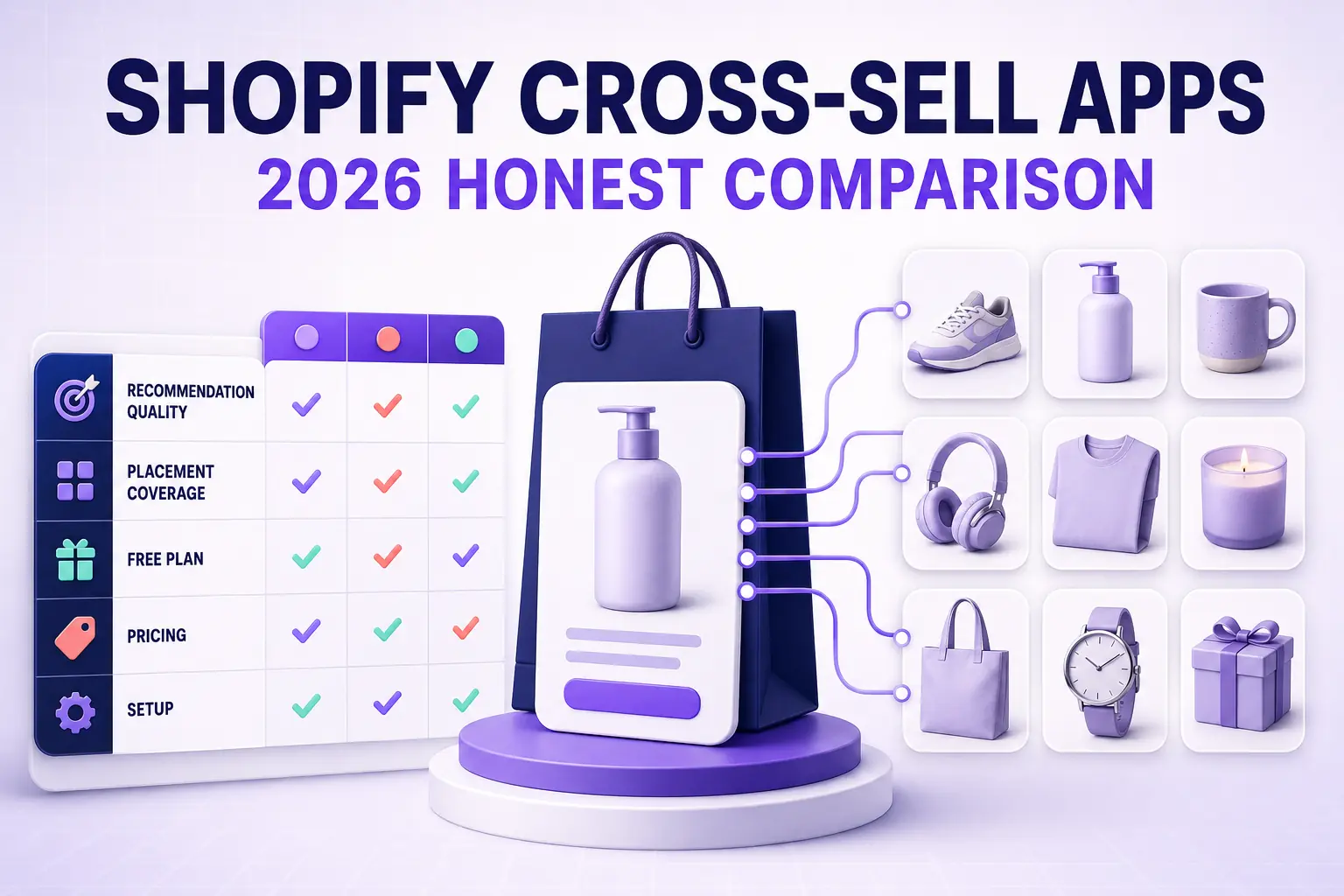
The 9 best Shopify cross-sell apps for 2026 compared on recommendation quality, placement coverage, free plans, pricing model, and setup time — plus which store profile each one actually fits.
In this article
- 01 Cross-sell vs upsell — the distinction that changes your app choice#
- 02 Where cross-sells can appear#
- 03 The cross-sell apps worth comparing#
- 04 Best free Shopify cross-sell apps#
- 05 What actually matters when choosing#
- 06 Cross-sell fundamentals that matter regardless of app#
- 07 What to skip#
- 08 Realistic lift expectations#
- 09 A short summary#
Cross-selling is the cheapest revenue in ecommerce. You’ve already paid to acquire the visitor, already earned the add-to-cart. Getting a second item into that order costs nothing but a well-placed recommendation, and a competent cross-sell app typically lifts AOV 6-14% without touching traffic.
This post compares the best Shopify cross-sell apps for 2026. If you’re specifically after in-cart upselling rather than cross-sell recommendations, start with best Shopify cart drawer apps. For the post-purchase surface, see best Shopify checkout upsell apps.
Cross-sell vs upsell — the distinction that changes your app choice
These get used interchangeably and they shouldn’t, because they need different engines:
- Upsell = a better version of what they’re buying. Larger size, premium tier, longer subscription. One product, traded up.
- Cross-sell = an additional, complementary product. Phone case with the phone, filters with the coffee maker.
Upsells work off product metadata — variants, tiers, price ladders. Rules get you most of the way there. Cross-sells work off relationships between distinct SKUs, which is a much harder inference problem. A rules-only app makes you hand-build every pairing; that’s fine at 40 SKUs and impossible at 2,000.
This is the single most important thing to get right when picking an app. Everything below is scored against it.
Where cross-sells can appear
Placement coverage varies enormously between apps, and coverage matters more than the sophistication of any single placement:
- Product page — “frequently bought together”, below the buy button
- Cart drawer / cart page — highest-intent moment, usually the best-converting placement
- Checkout — via Checkout Extensibility (Shopify Plus for some surfaces)
- Post-purchase / thank-you page — one-click add, no re-entry of payment details
- Collection and search pages — “customers also viewed”
- Email and SMS — post-order recommendation blocks
Most apps cover two or three well. Very few cover five. An app strong on the product page and absent from the cart is leaving the highest-intent surface empty.
The cross-sell apps worth comparing
Listed alphabetically. Each is a well-regarded option in the category.
Also Bought (Code Black Belt)
Approach: Amazon-style “customers who bought this also bought”, trained on your full order history.
- Engine: Collaborative filtering on your own order data
- Placements: Product page, cart
- Setup: 5-15 minutes, imports full order history on install
- Standout: Genuinely automatic. No manual pairing at any catalog size.
- Trade-offs: Narrow placement coverage. Needs real order volume before recommendations get good.
Bold Upsell / Bold Brain
Approach: Long-standing upsell suite with an AI recommendation layer bolted alongside.
- Engine: Rules for upsells, AI for the “Brain” recommendation product
- Placements: Product page, cart, post-purchase
- Setup: 20-45 minutes
- Standout: Mature, heavily-reviewed, deep offer logic for funnel-style sequences
- Trade-offs: Two products stitched together. Configuration sprawl. Priced above the category median.
Candy Rack (Digismoothie)
Approach: Clean one-click add-on offers, strongest on the product page.
- Engine: Rules-based, with an optional smart auto-recommendation mode
- Placements: Product page, cart, post-purchase
- Setup: 10-20 minutes
- Standout: Best-in-class offer UX. Add-ons feel native rather than bolted on, which matters for services, warranties, and gift wrap.
- Trade-offs: Leans manual for large catalogs. Not the pick if you need automatic pairing across thousands of SKUs.
Cartylabs
Approach: All-in-one pre-checkout suite — cart drawer, per-store AI recommendations, stacked rewards.
- Engine: Per-store ML trained on your catalog and purchase data
- Placements: Product page, cart drawer, checkout, post-purchase
- Pricing: Free, then $9.99/$29.99/$99.99 flat tiers
- Setup: 2-5 minutes via App Embed
- i18n: Native 16-language support, multi-currency
- Standout: Cross-sells sit inside the cart drawer rather than in a separate widget, so the highest-intent surface is covered by default. Flat pricing across seasonal spikes.
- Trade-offs: Lighter on collection- and search-page recommendations than dedicated personalization engines.
Frequently Bought Together (Code Black Belt)
Approach: The category’s best-known single-purpose app. Amazon-style bundle widget on the product page.
- Engine: Trained on your order history, with manual override
- Placements: Product page primarily
- Setup: 5-15 minutes
- Standout: Does one thing extremely well, with bundle discounts built in. Very high review volume.
- Trade-offs: Essentially a product-page tool. You’ll need something else for cart and post-purchase.
LimeSpot Personalizer
Approach: Full personalization engine — recommendations everywhere, plus segmentation.
- Engine: Behavioral AI with visitor-level personalization
- Placements: Product page, cart, collection, search, email, post-purchase
- Setup: 30-60 minutes
- Standout: Widest placement coverage in this list. Real segmentation and A/B testing.
- Trade-offs: The most to configure, and priced accordingly. Overkill under roughly 500 orders/month.
Selleasy (Logbase)
Approach: Straightforward upsell and cross-sell across the funnel, with a genuinely usable free tier.
- Engine: Rules-based with auto-suggested pairings
- Placements: Product page, cart, post-purchase
- Pricing: Free tier for low order volume, then paid tiers
- Setup: 15-30 minutes
- Standout: The strongest free option here. Good support reputation.
- Trade-offs: Rules-first, so large catalogs mean real setup work.
Shopify Search & Discovery (native)
Approach: Shopify’s own free app. Complementary and related product recommendations.
- Engine: Shopify’s native recommendation API
- Placements: Product page, collection, search
- Pricing: Free
- Setup: 10-20 minutes, plus theme work to place the widgets
- Standout: Free, first-party, zero performance overhead, will never break on a platform update.
- Trade-offs: No cart drawer, no post-purchase, no bundle discounting, no offer logic. A floor, not a strategy.
Wiser Product Recommendations
Approach: Broad recommendation coverage at a mid-market price.
- Engine: AI recommendations with manual rules on top
- Placements: Product page, cart, thank-you page, collection
- Setup: 20-40 minutes
- Standout: Good coverage-to-price ratio. Solid template library for recommendation blocks.
- Trade-offs: Recommendation quality is a step behind dedicated personalization engines on large catalogs.
Best free Shopify cross-sell apps
The free tier question comes up constantly, so to be direct about it:
- Shopify Search & Discovery — permanently free, no order caps, but product-page and collection only
- Selleasy — free below a monthly order threshold, and the free tier is genuinely functional across product page, cart, and post-purchase
- Cartylabs — free plan covering the cart drawer and AI recommendations
- Zoorix — free plan with a bundle and cross-sell widget
A working pattern for a new store: Shopify’s native app for product-page and collection recommendations, plus one free cart-surface app. That covers four placements at $0 and is enough to prove the AOV lift before you pay for anything.
What to be wary of: “free” plans capped at a very low monthly order count. You outgrow them exactly when the app starts mattering, and migrating recommendation config mid-season is miserable.
What actually matters when choosing
Four criteria predict satisfaction far better than feature count.
1. Engine type vs your catalog size
Under ~100 SKUs, rules-based is fine and often better — you know your catalog, and hand-picked pairings beat a cold-start model. Between 100 and 1,000 SKUs, hand-building pairings stops scaling and automatic inference starts winning. Above 1,000, rules-only apps are unusable and you need a real recommendation engine.
Match the engine to the catalog. This one decision explains most of the bad app fits we see.
2. Order history depth
Collaborative filtering — the “customers also bought” approach — needs data. Below roughly 500 historical orders it has little to work with and will recommend near-randomly, which is worse than nothing because shoppers learn to ignore the widget.
New stores are better served by rules or content-based similarity until the order history is deep enough to switch.
3. Placement coverage, weighted toward the cart
If you can only cover one surface, cover the cart. It consistently out-converts the product page for cross-sells, because the purchase decision is already made and you’re adding to it rather than complicating it.
Apps that treat the cart as an afterthought are leaving the best placement empty regardless of how good the model is.
4. Pricing model
Flat per-tier keeps cost predictable across BFCM and seasonal spikes. Revenue-share and usage-based models align cost with results but can bite hard in a spike month. Neither is wrong — but know which one you’re signing up for before Q4.
Cross-sell fundamentals that matter regardless of app
Some levers are app-independent:
- Two recommendations, not six. Cross-sell widgets showing six products convert worse than ones showing two. More options means more deliberation, and deliberation at the cart is where orders go to die.
- Recommend cheaper than the anchor product. A cross-sell priced above the item in the cart reframes the whole purchase and stalls it. Keep add-ons well under the anchor price.
- Never cross-sell into an empty cart. Recommendations before any add-to-cart are just a worse collection page.
- Bundle the discount, don’t discount the item. “Add both, save 10%” outperforms “10% off this item” because it prices the pair, which is what you’re actually selling.
- Exclude what they already own. Recommending a repeat purchase of a durable good is the fastest way to make the widget look broken. Check that your app filters purchase history.
- Watch page weight. Recommendation widgets that inject render-blocking scripts on the product page can cost more in bounce than they earn in AOV. Measure LCP before and after install.
What to skip
- Apps that inject recommendations via a script tag rather than a theme app extension. They’re slower, they break on theme updates, and Shopify is steadily deprecating the pattern.
- Popup cross-sells that interrupt add-to-cart. They test well on click-through and badly on completed orders.
- Any app that can’t exclude out-of-stock products. More common than it should be, and it makes every recommendation suspect.
- Running two recommendation apps at once. Two engines fighting over the same placement produce duplicate and contradictory recommendations. Pick one per surface.
Realistic lift expectations
Across a 30-day post-install window, for stores with a catalog that supports genuine complementary pairings:
- AOV lift: +6-14% from cross-sells alone
- Attach rate (orders containing a recommended item): 8-20%
- Combined revenue lift: +5-12% on the same traffic
The variance is almost entirely catalog-driven. Stores selling products with obvious companions — apparel, electronics, hobby, beauty — sit at the high end. Single-product and highly considered-purchase stores sit at the low end, and some shouldn’t run cross-sells at all.
If you’re seeing under 3% lift after 30 days, the usual causes are: recommendations priced too close to the anchor product, too many options shown at once, or a placement that misses the cart entirely.
A short summary
There’s no single best Shopify cross-sell app — the right answer falls out of catalog size and order history.
Under 100 SKUs: Candy Rack or Selleasy. Rules are an advantage at this size, and the free tiers are real.
100-1,000 SKUs: Cartylabs or Wiser. You need automatic pairing plus cart-surface coverage, and flat pricing keeps Q4 sane.
1,000+ SKUs, 500+ orders/month: LimeSpot for full personalization breadth, or Also Bought / Frequently Bought Together if you want a focused engine on your own order history.
Any size, $0 budget: Shopify Search & Discovery for the product page, plus one free cart-surface app.
Pick on engine type and placement coverage. Feature lists in this category are nearly identical and tell you almost nothing.
Try Cartylabs free if you want AI cross-sells in the cart drawer alongside stacked rewards.
Related reading: Best Shopify cart drawer apps, Shopify frequently bought together bundles, AI product recommendations for Shopify, Top Shopify AOV apps.
Next steps
Related Shopify resources
Practical tools and product pages related to this guide.
Keep reading
All articles →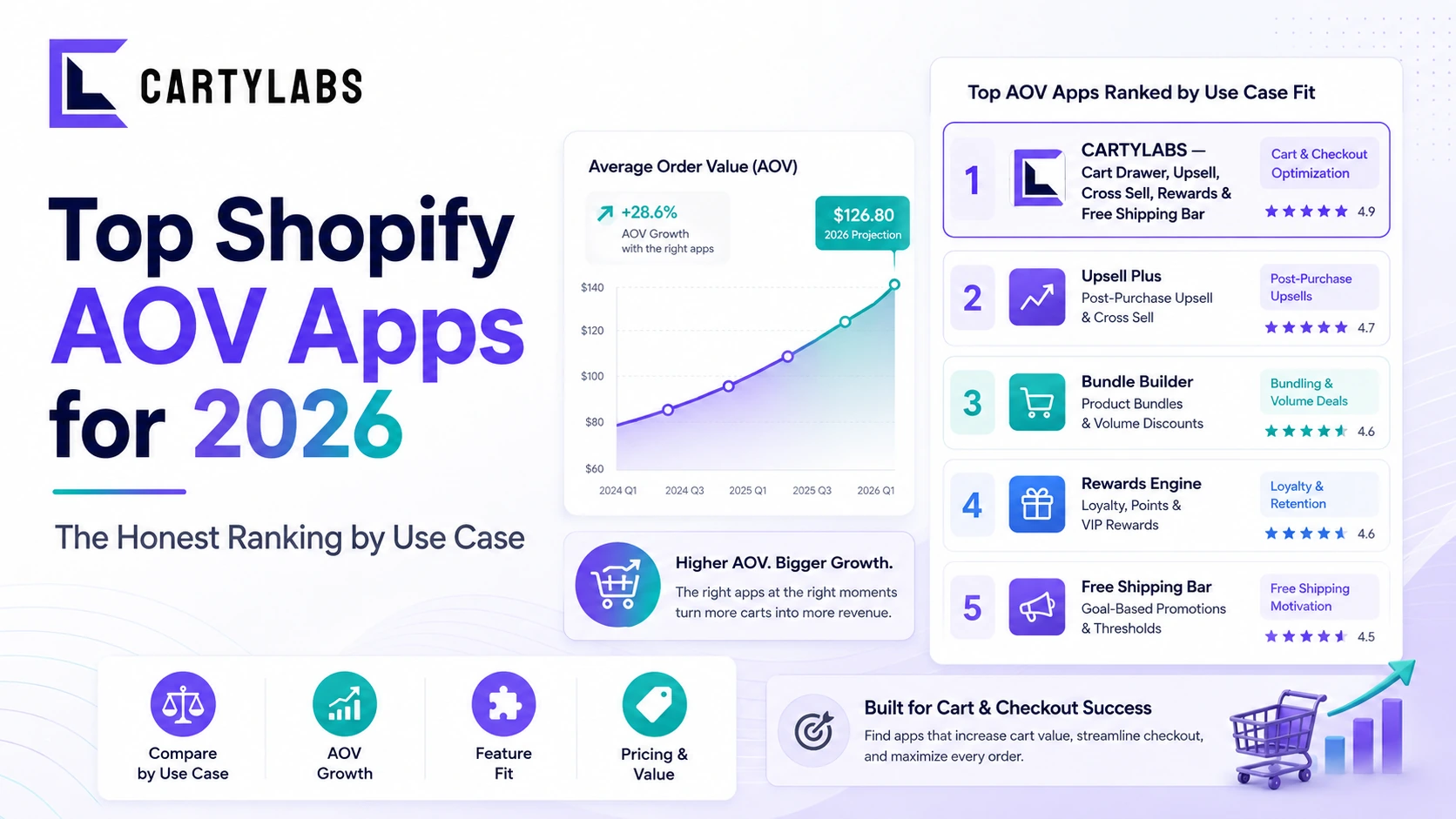
Top Shopify AOV Apps for 2026: The Honest Ranking by Use Case
The 12 best Shopify apps for increasing average order value in 2026. Cart drawer, upsells, bundles, post-purchase, subscriptions, shipping protection, compared on lift, pricing, and fit.
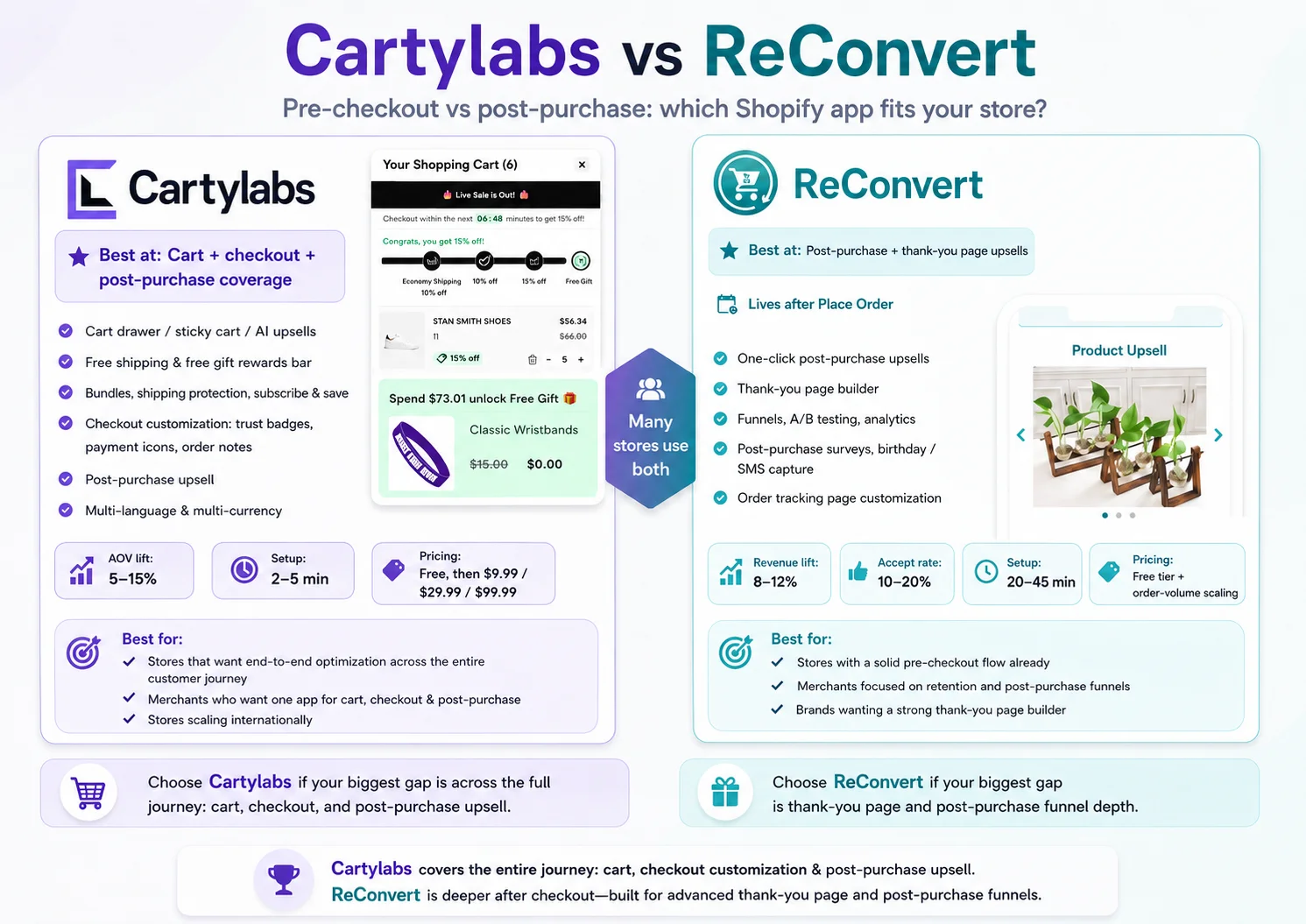
Cartylabs vs ReConvert: How the Two Compare Across Shopify Checkout Surfaces
Cartylabs vs ReConvert compared head-to-head. What each one does, where they overlap, pricing, setup, and which store profiles each one fits in 2026.
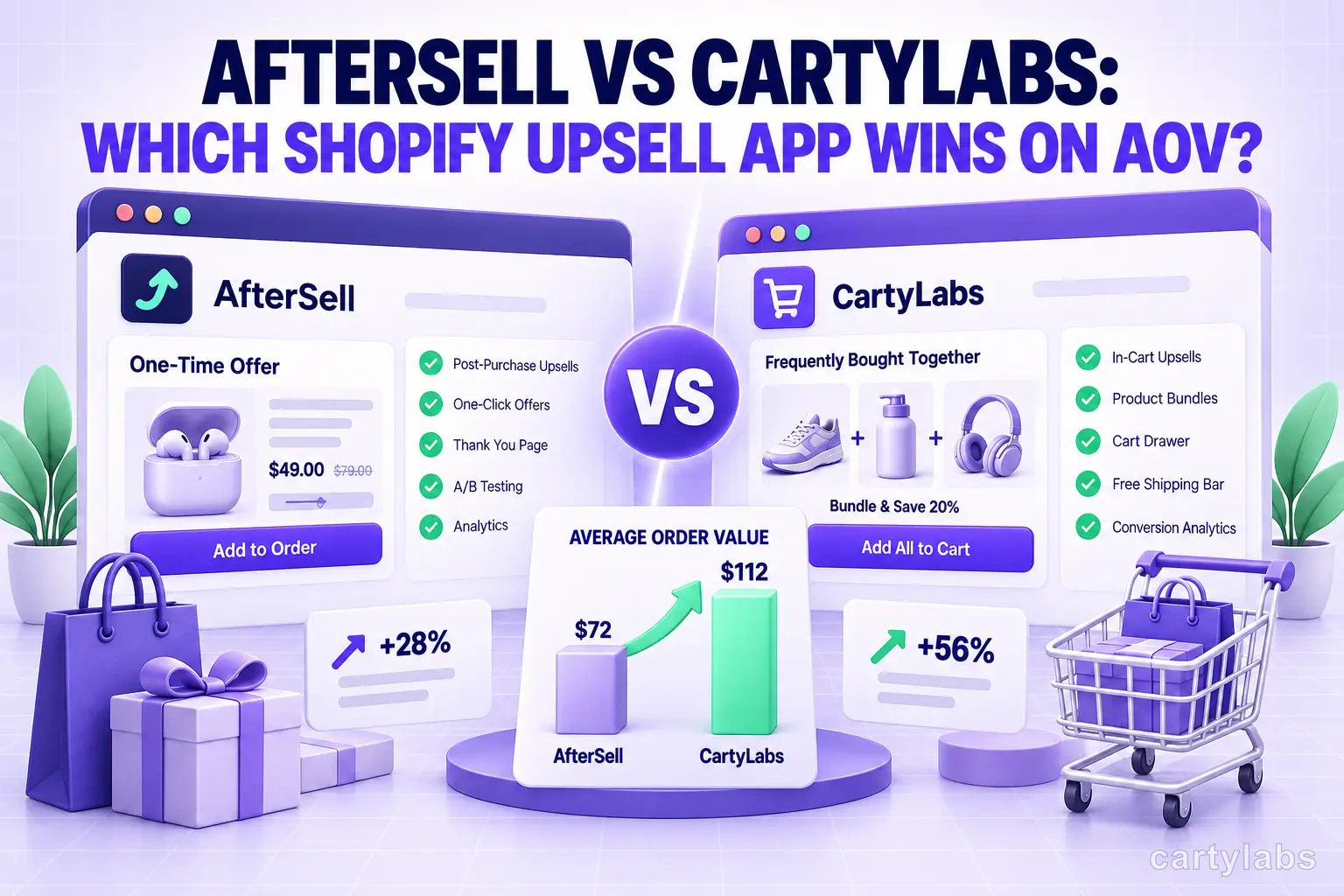
AfterSell vs Cartylabs: Which Shopify Upsell App Wins on AOV?
AfterSell vs Cartylabs compared head-to-head on Shopify cart drawer, AI upsells, AOV lift, pricing, and setup. An honest breakdown for 2026.
 Install Cart — Free