
Best Shopify Cart Drawer Apps for 2026: The Honest Comparison
The 8 best Shopify cart drawer apps for 2026 compared on AOV lift, customization, AI upsells, pricing, setup time, and which store profiles each one fits.
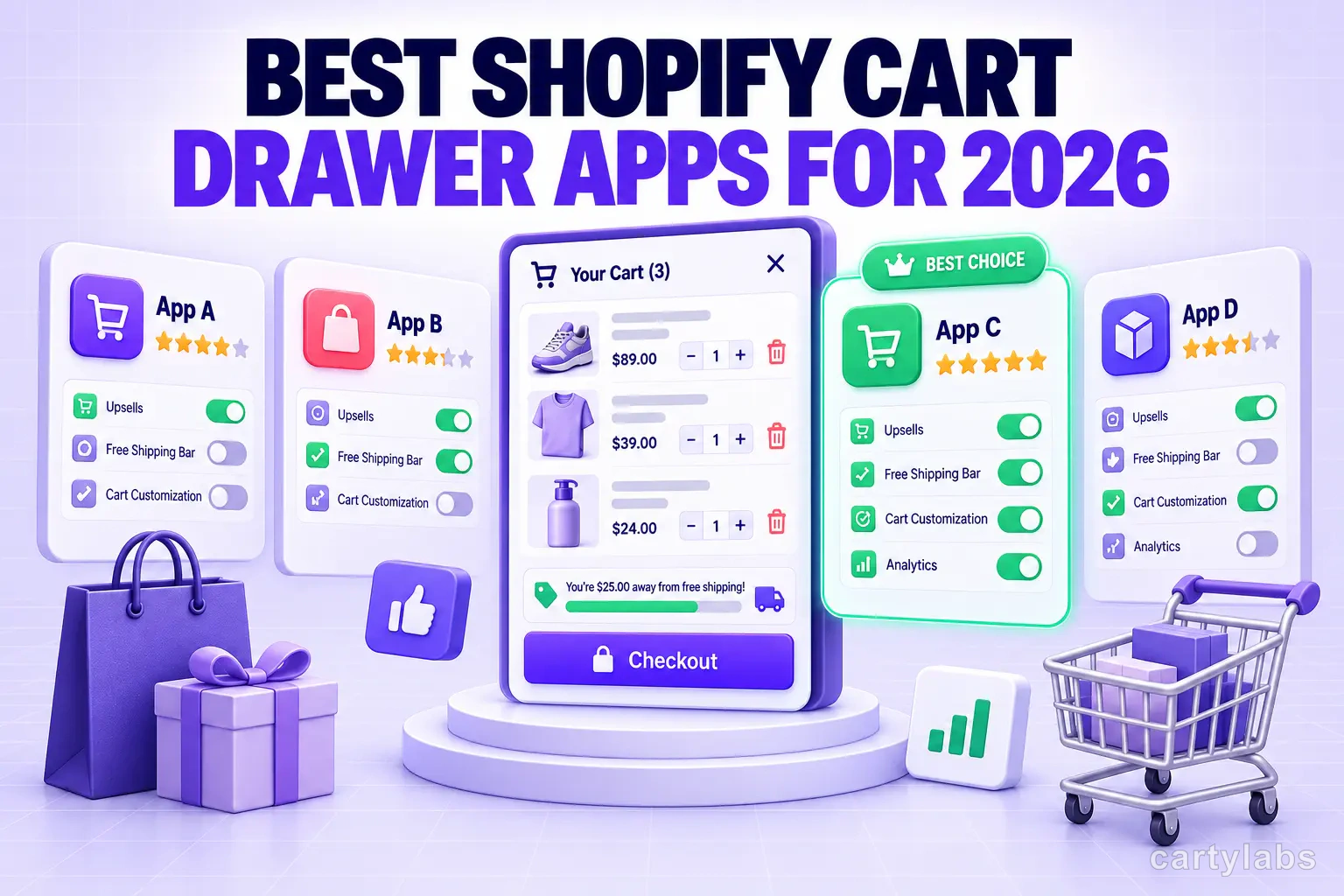
In this article
A slide-out cart drawer is one of the highest-impact swaps you can make on a Shopify store. Replacing the default /cart page with a drawer typically lifts cart-to-checkout rate 5-12% on mobile and 3-7% on desktop, and the implementation takes under an hour with the right app.
This post compares the top Shopify cart drawer apps for 2026. The companion piece on alternatives specifically to Rokt Upcart is Rokt Upcart alternatives. The underlying playbook on the cart drawer surface itself is in our Shopify cart drawer guide.
What a cart drawer app actually does
Before comparing apps, know what you’re buying. A modern Shopify cart drawer app handles:
- Slide-out cart drawer that replaces (or augments) the
/cartpage - AI or rule-based in-cart upsells (“you might also like”)
- Free shipping and free gift progress bar with stacked tier rewards
- In-cart bundles and frequently-bought-together
- Sticky cart icon that re-opens the drawer
- Countdown timer or urgency element
- Shipping protection upsell
- Subscribe and save
- Express payment buttons inside the drawer (Shop Pay, Apple Pay, Google Pay)
- Multi-currency and multi-language support
The best apps cover 8-10 of these in one install. Apps that only cover 3-4 are usually narrower point solutions.
The cart drawer apps worth comparing
Listed alphabetically. Each is a well-regarded option in the category.
AMP (Cart by AMP)
Surface emphasis: Cart drawer plus back-in-stock plus bundles in one suite.
- Pricing: Tiered, mid-market
- Setup: 20-40 minutes
- AI upsells: Yes
- Standout: Breadth. Covers cart, back-in-stock notifications, bundles, and more in one app.
- Trade-offs: More to configure than focused cart drawer apps
Cartylabs
Surface emphasis: All-in-one pre-checkout (cart drawer plus AI plus rewards plus protection).
- Pricing: Free, then $9.99/$29.99/$99.99 flat tiers
- Setup: 2-5 minutes via App Embed
- AI upsells: Per-store ML trained on your catalog and purchase data
- Rewards: Stacked tier system (free shipping → free gift → discount tier)
- i18n: Native 16-language support
- Multi-currency: Yes
- Checkout Extensibility: Yes
- Trade-offs: Lighter post-purchase and thank-you page surface than dedicated post-purchase tools
Honeycomb Upsell Funnels (cart-side)
Surface emphasis: Cart-side functionality alongside the better-known post-purchase funnel surface.
- Pricing: Free for low orders. Paid tiers scale with orders.
- Setup: 15-30 minutes
- AI upsells: Yes
- Standout: Better known for post-purchase but ships a reasonable cart-side surface for stores wanting a unified vendor
- Trade-offs: Cart-side features less mature than post-purchase
iCart Cart Drawer Cart Upsell
Surface emphasis: Cart drawer plus simple upsells at lower price points.
- Pricing: Free trial plus paid tiers
- Setup: 15-30 minutes
- AI upsells: Rule-based recommendations
- Rewards: Yes
- Standout: Decent feature breadth at lower price points
- Trade-offs: Less polished UX than premium options
Monster Upsells
Surface emphasis: Bundle-heavy stores (“buy 3 get 1 free”, “mix and match”).
- Pricing: Free tier plus paid tiers
- Setup: 15-30 minutes
- AI upsells: Rule-based with some recommendation logic
- Rewards: Yes
- Standout: Strong bundle and BOGO logic at cart and checkout
- Trade-offs: Narrower general-purpose cart drawer features
Shopify native cart plus custom theme code
Surface emphasis: $0/month, full control, willing to invest dev time.
- Pricing: Free (no app cost)
- Setup: 4-20 hours of theme development
- AI upsells: None native. You’d need a separate recommendation source.
- Standout: Zero recurring cost. You own the code.
- Trade-offs: No AI or recommendation surface that paid apps ship out of the box
Slide Cart
Surface emphasis: Theme-native-feel replacement of /cart with minimal extra features.
- Pricing: Lower entry tiers, mostly flat
- Setup: 10-20 minutes
- AI upsells: Limited
- Standout: Clean drawer that mimics theme styling
- Trade-offs: Lighter on extra features (rewards, bundles)
Upcart (Rokt / AfterSell)
Surface emphasis: Most-installed legacy cart drawer. Tightest integration with AfterSell’s post-purchase funnels.
- Pricing: $34.99/mo entry. Usage-based scaling.
- Setup: 15-30 minutes
- AI upsells: Rokt-network model (large dataset, less per-store specificity)
- Rewards: Yes
- i18n: Limited
- Checkout Extensibility: Yes
- Standout: Tightest integration with AfterSell’s post-purchase funnels
- Trade-offs: Usage-based pricing scales with revenue spikes. No free plan.
The head-to-head context is in Rokt Upcart alternatives and AfterSell vs Cartylabs.
What actually matters when choosing
After working with thousands of stores on cart drawer setup, four criteria predict satisfaction far better than feature count.
1. AI quality on your specific catalog
Per-store AI (trained on your data) ramps fast on 50-1000 SKU catalogs. Network AI (trained on aggregated signal across many stores) ramps faster on new stores or very large catalogs.
If you have any meaningful purchase history (3+ months, 500+ orders), per-store AI usually wins on recommendation relevance. If you’re brand-new with no purchase data, network AI fills the cold-start gap better.
2. Pricing predictability
Flat per-tier (Cartylabs, Slide Cart, iCart at most plans) keeps cost stable across seasonal spikes. Usage-based (Upcart and AfterSell at higher tiers, Honeycomb past free tier) scales with revenue.
Both models have legitimate use cases. Flat is better for early-stage stores managing a budget. Usage-based aligns cost with revenue at scale.
3. Setup time and time-to-first-value
Cartylabs and Slide Cart ship value in 5-10 minutes. Upcart, AMP, and Honeycomb require 15-30 minutes of configuration. Enterprise tools take hours.
For a small store, faster time-to-first-value matters more than depth of configuration. For enterprise, the opposite.
4. Internationalization
If you sell in multiple countries, multi-currency display and translated cart and upsell copy are not optional. Most cart drawer apps support multi-currency. Fewer support full multi-language with native UI translation for 10+ languages. Check the App Store listing carefully.
Cart drawer fundamentals that matter regardless of app
Some performance levers are app-independent and worth getting right:
- Replace
/cartentirely, don’t add the drawer on top. A drawer that opens in addition to the cart page confuses shoppers. Disable the underlying cart page or redirect it. - Match theme typography and color. A drawer that looks foreign to the theme reads as a popup and gets dismissed faster. Most apps allow theme matching. Spend the 10 minutes configuring it.
- Don’t over-stack upsells. Two upsell offers in a drawer convert better than five. The full guide on this is in-cart upsells without hurting conversion.
- Always show free shipping progress prominently. A visible “$X away from free shipping” bar consistently lifts AOV 8-15%. Implementation in free shipping bar strategy.
- Surface Shop Pay, Apple Pay, and Google Pay at the top of the drawer. Cart drawer apps that bury express payments below product lines underperform.
What to skip
A few patterns we’ve seen do more harm than good:
- Cart drawer apps that block Shop Pay to push their own checkout flow. Rare, but a deal-killer if it happens.
- Drawers with 30+ configuration screens. The configuration sprawl is a tell that the product is overbuilt for the typical user.
- Cart apps that haven’t migrated to Checkout Extensibility. As Shopify deprecates
checkout.liquid, apps that haven’t migrated will break. Check the App Store reviews for Extensibility status. - Aggressive upsell popups that interrupt the cart flow. Convert worse than inline upsells inside the drawer.
Conversion lift expectations
Realistic data, post-30-day testing periods, across the apps in this list:
- Cart-to-checkout rate lift: +3-12 percentage points (mobile higher than desktop)
- AOV lift: +5-15% from the combined cart drawer plus AI plus rewards stack
- Combined revenue lift: +8-20% on the same traffic
The variance is mostly catalog-driven. Stores with a wide catalog and clear “next product” patterns see the high end. Stores with narrow catalogs see the low end.
If you’re not seeing at least 5% combined lift within 30 days, something is misconfigured. Most often, the upsell pool is too narrow or the rewards thresholds aren’t tuned to your AOV.
A short summary
There is no single “best” Shopify cart drawer app. The right answer depends on AOV profile, catalog size, time-to-first-value tolerance, and whether you need internationalization. Cartylabs and Upcart lead on all-in-one pre-checkout suites. Monster Upsells and AMP lead on bundle-heavy and full-suite needs. Slide Cart and iCart are leaner alternatives at lower price points. Honeycomb’s cart-side surface is a fit for stores already running its post-purchase funnels.
Don’t pick on feature count. Pick on revenue lift per dollar per hour, with explicit attention to your AOV profile, catalog size, and time-to-first-value tolerance.
Try Cartylabs free if you want to test the cart drawer plus AI in-cart upsells plus stacked rewards stack on your store.
Related reading: Shopify cart drawer guide, 15 cart drawer examples that boost AOV, Rokt Upcart alternatives, Best Shopify checkout upsell apps, 25 best Shopify apps to increase sales.
Next steps
Related Shopify resources
Practical tools and product pages related to this guide.
Keep reading
All articles →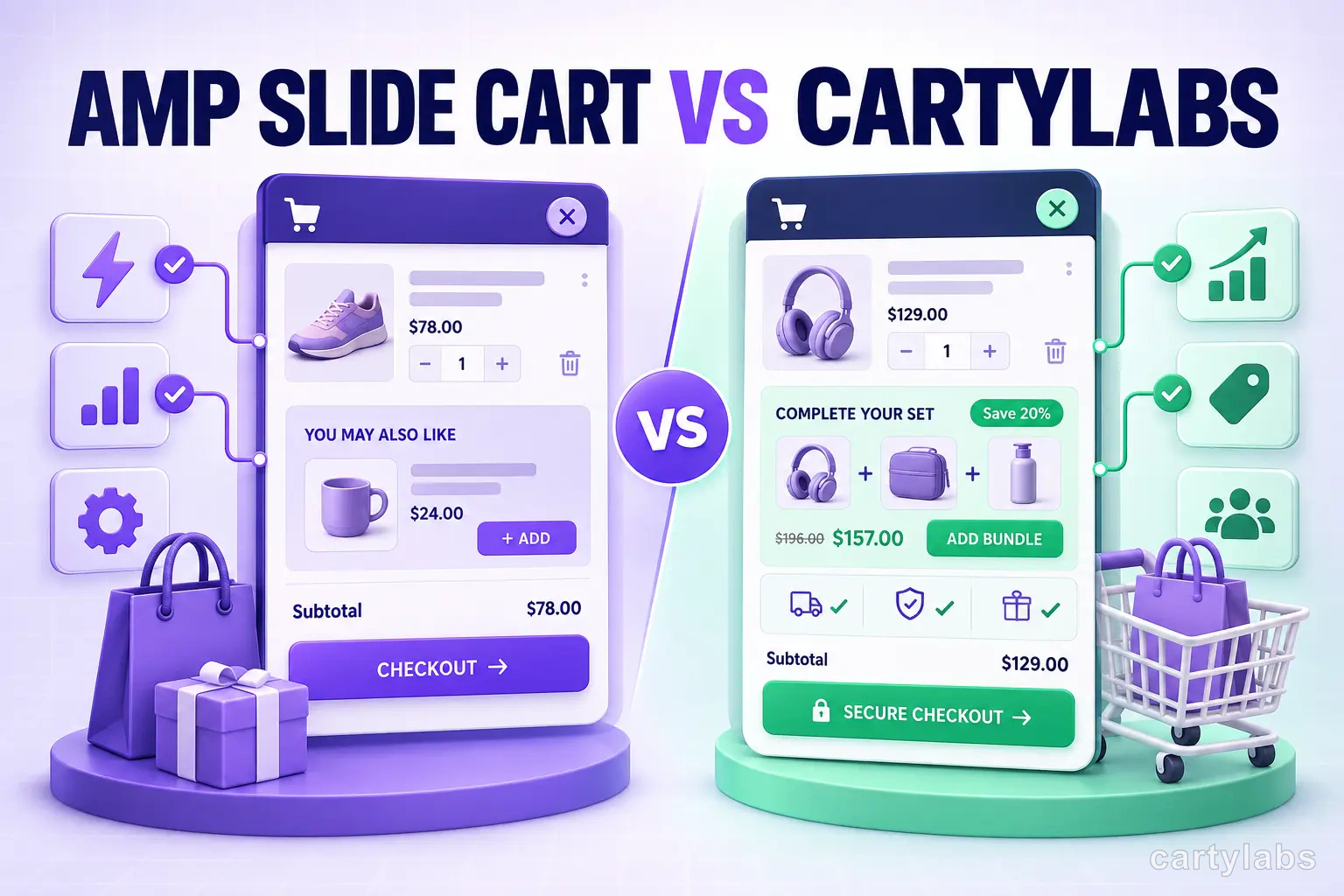
Amp Slide Cart vs Cartylabs: Feature-by-Feature Breakdown
Amp Slide Cart vs Cartylabs compared on Shopify cart drawers, AI upsells, rewards bars, pricing, and setup. An honest, tested breakdown for 2026 merchants.
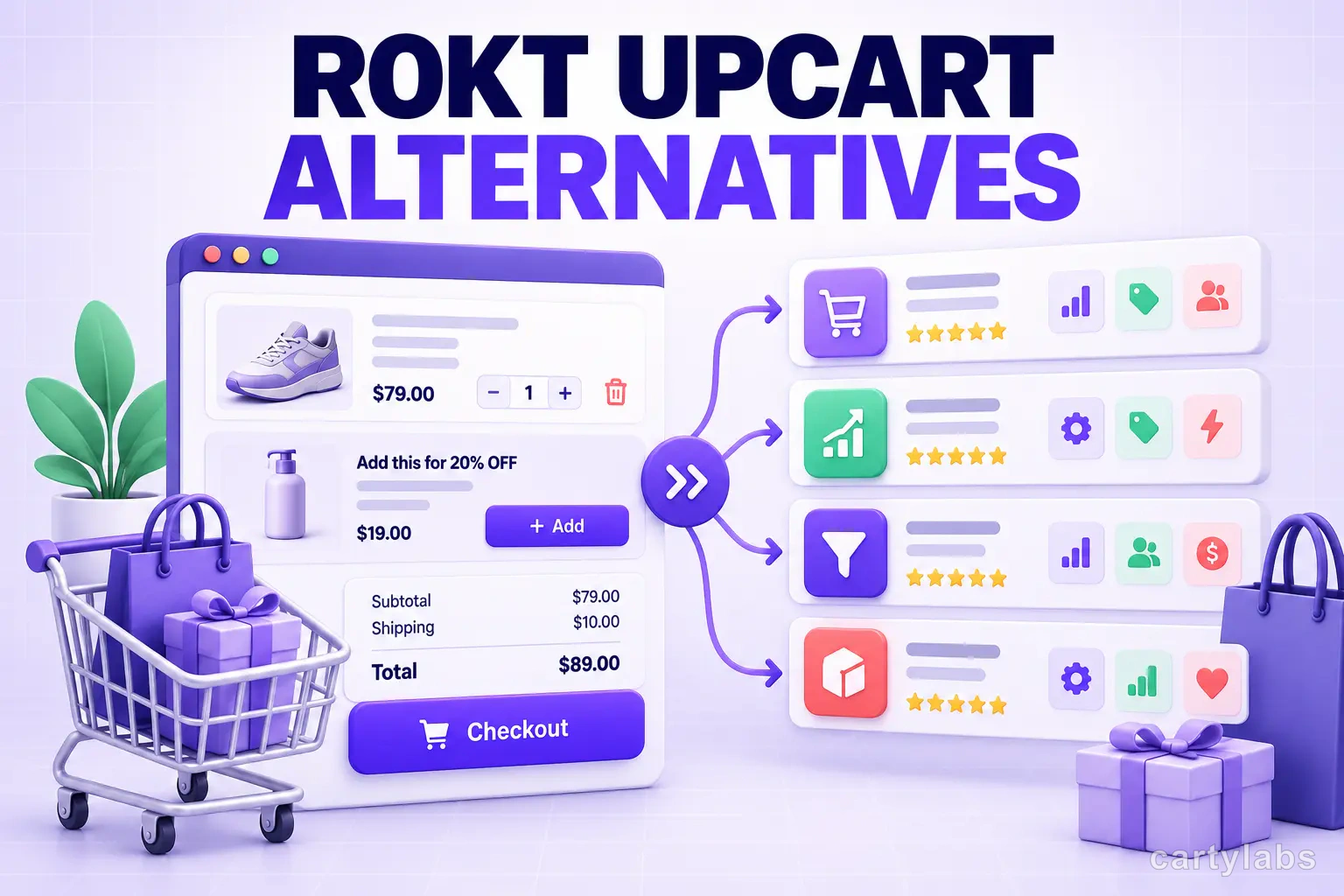
Rokt Upcart Alternatives: 7 Better Shopify Cart Drawer Apps in 2026
Looking for a Rokt Upcart alternative? Compare 7 Shopify cart drawer apps on price, AOV lift, AI upsells, rewards, and setup time for 2026.
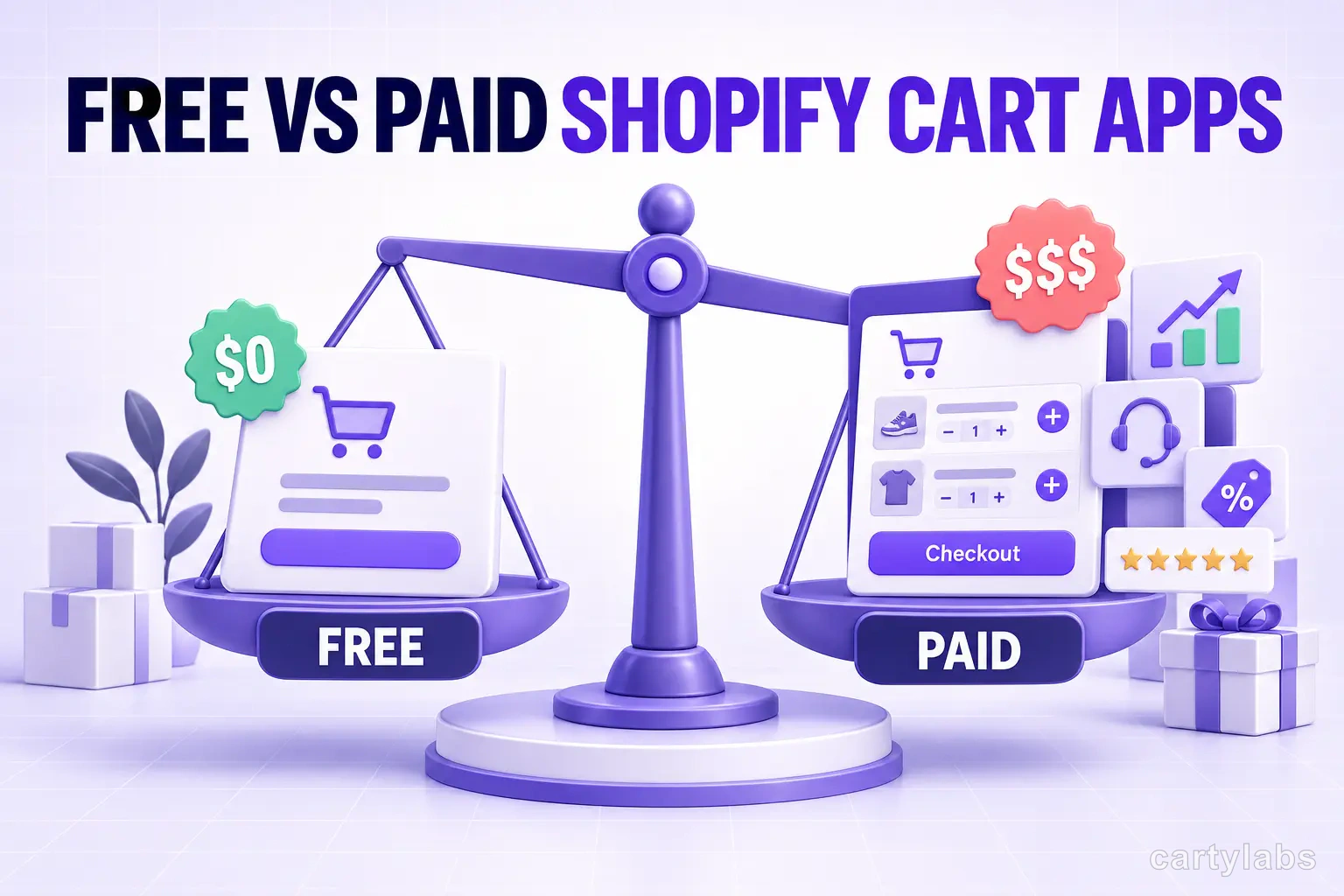
Free vs Paid Shopify Cart Apps: When Each Makes Sense
Free vs paid Shopify cart apps compared on AOV lift, features, and break-even math. The honest answer on when free is enough and when a paid drawer pays back.
 Install Cart — Free