
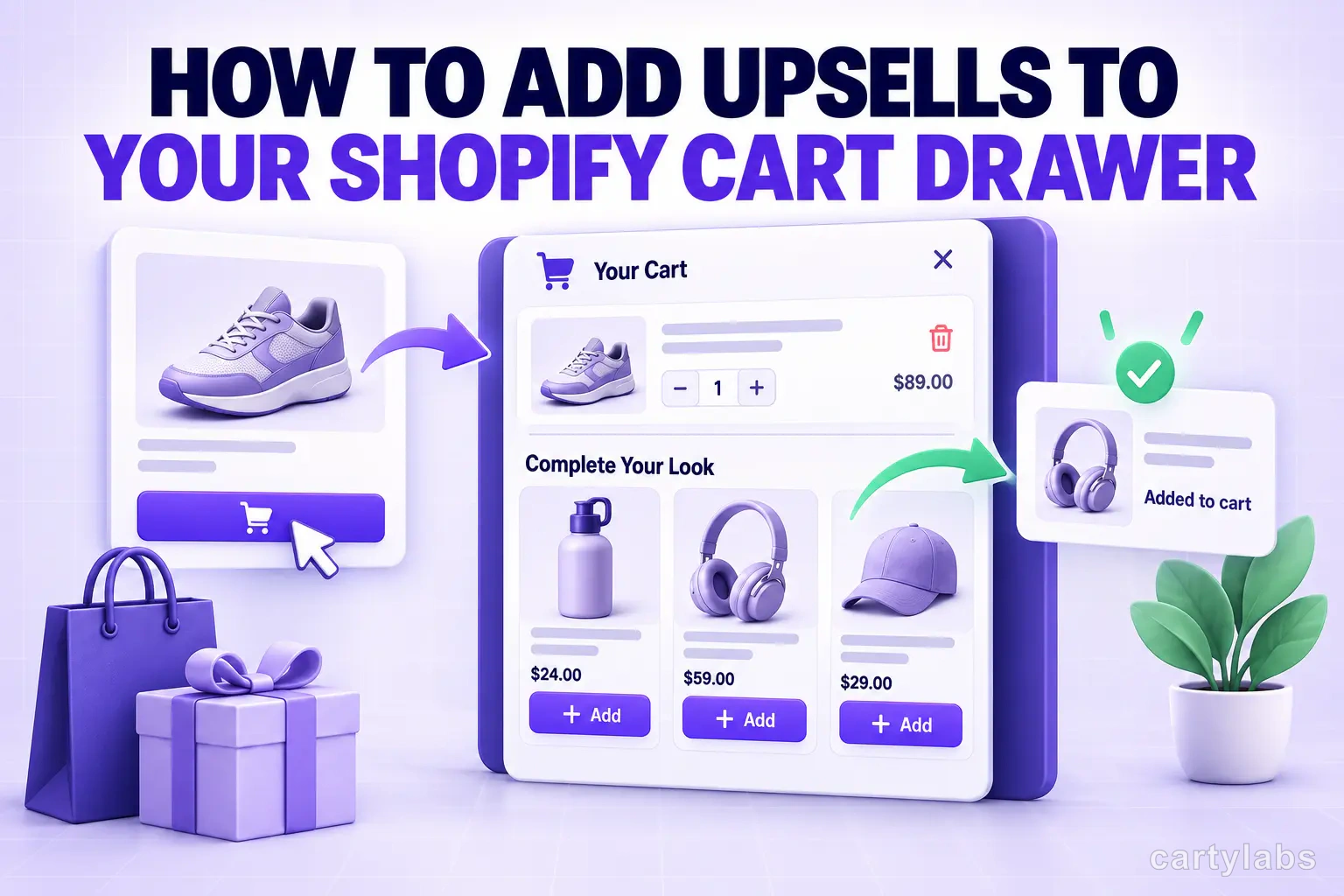
How to Add Upsells to Your Shopify Cart Drawer
Add cart drawer upsells three ways: no-code with Search & Discovery, custom Ajax code, or an app. Product selection, placement, mobile, and measurement.
In this article
You can add upsells to a Shopify cart drawer three ways: no-code using Shopify’s built-in Search & Discovery complementary products with a drawer-style cart, custom theme code using Shopify’s Ajax cart and product recommendations APIs, or an all-in-one cart app that handles selection, one-click add, and measurement for you. This guide covers all three, plus the merchandising and placement rules that decide whether they actually lift average order value.
Key takeaways
- A cart-drawer upsell shows relevant products below the line items and above the checkout button — the highest-intent surface in your funnel.
- Choose complementary products (accessories, consumables), not more of the same item, priced at roughly 20–40% of your AOV.
- One-click add via Shopify’s Ajax cart API keeps shoppers in the drawer — no page reload.
- Cap the drawer at 3–4 upsells (1–2 on mobile) so the checkout button never gets buried.
- Always measure attach rate and AOV lift against a holdout — not pre/post vibes.
Upsell vs cross-sell in the cart
Quick definitions, because they change what you recommend:
- Upsell = a better/bigger version of what they’re buying (larger size, premium tier, bundle).
- Cross-sell = a complementary product (the case for the phone, the filters for the coffee maker).
In a cart drawer, cross-sells usually win because the shopper has already chosen the main product — you’re adding to the order, not asking them to reconsider it. Shopify’s recommendations API models this directly with an intent parameter that accepts related or complementary; complementary is the one you want for cart cross-sells. The cart is your highest-intent, highest-leak moment: roughly 70% of carts are abandoned (a 70.22% average across 50 studies, per Baymard Institute). A relevant complementary offer there extends a purchase the shopper has already committed to — adding order value without asking them to make a new decision.
Step 1: Choose the right products
Before any implementation, get the merchandising right — it matters more than the tooling:
- Complementary, not more-of-the-same. A shopper buying a coffee maker wants filters and beans, not a second coffee maker.
- Price anchor to AOV. Keep upsell items at ~20–40% of your average order value. A big-ticket cross-sell in-cart tanks conversion.
- Favor margin. In-cart space is scarce — spend it on high-margin accessories, consumables, and warranties.
- Only surface in-stock items. Never recommend low or oversold SKUs on your best-converting surface.
Complementary pairings by vertical:
| Vertical | Cart item → complementary upsell |
|---|---|
| Apparel | Shoes → socks / shoe care; dress → belt or jewelry |
| Beauty | Foundation → primer / setting spray; serum → SPF |
| Supplements | Protein powder → shaker / creatine; multivitamin → fish oil |
| Electronics | Phone → case + screen protector; laptop → sleeve / hub |
| Home & kitchen | Coffee maker → filters / beans; bedding → pillowcases |
| Pet | Dog food → treats; leash → poop bags / harness |
For the strategy behind pairing logic, see our guides to AI product recommendations and frequently-bought-together bundles.
Step 2: Pick your implementation path
Path A — No code (Shopify Search & Discovery)
Shopify’s free Search & Discovery app lets you curate complementary products per product, and set them to display in the theme. If your theme’s cart is set to the drawer type (in Theme editor → Theme settings → Cart → Cart type → Drawer), you can surface a recommendations block inside it on themes that support it. Fully native, no developer, no monthly fee — but layout control and one-click behavior depend on your theme, and there’s no built-in attach-rate reporting.
Path B — Custom theme code
If you have a developer, you can build exactly the drawer upsell you want. Two Shopify APIs do the heavy lifting:
- Fetch complementary products with the Product Recommendations API:
// Get complementary recommendations for the product in the cart
const res = await fetch(
  `/recommendations/products.json?product_id=${productId}&intent=complementary&limit=4`
);
const { products } = await res.json();
// render products[] into the cart drawer- Add the chosen upsell without a page reload using the Ajax cart API:
// One-click add from inside the drawer
await fetch('/cart/add.js', {
  method: 'POST',
  headers: { 'Content-Type': 'application/json' },
  body: JSON.stringify({ items: [{ id: variantId, quantity: 1 }] }),
});
// then re-fetch /cart.js and re-render the drawer + progress bar
In Shopify’s reference theme, Dawn, the drawer markup lives in snippets/cart-drawer.liquid — that’s the file you edit to inject the upsell block. Budget for QA on every theme update, since the drawer is theme-coupled.
Path C — An app
An all-in-one cart upsell app like Cartylabs bundles the parts you’d otherwise wire together: complementary selection (manual or AI), one-click Ajax add, mobile-tuned layout, a free-shipping progress bar, and attach-rate/AOV reporting. Best for merchants who want the outcome without maintaining theme code. See the tradeoffs in cart page vs cart drawer and real setups in our 15 cart drawer examples.
Step 3: Placement and one-click behavior
- Put upsells below the line items, above the checkout CTA — seen after the shopper commits, before they exit.
- Cap at 3–4 items (1–2 on mobile). More creates choice paralysis and a taller drawer that buries checkout.
- Adding an upsell must fire
/cart/add.jsand re-render the drawer in place — no reload, no leaving the cart. Update the free-shipping/reward bar in the same response to reinforce the add.
Step 4: Mobile design
- Tap targets ≥ 44×44px; keep the add button clearly separate from the product tap.
- Prefer a horizontal carousel (1–2 visible) over a tall stacked list to preserve drawer height.
- Lazy-load upsell images and keep them small — this surface must stay fast. See the broader mobile conversion playbook.
Step 5: Measure it
Run upsells against a holdout, not on vibes:
- Attach rate = orders containing an upsell-added item ÷ orders shown an upsell.
- AOV lift = AOV of sessions shown the upsell − AOV of a control group.
- Incremental revenue per session = attributable upsell revenue ÷ sessions — the truest measure. Watch for cannibalization (would they have bought it anyway?).
If attach rate is under ~5% after two weeks, the problem is almost always product relevance or price, not placement. This is the same “turn intent into revenue” loop covered in turning cart additions into completed sales and the broader AOV upsell strategies guide.
Common mistakes
- Too many items — cap at 3–4 (1–2 mobile).
- Irrelevant recs — generic bestsellers instead of true complements.
- Offering more of the same product they’re already buying.
- Pushing an upsell before the free-shipping threshold, undercutting the progress-bar nudge.
- Hurting load speed with heavy scripts/images on your highest-intent surface.
- Pricing too high — keep add-ons at ~20–40% of AOV.
- No measurement — running upsells with no attach-rate or holdout test.
- Burying the checkout button beneath the upsell block, especially on mobile.
Frequently asked questions
Does Shopify have built-in cart upsells? Partly. Shopify’s free Search & Discovery app lets you curate complementary product recommendations, and themes with a drawer-type cart can display them. It’s native and free, but you don’t get one-click Ajax add, mobile-tuned layout, or attach-rate reporting without custom code or an app.
What’s the difference between an upsell and a cross-sell in the cart? An upsell offers a bigger or better version of what they’re buying; a cross-sell offers a complementary product. In a cart drawer, cross-sells usually convert better because the shopper has already chosen the main item.
How do I add upsells without an app?
Use Shopify’s product recommendations API (/recommendations/products.json?intent=complementary) to fetch complements and the Ajax cart API (/cart/add.js) to add them without a reload, editing your theme’s cart-drawer.liquid. It requires a developer and QA on every theme update.
Where should the upsell go in the cart drawer? Below the line items and above the checkout button, capped at 3–4 items (1–2 on mobile) so it never pushes checkout below the fold.
How much can cart upsells lift AOV? It depends on relevance, price, and margin — so measure with a holdout rather than trusting a blanket percentage. Track attach rate and AOV lift; if attach rate is under 5% after two weeks, fix product relevance or price first.
Do cart upsells slow down my store? They can if you load heavy scripts or large images into the drawer. Keep upsell images small and lazy-loaded, and load recommendations asynchronously so the drawer opens instantly.
The bottom line
Cart-drawer upsells are one of the highest-ROI changes a Shopify store can make because they sit at peak purchase intent. Get the product selection and placement right first; the implementation path — native, custom, or app — is secondary. Start with complementary products priced at a fraction of your AOV, keep the drawer fast and uncluttered, and measure everything.
Want cart-drawer upsells with one-click add, AI recommendations, and built-in attach-rate reporting? Install Cartylabs free on Shopify and turn them on in a few minutes.
Related reading: Cart page vs cart drawer, 15 cart drawer examples, Shopify cart drawer guide.
Next steps
Related Shopify resources
Practical tools and product pages related to this guide.
Keep reading
All articles →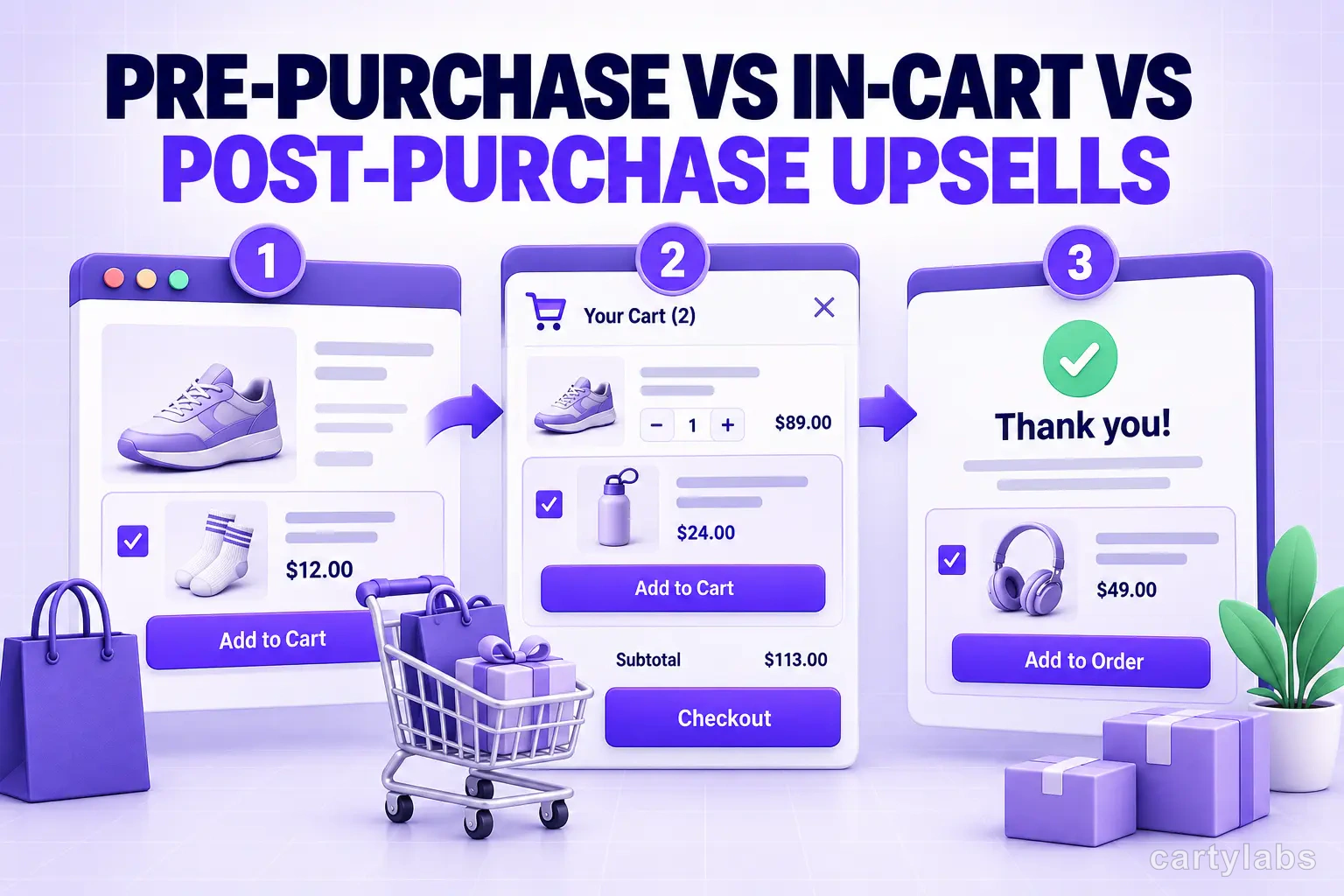
Pre-Purchase vs In-Cart vs Post-Purchase Upsells: Shopify Surfaces in 2026
Three upsell surfaces, three different conversion profiles. The math, the offer types, and which Shopify upsell surface to deploy when in 2026.
Best Shopify Upsell Apps: 12 Apps Compared
The best Shopify upsell apps for 2026 compared on AOV lift, pricing, AI logic, and funnel position. 12 apps tested for in-cart, post-purchase, and bundle upsells.
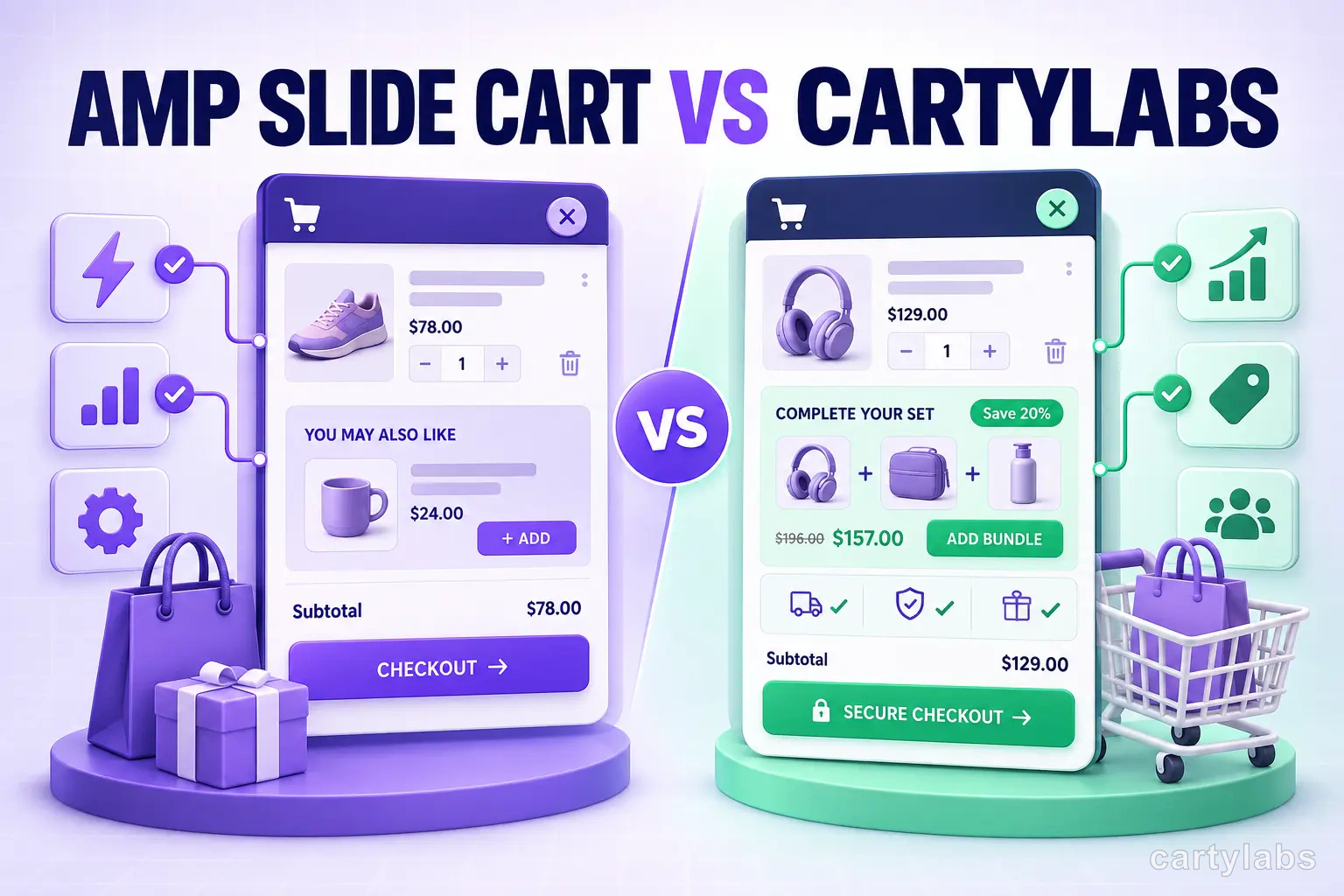
Amp Slide Cart vs Cartylabs: Feature-by-Feature Breakdown
Amp Slide Cart vs Cartylabs compared on Shopify cart drawers, AI upsells, rewards bars, pricing, and setup. An honest, tested breakdown for 2026 merchants.
 Install Cart — Free