
Which Cartylabs Plan Do You Need? Free, Starter, or Growth
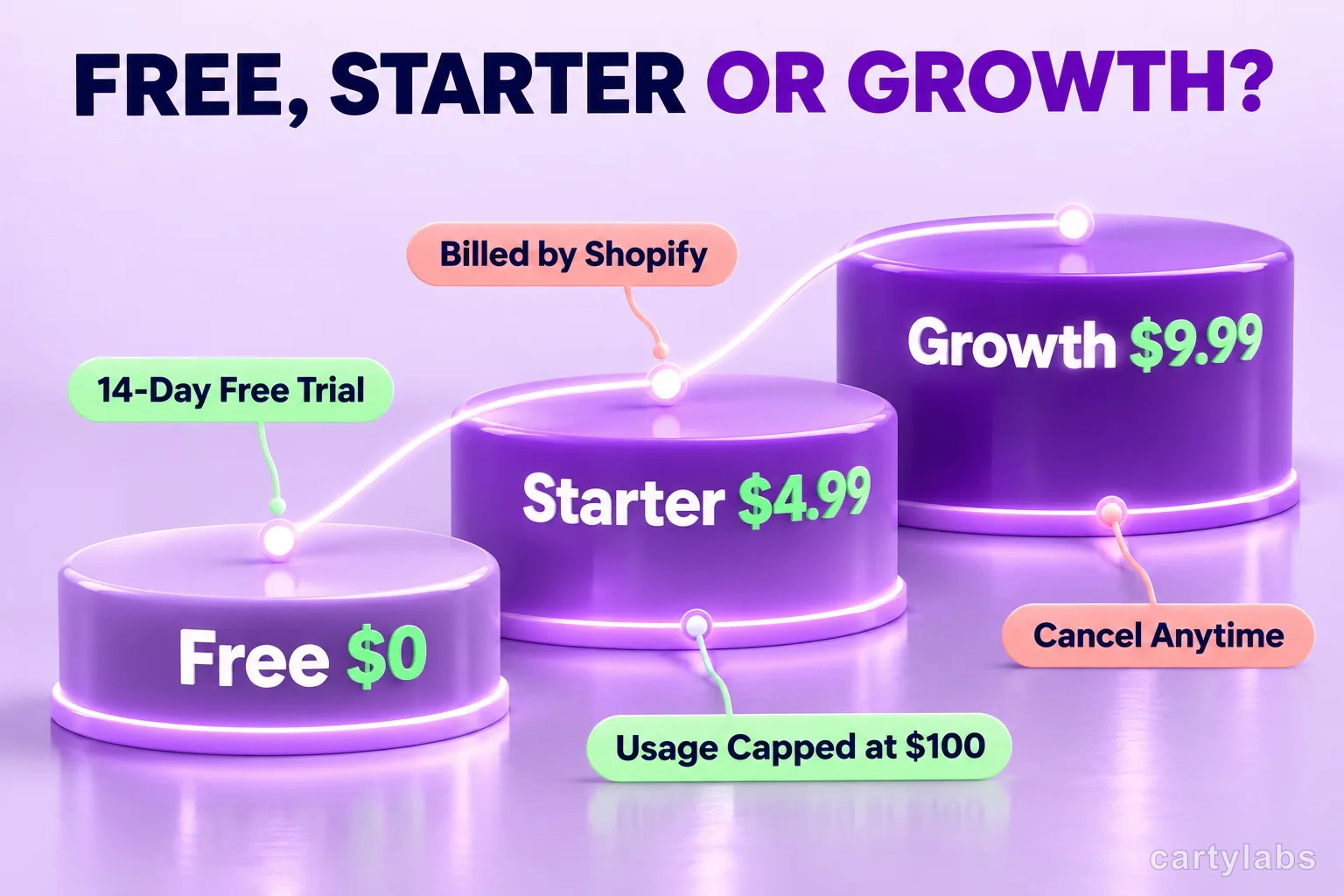
Compare Cartylabs pricing for Shopify: Free covers sticky cart tools, Starter adds the drawer, and Growth adds advanced offers and analytics with capped usage fees.
In this article
Choose the Cartylabs plan that gives your shoppers the cart experience your store needs. Free covers core sticky cart tools. Starter adds the cart drawer and quick buy. Growth brings recommendations, in-cart offers, shipping tools, market settings, and expanded reporting with usage-based pricing.
See the Cartylabs pricing page for the current plan comparison. Below is how the three tiers differ and how to estimate the Growth bill.
Key takeaways
- Free has no time limit and includes sticky cart tools and a 30-day performance summary.
- Starter adds the cart drawer and quick buy, with price based on the Shopify plan.
- Growth adds advanced offers and reporting, with a $9.99 base price plus capped per-order usage fees.
- Starter and Growth include a 14-day trial counted from the store’s first paid plan.
At a glance
| Plan | Monthly price | Best fit |
|---|---|---|
| Free | $0, no time limit | Core sticky cart tools and a basic performance summary |
| Starter | $4.99 or $7.99 | Cart drawer, quick buy, and its core display controls |
| Growth | $9.99 plus $0.05 per order, with a $100 monthly usage cap | Recommendations, offers, shipping features, and expanded analytics |
Pricing is billed in USD on your Shopify bill. Paid plans include a 14-day free trial, subject to the store’s previous paid-plan history.
What you get on Free
Free is a usable ongoing plan, not a timed preview. It includes the sticky add-to-cart bar, sticky cart button, cart count in the browser tab, a 30-day performance summary, tracking, and app integrations. It is a sensible starting point if you want to add persistent cart entry points without replacing the theme’s cart with a drawer.
For example, a small coffee store could use a sticky bar on product pages so the add button remains easy to reach while someone reads the product details. The sticky cart button gives shoppers another route back to the cart. These tools do not require upgrading just because a trial ended; Free has no time limit.
Free does not include the Cartylabs cart drawer or quick buy. If the goal is to open a drawer when someone adds a product, Starter is the first plan that includes it.
What Starter adds
Starter includes everything in Free, plus the cart drawer, quick buy, an announcement banner with up to five rotating messages, a free shipping bar, trust badges, custom payment icons, Sidekick cart tuning where available, and custom code.
The monthly price depends on the Shopify plan attached to the store. Stores on Shopify Basic pay $4.99 per month. Stores on the Shopify, Advanced, and Plus plans pay $7.99 per month. This is a plan classification, not a choice between two Starter packages: the app determines the applicable price from the store’s Shopify plan.
Starter is the right fit when the cart drawer, quick buy, and core cart presentation tools cover your needs. Choose Growth when you want advanced cart offers, per-market settings, or expanded reporting. The pricing page lists every feature and its minimum plan.
What Growth adds
Growth includes Starter and adds recommendations, recommendations by customer tag or variant, the side-panel upsell, bundles and volume discounts, free gifts, reward milestones, a countdown, a discount-code field, a subscription selector, shipping and delivery messages, a shipping-rate calculator, shipping insurance, gift wrap, per-market settings, translations with auto-translate, conversion, engagement, and order reports, Excel export, and priority support.
That breadth makes Growth useful when the cart needs to do more than display items and continue to checkout. A coffee store, for example, could show a compatible grinder recommendation, set a reward milestone, and display a delivery estimate. These are different tools with different purposes, so consider which ones fit the catalog and operations rather than turning on every option at once.
The base price is $9.99 per month. In addition, Growth charges $0.05 per store order, subject to a maximum of $100 per month in usage fees. The cap applies to the usage portion. It does not erase the $9.99 base price.
Growth pricing examples
The simple estimate is:
$9.99 base price + $0.05 per order, until the monthly usage fee reaches $100.
- 100 orders: 100 x $0.05 = $5 usage, plus $9.99 base, for $14.99 total.
- 1,000 orders: 1,000 x $0.05 = $50 usage, plus $9.99 base, for $59.99 total.
- More than 2,000 orders: the usage fee reaches its $100 cap after 2,000 orders. The total is $109.99, even if the store processes more orders during that month.
Use your monthly order volume to estimate the Growth bill. The same formula applies whether your store sells coffee, skincare, or home goods.
How the 14-day trial works
Starter and Growth are eligible for a 14-day free trial. The trial is counted from the store’s first paid plan, not restarted every time a store changes between paid plans. If a store has already used part or all of its trial, the remaining trial time may be shorter or zero when it chooses another paid plan.
That makes the trial a good time to configure a paid feature and verify the experience in the store, but it is not a fresh two weeks for every upgrade. Free remains available without a time limit.
A practical way to choose
Choose Free for sticky cart tools and a basic performance summary. Choose Starter for the cart drawer, quick buy, and core display controls. Choose Growth when recommendations, reward milestones, shipping tools, per-market settings, or advanced reports are part of your selling strategy.
If you are unsure, write down the cart problem first. Is it hard for shoppers to return to the cart? Is the missing piece a drawer? Do you need a targeted product offer, or do you need reports beyond the basic summary? Matching the plan to a concrete task keeps the decision grounded in features you will actually use.
For the full comparison and billing details, visit Cartylabs pricing. You can also read the free vs paid Shopify cart apps guide for a broader way to evaluate cart tools.
FAQ
Is the Cartylabs Free plan a time-limited trial?
No. Free has no time limit and includes sticky cart tools and a 30-day performance summary. The 14-day trial applies to eligible Starter and Growth plans.
How much does Starter cost?
Starter costs $4.99 per month on Shopify Basic and $7.99 on Shopify, Advanced, and Plus plans. It adds the cart drawer and other display features to Free.
How is Growth billed?
Growth costs $9.99 per month plus $0.05 per store order, with usage fees capped at $100 per month. The cap applies to usage fees and does not remove the base price.
Does the 14-day trial restart when I change plans?
No. The trial is counted from the store’s first paid plan, so changing between paid plans does not restart it.
Next steps
Related Shopify resources
Practical tools and product pages related to this guide.
Keep reading
All articles →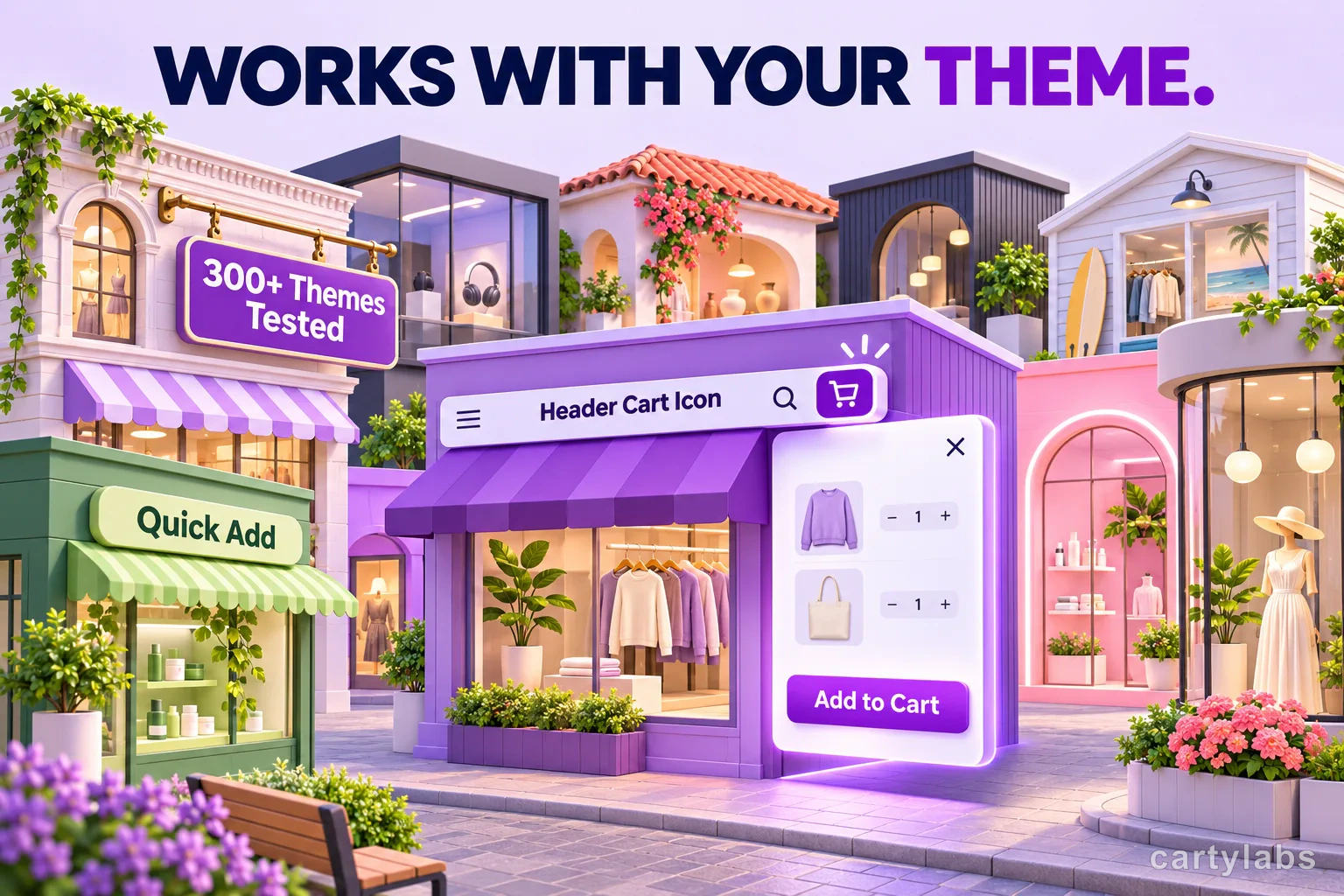
Cartylabs Cart Drawer Compatibility with Shopify Themes
Cartylabs connects your Shopify theme's cart icon, add-to-cart buttons, and many product-card quick-add buttons to a smooth cart drawer.
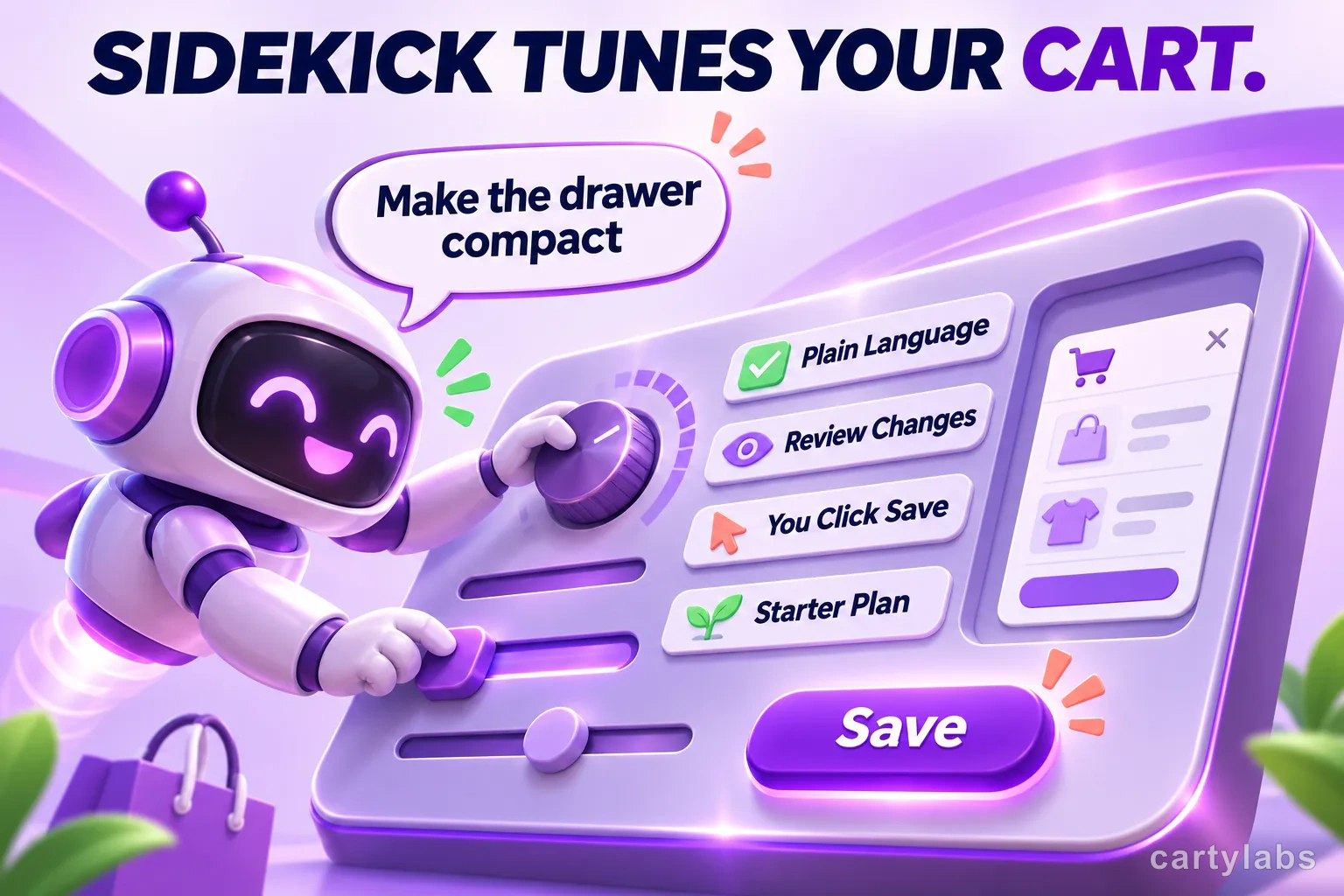
Shopify Sidekick Can Tune Your Cart Drawer, But It Won't Publish for You
Shopify Sidekick can suggest changes to supported Cartylabs cart settings, but you review and save them. See what it can tune and where it stops.
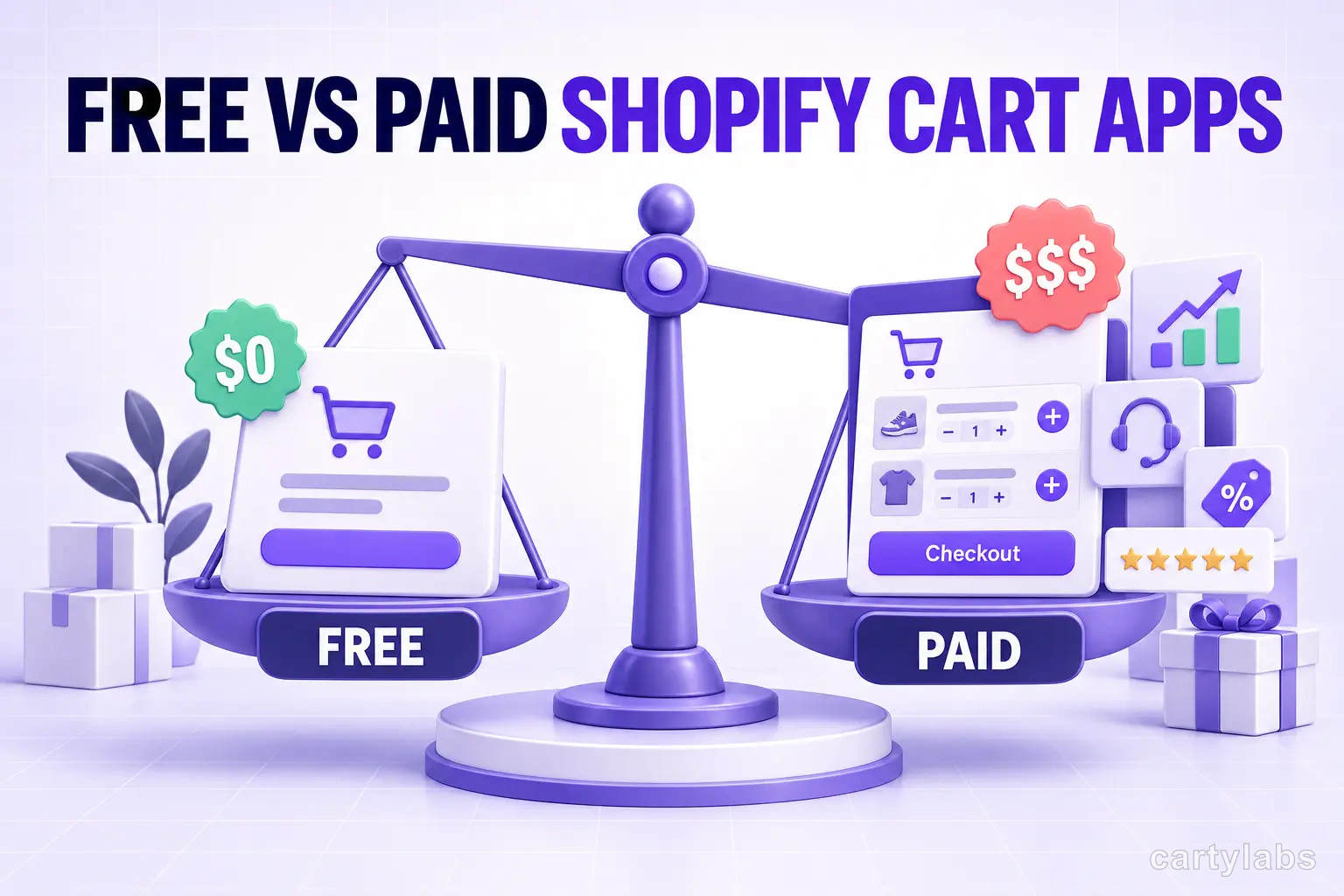
Free vs Paid Shopify Cart Apps: When Each Makes Sense
Free vs paid Shopify cart apps compared on AOV lift, features, and break-even math. The honest answer on when free is enough and when a paid drawer pays back.
 Install Cart — Free