
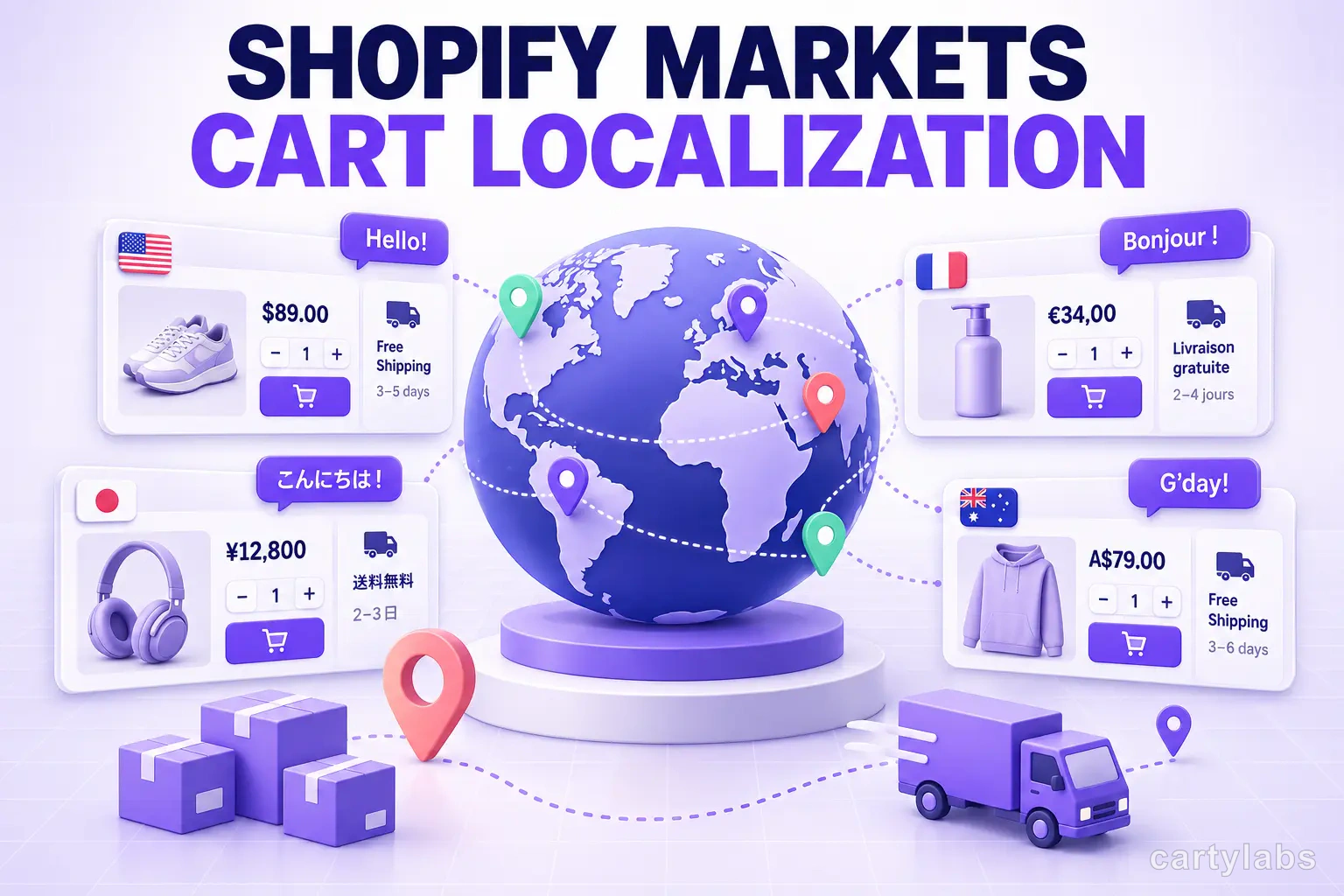
Shopify Markets: Localizing the Cart for International Buyers
Shopify Markets handles currency, language, and domains per region. Here's how to localize the cart drawer, rewards, and upsells without breaking conversion.
In this article
- 01 What is Shopify Markets?#
- 02 Why Markets matters for the cart#
- 03 The seven localization decisions#
- 04 How Shopify Markets handles currency#
- 05 Language: Storefront API translations vs app strings#
- 06 Free-shipping thresholds per market#
- 07 Tax display: inclusive vs exclusive#
- 08 RTL: more than just dir="rtl"#
- 09 Upsell catalog per market#
- 10 Domain routing and the cart cookie#
- 11 Performance: don’t ship every locale to every shopper#
- 12 Testing localization without a native speaker#
- 13 Markets Pro vs DIY localization#
- 14 A short summary#
The fastest-growing Shopify stores in 2026 sell across 5-15 countries, and the cart is where most of them quietly leak revenue to currency confusion, mistranslated copy, and shipping surprises. Shopify Markets — Shopify’s native multi-region framework — handles currency conversion, language switching, domain routing, and tax inclusivity, but it stops at the cart. The cart drawer, rewards bar, upsells, and free-gift logic are app territory, and they need their own localization layer.
This guide covers what Shopify Markets does and doesn’t do for the cart, the seven localization decisions every international Shopify store has to make, and the patterns that keep conversion high in markets where the lingua franca isn’t English.
What is Shopify Markets?
Shopify Markets is Shopify’s native internationalization framework that lets a single store sell across multiple regions with per-market currency, language, domain, pricing, and tax rules. It powers automatic currency conversion via Shopify Payments, country-specific domain routing (.fr, .de, .co.uk), and language switching via Storefront API translations. It does not, however, localize content rendered by third-party apps — including the cart drawer, upsell modules, and rewards bars — which app developers must localize themselves.
That last sentence is the one that catches stores off guard: a cart that worked perfectly in English shows broken or English-only copy in French and German if the cart app didn’t ship a localization layer.
Why Markets matters for the cart
Three reasons international expansion lives or dies in the cart:
- Currency conversion accuracy is a trust signal. A shopper in Munich seeing “€89,90” expects exactly “€89,90” through cart and checkout. A flicker to “$99 USD” in the cart drawer breaks the spell.
- Free-shipping thresholds vary by region. $100 in the US, £80 in the UK, ¥10,000 in Japan — the threshold is rarely a clean conversion.
- Tax-inclusive vs tax-exclusive pricing differs. EU and UK shoppers expect prices to include VAT; US shoppers expect tax added at checkout. The cart subtotal has to match the local norm.
If you’re already running through a multi-currency multi-language cart guide, this post adds the Markets-specific layer.
The seven localization decisions
Every Shopify store going international has to answer these seven questions before the cart will work cleanly:
- Currency display: symbol position, decimal separator, thousand separator (€89,90 vs €89.90 vs 89,90 €)
- Language for cart copy: the cart drawer, rewards bar, error messages, upsell labels
- Free-shipping threshold per market: native amount, not a converted USD value
- Free-gift product per market: is the gift available in this region’s catalog?
- Upsell catalog per market: which products are recommended, and are they in stock?
- Tax display: inclusive (EU/UK) or exclusive (US/CA)
- RTL support: Arabic and Hebrew need full right-to-left layout flipping
Get the first three wrong and conversion drops 5-15% per affected market. Get all seven wrong and you’ve effectively built an English-only store with translated marketing pages.
How Shopify Markets handles currency
Markets uses Shopify Payments’ real-time FX rates plus optional rounding rules. The cart receives prices in the buyer’s local currency through the Storefront API:
const { cart } = await storefront.query(`
  query {
    cart(id: "...") {
      cost {
        subtotalAmount { amount currencyCode }
        totalAmount { amount currencyCode }
      }
      lines(first: 50) {
        edges {
          node {
            cost {
              totalAmount { amount currencyCode }
            }
          }
        }
      }
    }
  }
`);
The currencyCode is what the buyer sees. Your cart drawer should:
- Format
amountusingIntl.NumberFormat(locale, { style: 'currency', currency: currencyCode }) - Never display USD when
currencyCodeis anything else - Avoid converting client-side; trust Shopify’s amounts
A common bug: cart apps that store a “subtotal in USD” cache and convert on the client. Shopify already converted; converting again drifts the amount. The rule: render exactly what the API returns.
Language: Storefront API translations vs app strings
Shopify Markets translations are stored in the Translate & Adapt app and exposed via the Storefront API’s @inContext directive. They cover product titles, descriptions, collection names, page content, and theme strings — everything Shopify owns.
They do not cover cart-app strings: “Add to cart,” “$12 to free shipping,” “You unlocked a free gift,” upsell labels, error messages. Those are owned by the app. A well-built cart app ships JSON translation files per locale and uses the buyer’s Accept-Language (or Markets’ resolved language) to pick the right file.
Cartylabs ships 16 locales out of the box, mirroring the marketing site’s i18n pattern: one shared template, JSON per language, automatic RTL switching for Arabic and Hebrew.
Free-shipping thresholds per market
This is where most stores get sloppy. The US threshold is $75. A naive setup converts that to ~€69 for the EU, but European thresholds psychologically cluster at €50, €75, or €100, not €69. Shoppers see €69 and read “weird American number, this brand isn’t really European.”
The fix: configure the threshold per market explicitly.
{
  "free_shipping_thresholds": {
    "US": { "amount": 75, "currency": "USD" },
    "CA": { "amount": 100, "currency": "CAD" },
    "GB": { "amount": 60, "currency": "GBP" },
    "EU": { "amount": 75, "currency": "EUR" },
    "JP": { "amount": 8000, "currency": "JPY" },
    "AU": { "amount": 120, "currency": "AUD" }
  }
}
Cart apps with stacked rewards (free-shipping → free-gift → loyalty %) need this matrix per tier. The free-gift progress bar renders the right native threshold for the right buyer.
Tax display: inclusive vs exclusive
EU, UK, AU, and most non-North American markets expect prices to display with VAT/GST. US and CA expect prices without sales tax. Shopify Markets handles the price-side automatically based on the market’s tax setting; the cart drawer has to follow.
Specifically:
- For tax-inclusive markets, the subtotal is the price the shopper pays (modulo shipping).
- For tax-exclusive markets, the subtotal does not include tax; tax is added at checkout.
Your cart drawer’s “Subtotal” line should not show ”+ tax” copy in EU stores; it’s misleading. And in US stores, it shouldn’t show a fake “tax included” badge. Pull the market’s tax inclusivity flag from Shopify and adjust the copy.
RTL: more than just dir="rtl"
Arabic and Hebrew aren’t a quick dir="rtl" flip. The full RTL checklist:
- Layout mirrors: cart drawer slides in from the left (the trailing edge in RTL)
- Icons reverse: a “checkout →” arrow becomes ”← checkout”
- Numbers stay LTR (Arabic numerals are still left-to-right)
- Currency symbol position varies (some RTL locales prefer symbol-after-amount)
- Quote marks change shape
Cart apps that ship a single CSS file with hardcoded padding-left and margin-right properties break in RTL. The fix is to use logical properties (padding-inline-start, margin-inline-end) throughout. CSS logical properties have shipped in every modern browser since 2022; there’s no reason not to use them in 2026.
Upsell catalog per market
A subtle leak: an upsell module recommends “Frequently bought together” products from the global catalog, but half of them aren’t available in the current market. The shopper sees “Add Vitamin D3 — out of stock” and trust drops.
The fix is to filter the recommendation pool by market availability:
const recommendations = await fetch('/api/recommendations', {
  method: 'POST',
  body: JSON.stringify({
    cart_id: cartId,
    market: shopify.market.handle,  // 'us', 'eu', 'jp'
    locale: shopify.market.locale,
  }),
});
The recommendation engine then queries only product variants that are (a) in the market’s catalog, (b) in stock, and (c) priced. AI product recommendations need to be market-aware end-to-end.
Domain routing and the cart cookie
Shopify Markets supports domain-per-region (example.fr, example.de, example.co.uk) and subfolder-per-region (example.com/fr, example.com/de). The cart cookie is scoped per domain; cross-domain cart persistence is not automatic.
For most stores, this isn’t a problem — shoppers don’t usually start a cart on .fr and finish on .com. But if your store does heavy subdomain switching (e.g., a “switch language” link that crosses domains), you’ll lose the cart on switch. The mitigation is to use subfolder routing instead of subdomain routing whenever possible; subfolders share a domain and a cookie.
Performance: don’t ship every locale to every shopper
A cart app with 16 locales and 200KB of translation strings shouldn’t ship all 16 to every page. The pattern that works:
- Detect the buyer’s locale at request time (Markets resolves it)
- Server-render the cart with that locale’s strings inlined
- Lazy-load other locales only if the buyer switches mid-session
For Cloudflare Pages or Vercel Edge deployments, this is a 10-line change to the build. The result: a 12KB cart bundle per locale instead of 200KB total.
Testing localization without a native speaker
You don’t need 16 native speakers to QA the cart. The minimum viable test matrix:
| Locale | What you’re testing |
|---|---|
| en-US | baseline |
| de-DE | long German compound words breaking layout |
| fr-FR | accented characters, French quote marks |
| ja-JP | CJK character height, no-space line breaks |
| ar-SA | RTL layout, mirrored icons |
| es-MX | inverted question marks, Spanish-specific copy |
Run each through the full cart flow (add → drawer → upsell → checkout). Layout breakage shows up most often in German (long words) and Japanese (no whitespace), so those two are the highest-yield bugs to find.
Markets Pro vs DIY localization
Shopify Markets Pro (Shopify’s managed Merchant of Record service) handles tax, duties, fraud, and compliance per market for a fee. Most stores under $5M/year don’t need it; the DIY Markets configuration plus a localized cart covers 90% of the value.
The cases where Markets Pro pays back:
- Stores selling DTC into 10+ countries with complex VAT/customs
- Stores hitting the EU’s IOSS threshold and not wanting to handle the filings
- Stores expanding into the UK post-Brexit and not wanting to register for VAT directly
For everything else, native Markets + a localized cart app is the right stack.
A short summary
Shopify Markets handles the heavy lifting — currency, domain, tax, language at the platform level — but the cart, rewards, and upsells stay app territory. International stores that ignore that boundary leak 5-15% conversion in their non-English markets. The fix is a cart app with native locale support, per-market thresholds, market-aware recommendations, and proper RTL — not a translated marketing site bolted onto an English-only cart.
Get the seven decisions right (currency, language, threshold, gift, upsells, tax, RTL) and the cart feels native in every market. Get them wrong and shoppers feel like they’re using a US store with a French paint job.
Want a cart that already ships in 16 languages with RTL and per-market thresholds out of the box? Install Cartylabs free on Shopify, or book a 15-minute localization audit and we’ll walk through your Markets setup.
Next steps
Related Shopify resources
Practical tools and product pages related to this guide.
Keep reading
All articles →
Checkout Extensibility: What Cart App Owners Need to Know
Checkout Extensibility replaced checkout.liquid in 2025. Here's what cart app owners need to know about UI Extensions, Functions, and the new customization model.
Shopify Functions for Cart Customization: A Dev's Guide
Shopify Functions replaced Shopify Scripts. Here's how to use them for cart discounts, delivery customization, and payment logic — with working Rust and JavaScript code.
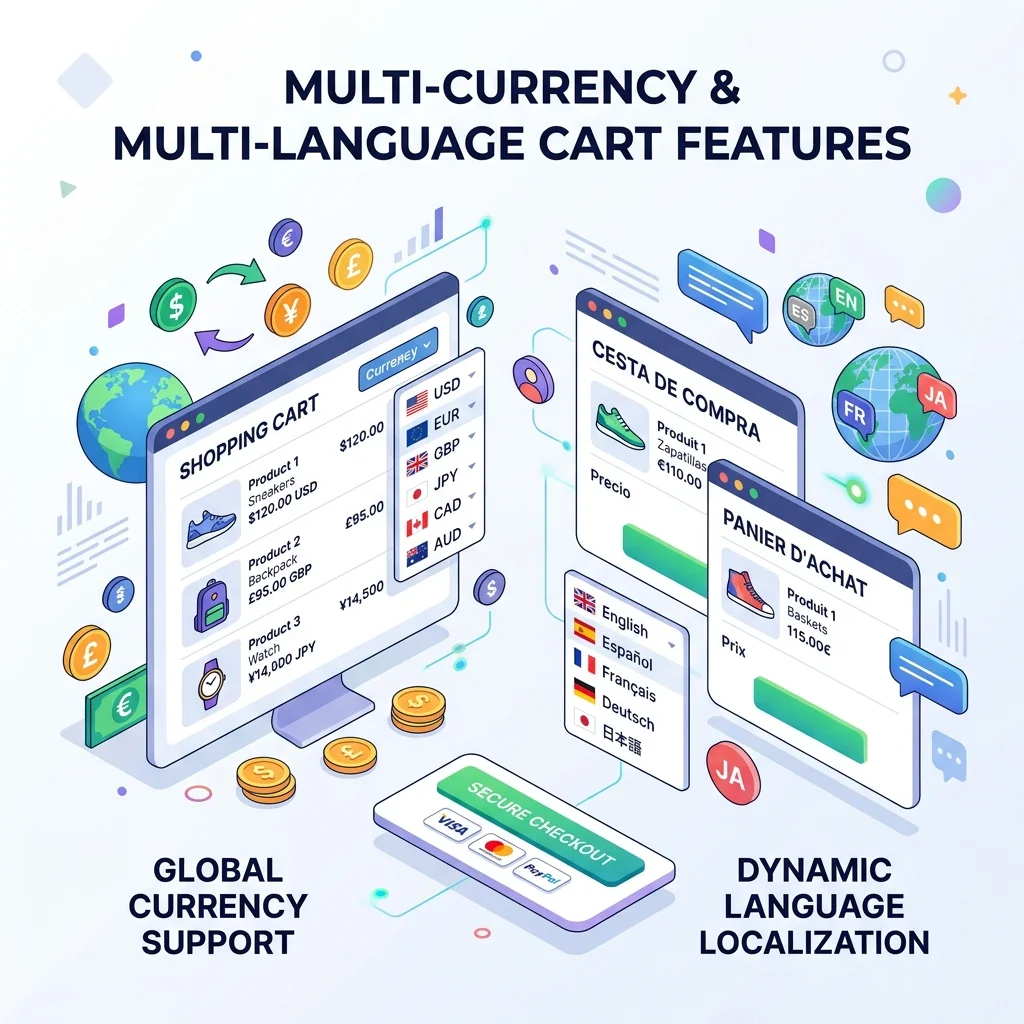
Going Global on Shopify: Multi-Currency & Multi-Language Cart
International shoppers convert 30-50% better when prices show in their currency and language. Here's how to ship multi-currency in your Shopify cart.
 Install Cart — Free