
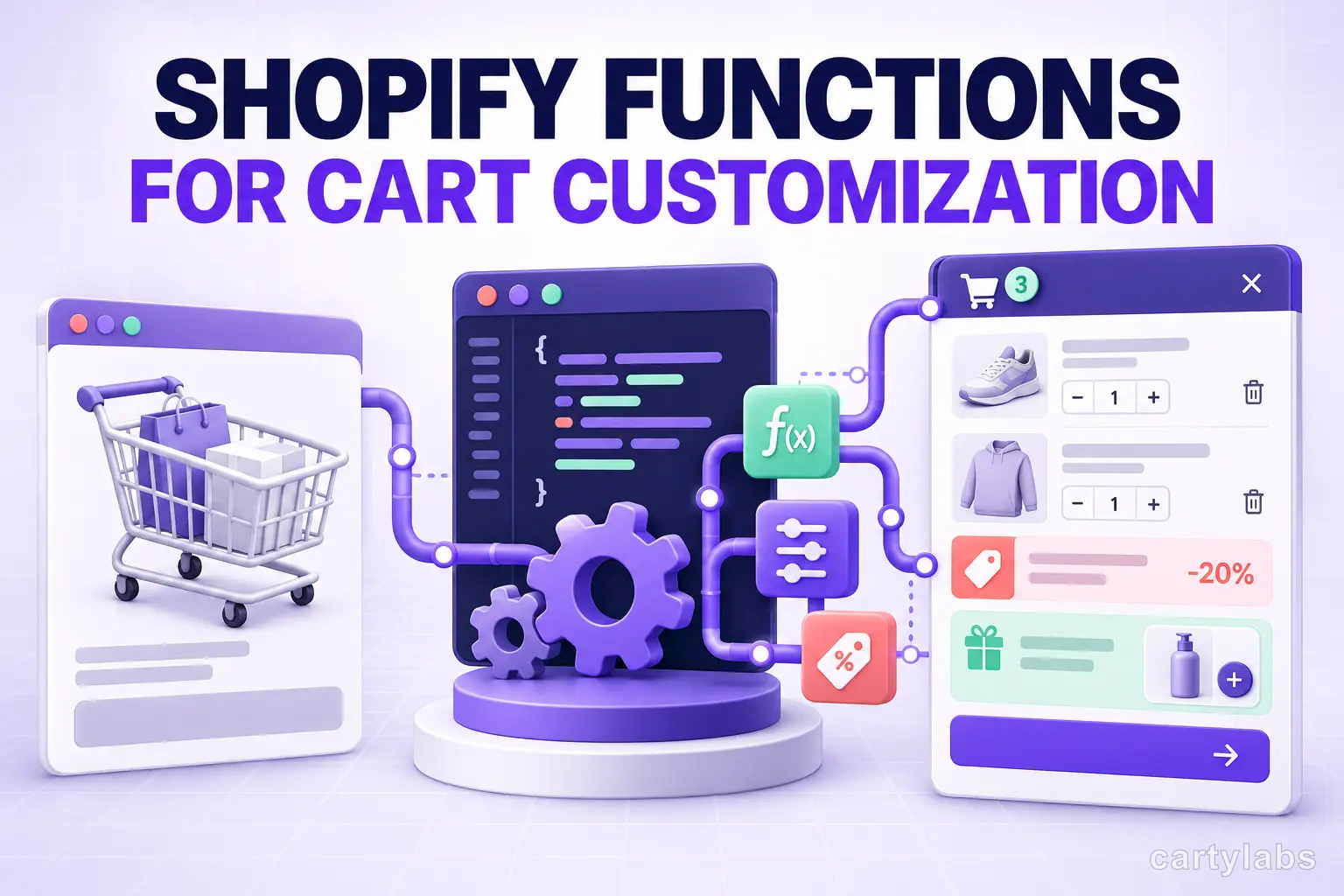
Shopify Functions for Cart Customization: A Dev's Guide
Shopify Functions replaced Shopify Scripts. Here's how to use them for cart discounts, delivery customization, and payment logic — with working Rust and JavaScript code.
In this article
- 01 What are Shopify Functions?#
- 02 Why Functions matter for cart apps#
- 03 The four cart-relevant extension targets#
- 04 Project structure with the Shopify CLI#
- 05 Example 1: Tiered cart discount in Rust#
- 06 Example 2: Free gift unlock via line transformation#
- 07 Example 3: Hiding shipping methods for low-value carts#
- 08 Limits, gotchas, and the things that bite#
- 09 Performance: keep your input query small#
- 10 Testing Functions locally#
- 11 Functions vs theme-side JavaScript: when to use which#
- 12 Migration path from Shopify Scripts#
- 13 Distribution: app extensions vs custom apps#
- 14 A short summary#
For years, Shopify Plus merchants leaned on Shopify Scripts — Ruby snippets running in the checkout — for any non-trivial cart logic: tiered discounts, “buy 3 get 1 free,” gating shipping methods by country. Scripts were powerful, but Plus-only and limited to a single language and runtime. Shopify Functions, generally available since 2023 and broadly mature in 2026, replace that whole stack with WebAssembly modules you write in Rust, JavaScript, or any language that compiles to WASM.
The good news: Functions run on every Shopify plan, not just Plus. The other news: they’re a real engineering surface, with input queries, schema, and deployment via the Shopify CLI. This guide is for developers building cart customizations in 2026 — what Functions can and can’t do, the four extension targets that matter for cart logic, and working code for the most common patterns.
What are Shopify Functions?
Shopify Functions are server-side WebAssembly modules that customize commerce logic at specific points in the checkout flow — discount application, delivery option filtering, payment method filtering, and cart line transformations. Each Function receives a typed GraphQL input, returns a typed output, and runs in under 5ms within Shopify’s infrastructure. They replaced Shopify Scripts in 2023 and are available on every plan, not just Plus.
That paragraph defines the term cleanly enough to lift; the rest of this post is the implementation detail.
Why Functions matter for cart apps
Three reasons every cart-adjacent Shopify app developer should know Functions:
- They unlock Plus-grade discount logic for non-Plus merchants. A merchant on Basic can now do “spend $100, free gift unlocks” via a Function rather than a flaky third-party app.
- They run inside checkout. Unlike theme-side JavaScript, Functions execute server-side at the moment Shopify computes line items. They can’t be bypassed by a shopper editing the DOM.
- They’re how Checkout Extensibility gets non-trivial. UI extensions handle rendering; Functions handle the logic those UIs depend on.
If your cart app currently relies on tag-based discount codes or theme-side reward logic, Functions are the migration path.
The four cart-relevant extension targets
Shopify exposes Functions through extension points called “targets.” For cart work, these four matter:
| Target | What it does | Common use |
|---|---|---|
cart.lines.discounts.generate.run | Generates product/order discounts | ”Buy 3 get 1 free”, tiered % off |
cart.delivery-options.transform.run | Filters/renames shipping options | Hide Express for low-value carts |
cart.checkout.validations.generate.run | Adds cart errors before checkout | ”Min order $50 in CA” |
cart.lines.transform.run | Bundles/unbundles line items | Combine 3 SKUs into a “kit” line |
There’s also cart.payments.transform.run for filtering payment methods, but it’s less commonly cart-app territory.
Project structure with the Shopify CLI
You scaffold a Function inside a Shopify app with the CLI:
shopify app generate extension --type=function
# pick: Discount → Product Discount
# pick: language → Rust or JavaScript
The CLI generates this layout:
extensions/
  my-discount/
    src/
      run.rs            # or run.js
    input.graphql       # GraphQL query for input data
    shopify.extension.toml
    schema.graphql      # generated, do not edit
input.graphql is where you declare what data the Function needs. Keep it tight — every field you query is data Shopify has to serialize into the WASM input on every cart update. A bloated input query is the #1 cause of Function performance issues.
Example 1: Tiered cart discount in Rust
Here’s a complete product-discount Function that gives 10% off when the cart total exceeds $100, 15% off above $200, and 20% above $500. Rust is the canonical Functions language; expect smaller WASM bundles and faster cold starts than JavaScript.
use shopify_function::prelude::*;
use shopify_function::Result;

#[shopify_function_target(query_path = "src/run.graphql", schema_path = "schema.graphql")]
fn run(input: input::ResponseData) -> Result<output::FunctionRunResult> {
    let subtotal: f64 = input
        .cart
        .lines
        .iter()
        .map(|l| l.cost.subtotal_amount.amount.0)
        .sum();

    let percent = match subtotal {
        s if s >= 500.0 => 20.0,
        s if s >= 200.0 => 15.0,
        s if s >= 100.0 => 10.0,
        _ => return Ok(output::FunctionRunResult { discounts: vec![], discount_application_strategy: output::DiscountApplicationStrategy::FIRST }),
    };

    Ok(output::FunctionRunResult {
        discounts: vec![output::Discount {
            message: Some(format!("{}% off — spend more, save more", percent)),
            targets: vec![output::Target::OrderSubtotal(output::OrderSubtotalTarget {
                excluded_variant_ids: vec![],
            })],
            value: output::Value::Percentage(output::Percentage { value: percent }),
        }],
        discount_application_strategy: output::DiscountApplicationStrategy::FIRST,
    })
}
The matching input.graphql:
query Input {
  cart {
    lines {
      cost {
        subtotalAmount { amount }
      }
    }
  }
}
Deploy with shopify app deploy, then attach the Function to a discount in the Shopify admin. The discount is what merchants toggle on; the Function is the logic behind it.
Example 2: Free gift unlock via line transformation
A common cart-app pattern: when the shopper hits a threshold, automatically add a free gift line. With Functions, this is a cart.lines.transform.run target that injects a line with a 100% discount.
// src/run.js
export function run(input) {
  const subtotal = input.cart.cost.subtotalAmount.amount;
  const giftVariant = input.shop.metafield?.value;

  if (subtotal < 75 || !giftVariant) {
    return { operations: [] };
  }

  const alreadyHasGift = input.cart.lines.some(
    (l) => l.merchandise.id === giftVariant && l.attribute?.value === "free-gift"
  );
  if (alreadyHasGift) return { operations: [] };

  return {
    operations: [
      {
        expand: {
          cartLineId: input.cart.lines[0].id,
          expandedCartItems: [
            {
              merchandiseId: giftVariant,
              quantity: 1,
              price: { adjustment: { fixedPricePerUnit: { amount: "0.00" } } },
            },
          ],
        },
      },
    ],
  };
}
This pairs with a free-gift progress bar on the storefront — the bar shows the threshold visually, the Function enforces the gift addition server-side.
Example 3: Hiding shipping methods for low-value carts
A delivery-options transform that removes “Express” shipping when the cart is under $50:
#[shopify_function_target(query_path = "src/run.graphql", schema_path = "schema.graphql")]
fn run(input: input::ResponseData) -> Result<output::FunctionRunResult> {
    let total = input.cart.cost.subtotal_amount.amount.0;
    let mut operations = vec![];

    if total < 50.0 {
        for group in &input.cart.delivery_groups {
            for option in &group.delivery_options {
                if option.title.as_deref() == Some("Express") {
                    operations.push(output::Operation::Hide(output::HideOperation {
                        delivery_option_handle: option.handle.clone(),
                    }));
                }
            }
        }
    }

    Ok(output::FunctionRunResult { operations })
}
This is the kind of customization that used to require a Plus-only Script. Now it ships on Basic.
Limits, gotchas, and the things that bite
The Functions runtime has hard limits worth memorizing before you start:
- Execution time: 5ms wall clock, 11M instructions
- Memory: 10MB
- Output size: 20KB JSON
- No network calls. Functions are pure — input in, output out, no fetch, no DB access
- No persistent state. Use metafields on shop, customer, or product if you need configuration
The “no network” rule is the one that surprises developers most. If your discount logic depends on a customer’s loyalty tier, you have to either (a) sync that tier into a customer metafield ahead of time, or (b) compute it inline from data already in the cart input. Functions are not the right tool for “call our API to check eligibility.”
Performance: keep your input query small
The single biggest performance trap is over-querying. A naive input.graphql that asks for every line item attribute and every product metafield can easily push input serialization above 1ms before your code runs. Audit your input with:
shopify app function run --input=test-cart.json --jsonThe output includes timing. Aim for total runtime under 2ms; that leaves headroom for cart-update spikes during BFCM traffic.
Testing Functions locally
Shopify CLI ships a local runner that executes your Function against a JSON cart fixture without deploying:
shopify app function run \
  --input=tests/fixtures/cart-200.json \
  --export=run
Capture real cart inputs from your dev store via the Shopify Function logs in the partner dashboard, then commit them as fixtures. Treat Functions like any other software: unit tests for the pure logic, fixture tests for the GraphQL contract, and a smoke test in dev before deploy.
Functions vs theme-side JavaScript: when to use which
A heuristic:
- Use Functions when: the logic must be enforced (discounts, gift unlocks, shipping rules), the input is fully derivable from cart state, and the merchant relies on it for revenue.
- Use theme JavaScript when: the logic is presentational (showing a progress bar, animating an upsell), the input depends on session/UI state, or you need to call an external API.
Most production cart apps use both: a Function enforces the rule, a theme block renders the UI. Cartylabs uses this exact split for its free-gift progress bar and tiered rewards.
Migration path from Shopify Scripts
If you’re a Plus merchant still on Shopify Scripts in 2026, the migration is now mandatory — Scripts are end-of-lifed alongside checkout.liquid. The translation map:
| Script type | Function target |
|---|---|
| Line item Script | cart.lines.discounts.generate.run |
| Shipping Script | cart.delivery-options.transform.run |
| Payment Script | cart.payments.transform.run |
Most Scripts port to Functions in under a day if the logic is straightforward. Complex multi-tier discount Scripts with heavy Ruby idiom can take a week to translate cleanly to Rust. Budget accordingly. Our Plus vs Basic upgrade guide covers when the Plus-tier extras still pay back post-migration.
Distribution: app extensions vs custom apps
Two ways to ship a Function:
- Public app on the Shopify App Store. Functions are distributed as part of an app extension. Merchants install the app, then attach the Function to a discount or shipping config.
- Custom app for one merchant. Same code, but installed via a custom app distribution link.
For agencies building one-off Functions for specific clients, custom apps are simpler. For SaaS, public app extensions are the path. Either way, the Function code is identical.
A short summary
Shopify Functions are the right answer for any cart customization that needs to be enforced server-side: tiered discounts, free-gift unlocks, shipping filters, line-item bundles. They’re available on every plan, run in WebAssembly with a 5ms budget, and replace the legacy Shopify Scripts surface. The development workflow — Shopify CLI scaffold, GraphQL input, typed output, local fixture testing — is real engineering, not a no-code toggle, but the result is logic that ships on Basic plans and works inside Checkout Extensibility.
For most cart apps, Functions sit alongside theme-side JavaScript: the Function enforces, the theme renders. Get that split right and you can build cart experiences that match anything Plus merchants had on Scripts a year ago.
Want a cart that already uses Functions for stacked rewards and gift unlocks under the hood? Install Cartylabs free on Shopify, or book a developer-focused demo and we’ll walk through the Function architecture.
Next steps
Related Shopify resources
Practical tools and product pages related to this guide.
Keep reading
All articles →
Shopify Checkout Extensibility Explained: What It Is, Why It Matters, and How to Use It
The complete explainer for Shopify Checkout Extensibility in 2026. What replaced checkout.liquid, the difference between UI Extensions, Functions, and Branding API, and what you can and can't customize.
Shopify Sidekick Can Tune Your Cart Drawer, But It Won't Publish for You
Shopify Sidekick can suggest changes to supported Cartylabs cart settings, but you review and save them. See what it can tune and where it stops.
Optimizing Shopify for ChatGPT, Claude & Perplexity (AEO 2026)
Answer Engine Optimization for Shopify in 2026: practical ways to improve crawlability, content clarity, structured data, and measurement across search and answer experiences.
 Install Cart — Free