
3 Shopify Cart Discount Types: Bundles, Volume, and Spend Tiers
Shopify cart discounts can reward bundles, product quantities, or cart spend. Learn how Cartylabs shows each offer in the cart and applies eligible savings at checkout.
In this article
Cartylabs bundles and volume discounts let Shopify merchants offer a deal for a selected product set, quantity breaks, or cart-level spend tiers, with eligible discounts applied automatically at checkout. The cart drawer shows shoppers the offer and progress, so they can understand what qualifies before they continue. The details matter: each offer type rewards a different behavior and should have clear rules.
Key takeaways
- Growth includes bundles and volume discounts for the cart drawer.
- A bundle discount depends on completing a configured product set; volume tiers depend on quantity of eligible products.
- Cart tiers reward qualifying cart spend or item quantity, not a product-specific bundle.
- Cart messaging explains progress, while Shopify applies the discount during checkout when the offer qualifies.
What kinds of cart discounts can you create?
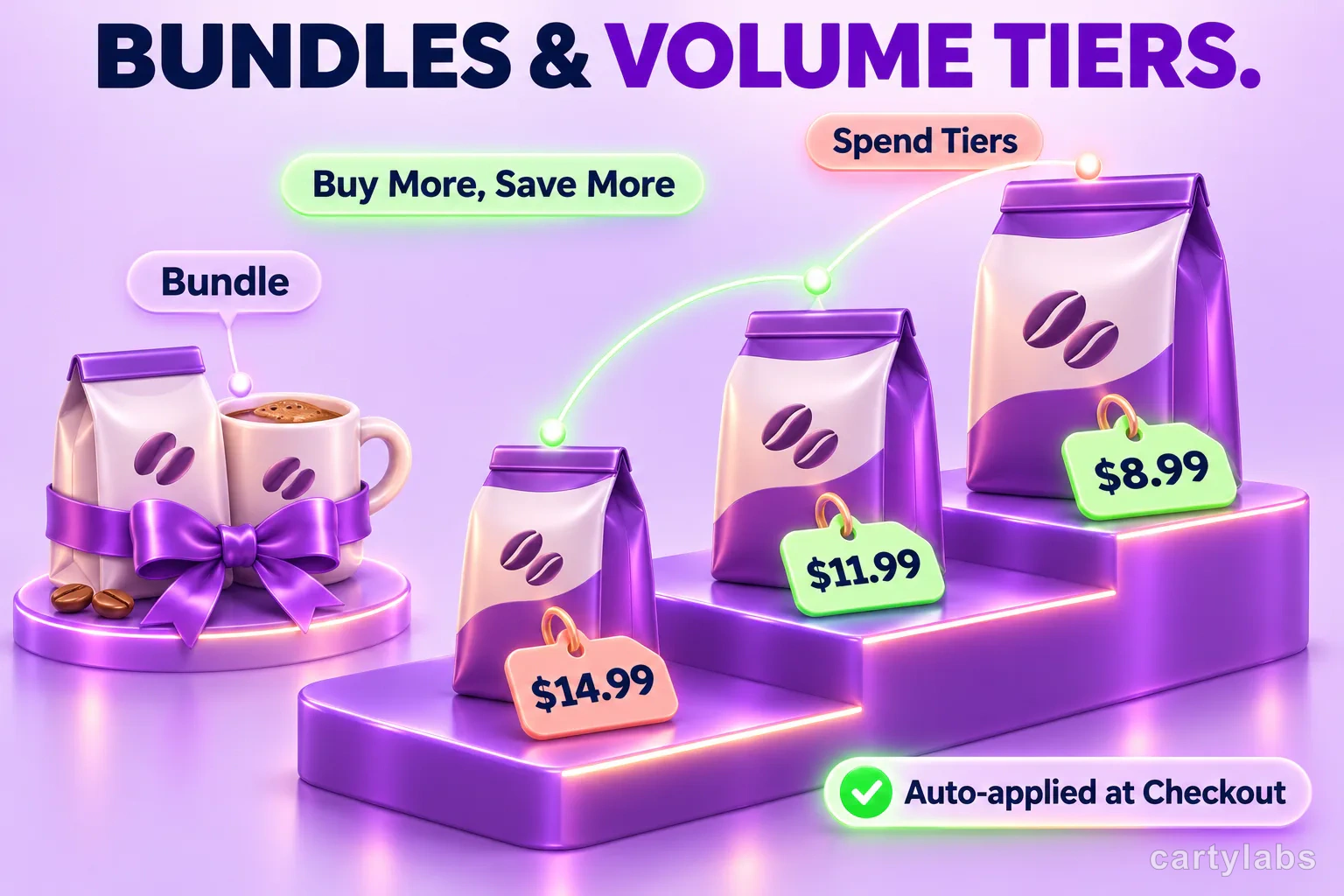
Cartylabs groups three offer types under bundles and volume discounts. They can look similar in a cart, but the qualification rule differs. Use the kind that matches the behavior you want to encourage.
| Offer | What qualifies | Example for a coffee shop |
|---|---|---|
| Bundle | Required products or a mix-and-match set | Buy a bag of beans and a mug together for a set discount |
| Volume | Quantity tiers for eligible products | Buy two or more bags of the same eligible coffee and save |
| Cart tier | Cart spend or item-count threshold | Spend $60 across the cart to unlock a discount |
These are not interchangeable. A shopper buying more units of one eligible product is a volume offer; reaching a spend threshold across the cart is a cart tier. For broader strategy, compare the types of Shopify product bundles and volume discount tier strategies.
How do bundles work in a Shopify cart?
A fixed bundle requires the configured components, such as one coffee bag and one mug. A mix-and-match offer instead uses a selected product pool and a quantity threshold. The merchant chooses products, required quantities, discount type, and amount in the offer editor.
The cart drawer can show a bundle card with product details and an add-bundle action. If a shopper has only part of a bundle, a nudge can explain what remains, such as “Add one more item to complete this set.” When the required components are present, the discount function targets the qualifying quantities, not extra units beyond the bundle. That keeps unrelated items or surplus quantities from being discounted as part of that offer.
For example, imagine a coffee store offering a discount for one bag of beans plus one ceramic mug. Adding two bags but no mug does not complete that fixed set. A separate quantity-based volume offer could apply to those beans if the store configured one. Learn how placement affects the offer in our cart drawer guide.
How do volume discounts work in a Shopify cart?
A volume offer applies when the quantity on an eligible cart line reaches one of its configured tiers. The highest reached tier is used for that line. Merchants can scope the products using selected variants, products, collections, or tags, then set quantity breakpoints and a percentage or fixed-amount discount.
The storefront can show a simple text message or a progress-bar layout, with an inline hint that points out the next tier. For a hypothetical coffee seller, the message might say “Add one more bag to unlock the next saving.” Avoid promising a discount before the quantity actually qualifies. Make tier thresholds and eligible items easy to spot, then test the shopper’s view in the drawer.
The setup is different from a spend threshold, even if both show progress. Our volume discount guide covers the merchandising decision; the tiered rewards bar guide explains cart-wide progress mechanics.
How do cart-level spend tiers work?
Cart tiers apply an order-level discount when the cart reaches a configured spend amount or item quantity. For instance, a coffee store could set a hypothetical spend tier at $60. The drawer can display a ladder or checklist and show progress toward the next threshold; merchants can customize the copy for progress and completion.
Spend thresholds should reflect the products and margins in your own catalog. A shopper may add unrelated eligible items to reach a cart tier, unlike a product bundle whose components are prescribed. Cart tiers also differ from volume discounts at checkout: the former target the order subtotal, while the latter target qualifying product lines.
When does the discount apply at checkout?
The offer’s cart display is a guide to qualification, not the final pricing authority. Cartylabs evaluates active offers against the cart and applies eligible product discounts for volume and bundles, or an order discount for a cart tier, through Shopify’s automatic discount mechanism. The shopper does not need to copy a code for the configured offer to apply.
Where multiple offers overlap, the app’s priority and stacking rules determine what qualifies. Product discounts that target the same cart line may conflict; configured priority and whether offers are stackable affect which one applies. A cart-tier order discount can combine with product discounts, while only one cart-tier offer is selected. Review the Shopify cart upsell playbook and bundle discount comparison before layering overlapping promotions.
How should you choose an offer?
Start with the action your customer should take, then define a narrow, understandable offer. Use a bundle for a meaningful combination, volume tiers for repeatable multi-unit purchases, or cart tiers for a broader basket goal. Preview the cart message and test checkout with qualifying and non-qualifying carts.
Growth is required for Cartylabs bundles and volume discounts. See Cartylabs pricing for plan details and the Shopify cart upsell feature for related cart tools. Keep offer terms visible and make sure discount combinations align with your store’s promotion policy.
FAQ
Do shoppers need a discount code?
No. Eligible Cartylabs bundle, volume, and cart-tier offers are applied automatically at checkout. Qualification depends on the configured offer and the shopper’s cart.
Is a volume discount the same as a cart spend tier?
No. A volume discount is based on the quantity of eligible product lines, while a cart tier is based on cart spend or item quantity at order level. Choose based on what you want the shopper to add.
Can a bundle discount apply to extra items in the cart?
The bundle discount targets the required bundle quantities. Additional units beyond the configured set are not automatically treated as part of that bundle.
Which Cartylabs plan includes bundles and volume discounts?
The Growth plan includes bundles and volume discounts. Check the pricing page for current plan details.
Next steps
Related Shopify resources
Practical tools and product pages related to this guide.
Keep reading
All articles →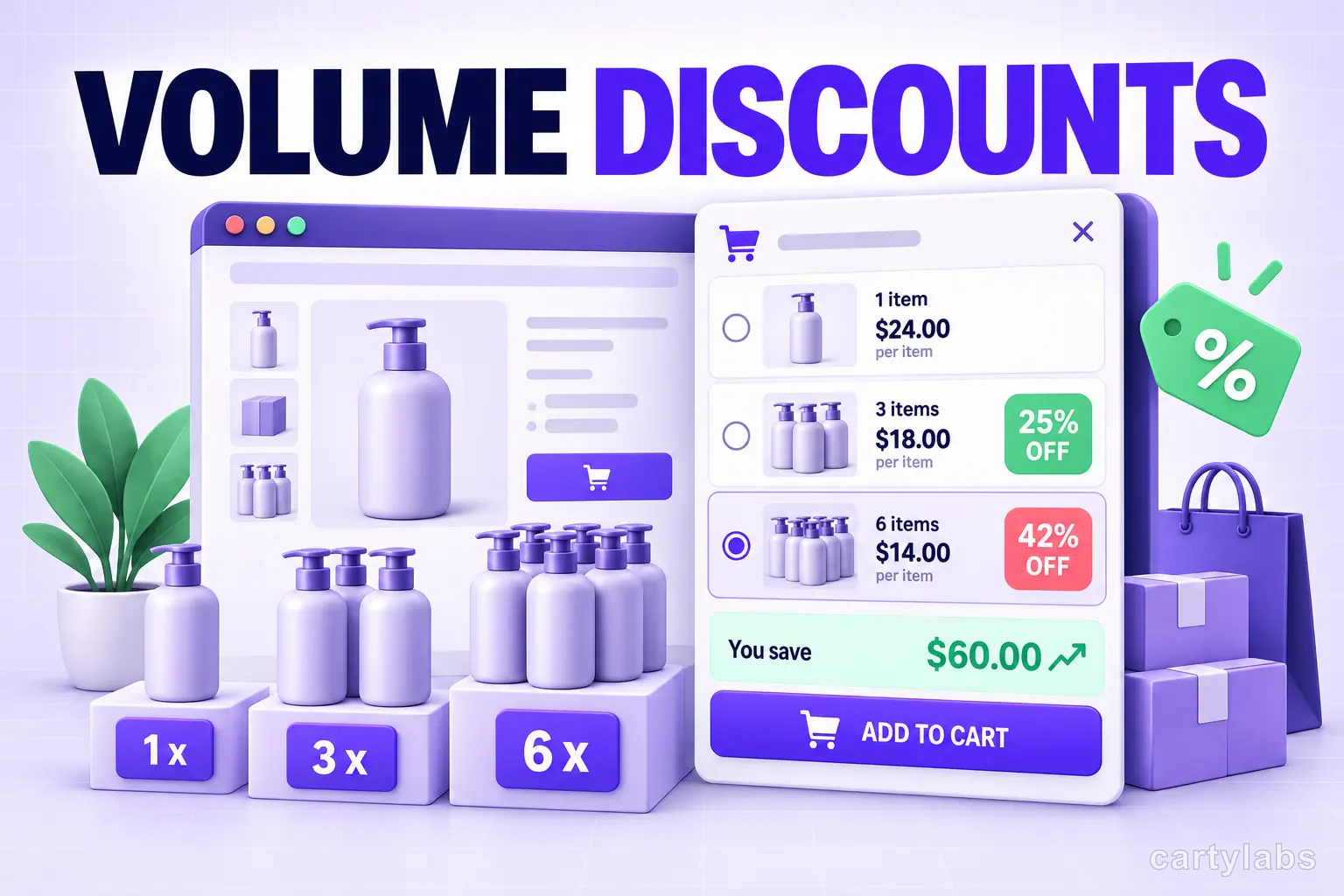
Volume Discounts & 'Buy More, Save More' Tactics for Shopify
Volume discounts lift AOV 15-30% on the right catalogs. The tier math, the SKU rules, and the Shopify implementation patterns that don't erode margin.
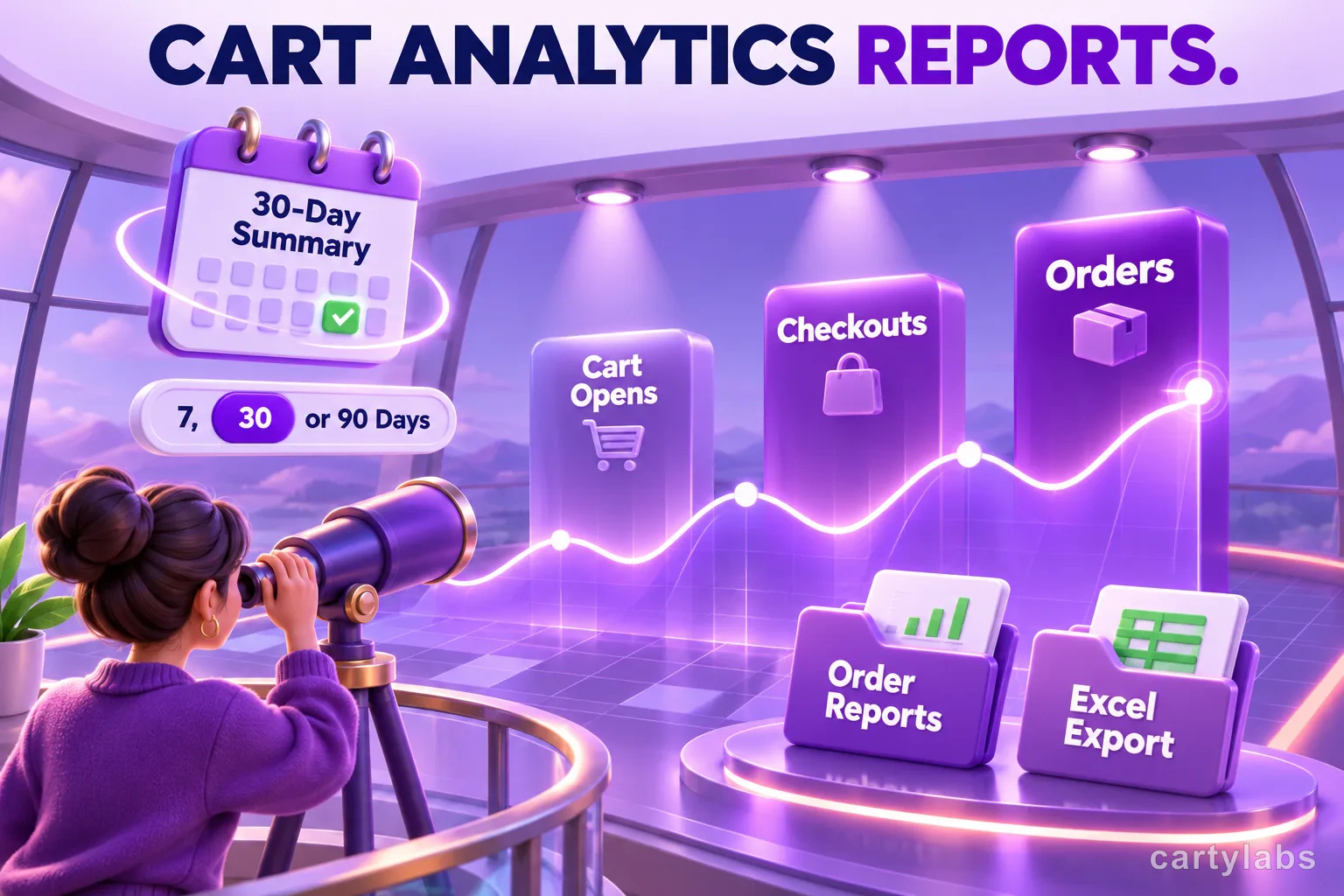
Shopify Cart Analytics: What Growth Reports Reveal
Shopify cart analytics in Cartylabs range from a Free 30-day summary to Growth conversion, engagement, order reports, shopper journeys, and Excel export.
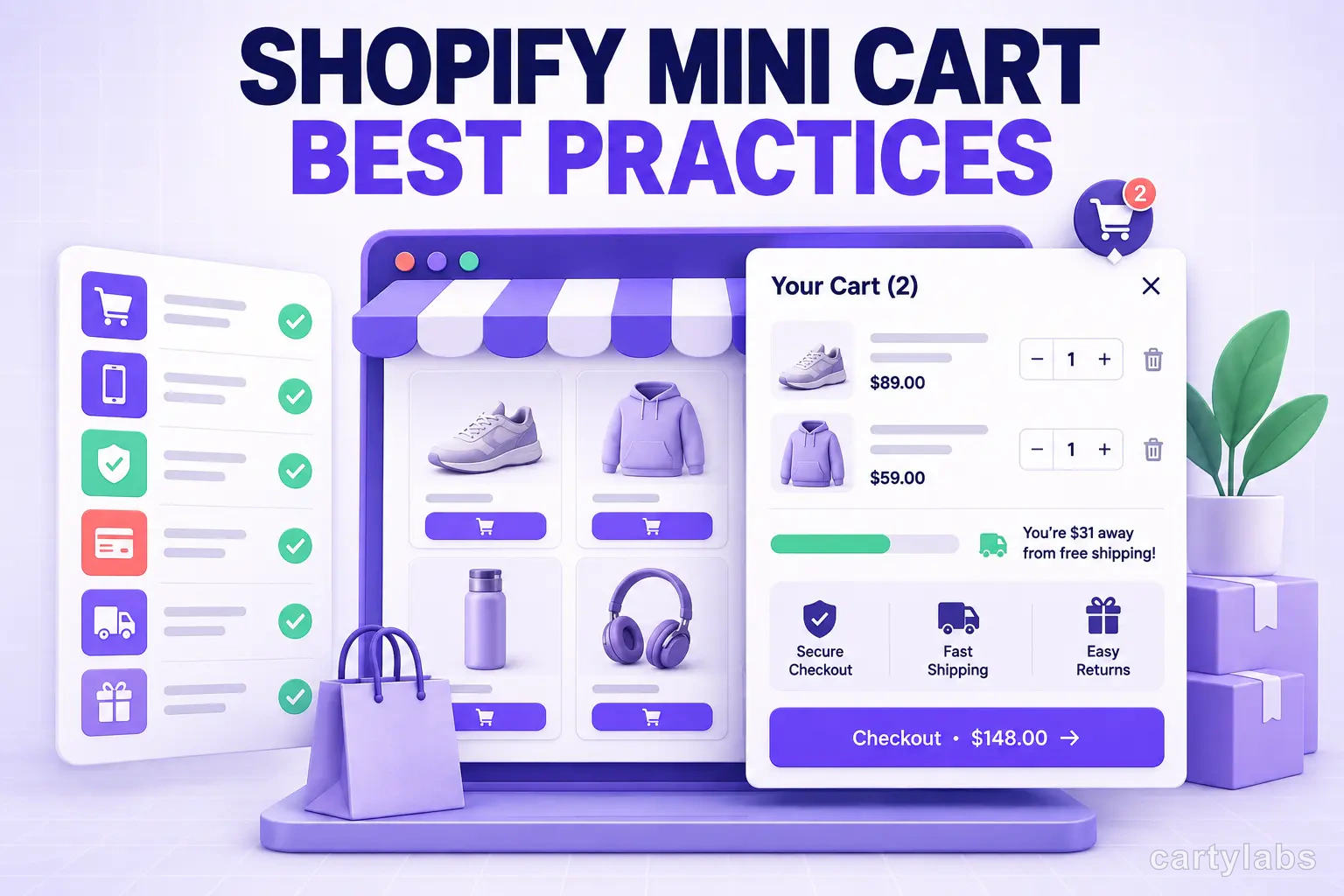
Shopify Mini Cart Best Practices (with Examples)
Shopify mini cart best practices: layout, copy, mobile rules, and 12 patterns from high-converting stores. Concrete examples and AOV data for 2026.
 Install Cart — Free