
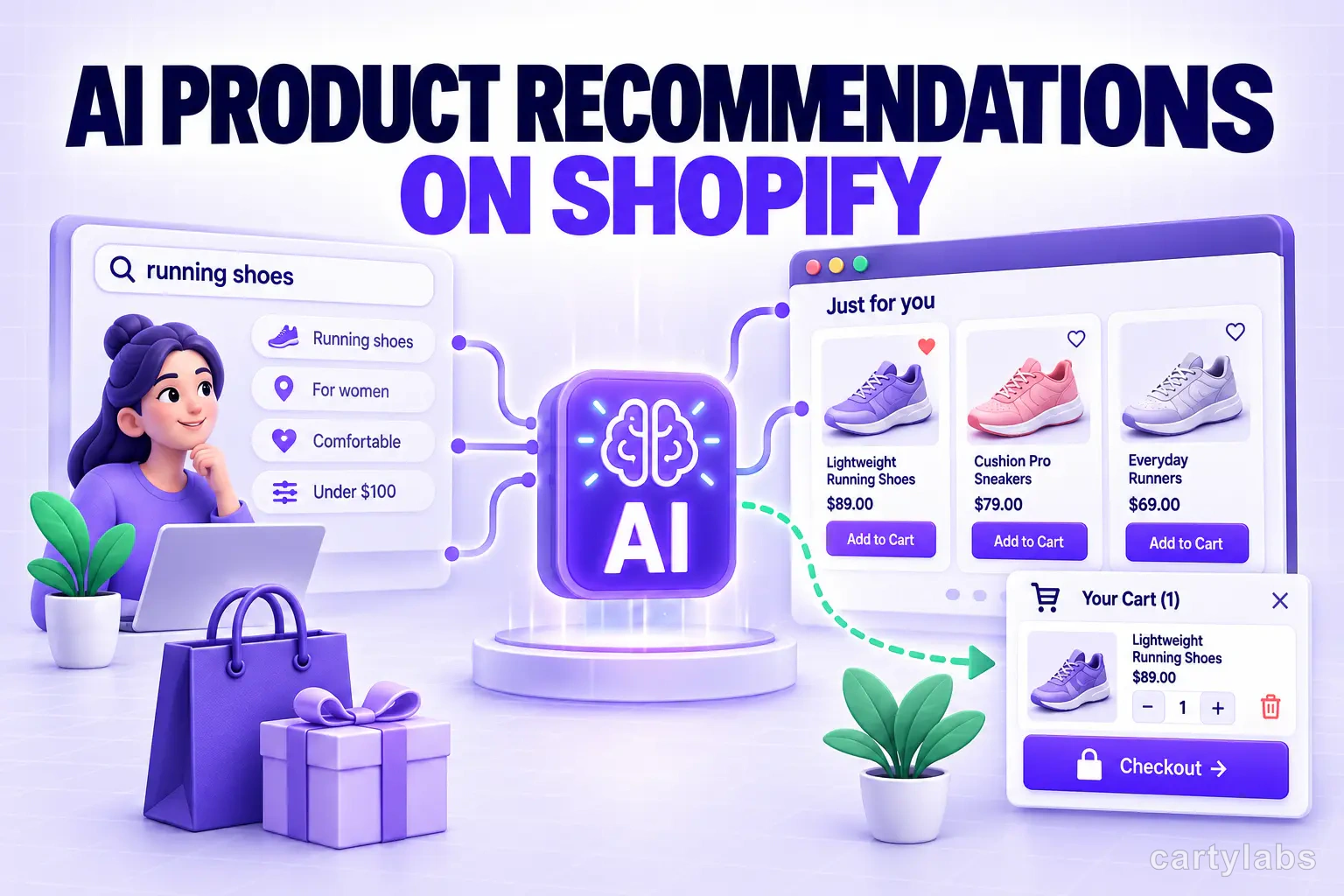
AI Product Recommendations on Shopify: A Practical Guide
AI product recommendations on Shopify can lift AOV 8-15%, but only in the right place. Where they work, why most fail, and how to set them up.
In this article
- 01 What “AI product recommendations” really means#
- 02 The four surfaces where AI recommendations work#
- 03 Where AI recommendations don’t work#
- 04 Why most “AI recommendation” implementations fail#
- 05 What signals a good AI recommendation engine uses#
- 06 How to add AI product recommendations to Shopify#
- 07 Measuring AI recommendation lift#
- 08 A short summary#
Every Shopify store has a “you might also like” widget somewhere. Most of them don’t work. They show random products, sit on a low-traffic page, and use no real signal about the shopper or their cart.
AI product recommendations are different from generic widgets. The kind that personalize per-shopper based on browse history, cart contents, and store-wide buy patterns lift average order value by 8-15% on Shopify and Shopify Plus stores. Done wrong, they’re noise.
This guide covers what makes AI recommendations actually work, the four surfaces where they belong (and the ones where they don’t), how the underlying signals work, and how to add them to your Shopify store.
What “AI product recommendations” really means
There are three flavors that all get called “AI” and only one of them earns the name:
1. Best sellers (not AI). A static list of top-selling products store-wide. Same for every shopper. Useful as a fallback, not as a recommendation.
2. Co-purchase rules (lightly AI). “People who bought X also bought Y.” Computed from order data, refreshed nightly. Same for every shopper viewing X. Reasonably effective for cross-sells.
3. Personalized AI recommendations (real AI). A model that combines:
- Cart contents (what’s there now)
- Browse history (what this shopper just viewed)
- Co-purchase signal (what others bought together)
- Inventory state (don’t recommend out-of-stock)
- Margin or business rules (push higher-margin SKUs when relevant)
The result is a per-shopper, per-cart recommendation list. This is what materially moves AOV.
The four surfaces where AI recommendations work
Not every recommendation slot is equal. From highest to lowest impact in our data:
1. Cart drawer (“Customers also added”)
The cart drawer is the highest-intent surface in your store. The shopper has decided to buy something. A relevant AI upsell here converts at 4-12%, versus 0.5-2% for the same product on a “you might like” PDP carousel.
Show 3-4 items max. Each with a one-click “Add” button (no detour to a PDP).
2. Frequently bought together (PDP)
Below the buy box on the product page. Best for genuine complements: a wick trimmer with a candle, batteries with a flashlight, screen protector with a phone case. AI personalizes which complements based on what this specific shopper has viewed before.
A good FBT module also offers a bundle discount (“Buy together, save 10%”) to nudge the add-all click.
3. Post-purchase upsell
After the shopper completes checkout but before the thank-you page. Shopify supports this natively via post-purchase apps. The AI here should look at what they just bought and offer a one-click add of a complement.
These convert at 3-8% and are pure upside, since they don’t risk the original conversion.
4. Empty cart state
When a returning shopper opens the cart drawer with no items, populate it with personalized recommendations from their browse history. Conversion isn’t huge, but it rescues a sliver of would-have-bounced sessions.
Where AI recommendations don’t work
Three surfaces where merchants put recommendations and shouldn’t:
- Above-the-fold on the homepage. Generic recs are noise here. New visitors haven’t given you signal yet, and you have better things to feature.
- Modal popups during browsing. Anything that interrupts the shopper before they’ve committed feels pushy and tanks engagement.
- In email “we miss you” campaigns without recent browse data. If the model has no signal, the recs are random and the shopper notices.
Why most “AI recommendation” implementations fail
Three failure modes we see constantly:
1. The model has no signal
A new Shopify store with 50 SKUs and 200 orders/month doesn’t have enough data for personalization. The model falls back to “best sellers” but you’ve branded it “AI for you,” which makes it worse, because shoppers know it’s not actually personalized.
Fix: start with rule-based FBT (which works on order data alone) and graduate to AI personalization once you’re past ~500 monthly orders.
2. The recs are wrong
The model recommends an out-of-stock item, or a product the shopper just removed from cart, or the same SKU they’re currently viewing. Each of these is a credibility hit.
Fix: the recommendation engine has to be inventory-aware, cart-aware, and history-aware. Cheap implementations skip these checks.
3. The slot is wrong
The merchant put the AI recommendations in a low-intent slot (sidebar of the homepage), measured the click-through, saw 0.2%, and concluded “AI doesn’t work.”
Fix: put recs where intent is highest. Cart drawer first, post-purchase second, FBT on PDP third.
What signals a good AI recommendation engine uses
A short checklist for evaluating a recommendation tool:
- ✅ Personalizes per shopper (not the same list for everyone)
- ✅ Updates in real time as the cart changes
- ✅ Filters out-of-stock and already-purchased SKUs
- ✅ Respects business rules (e.g., “don’t recommend wholesale-only SKUs to retail customers”)
- ✅ Falls back gracefully to FBT when personal signal is thin
- ✅ Reports lift, not just clicks (clicks are vanity; revenue per session is the metric)
- ✅ Lets you A/B-test on/off easily
How to add AI product recommendations to Shopify
The hard way: integrate a recommendation API (Algolia Recommend, Nosto, etc.), build the UI components, wire them into your theme, and maintain the integration. Realistic budget: $500-2k/month plus a developer.
The easy way: use a Shopify cart app with built-in AI recommendations. Cartylabs ships AI cart-drawer recs, FBT bundles, and post-purchase upsells in one Shopify App Embed. The model uses your store’s order history, real-time cart state, and shopper browse data to personalize recommendations, with no separate integration required.
Measuring AI recommendation lift
The right metric is not “click-through rate.” Use:
| Metric | What it tells you |
|---|---|
| Recommendation revenue / total revenue | How much of your revenue comes from recommended items |
| AOV with vs. without recs in cart | The actual basket-size lift |
| Add-rate on recommended items | Is the model surfacing the right products |
Run the comparison on at least 2 weeks of traffic to get past noise.
A short summary
AI product recommendations on Shopify work, but only when they’re personalized per-shopper, surfaced at the moment of intent (cart drawer first), and built on the right signals.
If you’re considering AI recs for your store, start with the cart drawer. That’s where intent is highest, friction is lowest, and the AOV lift is most measurable.
Want it set up in 2 minutes? Install Cartylabs free on Shopify. AI recommendations are part of the Growth plan.
Learn more: 15 best AI tools for Shopify, How to add upsells to your cart drawer, Shopify upsell app, Shopify cart drawer app
Next steps
Related Shopify resources
Practical tools and product pages related to this guide.
Keep reading
All articles →
How to Increase Average Order Value on Shopify: The Complete 2026 AOV Playbook
The 2026 Shopify AOV playbook covering every lever that lifts average order value, from bundles and upsells to checkout extensions, with a prioritized plan.
In-Checkout Upsells: How to Boost Shopify Order Value in 2026
Add in-checkout upsells on Shopify that lift AOV without dragging conversion. Offer construction, placement, targeting, and the apps that ship the highest-converting in-checkout modules in 2026.
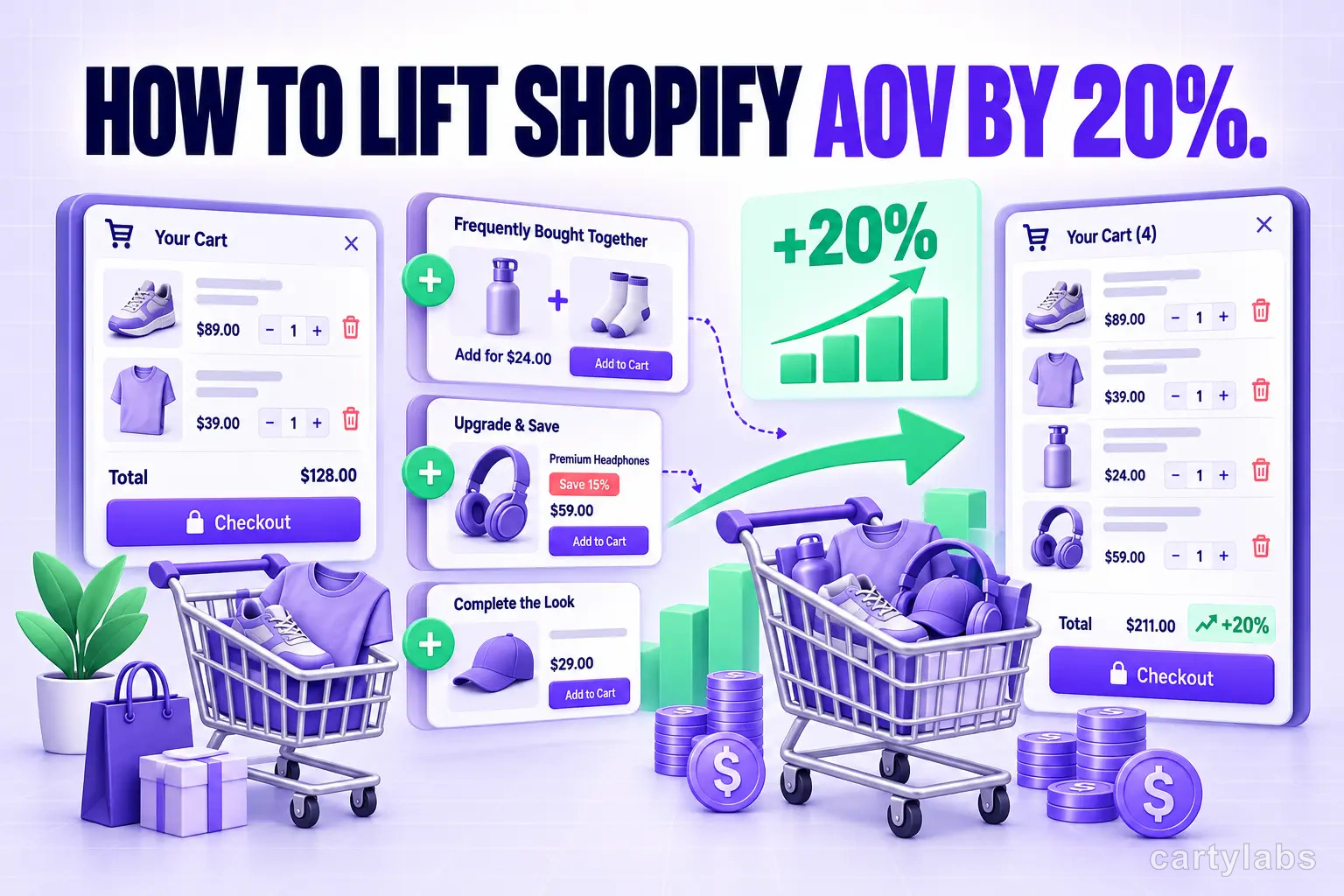
How to Lift Shopify AOV by 20%: A Practical Upsell Guide
Most Shopify stores can squeeze a 15-20% AOV lift from existing traffic. The in-cart upsell strategy that delivers without irritating shoppers.
 Install Cart — Free