
One-Click Post-Purchase Upsells on Shopify: 2026 Guide
Post-purchase upsells add 3-7% revenue per order with no checkout friction. The Shopify Post-Purchase API, offer math, and the patterns that convert in 2026.
In this article
- 01 What “post-purchase upsell” actually means on Shopify#
- 02 The Post-Purchase API: how it works#
- 03 What to offer (and what not to)#
- 04 The offer math: when post-purchase pays back#
- 05 The 7-step setup playbook#
- 06 What good post-purchase copy looks like#
- 07 How post-purchase fits with in-cart and pre-purchase upsells#
- 08 When not to use a post-purchase upsell#
- 09 Common rejections from Shopify review#
- 10 A short summary#
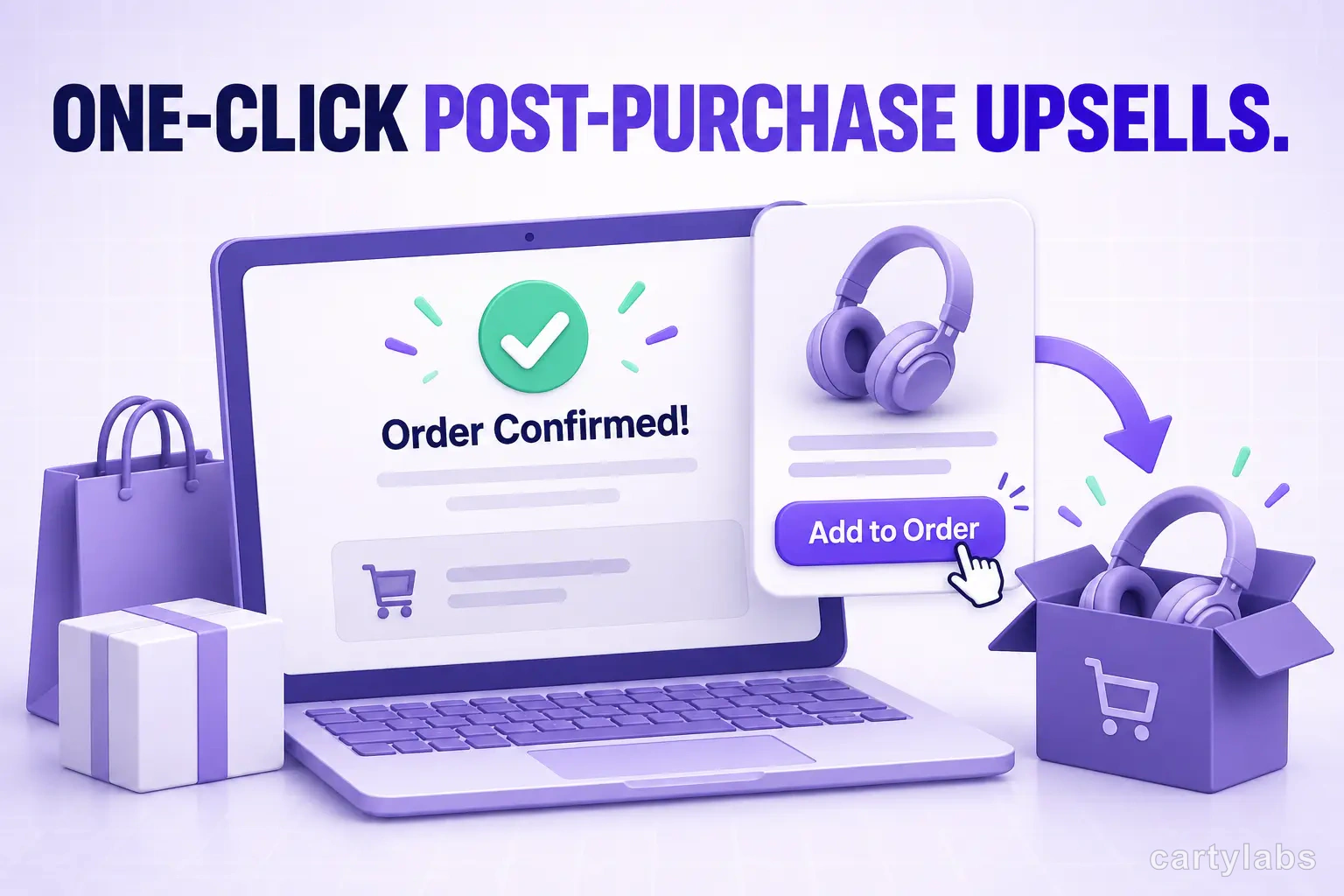
The post-purchase upsell is the most underused revenue lever on Shopify. The shopper has already paid. Their card is on file. They’re staring at a “Thank you for your order” page with nothing to do. A well-timed one-click offer at that moment converts 8-15% of orders into a second purchase, with no card re-entry and no checkout abandonment risk because checkout is already over.
This guide covers what a post-purchase upsell actually is on Shopify in 2026, how the Post-Purchase API differs from the thank-you-page upsell, the offer math that works, and the implementation patterns that don’t get rejected by Shopify’s review.
What “post-purchase upsell” actually means on Shopify
There are two distinct surfaces, and merchants confuse them constantly:
Surface 1: Post-purchase page (Shopify Post-Purchase API). A native Shopify page that appears between the checkout payment step and the thank-you page. It runs on Shopify’s infrastructure, uses the same payment method the shopper just authorized, and accepts/rejects with one click. No second checkout. No card re-entry.
Surface 2: Thank-you page (Order Status Page). The page shoppers land on after the order is final. Apps inject offers here, but accepting an offer creates a new order, with a new payment authorization. It’s not actually one-click in the strict sense.
Surface 1 is what most people mean by “one-click post-purchase upsell.” It’s the higher-converting surface because there’s zero payment friction. Surface 2 is still useful but converts at roughly 30-40% the rate of Surface 1.
For the upstream surfaces (cart drawer, in-cart upsells), see the cart drawer guide and the pre/in/post upsell comparison.
The Post-Purchase API: how it works
Shopify exposes a Post-Purchase API that lets approved apps render an offer page after payment authorization but before the receipt. The flow:
- Shopper completes checkout (card authorized, but not captured for the upsell amount).
- The Post-Purchase page loads with one or two upsell offers.
- Shopper clicks “Add to order” or “No thanks.”
- If accepted, the original payment method is charged for the additional amount, and the upsell line is added to the same order.
- Thank-you page renders.
The whole exchange takes 8-15 seconds for the shopper. Because no second payment is required, conversion rates run 3-5x higher than equivalent offers on the thank-you page.
Restrictions worth knowing:
- Only Shopify Checkout supports it. Custom checkouts (some Shopify Plus stores) need extensibility approval.
- Subscription products are limited. Mixing subscription and one-time SKUs in the same post-purchase offer can fail.
- Multi-currency works but with rounding edge cases. Test the offer in every currency you sell in.
- Some payment methods don’t allow the additional charge. Klarna, Afterpay, and some BNPL providers reject the post-purchase add-on.
What to offer (and what not to)
The single most common mistake: offering the same product the shopper just bought, at full price. It converts at 0.5-1%.
The patterns that actually convert:
| Offer type | Typical AOV lift | When to use |
|---|---|---|
| Quantity bump (same product, +1 at 20% off) | 4-7% | Consumables, anything stockpilable |
| Complementary single SKU at 15% off | 3-5% | Apparel, accessories, kits |
| Premium upgrade (size, model, bundle) | 2-4% | Considered purchases, durables |
| Subscription downsell | 5-10% LTV | Replenishable products |
| Warranty / shipping protection | 1-2% on margin | Higher-ticket items |
The discount has to be visible and meaningful. 5% off doesn’t move the needle. 15-25% is where conversion picks up. Above 30% feels desperate and erodes margin.
The offer math: when post-purchase pays back
A simplified margin model:
Net per accepted offer = (offer price × accept rate)
                       - (offer COGS × accept rate)
                       - app fee per accepted upsell
For a $40 offer at 25% off ($30 final), with 50% gross margin and a 12% accept rate:
- Revenue per order = $30 × 12% = $3.60
- COGS per order = $15 × 12% = $1.80
- Gross profit per order = $1.80
Across 1,000 orders, that’s $1,800 of incremental gross profit. After app fees (typically $0.10-0.30 per accepted offer), net is $1,500-1,700. The post-purchase upsell pays for itself within the first 100-300 orders for almost any store doing more than $20k/month.
The math breaks down when:
- COGS exceeds 60% of offer price (low-margin commodities)
- Accept rate sits below 4% (wrong offer match or too high a discount needed to convert)
- App fees are usage-based and stacked across multiple post-purchase tools
The 7-step setup playbook
- Pick one product as the offer. Start with the SKU that has the highest gross margin and the highest standalone conversion rate on PDP. That’s your hypothesis: “shoppers who already bought something should buy this.”
- Set the discount at 20%. It’s the median that works; you can A/B test 15% and 25% later.
- Write the offer copy in 12 words or fewer. “Add the matching socks for 20% off — one click, no re-enter card.”
- Show one offer, not three. Decision paralysis kills conversion at this surface. A second-chance downsell is fine; three parallel offers is not.
- Cap quantity at 1. Multi-quantity selectors here add friction without lifting accept rate.
- A/B test against no offer at all. You’re checking that the upsell isn’t suppressing reviews, NPS, or repeat purchase. It almost never does, but verify.
- Iterate the offer monthly. Post-purchase fatigue is real for repeat customers; rotate offers every 30-45 days.
What good post-purchase copy looks like
Three rules:
- Reference the order they just placed. “Since you bought the moisturizer…” converts better than “Customers also like…”
- State the discount as a dollar amount, not a percent, when it’s small. “$8 off” beats “20% off” on a $40 item.
- Include a single-sentence reason. “Most customers add this within their first month — get it now and skip the reorder.”
Skip: urgency timers (“Offer expires in 5:00”), false scarcity (“Only 2 left”), and emoji-heavy copy. Shoppers see through it, and Shopify’s review team flags some patterns.
How post-purchase fits with in-cart and pre-purchase upsells
Run all three. They don’t cannibalize each other; they capture different micro-moments:
- Pre-purchase (PDP): shapes the product they pick.
- In-cart: lifts basket size at the moment of intent. See in-cart upsell strategies.
- Post-purchase: extracts a second order with no checkout friction.
Stacked, they typically lift revenue per order 18-28% over a non-optimized funnel. Don’t pick one — pick all three and tune the offers so they don’t repeat the same product.
When not to use a post-purchase upsell
- First 90 days of a new store. You don’t have enough order data to pick the right offer SKU. Run cart-level upsells first. See the free-gift progress bar guide.
- Luxury / considered-purchase brands. Buying a $3,000 sofa shouldn’t be followed by a 25%-off pillow nudge. It cheapens the moment.
- B2B / wholesale. Buyers don’t want surprise add-ons; they want their PO to match.
- Subscription-only stores. The mechanic exists but is more brittle; consider a subscription retention strategy instead.
- Low-margin verticals (under 30% gross). The offer math doesn’t pay back the app fee.
Common rejections from Shopify review
If you build your own post-purchase app or use one that hasn’t been reviewed in the last year, you’ll hit these:
- Unclear charge disclosure. The offer page must show the exact additional charge before the click.
- Bundled subscriptions without clear terms. If the offer is a subscription, the recurring frequency and price must be disclosed on the offer page.
- Misleading “free” claims. “Free with order” requires zero additional charge, including taxes and shipping. If anything is added, the word “free” can’t appear.
- Auto-accept patterns. Pre-checked boxes that add the offer if the shopper doesn’t decline are explicitly disallowed.
A short summary
Post-purchase upsells are the highest-conversion-rate offer surface on Shopify because they remove the only friction shoppers actually care about: re-entering payment. Set up correctly, they add 3-7% to revenue per order with no impact on checkout completion or NPS.
Pick one offer, set the discount at 20%, write 12 words of copy, and let it run. Iterate monthly. Layer it on top of an in-cart upsell strategy and a free shipping threshold and you’ve built the modern Shopify cart funnel.
Want post-purchase plus in-cart upsells in one app? Install Cartylabs free on Shopify, or book a 15-minute demo and we’ll map the offers against your top-selling SKUs.
Next steps
Related Shopify resources
Practical tools and product pages related to this guide.
Keep reading
All articles →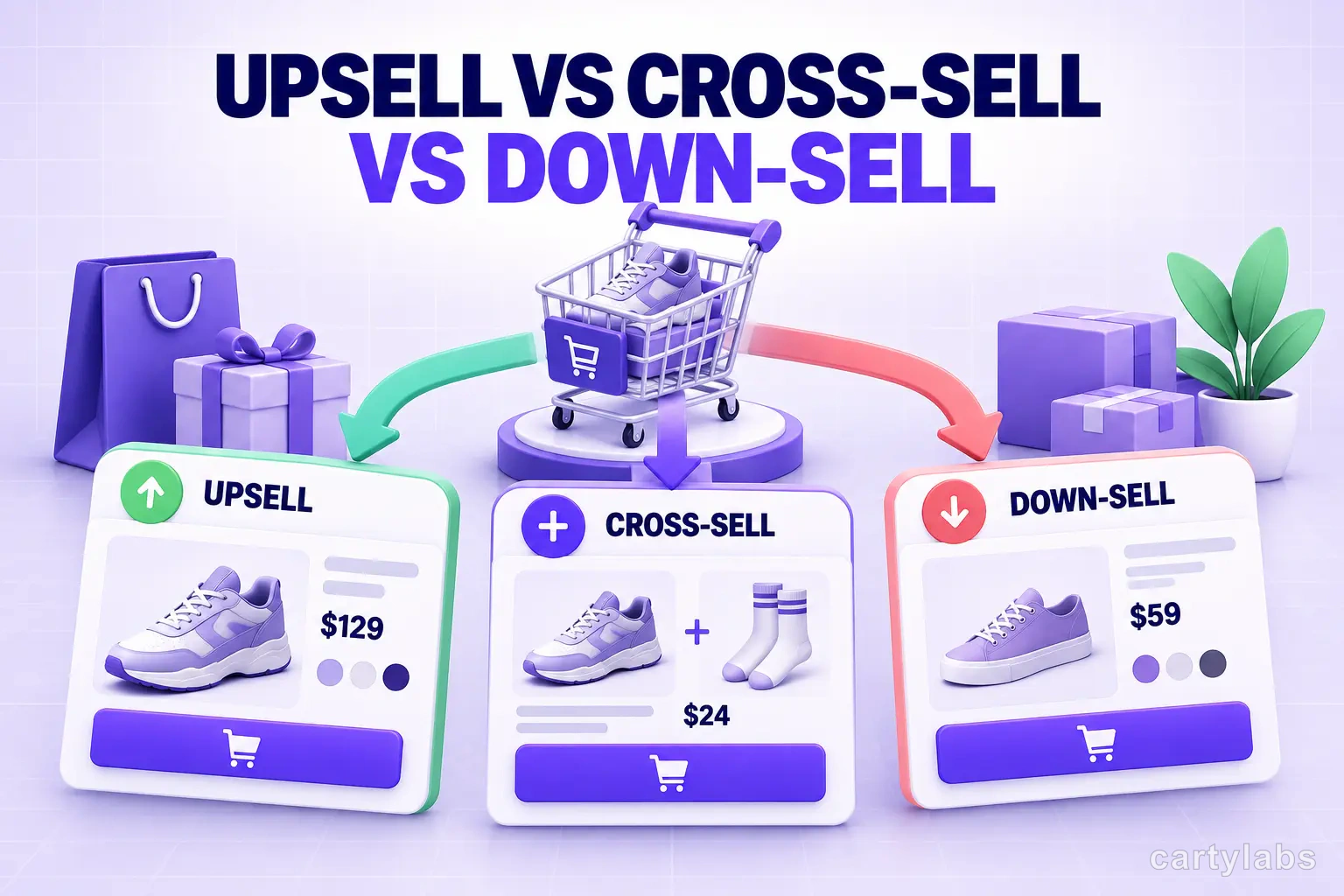
Upsell vs Cross-Sell vs Down-Sell: The Shopify Playbook
Upsell, cross-sell, and down-sell solve different problems. The definitions, the offer math, and the Shopify patterns that make each one earn its place.
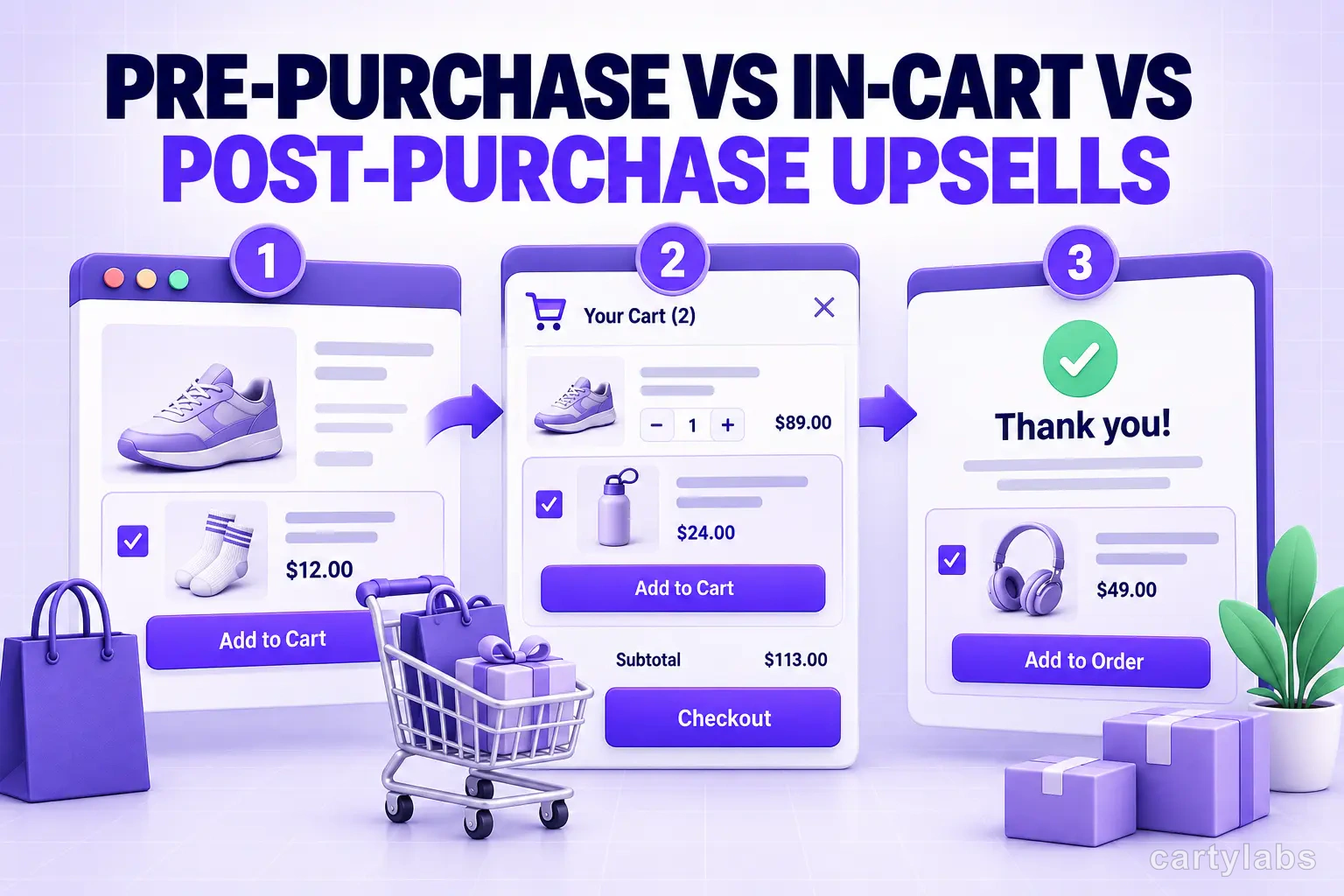
Pre-Purchase vs In-Cart vs Post-Purchase Upsells: Shopify Surfaces in 2026
Three upsell surfaces, three different conversion profiles. The math, the offer types, and which Shopify upsell surface to deploy when in 2026.
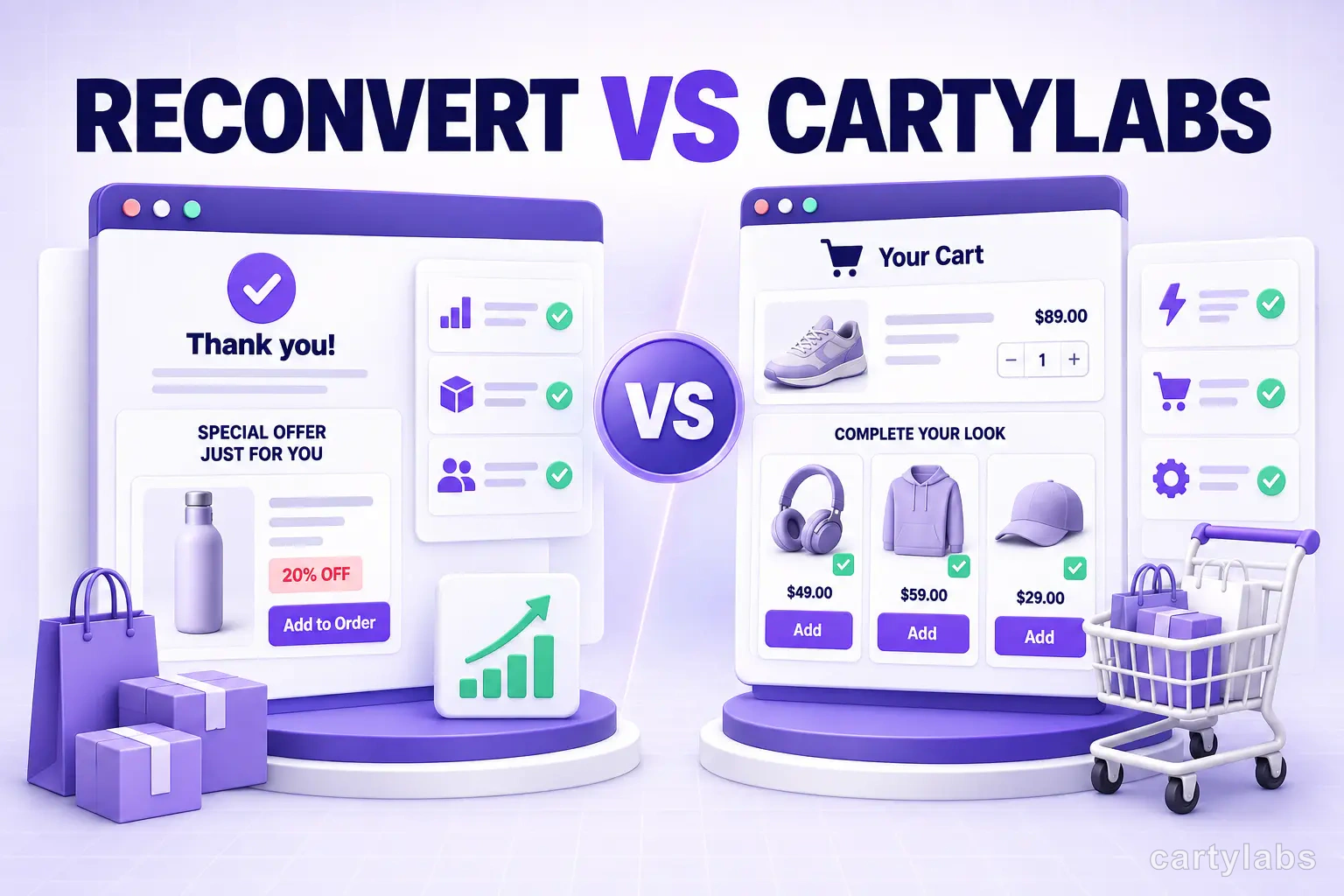
ReConvert vs Cartylabs: Post-Purchase Upsell Showdown
ReConvert vs Cartylabs compared on Shopify post-purchase upsells, cart drawers, AOV lift, and Plus checkout extensibility. Honest 2026 breakdown for merchants.
 Install Cart — Free