
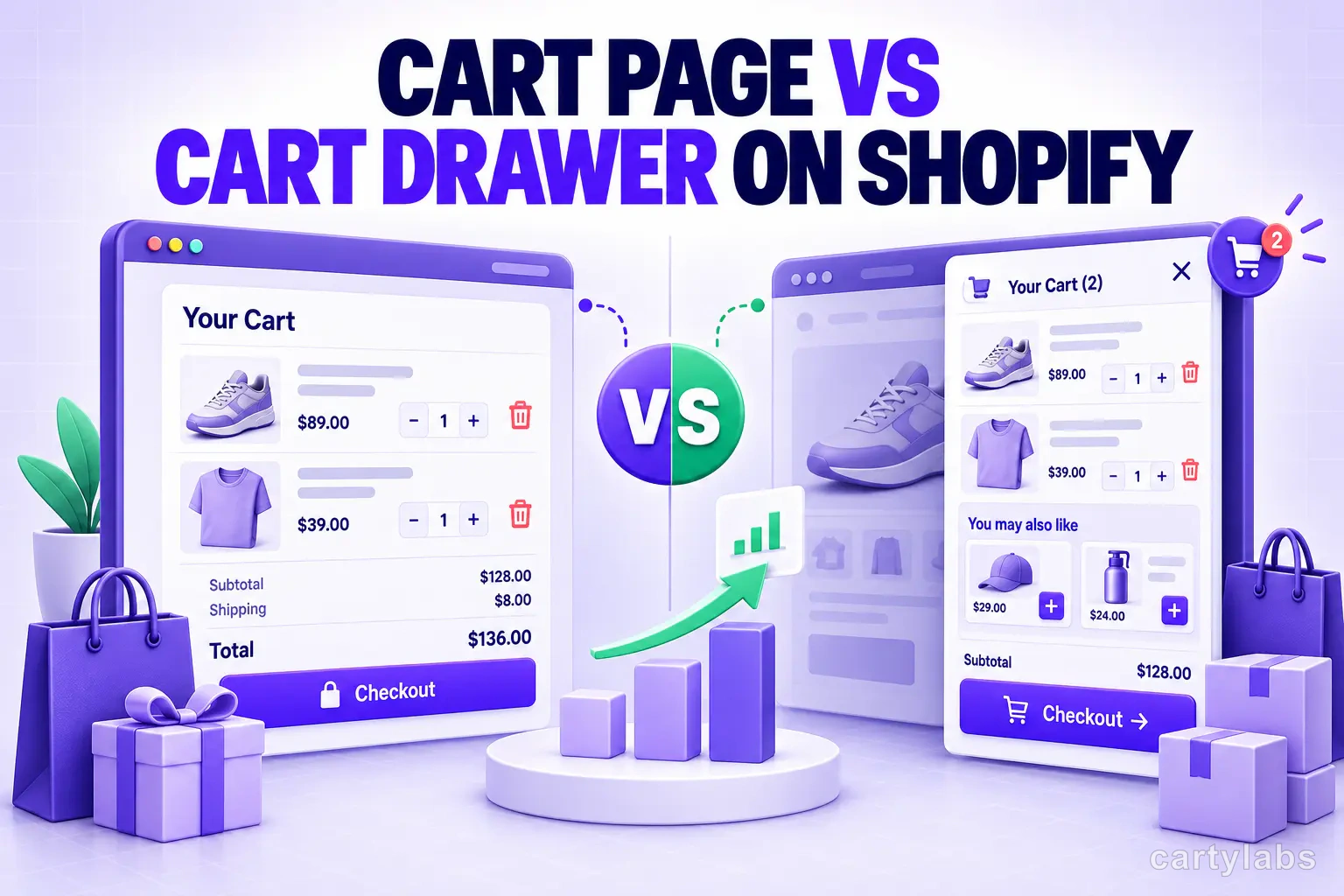
Cart Page vs Cart Drawer on Shopify: Which Converts Better?
Cart drawer or cart page on Shopify? A data-backed decision guide covering mobile, upsells, speed, and the store types where a cart page still wins.
In this article
- 01 Key takeaways#
- 02 Cart page vs cart drawer: the difference in one line#
- 03 The decision table#
- 04 Where cart drawers win#
- 05 When a cart page still wins#
- 06 A decision framework by store type#
- 07 The hybrid approach most stores should use#
- 08 How to switch to a cart drawer#
- 09 Frequently asked questions#
- 10 The bottom line#
For most Shopify stores, a cart drawer converts better than a dedicated cart page — because it keeps shoppers in the browsing flow, puts upsells next to the checkout button, and works better on mobile, where 77% of ecommerce visits now happen. But “most” is not “all.” A traditional cart page still wins for high-consideration purchases, complex or configured carts, and B2B/wholesale flows. This guide gives you the decision framework, not a blanket verdict.
Key takeaways
- A cart drawer (slide cart, side cart, mini cart) opens over the current page with no reload; a cart page loads a separate
/cartURL. - Drawers usually win on mobile conversion, continued browsing, upsell visibility, and checkout momentum.
- Cart pages still win for high-AOV/considered purchases, configurators and bundles, wholesale/B2B, and stores that need a shareable cart URL.
- The mechanism behind every drawer is Shopify’s own Ajax API — adding and updating the cart without a full page reload.
- The strongest setup for most DTC stores is a hybrid: a drawer for fast add-to-cart and upsells, with the full cart/checkout available for shoppers who want to slow down.
Cart page vs cart drawer: the difference in one line
A cart page is the default Shopify behavior: click “Add to cart,” get navigated to a separate /cart URL, and click again to reach checkout. A cart drawer slides a panel in from the side when a shopper adds an item, shows the cart in-context, and lets them either check out or dismiss it and keep shopping. Same information; very different friction. For the full anatomy of a drawer, see our complete guide to Shopify cart drawers.
The decision table
| Dimension | Cart drawer (slide cart) | Cart page (/cart URL) |
|---|---|---|
| Page transition | Slides over the page, no reload | Full navigation away from the product |
| Continued browsing | Close and keep shopping in one tap | Requires a “continue shopping” step |
| Mobile behavior | Fast; can feel cramped if overloaded | More room to review; a full nav each time |
| Upsell / cross-sell placement | Sits right next to the checkout CTA | More space, but seen less often |
| Checkout progression | Fewer steps; builds momentum | Extra step; better for deliberate review |
| Performance | No reload; light if built well | Simple and cacheable, but a full page load |
| Shareable / indexable URL | No — it’s UI state, not a page | Yes — a real, bookmarkable URL |
| Accessibility | Needs correct focus trap + keyboard handling | Standard page semantics, simpler to get right |
| Best-fit store | Impulse, low-AOV, mobile-heavy, many SKUs | Considered, high-AOV, complex or B2B carts |
Where cart drawers win
Mobile. With 77% of ecommerce visits coming from phones in 2025, the cart experience has to be judged mobile-first. A drawer that overlays the current screen avoids a full navigation on every cart view — the flow that quietly loses thumb-driven shoppers. Pair the drawer with the fixes in our mobile conversion optimization playbook and the gap over a cart page widens.
Fewer steps to checkout. Around 70% of carts are abandoned (a 70.22% average across 50 studies, per Baymard Institute). Not all of that is fixable at the cart step, but every extra page load between “add to cart” and “checkout” is a place shoppers leak out. A drawer removes one of them. For the full recovery framework, see the cart abandonment playbook.
Upsells at the moment of intent. The drawer is the only surface where a shopper has just committed to buying. Placing a relevant recommendation, bundle, or a free-shipping progress bar directly above the checkout button is far higher-leverage than burying it on a page most shoppers skim. This is the core of adding upsells to your cart drawer, and it’s the fastest path to higher average order value.
Speed. Speed converts: a Deloitte study of 37 brands found that a 0.1-second improvement in mobile load time lifted retail conversion rates by 8.4%. A well-built ajax drawer avoids a full page reload entirely. The caveat: a bloated drawer that loads heavy scripts can erase that advantage, so lightweight implementation matters.
When a cart page still wins
This is where most comparison articles — usually written by app vendors — go quiet. There are real cases where the page is the better call:
- High-consideration, high-AOV purchases. Furniture, electronics, and jewelry shoppers want to slow down and review line items, shipping, and totals. A full page reduces purchase anxiety better than a slide-out.
- Complex bundles, kits, or configurators. When line items are configured, personalized, or multi-variant, the page’s extra room makes carts easier to verify and edit.
- Wholesale / B2B. Large multi-line orders, quantity tables, PO numbers, tax exemptions, and net-terms fields need full-page clarity.
- Cart-URL-dependent stores. If you use cart permalinks, saved/shared carts, or a cart page that earns links, a drawer can’t provide that indexable URL.
- Accessibility-first teams. A drawer must correctly handle focus trapping, ARIA roles, and keyboard/escape behavior. If you can’t guarantee that, a standard cart page is the safer default.
Baymard’s checkout research is a useful reminder that the cart is one lever among many — the average large ecommerce site has dozens of checkout-flow improvements available and can lift conversion ~35% through better checkout UX. Cart type is a starting point, not the whole game.
A decision framework by store type
- Impulse / low-AOV / high-SKU (beauty, apparel, snacks, accessories): Drawer. Momentum and upsells matter more than deliberation.
- Considered / high-AOV (furniture, electronics, fine jewelry): Cart page, or a drawer that links to a full review page.
- Subscription / replenishment: Drawer, with a clear subscribe-and-save toggle.
- B2B / wholesale: Cart page. Space and clarity beat speed.
- Configurators / custom products: Cart page for the review step; a drawer can still handle quick adds.
If you’re mostly impulse-driven but occasionally sell a considered item, don’t force a single answer — go hybrid.
The hybrid approach most stores should use
The false choice is “drawer or page.” The best-converting setup for a typical DTC store uses the drawer as the default — fast add-to-cart, upsells, and a rewards bar — while keeping the full cart and express checkout one tap away for shoppers who want to review. High-intent shoppers get speed; deliberate shoppers get room. You’re not removing the cart page; you’re demoting it from a mandatory stop to an optional one.
How to switch to a cart drawer
You have three routes: custom-build one (realistic only with a dedicated front-end developer and ongoing theme maintenance), stack single-purpose apps, or use an all-in-one cart drawer app that ships the drawer, sticky cart, upsells, and rewards together. Whichever you choose, measure the move: watch cart-to-checkout rate and items per cart against your checkout conversion benchmarks before and after, and want to see the drawer next to real stores? Study our 15 Shopify cart drawer examples.
Frequently asked questions
Does a cart drawer convert better than a cart page on Shopify? For most stores, yes — drawers reduce steps to checkout, keep shoppers browsing, and surface upsells at peak intent, especially on mobile. The exceptions are high-consideration, complex, or B2B carts, where a full cart page’s room to review can convert better.
Should I remove the cart page entirely?
No. Even with a drawer as your default, keep the /cart page reachable. Some shoppers prefer to review on a full page, and cart permalinks and saved carts still rely on it. Demote the page; don’t delete it.
Do cart drawers hurt SEO or page speed? A drawer isn’t an indexable URL, so it can’t rank — but the cart page rarely ranks anyway, so that’s a minor trade-off. On speed, a lightweight ajax drawer avoids a full reload and is typically faster than navigating to a cart page; a bloated one can be slower, so implementation quality matters.
Is a cart drawer better for mobile? Usually. It overlays the current screen instead of forcing a full navigation, which suits phone browsing. Keep it uncluttered and pin the checkout button so it never scrolls off-screen.
Can I have both a cart drawer and a cart page? Yes, and most stores should. Use the drawer for quick add-to-cart and upsells, and keep the full cart page available for shoppers who want to review — the hybrid pattern.
Where should upsells go — the drawer or the cart page? The drawer, directly above the checkout button, is the highest-intent placement. The cart page has more room for richer upsell blocks, but shoppers see it less often. See how to add upsells to your cart drawer.
The bottom line
A cart drawer is the higher-converting default for the impulse-driven, mobile-heavy, upsell-friendly majority of Shopify stores. A cart page still earns its place for considered, complex, and B2B purchases. The smartest move for most merchants is a hybrid — a fast, upsell-ready drawer with the full cart a tap away.
Want a conversion-focused drawer with AI upsells, a rewards bar, and a sticky cart built in? Install Cartylabs free on Shopify and turn it on in about two minutes.
Related reading: Shopify cart drawer guide, 15 cart drawer examples, How to add upsells to your cart drawer.
Next steps
Related Shopify resources
Practical tools and product pages related to this guide.
Keep reading
All articles →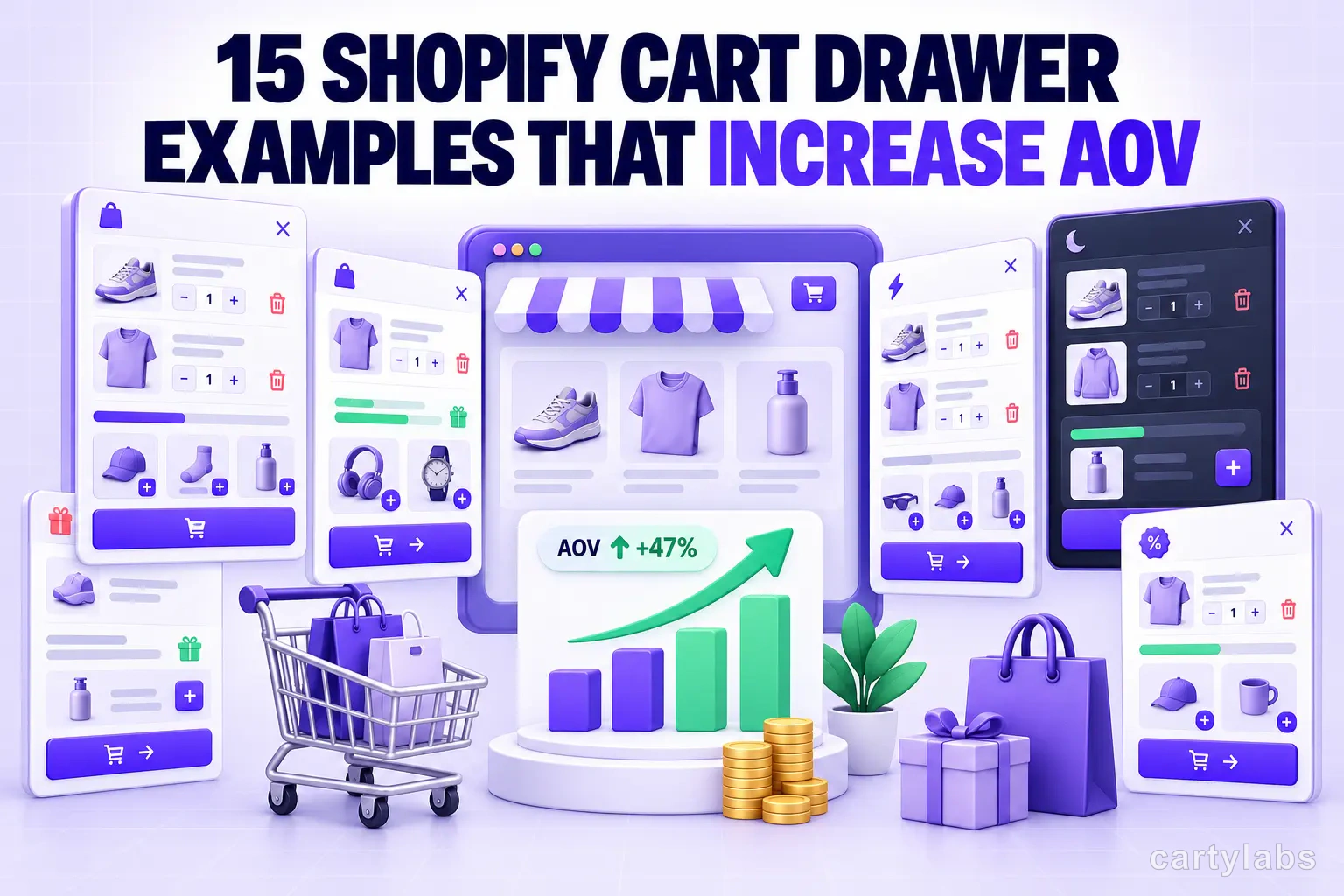
15 Shopify Cart Drawer Examples That Increase AOV
15 real Shopify cart drawers, graded on free-shipping bars, upsells, bundles, rewards, and mobile UX — with the exact tactic to copy from each.
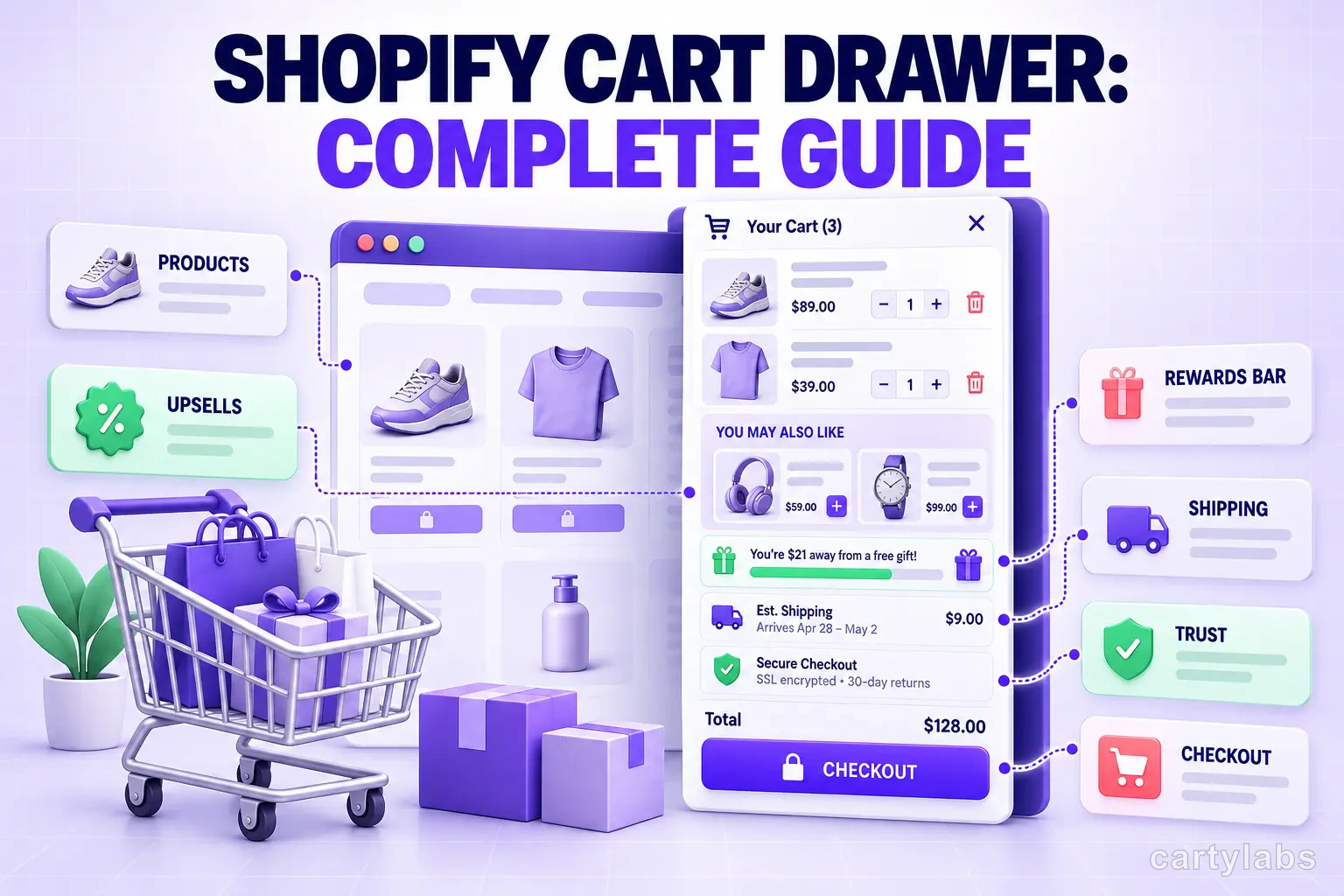
Shopify Cart Drawer: Complete Guide to Slide-Out Carts
A Shopify cart drawer keeps shoppers browsing instead of bouncing. Learn how slide-out carts boost conversion and how to ship one in 5 minutes.
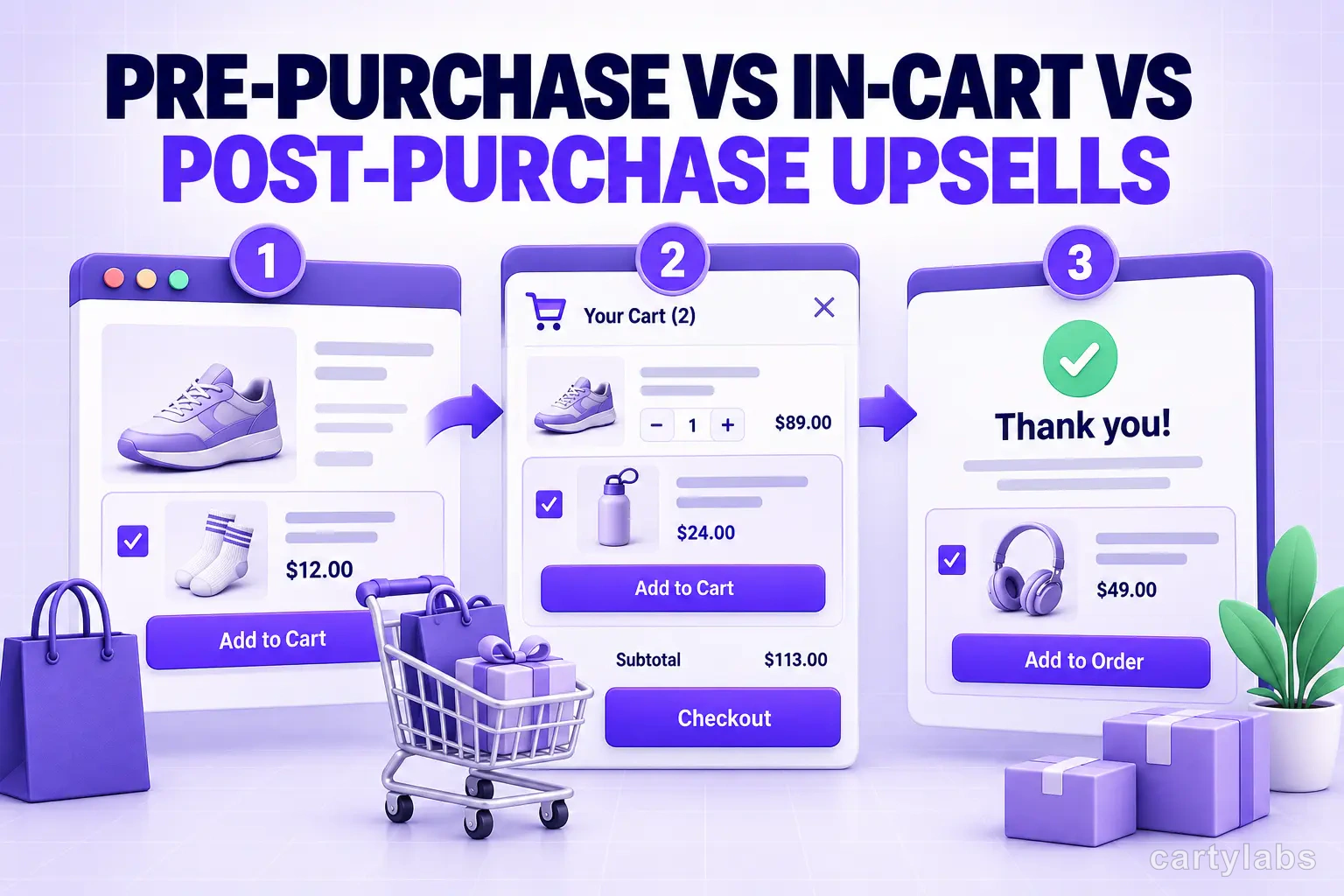
Pre-Purchase vs In-Cart vs Post-Purchase Upsells: Shopify Surfaces in 2026
Three upsell surfaces, three different conversion profiles. The math, the offer types, and which Shopify upsell surface to deploy when in 2026.
 Install Cart — Free