
Back-in-Stock Alerts: Turning Sold-Outs into Revenue
Back-in-stock alerts on Shopify recover 10-30% of lost sold-out demand. Learn the setup, conversion benchmarks, app picks, and copy that actually converts.
In this article
- 01 What back-in-stock alerts actually are#
- 02 Conversion benchmarks#
- 03 Email vs SMS: which channel converts better#
- 04 What to put in the alert email#
- 05 What to put in the SMS#
- 06 Timing: send immediately or batch?#
- 07 Where to place the signup form#
- 08 App options: free, paid, and built-in#
- 09 Common mistakes that cap your recovery rate#
- 10 Combining back-in-stock with cart and email#
- 11 Restock cadence as a marketing lever#
- 12 A short summary#
A sold-out product is not a dead product. It’s a list of high-intent shoppers waiting to be told when to come back. Most Shopify stores treat the “Sold out” badge as a full stop; the best ones treat it as a lead-capture surface. Back-in-stock alerts are the simplest, highest-ROI inventory tool on Shopify, and most stores are leaving 10-30% of sold-out demand on the table by not running them properly.
This guide covers what back-in-stock alerts are, how they perform, what to put in the email and SMS, and the specific app and copy patterns that convert.
What back-in-stock alerts actually are
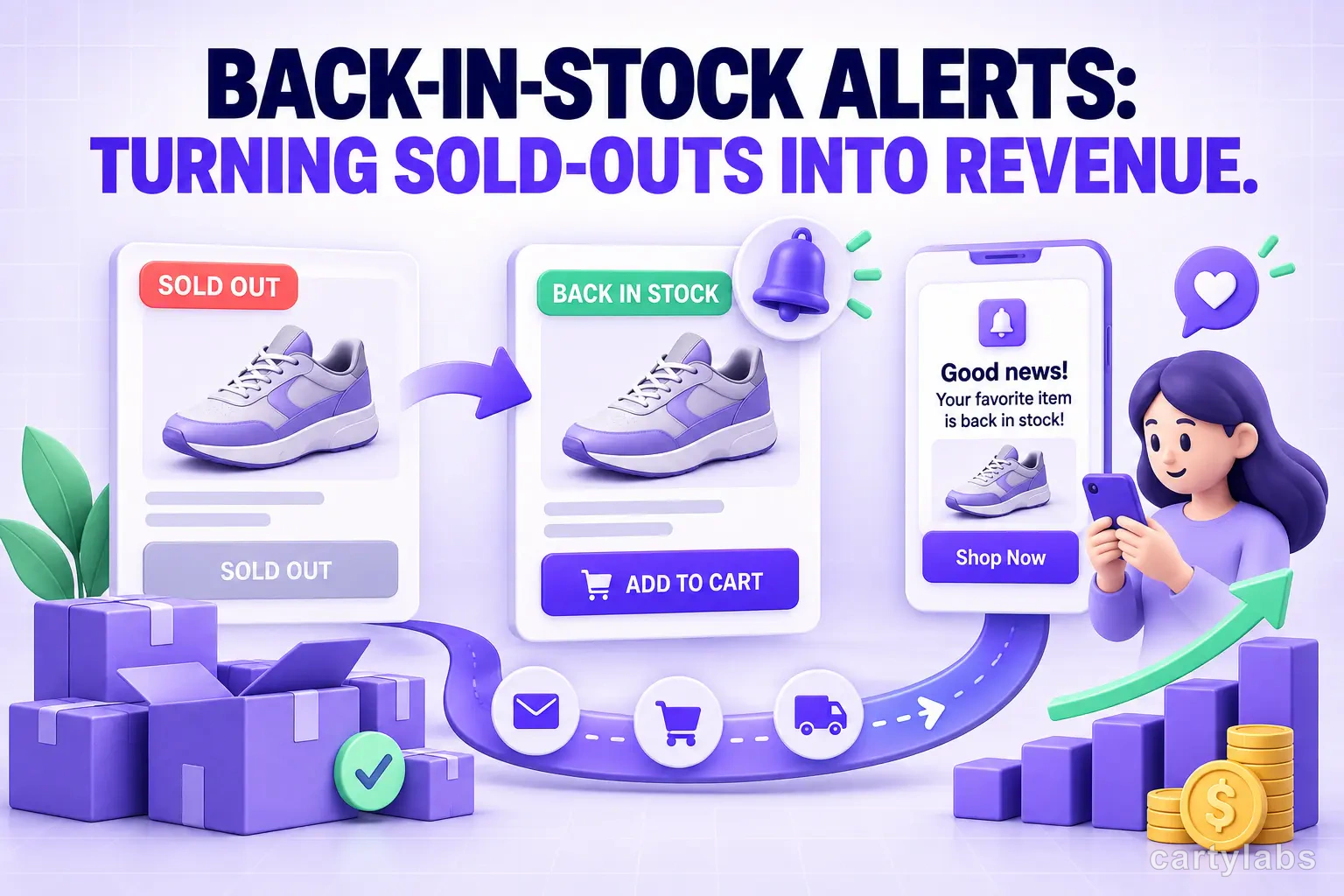
A back-in-stock alert is a small form on a sold-out product page (or variant) that lets a shopper enter an email or phone number and get notified the moment that SKU returns to inventory. The notification fires automatically when Shopify’s inventory tracker flips from 0 to a positive number.
Unlike a generic newsletter signup, the intent is concrete: this shopper wanted a specific product, in a specific size or color, and was willing to share contact info to get it. That makes back-in-stock the highest-converting list on most Shopify stores, often by a wide margin.
Conversion benchmarks
Across our sample of Shopify stores running back-in-stock alerts, the median performance looks like this:
| Metric | Median | Top decile |
|---|---|---|
| Signup rate (sold-out PDP visitors) | 12% | 28% |
| Open rate (email alert) | 58% | 78% |
| Click rate (email alert) | 28% | 45% |
| Conversion rate (alert click to order) | 22% | 41% |
| Revenue per alert sent | $4.80 | $14.20 |
Compare that 22% click-to-order rate to a typical promotional email at 2-4%. A back-in-stock alert is 5-10x more effective than your best newsletter campaign, because you’re emailing someone exactly the product they asked for, exactly when they can buy it.
If your store is doing $50k/month with a 30% sold-out rate on hero SKUs, recovered back-in-stock revenue is realistically $3-6k/month with no acquisition cost.
Email vs SMS: which channel converts better
Both work; the trade-offs are different.
| Channel | Signup rate | Conversion rate | Cost |
|---|---|---|---|
| Email only | 12% | 22% | Near zero |
| SMS only | 6% | 38% | $0.01-0.03 per send |
| Email + SMS opt-in | 14% | 31% | Mixed |
SMS converts better per send because it lands in a notification tray a shopper sees within minutes. Email captures more sign-ups because shoppers are more willing to share an email than a phone number. The right answer for most stores is to offer both, default to email, and let SMS-friendly shoppers opt in to both.
One nuance: SMS only makes sense if your AOV is above $40 or so. Below that, the per-send cost eats into the margin even at a 38% conversion rate.
What to put in the alert email
The standard back-in-stock email is one screen tall and contains five things:
- Subject line: “[Product name] is back” or “Back in stock: [Product]”. Personalization (first name) lifts open rate 4-6 points.
- Hero image: the exact variant, not a category banner.
- One-line confirmation: “The [product, color, size] you wanted is back in stock.”
- Stock urgency, if real: “Only 12 in stock — last restock sold out in 4 hours.” Don’t fake this.
- One CTA button: “Shop now” linking directly to the variant URL with the variant pre-selected.
Things to leave out: cross-sells, related products, newsletter sign-up CTAs, social links. The shopper opened this email for one reason. Don’t dilute the click.
What to put in the SMS
SMS character economy matters. A back-in-stock SMS should look roughly like this:
[Brand]: The Cloud Hoodie in Sage M is back. Last restock sold in 6 hours. Shop: [link] Reply STOP to opt out.
That’s 138 characters, fits in one segment, and lands a clean CTA. Don’t add emojis, don’t add a discount code (it primes shoppers to wait for codes next time), don’t add a P.S.
Timing: send immediately or batch?
Send immediately. The instinct to batch (“we’ll fire all alerts at 9am tomorrow”) is wrong. The whole point of back-in-stock is that the shopper has been waiting; any delay is a delay between intent and conversion, and risks the variant selling out before the alert fires.
The one exception: if you’re restocking a hero SKU with limited inventory, batching and announcing the restock window via a short pre-email can help avoid an alerts-vs-walk-up race condition. But that’s an inventory-pacing decision, not an alerts-best-practice one.
Where to place the signup form
On the PDP, when the variant goes out of stock, the “Add to cart” button should be replaced (not augmented) by a “Notify me when back in stock” button of the same size and color. Tapping it opens an inline form, not a modal that takes over the screen.
Three placement mistakes to avoid:
- Don’t hide it below the fold. If a shopper has to scroll to find it, you’ve lost most of the signup intent.
- Don’t use a tiny “Notify me” link. It needs to be the same visual weight as the original CTA.
- Don’t require account creation. Email or phone number, one field, one submit.
App options: free, paid, and built-in
Three categories of solution:
Free / built-in: Shopify’s native “Back in stock” feature is part of the platform as of 2024 but is bare-bones. It captures email, sends a basic alert, and stops there. Fine for stores doing under 50 sold-out events per month.
Dedicated apps: Klaviyo’s back-in-stock module (if you’re already on Klaviyo), Back in Stock by SwymCorp, and Notify Me by AppHQ are the most installed. Expect $20-50/month. They add SMS, multi-variant logic, restock analytics, and Klaviyo-style segmentation.
Cart and conversion suites: Some all-in-one apps (including Cartylabs on the roadmap) bundle back-in-stock with cart drawer, upsells, and rewards. The win is one vendor and one bill; the trade-off is feature depth versus a specialist.
For most stores under 1,000 orders/month, Klaviyo’s back-in-stock module is the right call if you’re already running Klaviyo email. For stores not on Klaviyo, Notify Me is the easier setup.
Common mistakes that cap your recovery rate
A few patterns we see kill the ROI of otherwise-decent back-in-stock setups:
- Sending the alert without a direct variant link. If the shopper has to re-pick size and color, they bounce. Pre-select the variant in the URL.
- Suppressing alerts when stock is “low but not zero.” If you restock with 5 units and 30 alerts queued, the first 5 win and the other 25 should still get alerted, with a “low stock” caveat. Most stores instead silently delay, which destroys trust.
- Not de-duplicating across variants. A shopper who signed up for size M shouldn’t also get an alert for size L coming back.
- Burying the alert signup behind an account login. Nobody creates an account to sign up for an alert.
Combining back-in-stock with cart and email
Back-in-stock alerts work hardest when they plug into the rest of your retention stack:
- Sync signups to Klaviyo or your ESP. A back-in-stock signup is a high-intent lead; treat it as one, with a follow-up flow if the alert doesn’t convert in 7 days. See our email marketing strategy guide.
- Land the click on a fast PDP with a working cart drawer. A back-in-stock click that hits a slow PDP and a /cart redirect undoes the work. Our cart drawer guide covers the right cart UX.
- Add the variant to the recovery loop. If the shopper clicks through, adds to cart, and abandons, your cart abandonment sequence should know they came from a back-in-stock alert and adjust the messaging.
Restock cadence as a marketing lever
A subtle but powerful pattern: predictable restock windows convert better than random ones. Stores that restock on a published schedule (“new stock every Wednesday at 10am ET”) build a habit. Shoppers learn to show up; some refresh the PDP at the appointed time. The back-in-stock list essentially becomes a low-key launch list for hero SKUs.
This works best for fashion, beauty, and food brands with a tight SKU set. For broad catalogs (home goods, electronics) the cadence is too noisy to publish.
A short summary
Back-in-stock alerts are the cheapest revenue Shopify offers. The setup is one app, one form, two messages (email and SMS), and a direct variant link. Median signup rate is 12%, median click-to-order is 22%, and the typical store running them properly recovers 10-30% of sold-out demand without spending a dollar on acquisition.
If you want a single app that handles back-in-stock alongside your cart drawer, AI upsells, and rewards, install Cartylabs free on Shopify, or book a 15-minute setup call and we’ll walk through your sold-out funnel together.
Next steps
Related Shopify resources
Practical tools and product pages related to this guide.
Keep reading
All articles →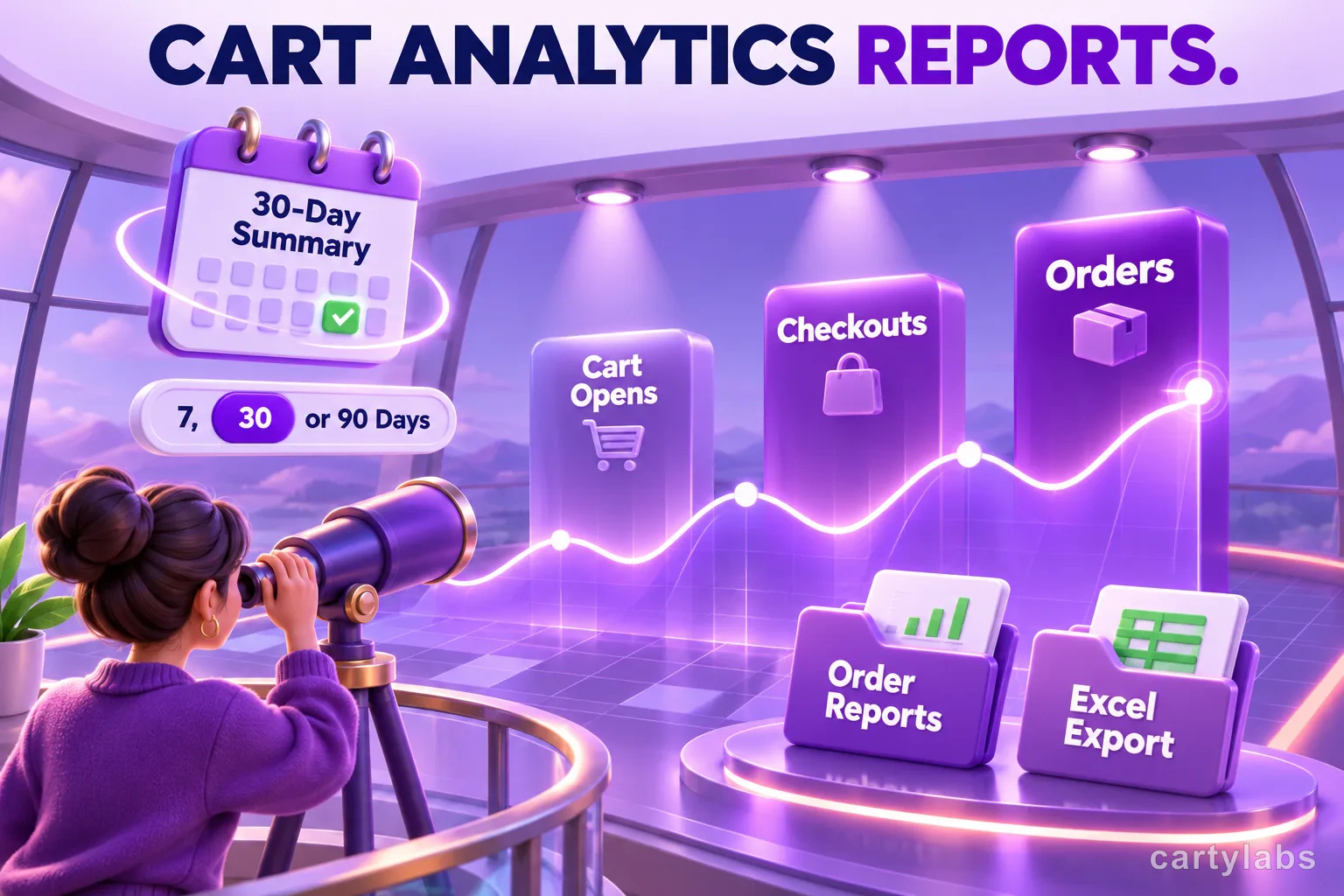
Shopify Cart Analytics: What Growth Reports Reveal
Shopify cart analytics in Cartylabs range from a Free 30-day summary to Growth conversion, engagement, order reports, shopper journeys, and Excel export.
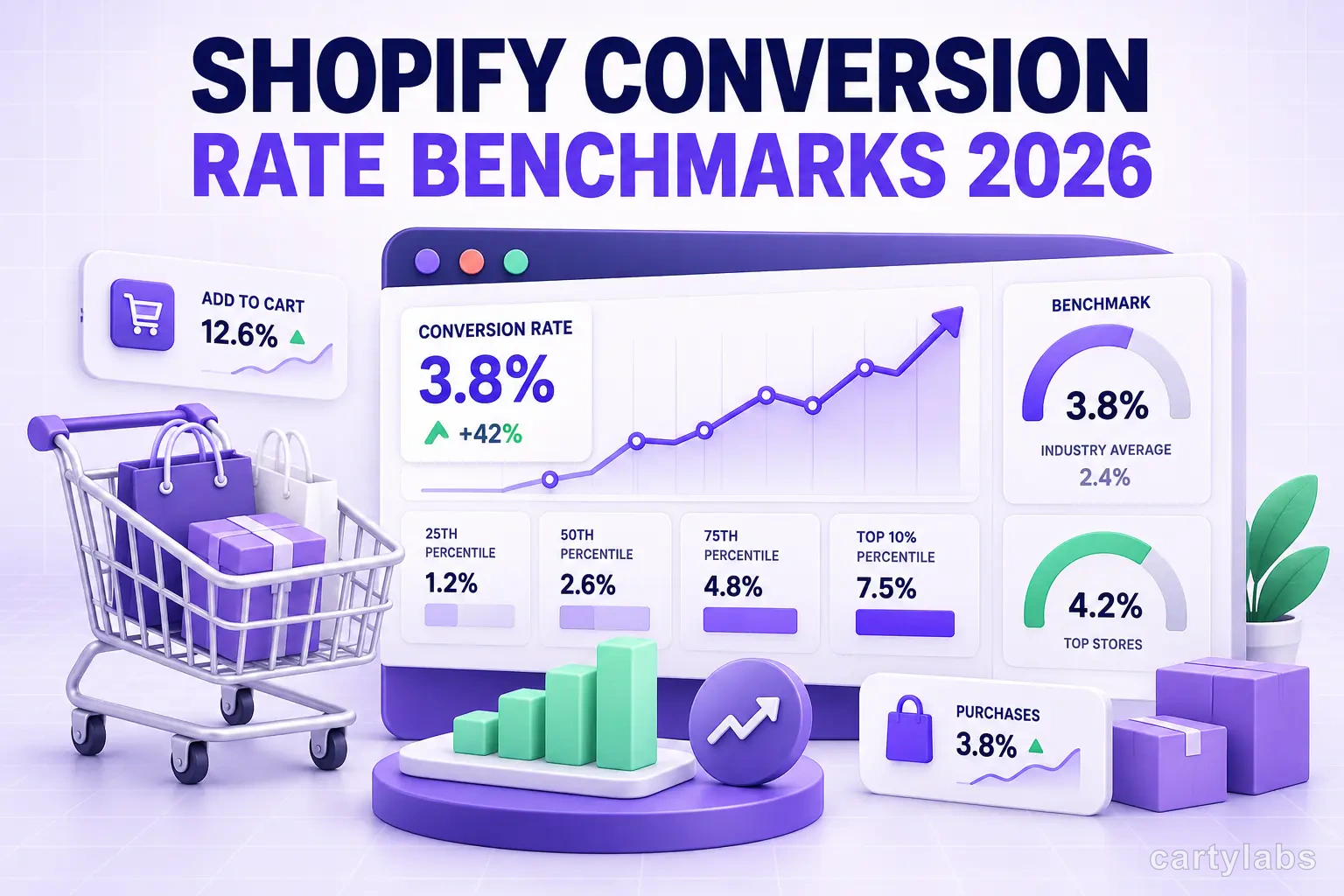
Shopify Conversion Rate Benchmarks 2026 (by Vertical)
Shopify conversion rate benchmarks for 2026, broken down by vertical, device, and traffic source. Real numbers, honest medians, and what to fix first.
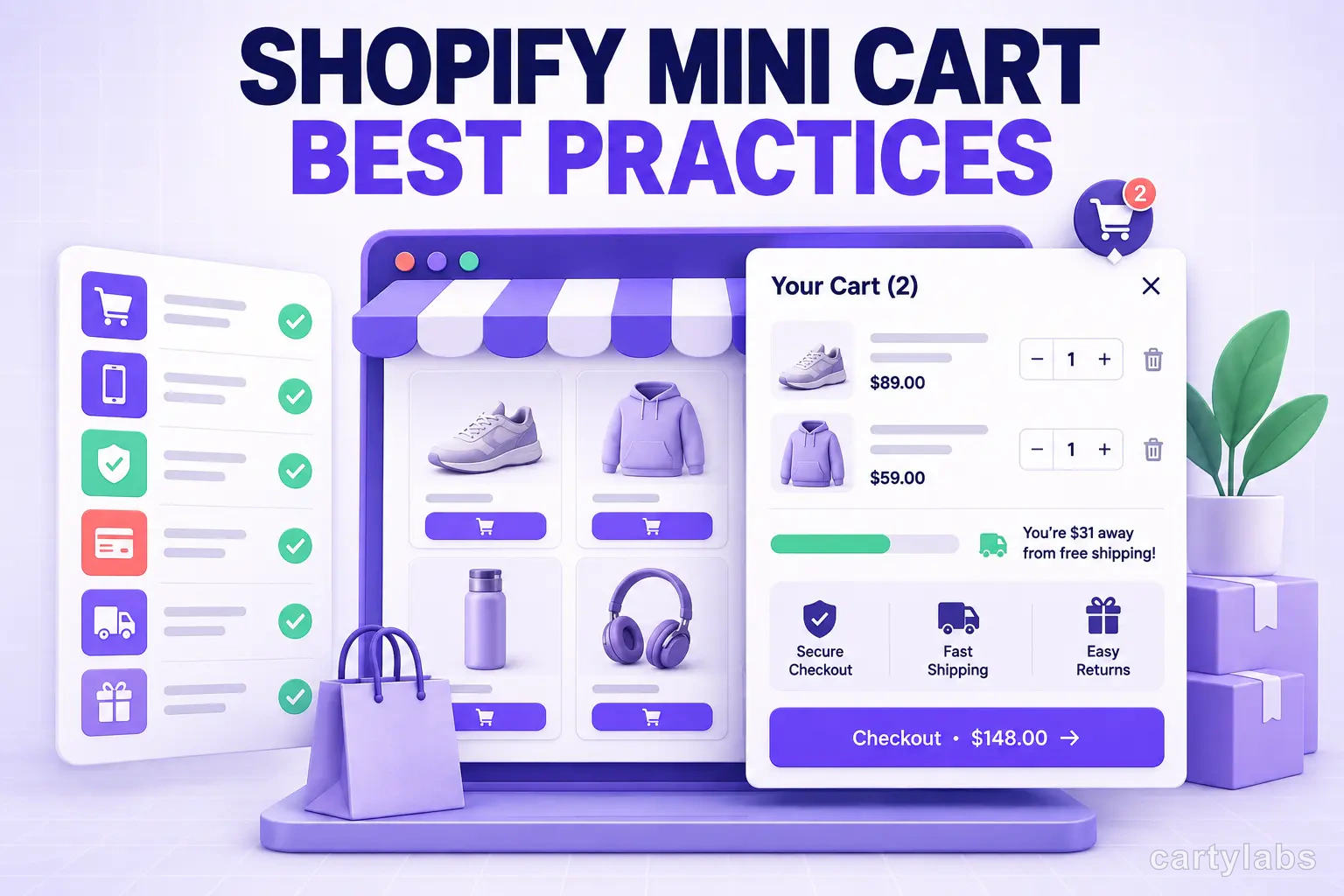
Shopify Mini Cart Best Practices (with Examples)
Shopify mini cart best practices: layout, copy, mobile rules, and 12 patterns from high-converting stores. Concrete examples and AOV data for 2026.
 Install Cart — Free