
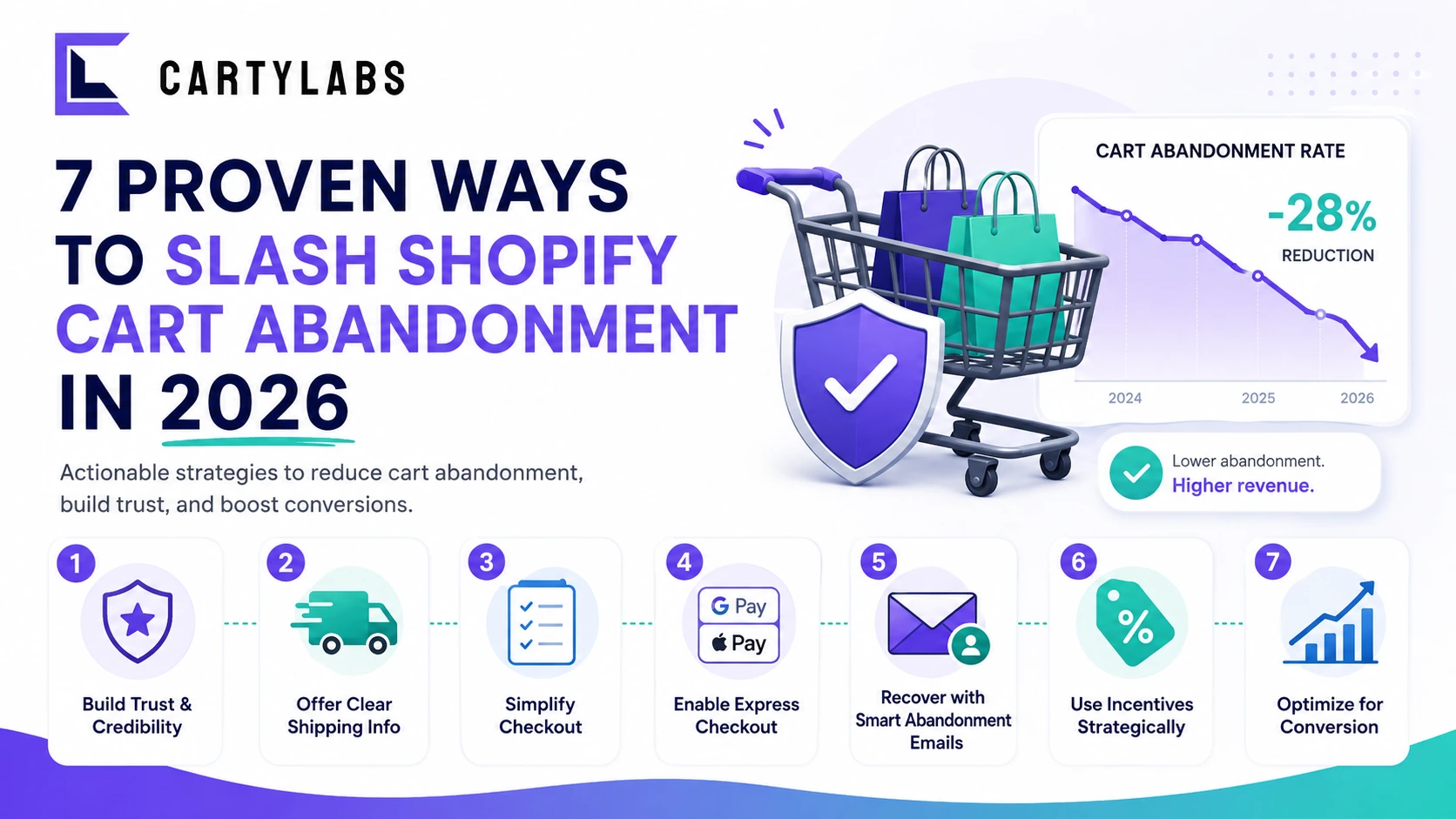
7 Proven Ways to Slash Shopify Cart Abandonment in 2026
Cut Shopify cart abandonment fast with seven field-tested tactics covering shipping transparency, express checkout, exit recovery, trust signals, and post-purchase win-back.
In this article
- 01 1. Surface shipping cost before the cart, not at checkout#
- 02 2. Lead checkout with express payment buttons#
- 03 3. Replace your stock cart drawer with one that earns its real estate#
- 04 4. Add an exit-intent recovery offer (sparingly)#
- 05 5. Make trust signals impossible to miss#
- 06 6. Run a three-message abandoned cart sequence, not a single email#
- 07 7. Win the next purchase on the Thank You page#
- 08 A simple weekly cadence#
Shopify merchants lose roughly seventy cents of every dollar at the cart and checkout stage. That figure has barely moved in five years, even as themes got prettier and payment options multiplied. The reason is simple: most cart abandonment fixes treat the symptom (the empty cart) instead of the cause (the friction that put it there).
This guide walks through seven concrete moves that actually reduce abandonment on Shopify in 2026, ordered by impact and ease of deployment. Each one is something you can ship this week.
For the underlying data behind why shoppers leave, see Shopify checkout abandonment statistics. For the broader funnel diagnostic, the Shopify cart abandonment playbook walks through the full recovery flow.
1. Surface shipping cost before the cart, not at checkout
The single largest cause of abandonment is the same one Baymard has tracked for a decade: unexpected costs at checkout. The fix is to stop hiding them.
Put a sitewide free shipping bar above the navigation that shows the current threshold and how much more the customer needs to add. On the product page, surface a “Ships free to your country” or “Add $14 for free shipping” line below the buy button. By the time the shopper hits checkout, the shipping number is not a surprise but a confirmation.
2. Lead checkout with express payment buttons
Shop Pay, Apple Pay, Google Pay, and PayPal Express remove every reason a buyer would bail at the email step. Place them above the email field, not below it, and configure Shop Pay one-tap so returning shoppers convert in under three seconds. This is the highest leverage mobile move available to a Shopify store. The full breakdown lives in our Shop Pay and quick buy guide.
3. Replace your stock cart drawer with one that earns its real estate
The default Shopify cart drawer is a list of line items with a checkout button. That is wasted surface. A modern cart drawer should carry a free-gift progress bar, a frequently-bought-together row, and trust badges, all without slowing first paint. Compare your current setup against the best Shopify cart drawer apps to see what your competitors ship.
4. Add an exit-intent recovery offer (sparingly)
Pop-up fatigue is real, but a single targeted exit-intent offer on the cart page still pulls back five to nine percent of bouncing sessions. The rules: trigger only on the cart page, never on checkout, never on the first visit, and only with a real incentive (free shipping, a real discount, or a free gift). Generic “Wait, don’t go!” modals do nothing.
5. Make trust signals impossible to miss
Most abandonment around payment is trust, not price. A buyer who has never heard of your brand needs to see, in the same viewport as the pay button: a real return policy line, accepted payment logos, a security badge, and ideally one short customer quote. None of these need to shout. Quiet, specific signals outperform loud generic ones every time. See our Shopify checkout trust badges guide for the exact placements that move the needle.
6. Run a three-message abandoned cart sequence, not a single email
A one-shot abandoned cart email captures roughly three percent of lost revenue. A three-message sequence (one hour, twenty-four hours, seventy-two hours) captures eleven to fifteen percent. Use SMS for message one, email for message two, and a final discount-bearing email for message three. The cadence matters more than the copy. Our Shopify email marketing strategy post lays out the full flow, and Storelab’s guide to building an Abandoned Cart Sequence covers additional recovery tactics.
7. Win the next purchase on the Thank You page
The shoppers who completed their order are the highest-converting audience on your store. Use the Thank You page for a one-click post-purchase upsell, a referral CTA, and an account-creation prompt. Done right, post-purchase recovers ten to eighteen percent of average order value with zero ad spend. The Shopify post-purchase upsell guide covers the exact apps and offer structures that work.
A simple weekly cadence
Pick one of the seven above each week. Ship it. Measure conversion rate over the following seven days against the prior baseline. Move on. In two months you have shipped every recovery lever your store needs.
If you want a single app that handles the cart drawer, free-gift progress, in-cart upsells, and post-purchase offers without code, Cartylabs covers points three, five, and seven out of the box.
Next steps
Related Shopify resources
Practical tools and product pages related to this guide.
Keep reading
All articles →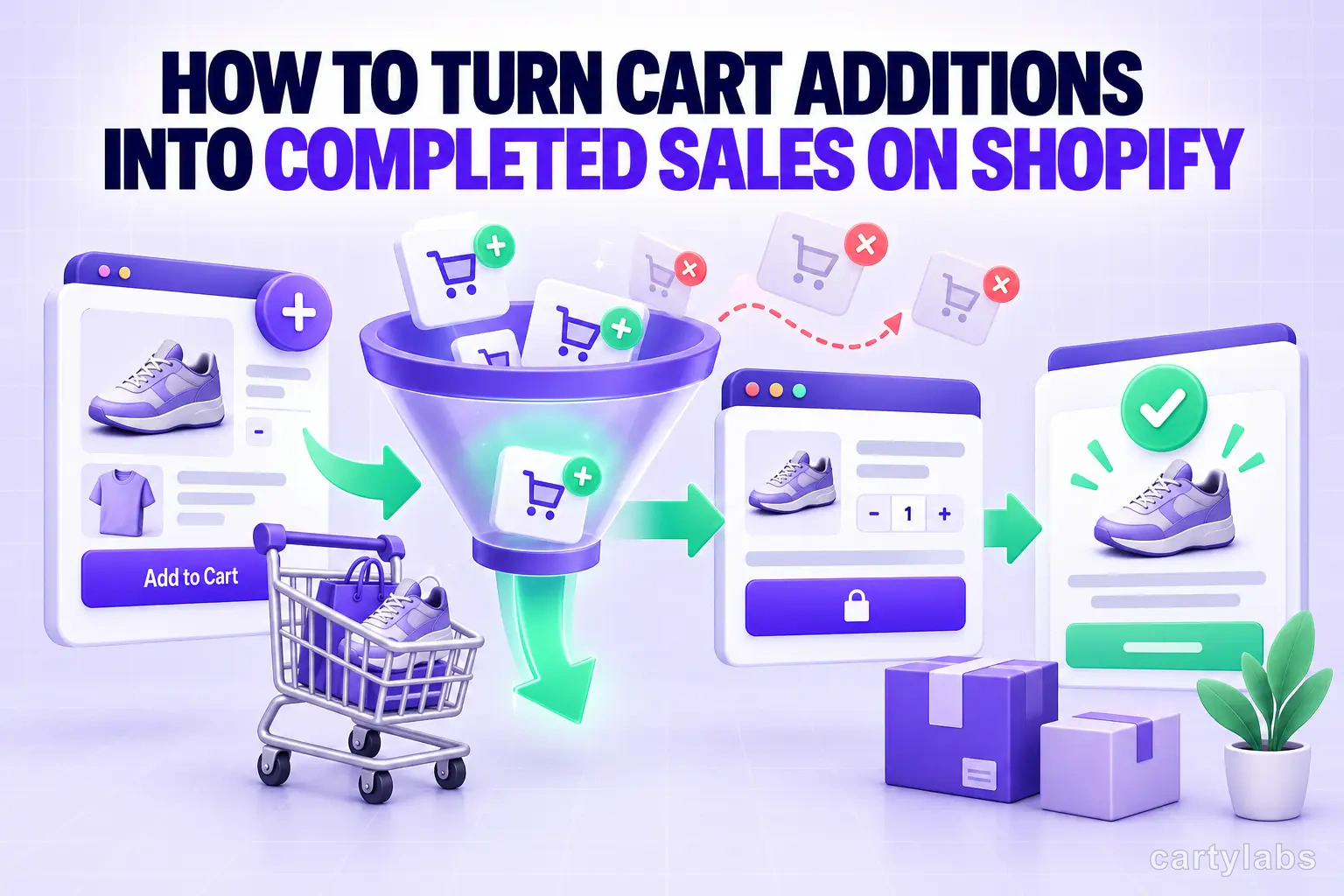
How to Turn Cart Additions Into Completed Sales on Shopify
Convert more Shopify cart additions into completed sales with proven tactics for reducing cart-to-checkout drop-off, optimizing the cart drawer, and timing reassurance messaging.
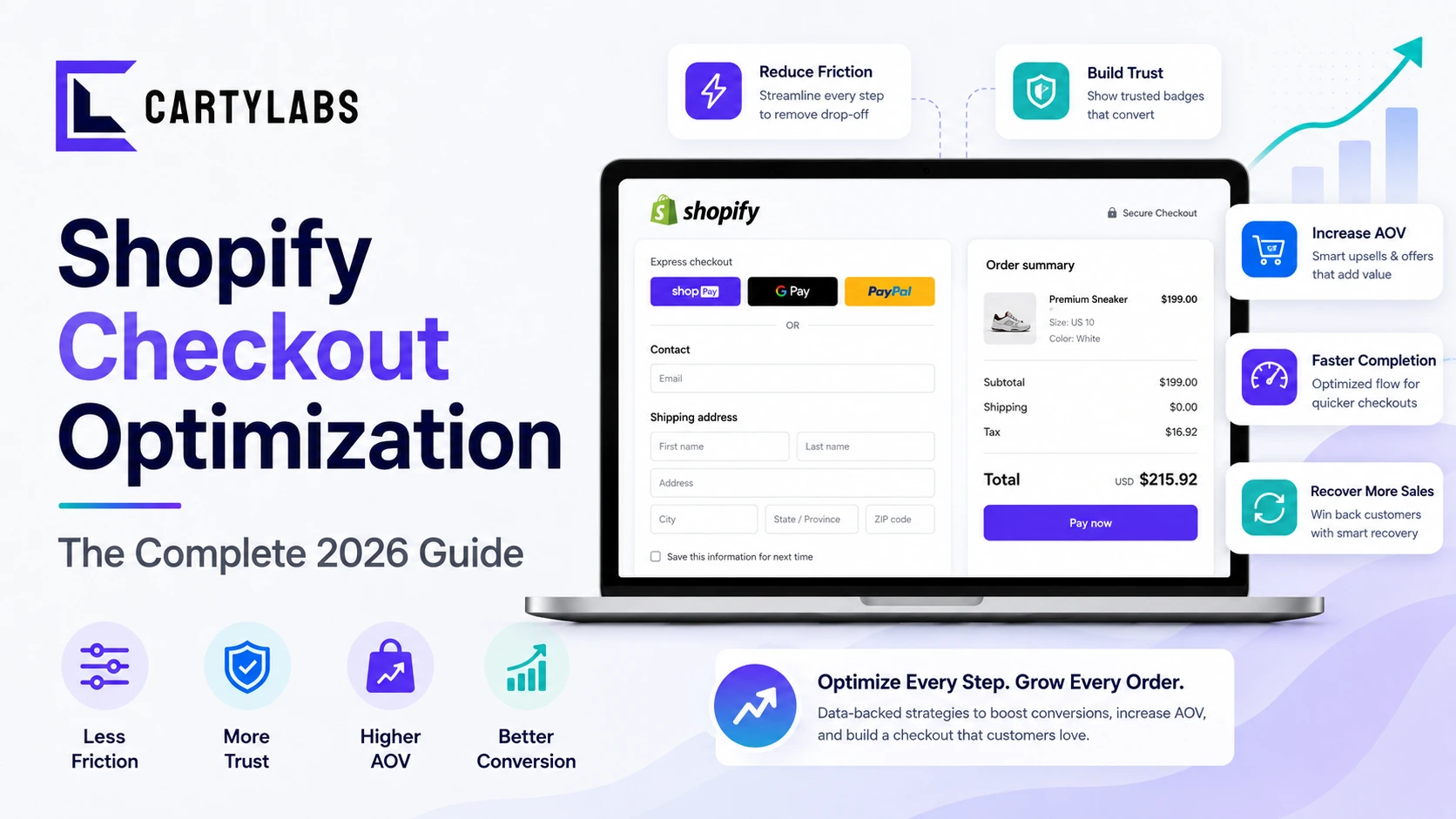
Shopify Checkout Optimization: The Complete 2026 Guide
The complete framework for optimizing Shopify checkout in 2026. Friction, trust, recovery, and AOV levers, plus what changed with Checkout Extensibility. Covers Standard, Advanced, and Plus.
The Shopify CRO Checklist: 80 Fixes That Actually Move Conversion in 2026
A no-fluff conversion rate optimization checklist for Shopify. Homepage, PDP, cart, checkout, and post-purchase. 80 high-impact fixes ordered by leverage, with the diagnostic question for each.
 Install Cart — Free