
What Is Average Order Value (AOV) and Why Shopify Brands Live or Die By It
A primer on average order value for Shopify. What it measures, why it became the highest-leverage growth lever in 2026, and the four levers operators can pull to move it.
In this article
Talk to any Shopify operator who has scaled past their first million in revenue and you’ll hear the same realization: at some point, paid traffic stops being the answer. CPMs creep up, returning customer rates plateau, and every additional click feels twice as expensive as the last one. The brands that keep growing are the ones that learn to squeeze more revenue out of the customers they already have. That’s why average order value (AOV) has quietly become the metric that separates surviving Shopify stores from compounding ones.
This is a primer for newer merchants and growth marketers: what AOV actually measures, why it’s the lever of the moment in 2026, and the four mechanisms that move it.
What AOV actually measures
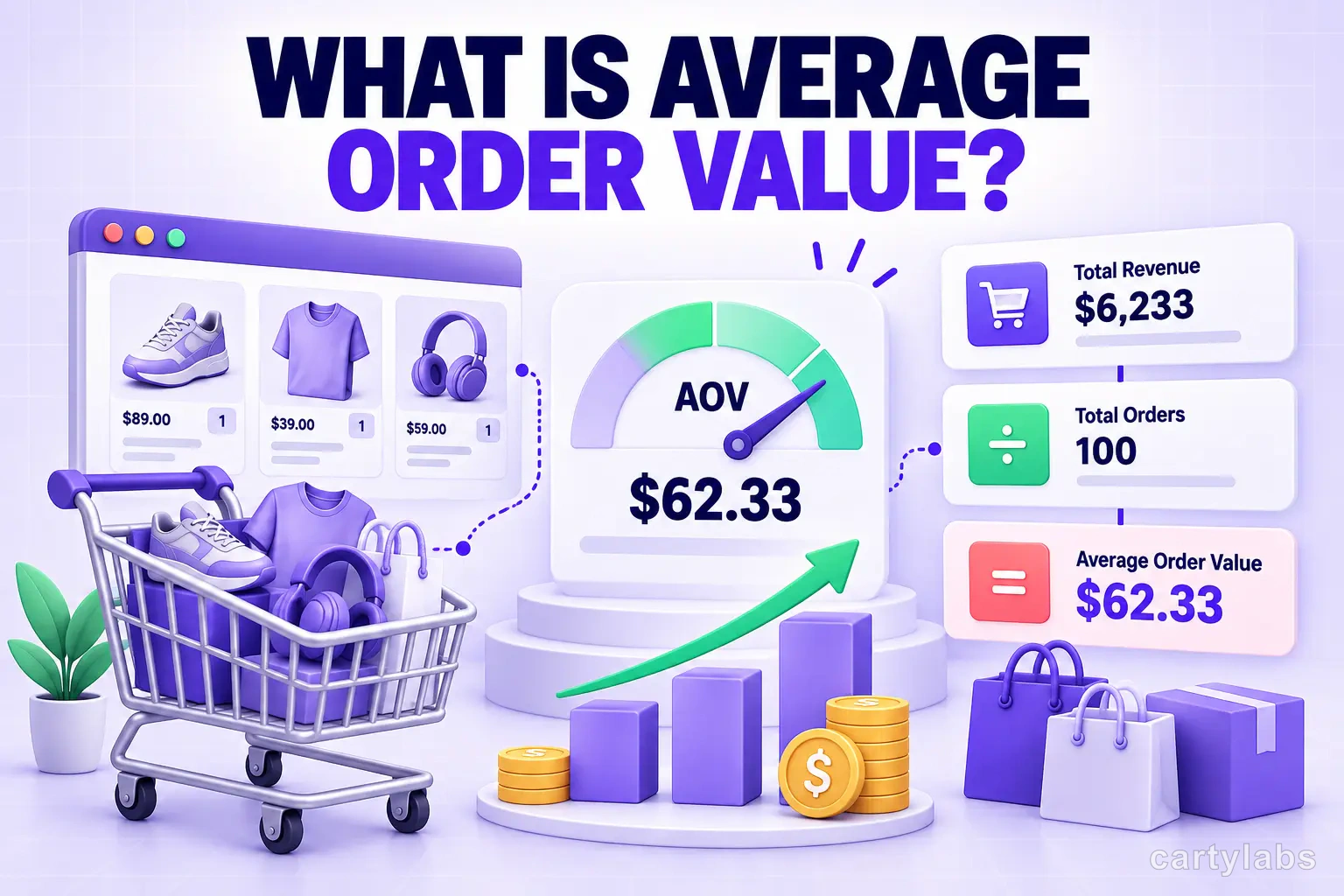
Average order value is the average amount a customer spends in a single transaction. The formula is simple:
AOV = Total Revenue ÷ Total Orders (over the same period)
If you did $200,000 in revenue across 4,000 orders last month, your AOV was $50. The number is straightforward. The implications are not.
AOV sits inside the broader revenue equation alongside traffic and conversion rate:
Revenue = Traffic × Conversion Rate × AOV
Pull any of those three levers and you scale revenue. The catch is that traffic and conversion rate are expensive to move at scale. Traffic costs money, and conversion rate optimization usually requires sustained testing infrastructure. AOV, by contrast, is usually the lever you can pull this week, with the customers already on your site.
Why AOV is the highest-leverage lever in 2026
Three forces converged in the last few years to make AOV the metric of the moment for Shopify brands.
1. Customer acquisition costs keep climbing. Paid social, search, and influencer marketing all got more expensive as more brands competed for the same attention. Lifting AOV is one of the few moves that improves CAC payback without touching ad spend.
2. Free shipping is now table stakes. Every order has a built-in fulfillment tax that erodes margin on small basket sizes. A smart free shipping threshold doesn’t just feel generous. It pays for itself by lifting the basket above the break-even line.
3. Post-iOS attribution gaps make ad optimization harder. The brands that win on margin are the ones that lift basket size organically, because AOV improvements are measurable inside Shopify and don’t depend on Meta’s pixel firing correctly.
Said plainly: a 15% lift in AOV is more durable than a 15% lift in conversion rate, because AOV improvements compound across every channel and every campaign. They don’t depend on a specific ad creative continuing to scale.
The four levers that move AOV
Most AOV gains come from one of four mechanisms, and the best operators sequence them in the same order.
1. The free shipping threshold
A small bar in the cart that nudges customers to add one more item to qualify for free delivery. It’s the simplest, highest-leverage AOV mechanic on Shopify, and it works because it converts a cost shoppers want to avoid into a goal they want to hit. Set the threshold roughly 10–15% above your current AOV. Close enough that one more item gets there, far enough that most shoppers actually have to stretch.
2. In-cart upsells and recommendations
Surface complementary or higher-margin products at the moment of highest intent: when the shopper is already committed to checking out. Modern AI-driven product recommendations outperform manual rules by a wide margin because they personalize on the live cart and the shopper’s browse history rather than a global “frequently bought” list.
3. Bundles and BOGOs
Package products at a discount that still increases the per-order spend. Pre-built bundles work for curated kits (“Starter Set,” “Complete Routine”), and dynamic bundles (“Buy 3, get 10% off”) work for consumables and basics where shoppers buy in multiples anyway. Both nudge quantity, which lifts AOV directly.
4. Post-purchase upsells
One-click offers on the order confirmation page that catch customers when their wallets are still warm and the friction of adding a card or shipping address is gone. Post-purchase offers typically convert 5–12% of buyers and add pure-margin revenue that wasn’t going to exist otherwise.
None of these are new ideas. What’s new is how easy they are to ship and test on Shopify in 2026. Modern cart and checkout apps remove the dev work, which means small teams can run experiments that used to require an agency.
A 30-day AOV improvement playbook
If you want to make AOV your focus over the next month, the cadence below is what we’ve watched work across hundreds of stores.
Days 1–3: Establish a clean baseline. Pull the last 90 days of orders, segment by traffic source, and write down the AOV for each cohort. Most brands discover their email and SMS AOV is meaningfully higher than their paid social AOV. Useful context for where to invest. Note the median basket size, not just the mean. The mean lies if you have a long tail of large orders.
Days 4–10: Ship the threshold. Add a free shipping progress bar tuned to roughly 10–15% above your current AOV. This is the single highest-ROI move on the list, and it usually shows a measurable lift inside two weeks.
Days 11–20: Layer in recommendations. Turn on a small set of AI-driven product recommendations inside the cart drawer. Keep it to 3–4 visible items. More becomes noise.
Days 21–30: Add the post-purchase offer. Test a single post-purchase upsell at a price point that fits the customer’s typical basket. Hold each change for at least two weeks before drawing conclusions. AOV is noisy at small order volumes, and rushing decisions is how you fool yourself with a lucky weekend.
By day 30, you should have at least two changes you’d ship permanently and two you’d kill. That’s a healthy ratio. Brands that obsess over AOV in cycles like this tend to add five to fifteen points of basket size in the first quarter. Once those gains are baked in, every dollar of paid traffic becomes more efficient downstream.
The metric to watch alongside AOV
AOV in isolation is misleading. A brand can lift AOV by raising prices and watch conversion rate fall off a cliff in the same month. The number to watch alongside it is revenue per visitor (RPV): total revenue divided by total sessions. RPV captures the combined effect of conversion rate and AOV, and it’s the cleanest signal that an AOV experiment actually grew the business instead of just shifting numbers around.
If RPV goes up when AOV goes up, you’ve genuinely created value. If RPV stays flat, you traded conversion rate for basket size and the win is illusory.
Closing thoughts
AOV won’t show up in a flashy dashboard the way new customer counts or social impressions do. But it’s the quiet number that decides whether your acquisition spend is sustainable and whether your margin survives a volatile quarter. Make it a focus, give it the same attention as conversion rate, and you’ll find your business gets meaningfully more durable.
The cart is where most of the AOV gains live, and most Shopify stores still send shoppers to a dead-end cart page that does nothing to lift basket size. If you’re ready to fix that, the next read is our cart drawer optimization guide: the patterns, anti-patterns, and benchmarks that turn the cart from a checkout step into a growth surface.
Learn more: How to increase AOV on Shopify, Shopify upsell app
Next steps
Related Shopify resources
Practical tools and product pages related to this guide.
Keep reading
All articles →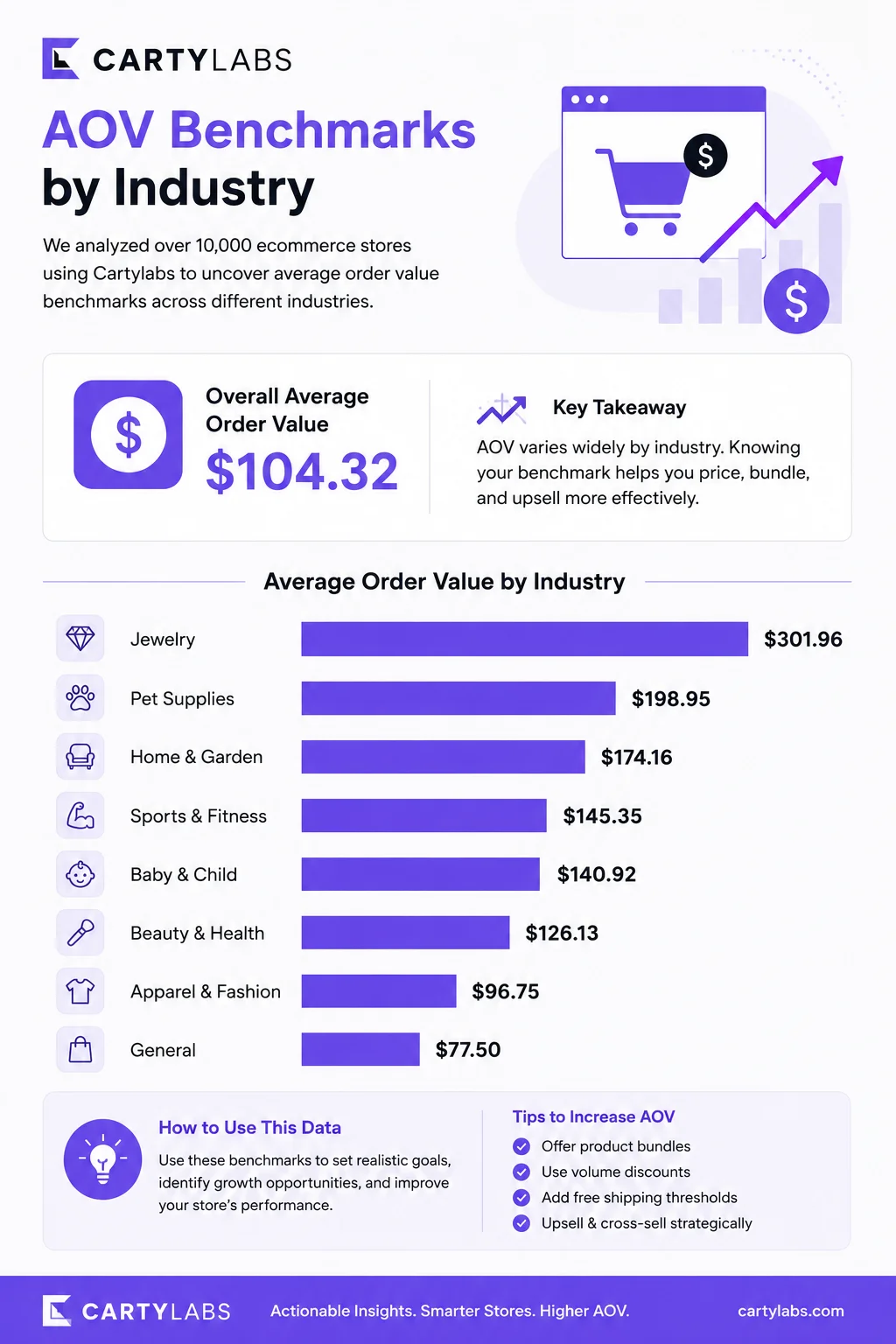
AOV Benchmarks by Industry 2026: What's a Good Average Order Value?
Average order value benchmarks across 15 Shopify verticals in 2026. Apparel, beauty, home, supplements, food and beverage, electronics, and more. Median, top 25%, and top 10% by category.
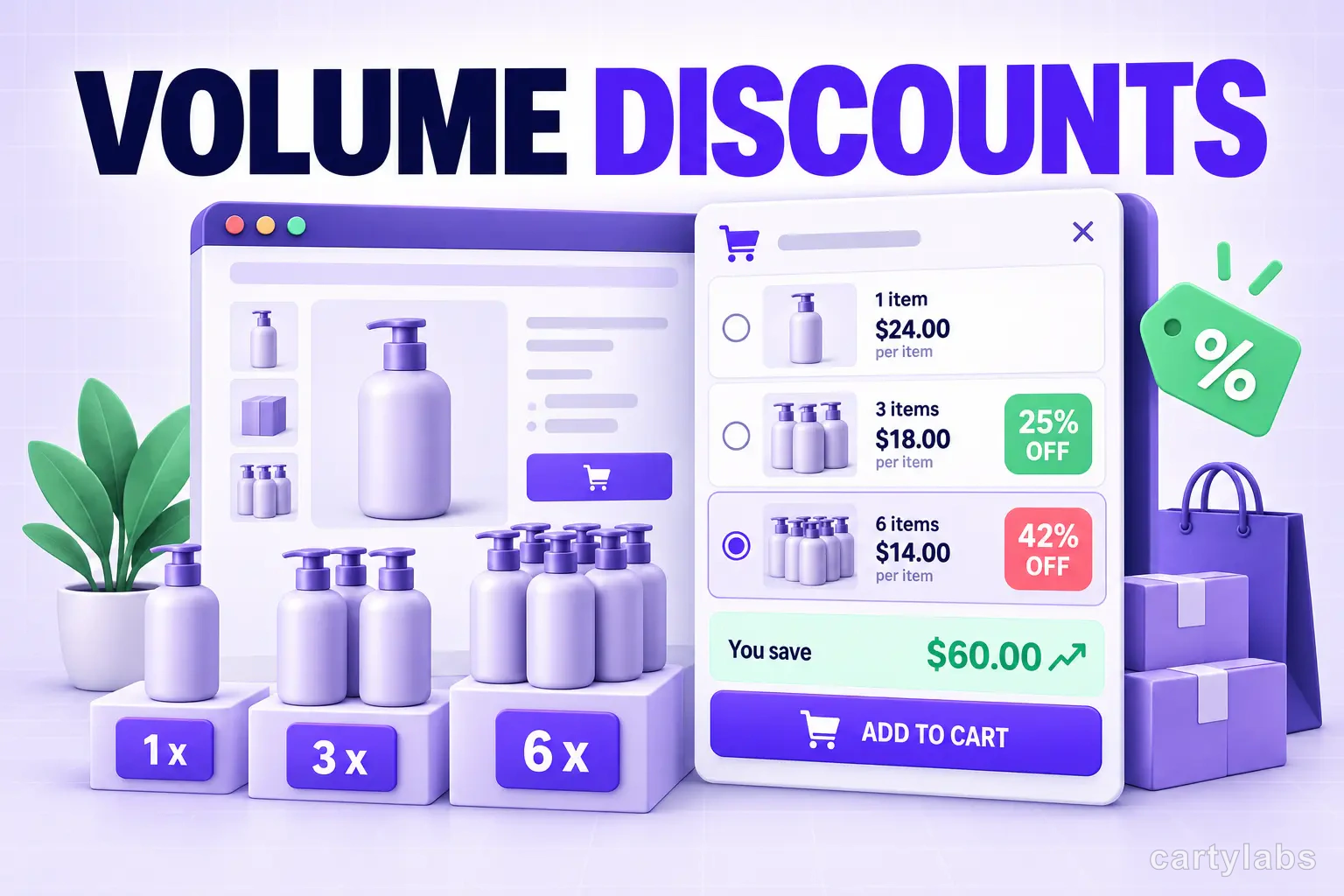
Volume Discounts & 'Buy More, Save More' Tactics for Shopify
Volume discounts lift AOV 15-30% on the right catalogs. The tier math, the SKU rules, and the Shopify implementation patterns that don't erode margin.
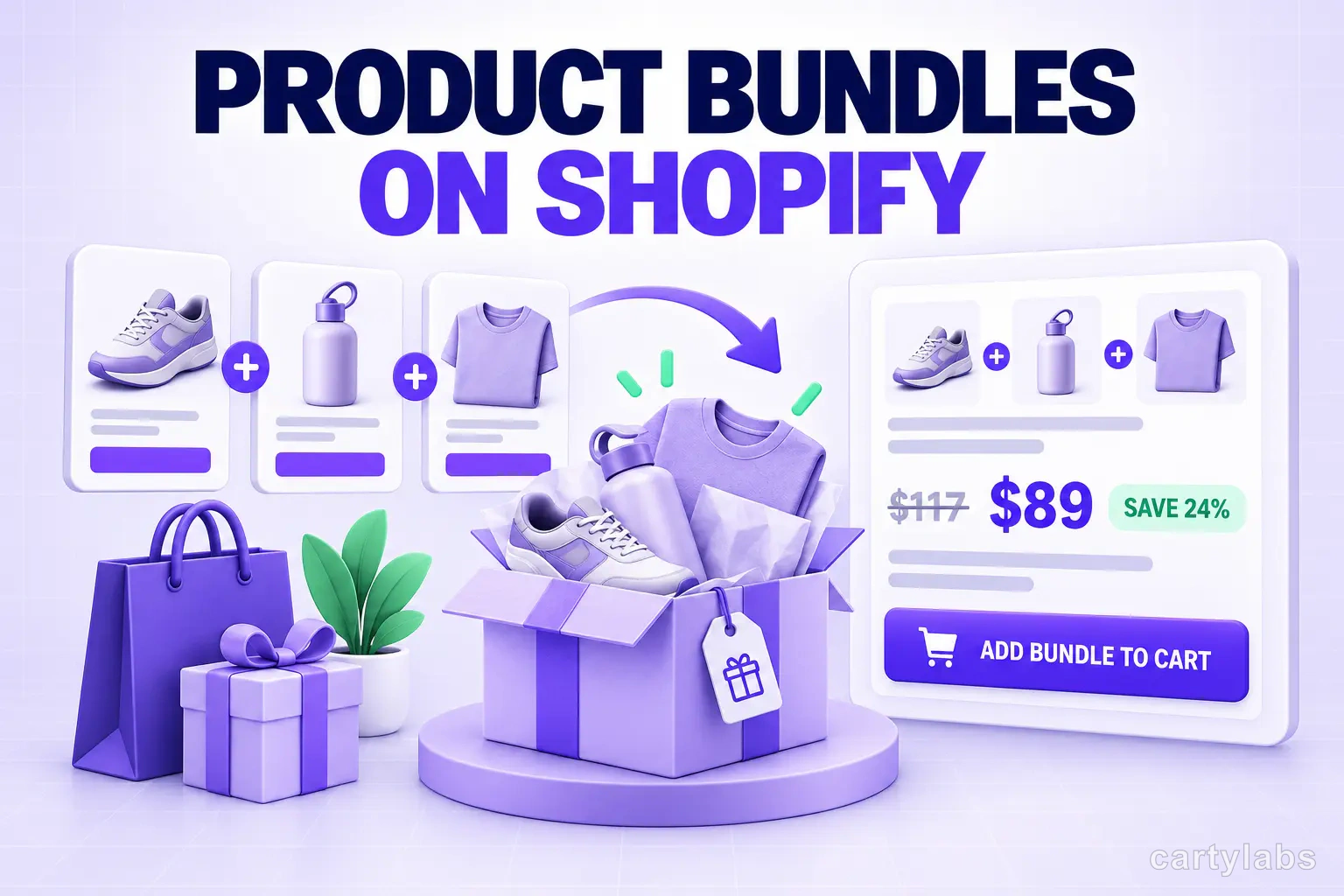
Product Bundles on Shopify: Fixed, Mix-and-Match, BOGO and More
The 6 bundle types on Shopify, the AOV math behind each, and the catalog conditions that make bundles convert. A no-fluff playbook for 2026.
 Install Cart — Free