
Is Your Shopify Checkout Optimized? A 10-Point Checklist
Audit your Shopify checkout in twenty minutes using this ten-point conversion checklist covering speed, mobile, trust, payment, shipping, and the post-purchase experience that most stores miss.
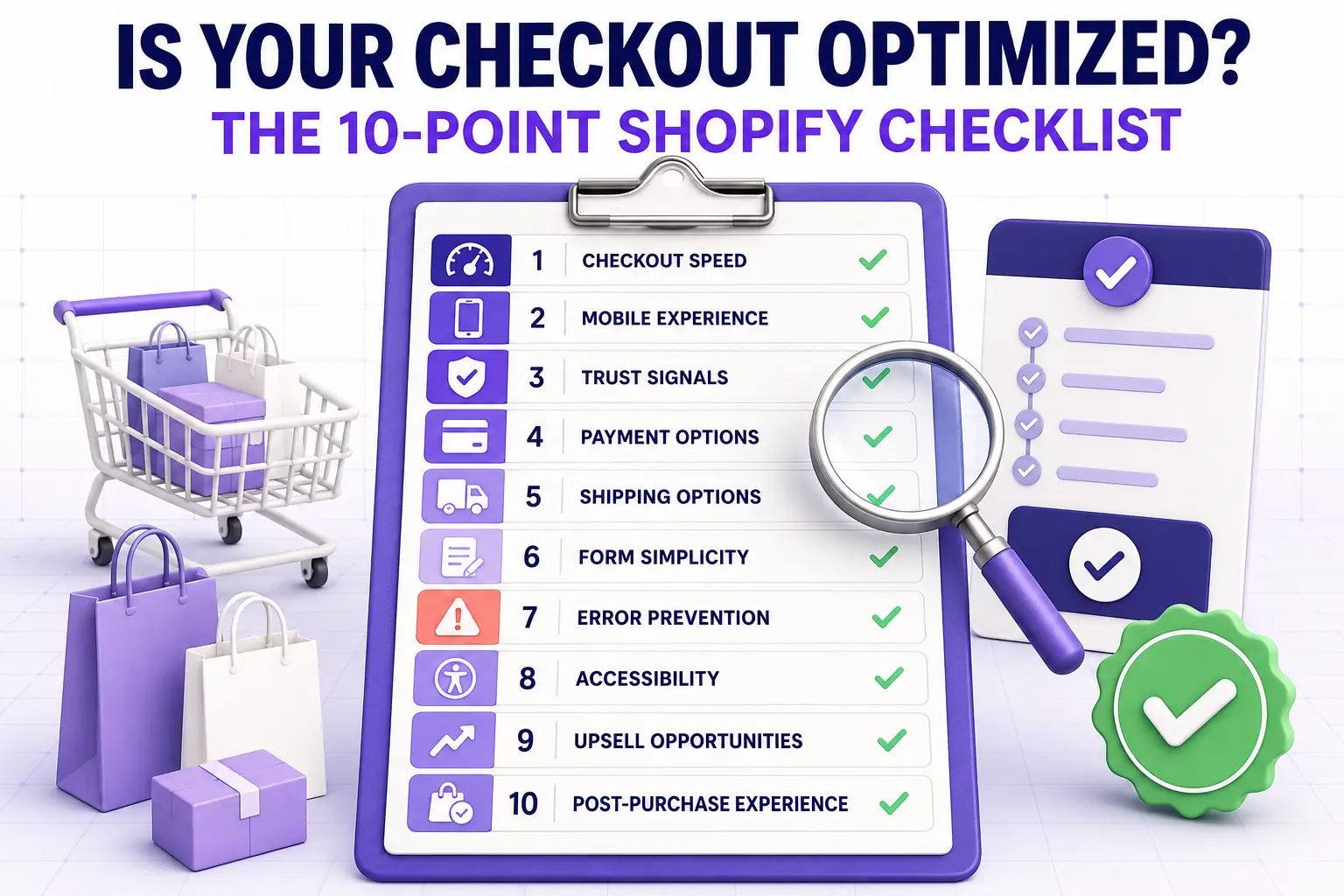
In this article
- 01 1. Does your checkout load in under two seconds on mobile?#
- 02 2. Are express checkout buttons above the email field on mobile?#
- 03 3. Is your checkout branded with your store fonts and colors?#
- 04 4. Does shipping cost appear before checkout?#
- 05 5. Are trust signals visible in the same viewport as the pay button?#
- 06 6. Are you only asking for fields you actually need?#
- 07 7. Are running totals visible throughout checkout?#
- 08 8. Is there a single, primary CTA per step?#
- 09 9. Is your Thank You page doing work?#
- 10 10. Do you have an abandoned cart recovery flow running?#
- 11 Scoring your audit#
- 12 Where to start#
Most Shopify merchants assume their checkout is optimized because it works. Working and optimized are not the same thing. A checkout that completes orders can still be quietly losing fifteen percent of conversion to fixable issues. This is a ten-point self-audit you can run in twenty minutes that surfaces every common gap.
If any item scores a no, you have a fix to ship. If you score ten out of ten, you are in the top five percent of Shopify stores and should be working on the broader funnel: see the Shopify CRO checklist for what is left.
1. Does your checkout load in under two seconds on mobile?
Open your store in a private browser on a real mobile device, on a throttled connection. Time the cart-to-checkout transition and the first contentful paint of the checkout page. Anything above two seconds is costing you measurable conversion. Heavy apps, custom fonts, and tracking scripts are the usual suspects.
2. Are express checkout buttons above the email field on mobile?
Shop Pay, Apple Pay, Google Pay, and PayPal Express should render before the email input. If they render below, you are losing returning buyers who would have completed in three seconds. Our Shopify quick buy and fast checkout guide covers placement.
3. Is your checkout branded with your store fonts and colors?
If your checkout looks visually different from your storefront, you are losing trust at the most expensive moment in the funnel. Use the Branding API (Settings > Checkout > Customize) to match brand color, primary button, font, and form field style.
4. Does shipping cost appear before checkout?
Either via a free-shipping threshold message in the cart, an estimated-shipping calculator on the product page, or a clearly stated policy in the cart drawer. Shipping cost surprise at checkout is the single most cited reason for abandonment in every checkout study going back a decade. The Shopify free shipping bar strategy post covers what works.
5. Are trust signals visible in the same viewport as the pay button?
Accepted payment logos, SSL badge, return policy line, and a customer testimonial should all be visible without scrolling at the payment step. Hidden trust signals do no work. Our Shopify checkout trust badges guide covers placement and design.
6. Are you only asking for fields you actually need?
Audit every required field in checkout. Company name, address line two, and phone number are the most commonly over-required. Each unnecessary required field costs about one percent of completion. Optional fields should be clearly marked, not required.
7. Are running totals visible throughout checkout?
Subtotal, shipping, discount, tax, and total should be visible at every step, updating live. If the total only appears at the final review step, you are creating a surprise that costs completion.
8. Is there a single, primary CTA per step?
The “Continue” or “Pay now” button should be the visually dominant element on every step. Competing CTAs (newsletter signup, social links, secondary buttons) at checkout are friction. Strip them.
9. Is your Thank You page doing work?
A generic “Thanks for your order!” Thank You page is wasted real estate. It should contain at minimum: a one-click post-purchase upsell, an account-creation prompt, and a referral CTA. The Thank You page is the highest-attention surface in your entire funnel. See the Shopify checkout post-purchase upsell guide for what to put there.
10. Do you have an abandoned cart recovery flow running?
A three-touch sequence (SMS at one hour, email at twenty-four hours, email at seventy-two hours) recovers ten to fifteen percent of abandoned carts. A single-email flow recovers about three percent. If you do not have a multi-touch flow live, this is the highest-ROI thing on the list. The Shopify cart abandonment playbook walks through setup.
Scoring your audit
- 9 or 10 of 10: top tier, focus on the broader funnel
- 6 to 8: solid, with two or three high-ROI gaps to close
- 3 to 5: the majority of stores, with material conversion lift available from this list alone
- Below 3: probably losing more revenue at checkout than from any other source on the site
Where to start
Sort your nos by the effort to fix them. The fastest wins are usually 2 (express buttons), 3 (branding), and 9 (Thank You page). The highest-impact win is usually 10 (recovery flow) if you do not have one. Tackle one per week.
For the cart, express button placement, free shipping bar, and post-purchase work in a single no-code install, Cartylabs covers checklist items 2, 4, 5, and 9 out of the box.
Next steps
Related Shopify resources
Practical tools and product pages related to this guide.
Keep reading
All articles →
The Ecommerce CRO Checklist: 60 Checks From Instrumentation to Post-Purchase
A platform-neutral conversion rate optimization checklist for ecommerce. Instrumentation, prioritization, test design, and 40 page-level checks across landing, product, cart, checkout, and post-purchase.
How to Integrate Loyalty Rewards Directly Into Shopify Checkout
Surface Shopify loyalty rewards inside checkout with UI extensions, points balance widgets, and redemption flows that lift returning-buyer conversion four to nine percent on stores with mature programs.
In-Checkout Upsells: How to Boost Shopify Order Value in 2026
Add in-checkout upsells on Shopify that lift AOV without dragging conversion. Offer construction, placement, targeting, and the apps that ship the highest-converting in-checkout modules in 2026.
 Install Cart — Free