
Why Your Shopify Bundles Aren't Generating More Revenue (And How to Fix the Cart Funnel)
Shopify bundles fail after the add to cart more often than on the product page. Learn to diagnose and fix the five friction points that break bundle conversion.
In this article
- 01 What is the bundle illusion?#
- 02 Why customers abandon after adding bundles on Shopify#
- 03 How to fix the cart for bundle conversion#
- 04 The checkout problem for bundle buyers#
- 05 How to diagnose your bundle funnel#
- 06 The counterintuitive truth about Shopify bundle revenue#
- 07 Frequently Asked Questions#
Every few months a Shopify operator tells us the same story. They set up bundles, placed them on product pages, configured a decent discount, and watched their analytics closely. Bundle add-to-cart rates looked solid. Revenue barely moved.
The bundle was almost never the problem.
The problem is what happens in the 60 seconds after a shopper adds a bundle to the cart. Most Shopify stores have never thought carefully about that moment, and that is where the revenue is quietly leaking away.
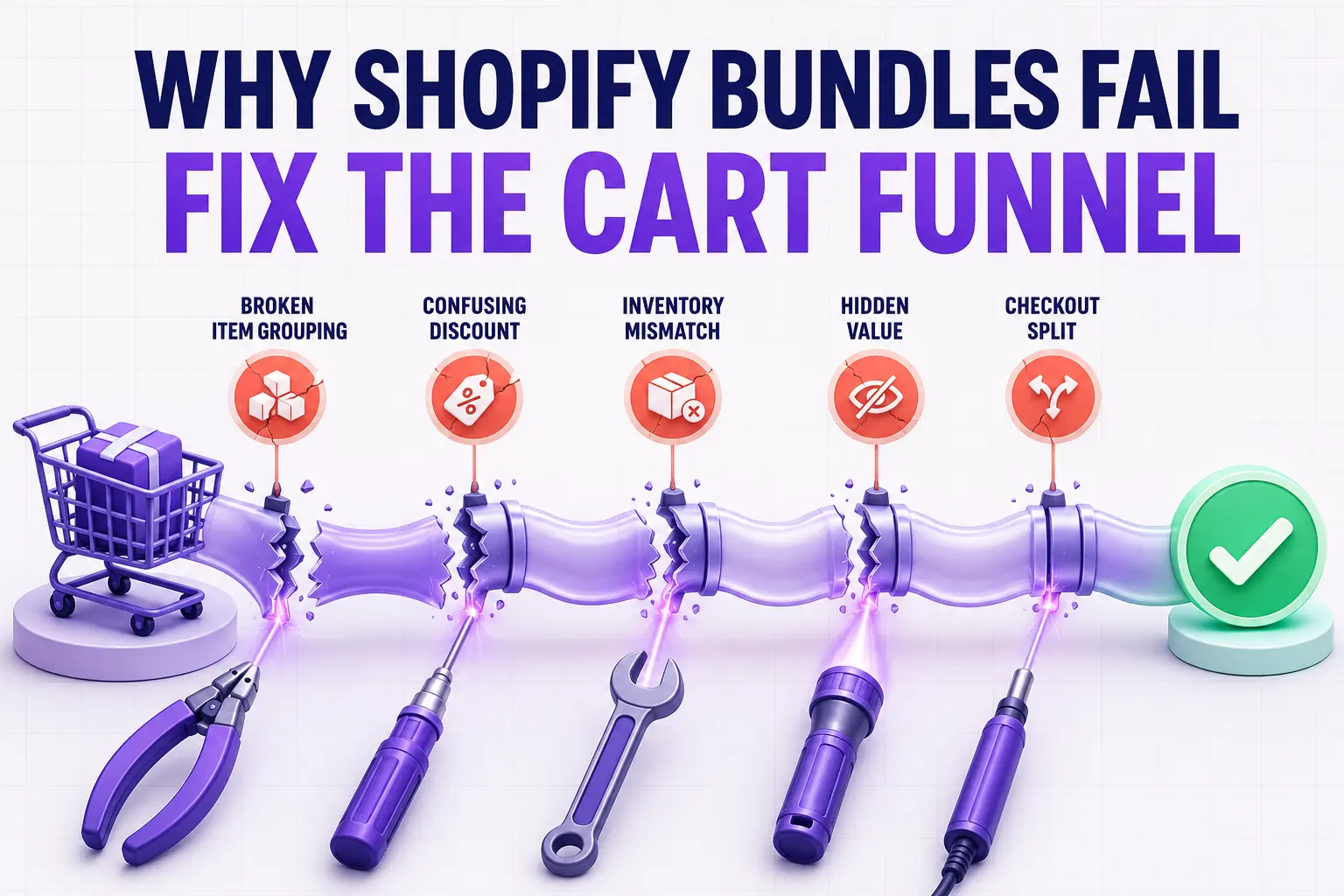
This guide explains why bundles fail, identifies the five specific friction points that drive post-bundle abandonment, and walks through exactly how to fix the funnel from cart to checkout.
What is the bundle illusion?
The bundle illusion is a deceptive pattern in Shopify analytics. A store’s bundle add-to-cart rate looks healthy, leading operators to believe the bundle offer is working. But cart abandonment spikes immediately after the bundle is added, and those sessions never convert into purchases.
Here is the scenario playing out on thousands of Shopify stores every day. A shopper lands on a product page and sees the bundle offer: “Buy the Starter Kit and save 15%.” The value is clear and the discount is compelling. They click “Add bundle to cart.”
The cart opens. Three line items are listed at what appear to be full prices. No discount subtraction is visible anywhere. A $12 shipping fee appears for the first time. Four upsell widgets are stacked below the line items. The checkout button is below the fold.
The shopper scrolls. Gets confused. Cannot see the savings they were just promised. Wonders if the discount is actually applied. Closes the cart.
Operators look at their bundle analytics, see healthy attach rates, and conclude the product is working. They never see that the conversion broke 45 seconds later in the cart.
Why customers abandon after adding bundles on Shopify
There are five friction points that drive abandonment after a bundle add. Understanding each one is the first step to fixing them.
1. Shipping surprise
Nothing kills a purchase faster than a shipping fee the shopper did not see coming. Bundle buyers are especially vulnerable to this because the bundle already stretched their intended spend. A shopper who planned to spend $40 committed to $65 when they added the bundle. Then they see $12 for shipping on top of that. The total suddenly becomes $77, which feels like a completely different transaction than the one they agreed to.
The fix is not to offer free shipping on every order. The fix is to make the shipping situation visible before the cart opens. If you charge shipping, include a notice on the product page near the bundle offer. If you offer free shipping above a threshold, display the free shipping progress bar immediately when the bundle lands in the cart.
A shipping progress bar transforms the shock of shipping costs into a goal. “You are $8 away from free shipping” takes the same information and reframes it as a positive challenge rather than a penalty.
2. Discount confusion
Shopify’s native cart has no clean way to display bundle discounts on individual line items. Many implementations show each bundle item at its full retail price and apply a cart-level or automatic discount that reduces the subtotal. The shopper sees the math but cannot follow it clearly.
The internal monologue goes something like this: “I added the bundle that was supposed to save me 15%, but the items in my cart show $22, $18, and $15. That is $55. My cart says $47.50. I think the discount is there? I am not completely sure.”
Uncertainty at the cart stage is toxic. Shoppers who cannot confirm that the deal they were promised is actually happening either email customer support, close the tab intending to come back later, or abandon entirely. The last option is by far the most common.
Make the math explicit and impossible to miss. “Bundle discount: $7.50 off” should appear as a clear line item in the cart subtotal section. If your current cart app cannot show this clearly, that is where the investment needs to go.
3. Visual complexity
A three-item bundle in a cart designed for single-item orders looks messy. Three thumbnail images, three sets of variant labels, three prices, and three quantity controls all stacked in a drawer that was built for one or two items creates a wall of information.
Visual complexity signals cognitive complexity to the shopper. The decision on the product page felt simple: buy the bundle. The cart is making it look complicated. That mismatch creates second-guessing and hesitation, which is exactly the wrong emotional state for completing a purchase.
Clean line-item display matters more than most operators realize. Tight rows, consistent thumbnail sizes, clear product names without verbose variant strings, and logical visual hierarchy all reduce the perceived complexity of a multi-item cart.
4. Cart friction
Any friction between the bundle landing in the cart and the shopper hitting “Checkout” costs conversion. Several forms of friction hit bundle buyers harder than single-item buyers.
Too many upsell widgets are the most common offender. One upsell with a genuinely relevant recommendation is helpful. Three stacked upsell widgets below a bundle signal that the store is desperate to sell more, which reminds the shopper that this purchase is already larger than planned. Bundle plus multiple aggressive upsells together create cart anxiety that did not exist on the product page.
Required account creation before checkout is another frequent culprit. If your cart prompts shoppers to log in or register before they can confirm their bundle pricing, you have added friction at precisely the wrong moment.
Slow cart load is a third issue. If your cart drawer takes more than one second to open after the bundle add, a meaningful share of mobile shoppers will close the browser before it finishes.
5. Trust gaps
A shopper who bought a single $20 item from your store last month might trust your checkout enough to proceed without hesitation. A shopper who is about to spend $65 on a bundle from a brand they found on Instagram three weeks ago needs more reassurance than you might think.
The key questions the shopper is silently asking at this stage: Can I return individual items if one of them does not work? Is my payment information secure? Has anyone else bought this bundle and been satisfied?
Bundle purchases are higher-stakes purchases. The trust signals sufficient for a single $20 item are not sufficient for a $65 multi-item kit from a brand the shopper does not yet fully trust.
How to fix the cart for bundle conversion
Fixing these five problems does not require a redesign. It requires the right tooling and configuration choices.
Install a cart app built for multi-item orders. CartyLabs supports grouped line-item display, inline discount attribution, and a clean multi-item layout that keeps complex carts readable. The visual architecture of the cart matters as much as the bundle discount math.
Launch the free shipping progress bar immediately. Set the threshold 10 to 15 percent above your average post-bundle cart value. This converts the shipping cost surprise into a shipping goal that shoppers actively work toward.
Surface trust signals at the cart level, not just checkout. A brief review snippet (“4,800 five-star reviews”), a return guarantee notice, and a secure payment badge inside the cart drawer address trust gaps before the shopper even clicks the checkout button.
Cut to one upsell. If you are running three upsell widgets in your cart and your bundle conversion rate is low, reduce to one. Measure for two weeks. The higher cart completion rate will almost certainly offset whatever additional revenue the extra upsells were capturing.
The checkout problem for bundle buyers
Getting the shopper through the cart to the checkout page is step one. The checkout page introduces its own set of bundle-specific failure modes.
Price recalculation anxiety
At checkout, the shopper sees the full charge for the first time, including taxes and finalized shipping. For a bundle buyer, this total is larger than anything they have spent on a single order in a while. The finality of seeing the actual charge triggers a second round of second-guessing even in shoppers who were confidently committed at the cart stage.
This is why checkout trust signals placed directly below the order summary matter so much for bundle conversion. A visible statement like “30-day returns, no questions asked” next to a $65 bundle charge recaptures shoppers who are hesitating at the payment button.
Savings confirmation at checkout
Repeat the bundle discount in the order summary at checkout. “Bundle discount: $12.00 off” appearing in the Shopify checkout order summary confirms to the shopper that the deal they agreed to on the product page held through every step. This confirmation is especially important for first-time buyers who have no prior positive experience with your brand to draw on.
Reducing form field friction
Checkout abandonment for bundle buyers is rarely about the bundle itself. It is about how laborious the checkout form feels when you are committing to a larger-than-planned purchase. Autofill for returning customers, Shopify’s one-page checkout format, and clear progress indicators all reduce perceived friction.
A persistent checkout button visible throughout the cart drawer reduces the chance of a shopper losing momentum between the bundle add and the checkout start.
How to diagnose your bundle funnel
If you suspect your cart or checkout is breaking bundle conversion, here is a four-step diagnostic process.
Step 1: Compare bundle add-to-cart rate to bundle purchase rate. If bundle add-to-cart is 30% but bundle purchase rate is 8%, the funnel from cart onward is leaking. The offer is working. The funnel after the offer is not.
Step 2: Identify the abandonment stage. Your Shopify checkout funnel report shows where shoppers drop off. If abandonment spikes right at the cart stage, the cart experience is the problem. If it spikes at the payment step, checkout friction or trust is the issue.
Step 3: Compare bundle session abandonment to non-bundle session abandonment. If sessions containing a bundle abandon at a meaningfully higher rate than sessions without one, the cart or checkout is specifically breaking for complex multi-item orders.
Step 4: Fix one issue at a time, measure for two weeks. Start with shipping clarity (add the progress bar or add a shipping notice to the product page). Then address discount confirmation in the cart subtotal. Then audit trust signals. Fixing one thing at a time and measuring tells you what actually moved the number. Changing everything at once tells you nothing.
The counterintuitive truth about Shopify bundle revenue
Here is the thing most operators miss: a bundle that increases AOV but also increases cart abandonment rate can be revenue-neutral or even negative.
If your store converts 3% of sessions today and you add a bundle that raises average basket size by $20 but drops your conversion rate from 3% to 2.4%, your revenue per visitor is unchanged. You are capturing more revenue per buyer while losing buyers. The bundle looks great in the AOV report and is flat in the revenue per visitor report.
This is why measuring bundle performance correctly means tracking revenue per visitor alongside AOV rather than AOV alone. A bundle program that lifts AOV while maintaining conversion rate is a genuine win. A bundle program that trades conversion rate for basket size is a wash at best.
The way to land in the first category is to build the cart and checkout experience around the bundle. Not treat the bundle as a product decision and the cart as someone else’s problem.
Bundles do not increase revenue. Bundle funnels do.
Frequently Asked Questions
Why do my Shopify bundles have a high add-to-cart rate but a low purchase rate?
A high bundle add-to-cart rate with a low purchase rate means the offer is working but the cart or checkout experience is breaking the conversion. The most common causes are shipping fees that appear unexpectedly after the bundle is added, a cart that does not show the bundle discount clearly, and visual complexity in the cart that creates second-guessing. Fix the cart experience before adjusting the bundle offer.
How do I show Shopify bundle discounts clearly in the cart?
The discount needs to appear explicitly in the cart subtotal or as a dedicated line item. Something like “Bundle savings: $12.00 off” or “Bundle discount applied: save $12.00” makes the math obvious and removes any doubt about whether the promised deal is real. Most native Shopify cart themes do not show this clearly. A dedicated cart app like CartyLabs supports explicit bundle discount attribution in the cart drawer without custom code.
What is the best cart app for Shopify bundles?
The best cart app for bundle-focused stores shows grouped line-item display so bundle items look like a set rather than random additions, explicit discount attribution in the subtotal, a free shipping progress bar, and trust signals near the checkout button. CartyLabs handles all four in a single configuration without touching theme code.
How do I reduce cart abandonment after a bundle is added on Shopify?
The five highest-impact fixes for post-bundle cart abandonment are: first, make shipping costs visible before the cart with a progress bar targeting a free shipping threshold; second, show the bundle discount explicitly in the cart subtotal; third, reduce upsell widgets to one maximum; fourth, add trust badges and a return policy summary near the checkout button; and fifth, ensure the cart drawer loads instantly after the bundle add. Start with shipping clarity as it is the most common cause and the fastest to fix.
Next steps
Related Shopify resources
Practical tools and product pages related to this guide.
Keep reading
All articles →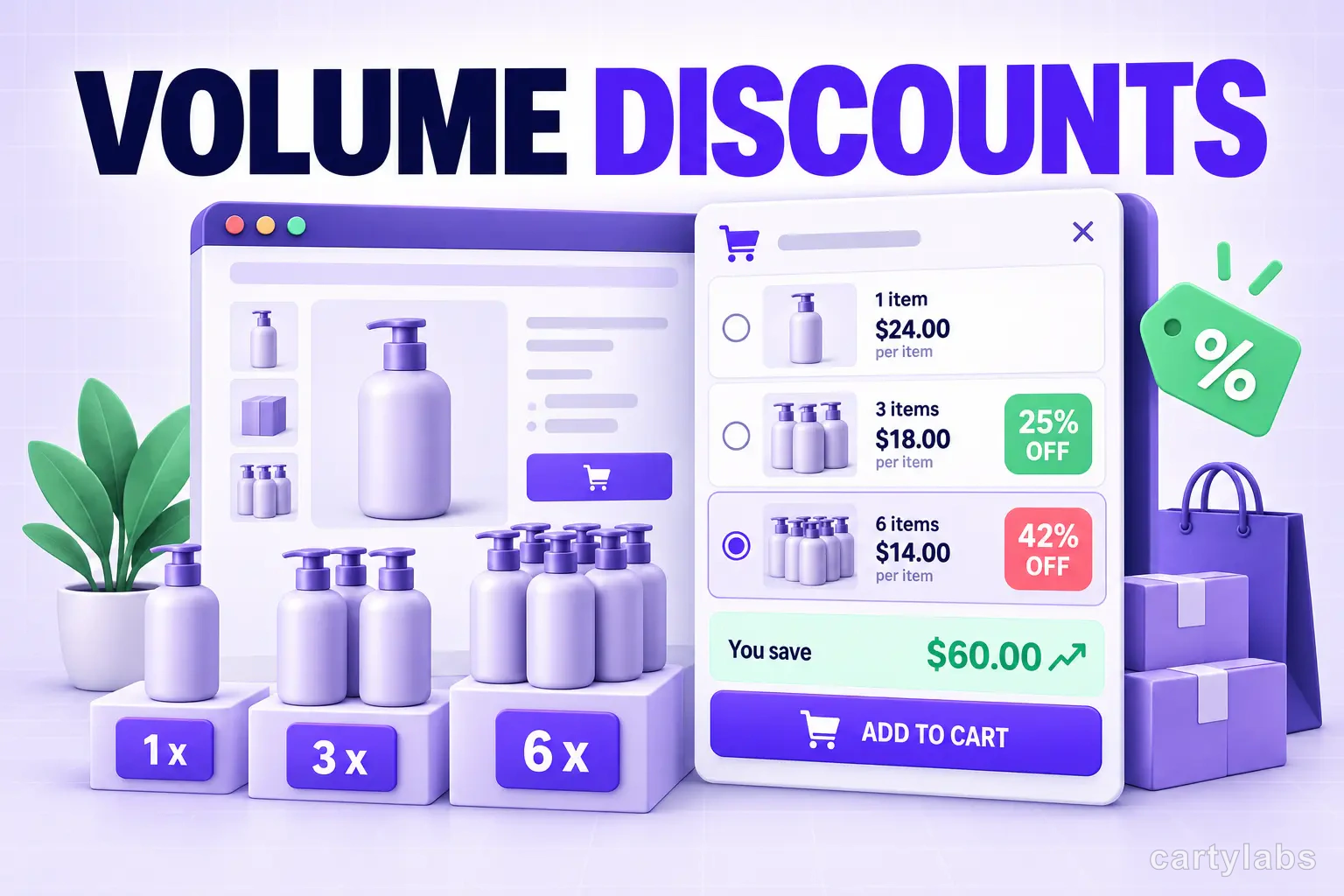
Volume Discounts & 'Buy More, Save More' Tactics for Shopify
Volume discounts lift AOV 15-30% on the right catalogs. The tier math, the SKU rules, and the Shopify implementation patterns that don't erode margin.
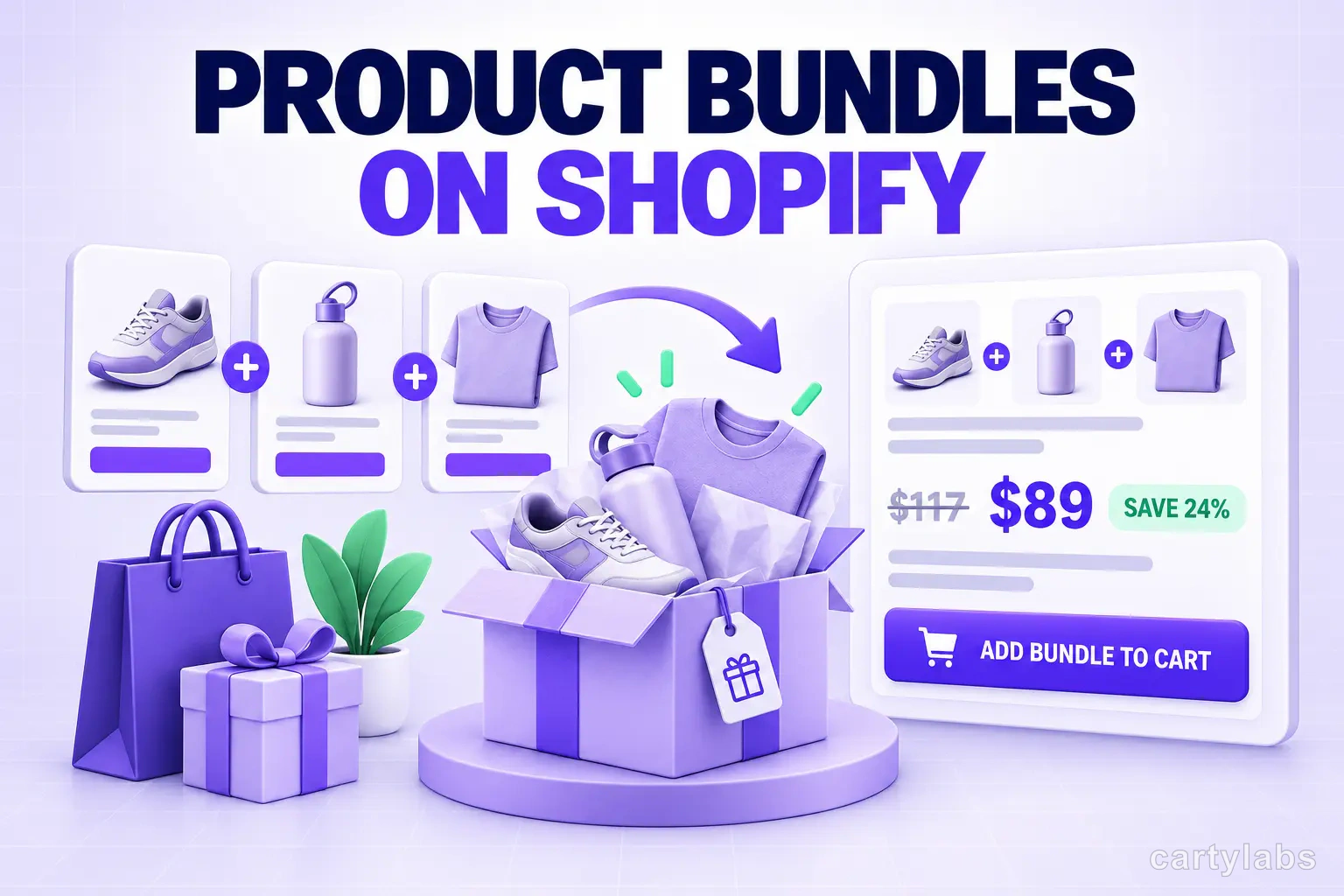
Product Bundles on Shopify: Fixed, Mix-and-Match, BOGO and More
The 6 bundle types on Shopify, the AOV math behind each, and the catalog conditions that make bundles convert. A no-fluff playbook for 2026.
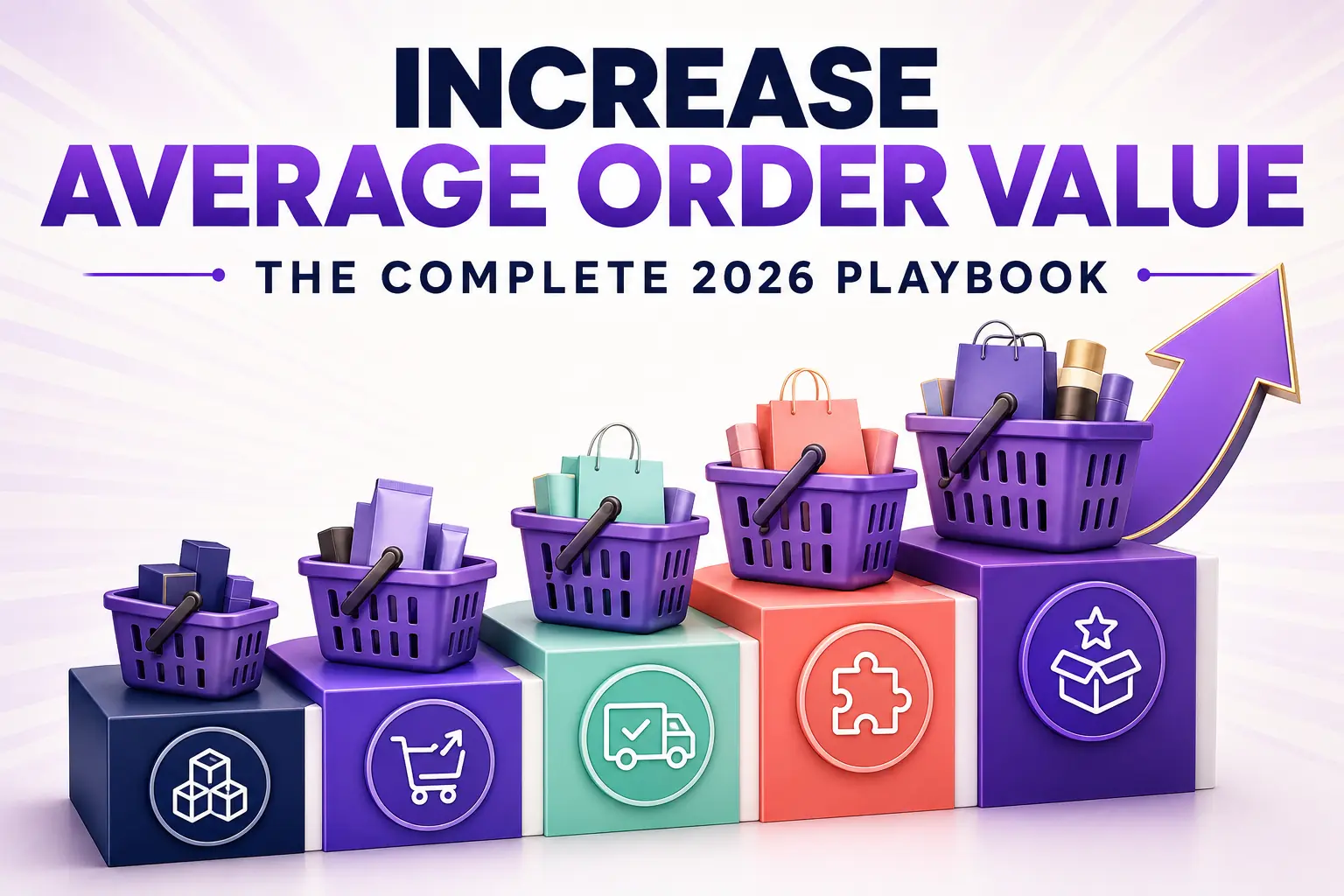
How to Increase Average Order Value on Shopify: The Complete 2026 AOV Playbook
The 2026 Shopify AOV playbook covering every lever that lifts average order value, from bundles and upsells to checkout extensions, with a prioritized plan.
 Install Cart — Free