
Shopify Cart Recommendations by Tag and Variant
Shopify cart recommendations in Cartylabs Growth can vary by customer tag, cart conditions, and variant data. Learn how to order rules and set a default.
In this article
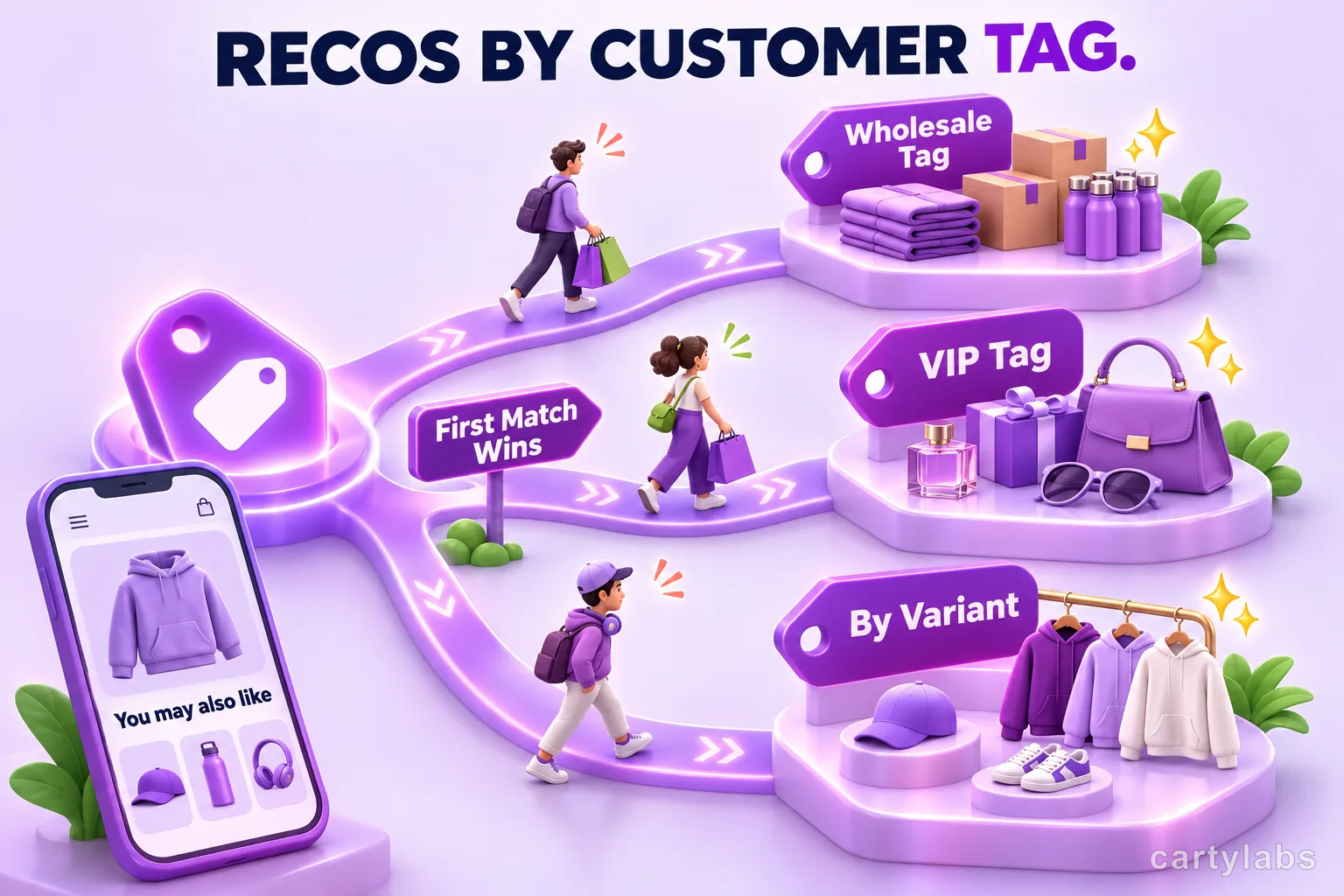
Show wholesale buyers bulk-friendly products, VIPs curated releases, and retail shoppers useful accessories. Cartylabs Growth plan recommendations let you assign different priority lists to customer-tag and cart conditions, while variant-level product data can fine-tune which recommendations fit each cart. Keep customer tags accurate in Shopify, then use those tags to decide which priority list should apply.
Key takeaways
- Cartylabs Growth can target recommendation priorities using customer tags, cart context, and variant-level data.
- Conditions are ordered and first-match wins, so put narrower audience rules before general rules.
- Add a default list for visitors who do not match a tagged segment.
- Recommendations suggest products in the cart drawer; they do not automatically apply a promotion.
What conditions can change
The recommendations settings include an ordered list of conditions and a set of recommendation priorities for each rule. Predicates can use customer tags, customer status, cart total, item count, country, market, or language. A rule can combine multiple predicates using an all-match or any-match choice. The storefront evaluates the rules and selects the matched condition’s priority list; the recommendation engine then resolves and renders products for the cart drawer.
Tag conditions can match shoppers whose customer tags include or do not include a value. Because customer tags identify logged-in shoppers, add a default recommendation list for visitors who do not match a tagged segment.
Variant-level custom metafields let you distinguish options that signal different shopping needs. A coffee roaster, for example, can use data on its standard and food-service bag variants to guide recommendations toward fitting replenishment products. Select the available variant metafield in the priority settings and populate it on the relevant variants; the matching rule then uses that source to choose products.
Example: different offers for wholesale and retail
Suppose a shop sells coffee beans to both individual customers and cafes. It uses the wholesale customer tag for its approved trade accounts. The merchant could create a rule that matches customers whose tags include wholesale, then configure that rule’s recommendation priorities around bulk-friendly products. A separate rule can target a vip tag with a curated set of new or limited-release products. A final general condition can cover everyone else with the shop’s usual complementary recommendations.
Accurate tags keep the experience relevant: apply wholesale consistently to trade accounts and reserve vip for the customers intended to receive that selection. Then verify that each segment matches its intended rule.
Conditions are ordered and use first-match-wins behavior. Put specific rules before broader ones. A catch-all rule with no predicates will match everyone, so placing it above a VIP or wholesale rule makes those later rules unreachable. Within a condition, choose all when each requirement must be true, such as a wholesale tag and a cart with at least a certain item count. Choose any when either of several tags should qualify. Test both cases with example customer records before turning a rule on.
Example: tailor by variant or cart context
Variant data can help when product options imply a different shopping mission. A tea store might associate a variant-specific field with a sampler set versus a bulk refill. Merchants can configure recommendations that respond to the chosen variant’s data rather than treating every option as interchangeable. Alternatively, the item-count or cart-total predicates can distinguish a small discovery order from a larger replenishment cart.
Use market and language conditions when a regional catalog or localized assortment calls for different recommendations. For example, a market-specific priority can surface an accessory stocked for that region. Keep each priority list aligned with the products you intend to promote there.
Recommendation priorities can draw from collections, custom metafields, and recommendation strategies. When a custom metafield exists on both a cart variant and its product, variant data takes precedence. This lets you tune recommendations for a specific option while retaining product-level data as a fallback.
How to build a useful rule set
Start with the audience differences that matter to your merchandising. Create a wholesale rule, a VIP rule, and a default list if those groups need different products. Give each rule clear priorities, then test representative carts on the storefront to confirm the products fit the segment.
Build each priority list around a simple goal. For wholesale, that could mean reliable replenishment or accessories used by trade customers. For a VIP group, it might mean early access to a collection or a curated set of new products. For the default list, choose pairings that make sense for the broadest range of carts. A rule only improves relevance when its products differ from what the other audiences see.
When a condition uses more than one predicate, decide whether the shopper must meet every requirement or just one. For example, combine a wholesale tag with an item-count threshold when both describe the intended bulk order. If several customer tags should qualify equally, use an any-match rule. Review the condition summary and its position relative to other rules before saving, then test a customer who matches only that rule and one who matches more than one.
Use this checklist before launch:
- Keep tags consistent. Apply the same tag convention across customer records.
- Set a default. Cover visitors who are not identified by a customer tag.
- Order rules carefully. Narrow segments come first; broad matches and catch-alls come later.
- Use all or any deliberately. A rule requiring both a tag and a cart property differs from a rule matching either condition.
- Verify variant data. Ensure the variant metafield is populated on the variants the rule is meant to identify.
- Test overlap. A VIP wholesale customer may match both rules. The first matching rule determines which priorities apply.
- Review the products. Make sure each recommendation complements the cart and is available to its intended audience.
- Check the result in a real cart. Confirm the recommendation list changes when you switch between the target customer segment and the default shopper.
Recommendations appear in the cart drawer, where shoppers can add a suggested item to their cart. Unlike a discount or bundle, a recommendation does not automatically apply a promotion. Learn more about AI product recommendations for Shopify and frequently bought together products.
Cartylabs recommendations and condition rules are included on Growth. Compare the plans and features to choose the right setup.
FAQ
Which plan includes recommendations by customer tag?
Cartylabs recommendations and condition rules are included on Growth. The rules can use customer tags and other supported cart context.
What happens when a shopper matches more than one rule?
Conditions are evaluated in order, and the first matching condition supplies the priority list. Put specific rules before broad rules and catch-alls.
Do recommendations automatically discount a product?
No. A recommendation offers a product in the cart drawer. It does not automatically apply a discount or bundle promotion.
Next steps
Related Shopify resources
Practical tools and product pages related to this guide.
Keep reading
All articles →
Cartylabs Cart Drawer Compatibility with Shopify Themes
Cartylabs connects your Shopify theme's cart icon, add-to-cart buttons, and many product-card quick-add buttons to a smooth cart drawer.
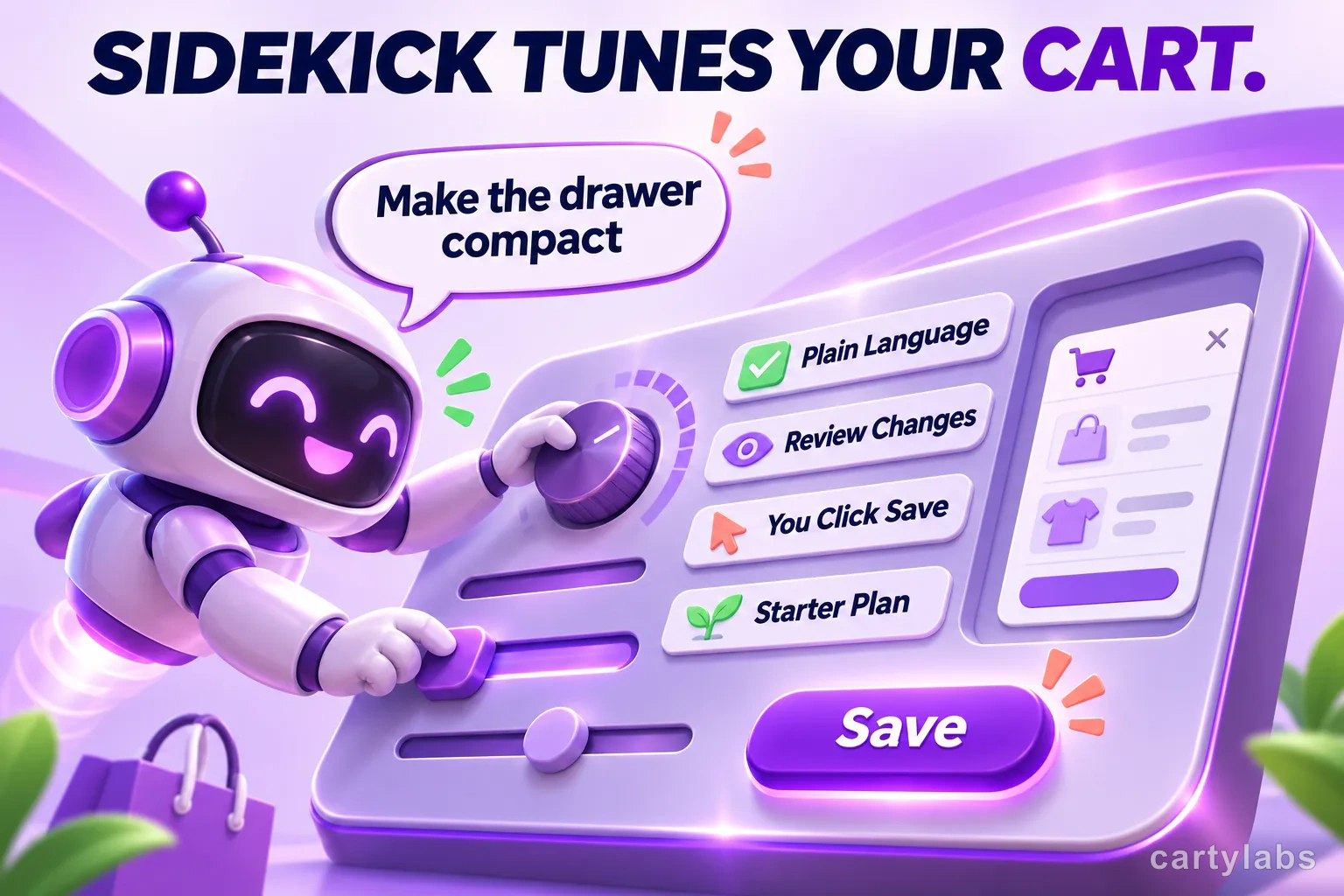
Shopify Sidekick Can Tune Your Cart Drawer, But It Won't Publish for You
Shopify Sidekick can suggest changes to supported Cartylabs cart settings, but you review and save them. See what it can tune and where it stops.
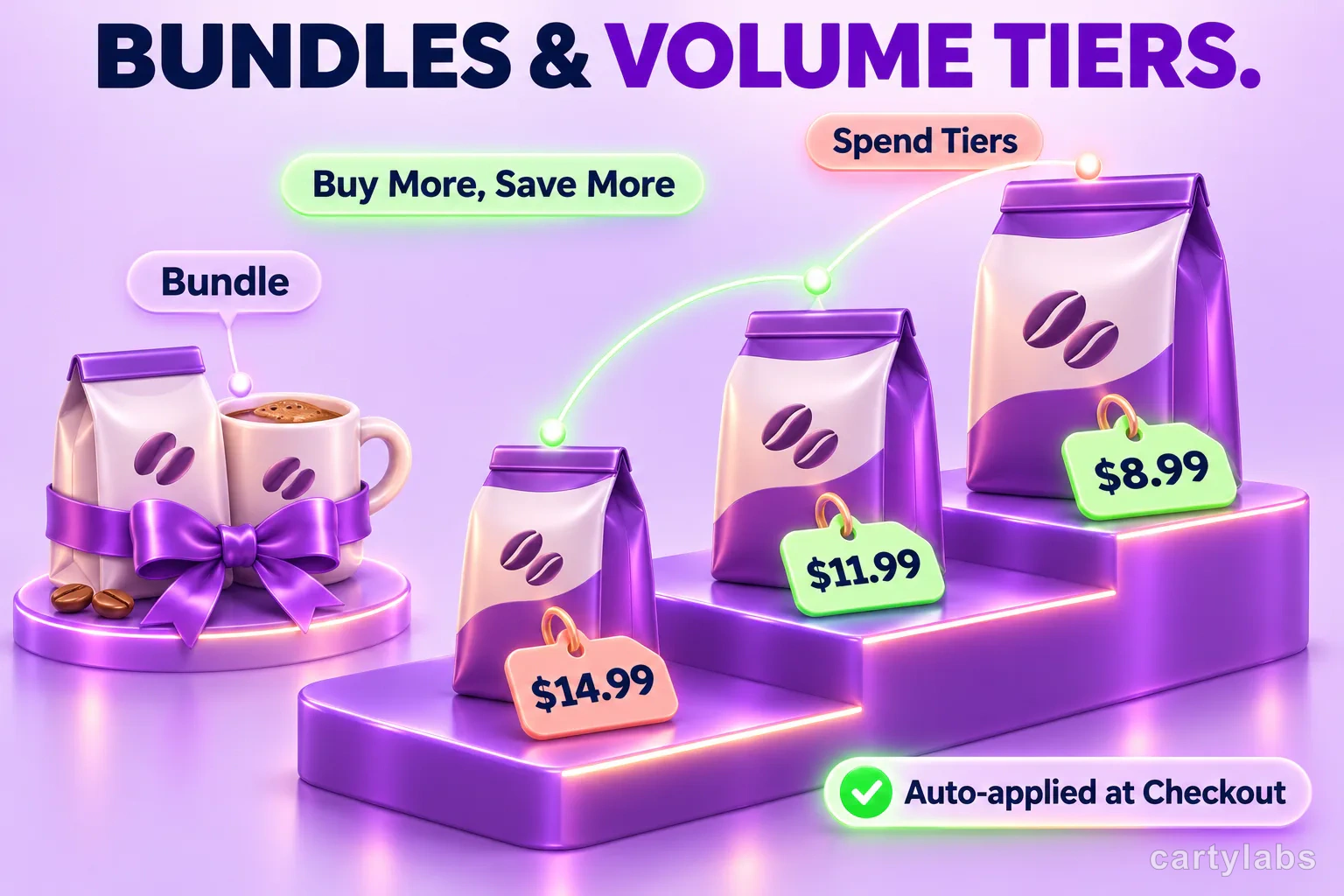
3 Shopify Cart Discount Types: Bundles, Volume, and Spend Tiers
Shopify cart discounts can reward bundles, product quantities, or cart spend. Learn how Cartylabs shows each offer in the cart and applies eligible savings at checkout.
 Install Cart — Free